Introduction
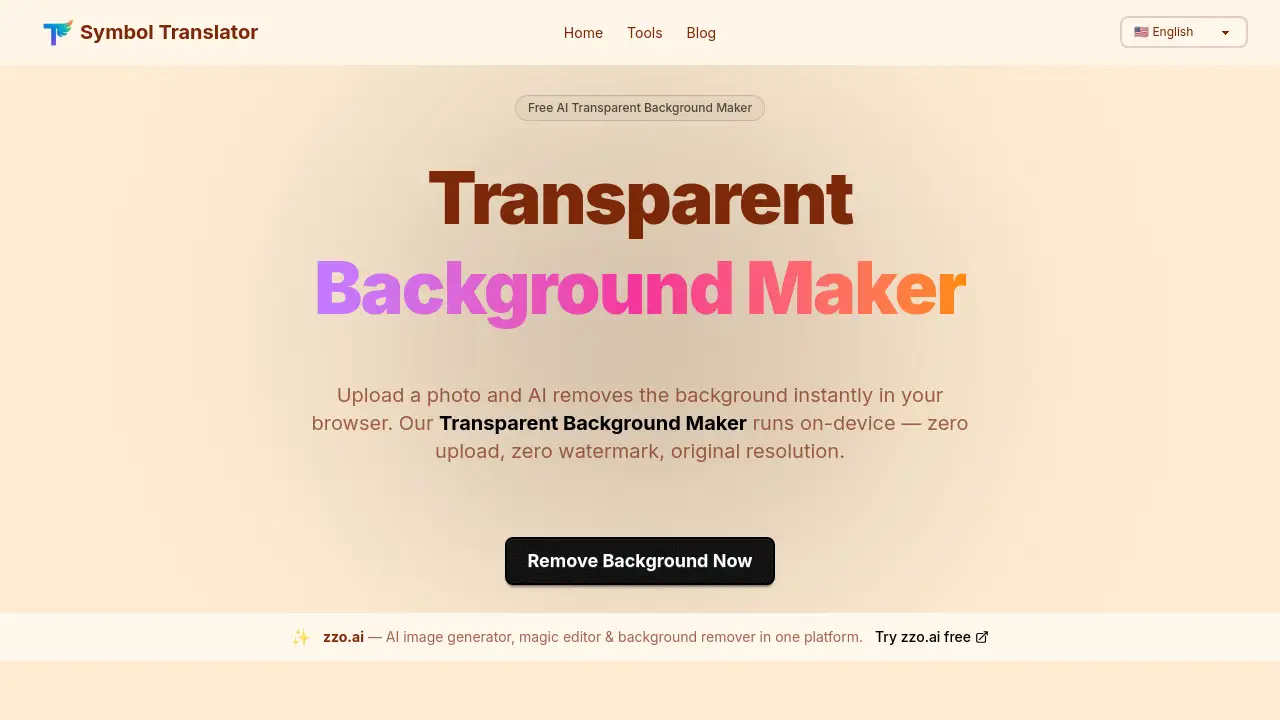
AI Background Remover is a browser-based tool that instantly removes image backgrounds with AI, offering complete privacy and high-quality results.
What is AI Background Remover?
AI Background Remover is a free web application that allows users to create transparent backgrounds for their images directly within their browser. This tool solves the common problem of needing professional-quality background removal without expensive software, technical skills, or compromising privacy. It is suitable for anyone from e-commerce sellers needing product photos to individuals creating ID photos or social media content. Its significance lies in its fully local processing, meaning images never leave the user's device, ensuring privacy while delivering fast, accurate results. This transparent background maker provides a seamless alternative to cloud-based services that often require uploads, subscriptions, or impose watermarks.
Key Features of AI Background Remover
Zero Upload & Full Privacy
Your image is processed entirely on your device using WebAssembly AI, ensuring no file ever gets uploaded to a server, which is ideal for confidential photos.
Real AI Edge Detection
Powered by a quantized ONNX vision model, it accurately separates subjects from complex backgrounds, handling fine details like hair strands and product edges effectively.
Original Resolution PNG Export
The tool exports images at their exact original pixel dimensions without any resolution caps or watermarks, providing a clean, high-quality PNG file with an alpha channel.
One-Click Background Colors
After removal, users can instantly preview and download their image on standard backgrounds like white for e-commerce, or red and blue for official ID photos.
Non-Blocking AI Processing
The AI runs on a background thread, keeping the web page fully interactive and responsive while processing, so users don't experience frozen tabs or delays.
100% Free, No Account Required
The service is completely free with no usage limits, sign-ups, or credit card requirements, allowing immediate access to the transparent background maker.
Use Cases for AI Background Remover
E-commerce Product Listings
Sellers can quickly create white-background product photos required by marketplaces like Amazon, Shopify, and Etsy in seconds without using Photoshop.
Official ID Photo Creation
Individuals can take a headshot at home, use the AI Background Remover to strip the background, and replace it with standard red or blue for passport or visa applications.
Privacy-Sensitive Image Editing
For images containing prototypes, confidential documents, or personal faces, the local processing ensures complete privacy as no third-party server ever accesses the file.
Social Media & Content Creation
Content creators and designers can generate transparent PNGs for stickers, composites in tools like Canva or Figma, and other creative projects quickly and easily.
How to Use AI Background Remover
Using this transparent background maker involves three simple steps:
- Upload Your Photo: Drag and drop a JPG, PNG, WebP, or GIF file (up to 20 MB) onto the upload zone on the website. The image is read locally from your device.
- Let AI Remove the Background: The AI model, cached in your browser after the first use, automatically processes the image. This typically takes 3-10 seconds.
- Choose Background & Download: Preview the result on a transparent, white, red, or blue background. Click "Download PNG" to save the full-resolution image with your chosen background.
Target Audience for AI Background Remover
- E-commerce sellers and small business owners
- Photographers and graphic designers
- Social media managers and content creators
- Individuals preparing official documents (passport/ID photos)
- Privacy-conscious users handling sensitive images
- Hobbyists and general users needing quick image edits
Is AI Background Remover Free?
Yes, the AI Background Remover is completely free. According to the provided information, there is no subscription plan, account requirement, or usage limit. The service operates on a 100% free model with no hidden costs.
| Plan | Price | Key Features |
|---|---|---|
| Free | $0 | Full access to all features: local AI processing, original resolution export, multiple background colors, no watermarks, no uploads. |
AI Background Remover's Pros and Cons
| Aspect | Pros | Cons |
|---|---|---|
| Privacy & Security | Processes images 100% locally on-device; no file uploads. | Requires a modern browser with WebAssembly support. |
| Cost & Accessibility | Completely free with no account or usage limits. | No dedicated mobile app; relies on mobile browser performance. |
| Ease of Use | Extremely simple three-step process; intuitive interface. | Very fine details (e.g., wispy hair on busy backgrounds) may have minor artifacts. |
| Output Quality | Exports at original resolution without watermarks. | Performance for very large images (>12MP) can be slower on older devices. |
| Features | One-click background color swap for common use cases. | Lacks advanced manual editing tools for refining edges post-process. |
Frequently Asked Questions about AI Background Remover
Does my image get uploaded to a server?
No. This AI Background Remover is 100% browser-local. Your image is processed directly on your device using WebAssembly AI, so no server ever receives your file.
What image formats does it accept?
The transparent background maker accepts JPG, JPEG, PNG, WebP, and GIF files up to 20 MB in size. The output is always a full-resolution PNG file.
Why is the first removal slow?
On the first use, your browser downloads the AI model (approximately 25 MB). This is a one-time process per browser; the model is cached, making all subsequent removals much faster.
How accurate is the AI background removal?
The AI handles most product photos, portraits, and objects with clear edges very well. For the best results with fine details like hair, it is recommended to use high-contrast images and crop tightly around the subject.
Can I export with a solid color background?
Yes. After the background is removed, you can select White, Red, or Blue. The tool composites this color onto the image before download, so the final PNG file has the solid background.
Is there a download resolution limit?
No. The AI Background Remover exports the PNG at the exact same pixel dimensions as your original uploaded image, with no resolution cap or forced resizing.
AI Background Remover Tags
transparent background maker, AI background remover, remove image background free, no watermark background remover, browser background remover, local AI image editing, e-commerce product photo editor, ID photo background changer, privacy-first photo tool, online transparent PNG maker, free photo editor, WebAssembly AI tool