Introduction
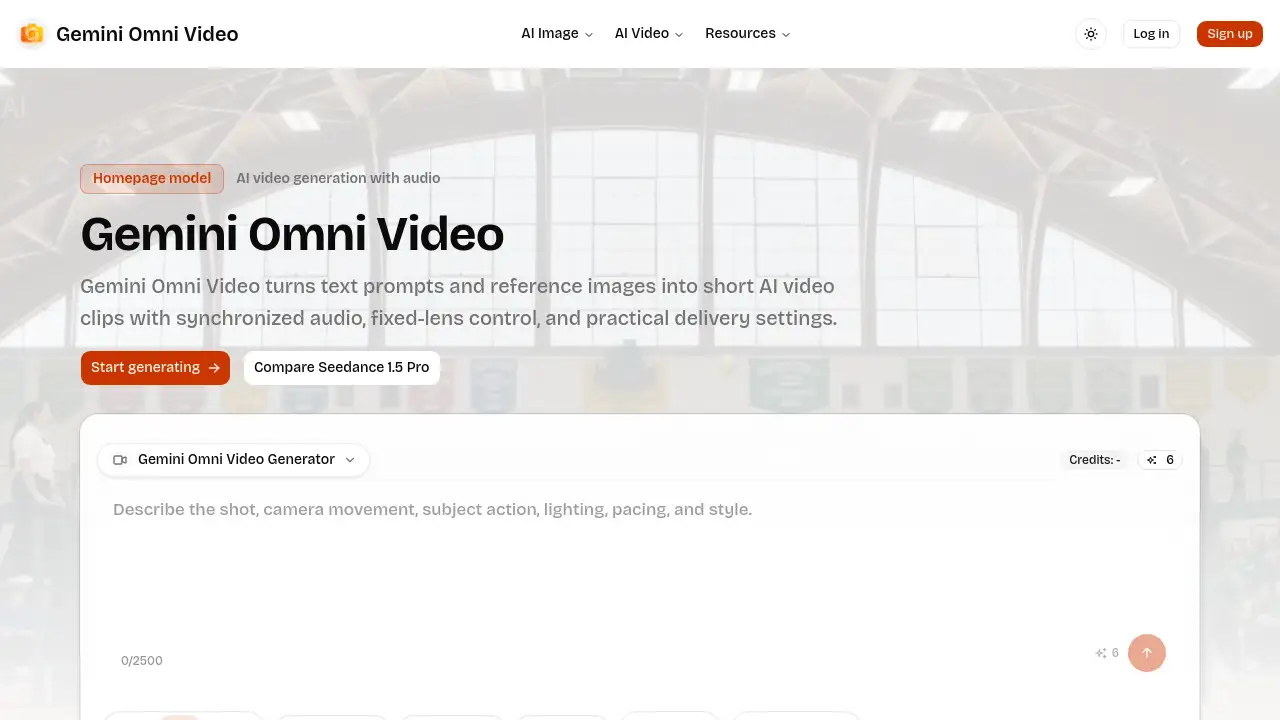
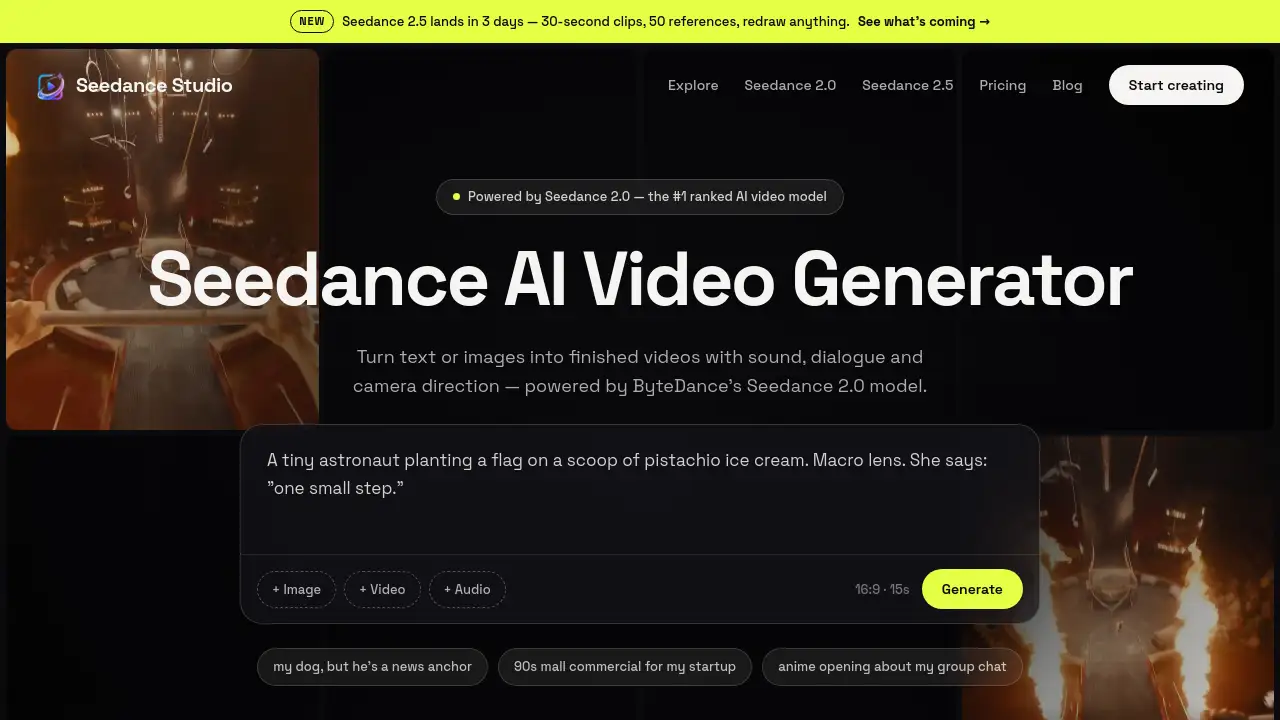
A powerful AI video generator that turns text and images into high-quality clips with native sound and 4K output.
What is Seedance Studio?
Seedance Studio is a browser-based AI video generator developed on ByteDance's Seedance model family, currently running Seedance 2.0 – the #1 ranked model for text-to-video and image-to-video in the Artificial Analysis blind human preference arena. The tool solves a common problem for content creators: producing short, polished videos without needing a camera, actors, or audio equipment. It is suitable for marketers, social media managers, indie filmmakers, and anyone who wants to turn ideas into finished video clips quickly. With support for prompts, image references, and native sound generation, Seedance Studio makes AI-powered video creation accessible to both beginners and professionals. The platform also offers up to 4K resolution, multiple aspect ratios, and a free tier to try out the seedance 2.0 model before committing to a paid plan.
Key Features of Seedance Studio
Text-to-Video and Image-to-Video
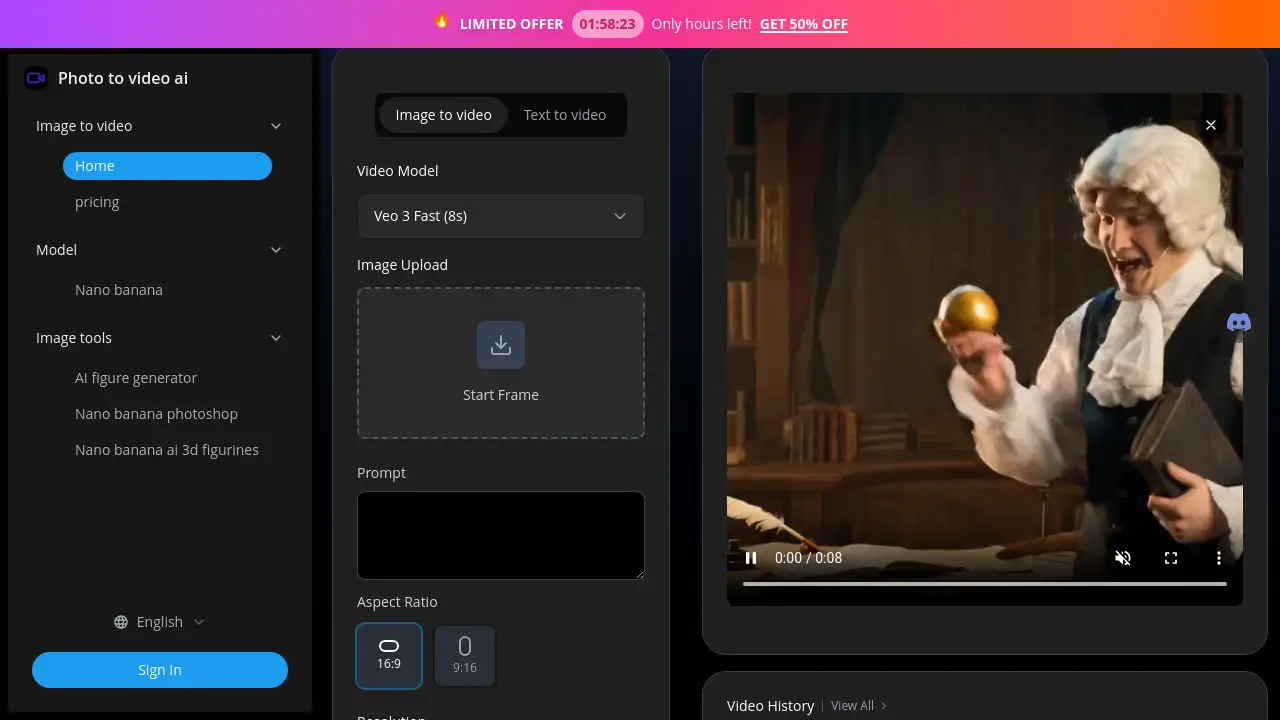
Type a scene description or upload a photo, and the AI video generator produces a matching video. Users can add up to 12 references – images, video clips, and audio – and tag them in the prompt for consistent character appearance and object placement.
Native Sound Generation
Seedance Studio generates stereo music, ambient sound effects, and lip-synced dialogue in the same pass as the video. Quoted lines in the prompt trigger matching on-screen speech with accurate lip movement, eliminating the need for separate audio editing.
Consistent Characters and Multi-Shot Scenes
The seedance 2.0 model plans entire sequences, ensuring characters look the same from shot to shot. Camera moves, cuts, and scene transitions are handled automatically, making it suitable for short films and multi-scene ads.
Up to 4K Resolution with Multiple Aspect Ratios
Each generation produces up to 15 seconds of video in 1080p or 4K, with aspect ratios including 16:9, 9:16, and 1:1. This flexibility makes the AI video creator ideal for TikTok, Reels, YouTube Shorts, and traditional ad formats.
Prompt-Based Film Language
Seedance recognises common film terms – “close-up,” “pan right,” “voiceover” – in plain language. Users do not need technical video editing skills; a simple description like “a dog news anchor” works.
Use Cases for Seedance Studio
AI Video Ads
Product photos can be used as references to generate short advertising spots in minutes, not weeks. The native sound feature adds background music and voiceover automatically.
Music Videos
Upload a track, describe a visual concept, and Seedance generates a music video where visuals land on the beat. Cuts and scene changes sync to the rhythm.
Short Films
Multi-shot scenes with consistent characters and lip-synced dialogue allow indie filmmakers to prototype or produce entire shorts without a crew.
Social Media Content
From idea to published video in under an hour – ideal for trending topics, memes, or product launches. Vertical and square formats are supported directly.
How to Use Seedance Studio
- Write your prompt – Describe the scene, camera movement, and any dialogue. Use plain English or film terminology. For example: “a cat in a spaceship, pan left, says ‘to the moon’.”
- Add references (optional) – Attach up to 12 images, video clips, or audio files. Tag them in the prompt using [Image1], [Clip2] to enforce consistency.
- Generate and export – Click generate. The AI video generator produces a clip up to 15 seconds long at up to 4K. Choose from 16:9, 9:16, 1:1, and other ratios. Download without watermark on paid plans.
Target Audience for Seedance Studio
- Social media managers – Need quick, branded video content for multiple platforms.
- Marketers and advertising agencies – Require cost-effective product demos and ad variations.
- Indie filmmakers and animators – Want to storyboard or produce short films with consistent characters.
- Content creators and YouTubers – Seek to generate visuals for vlogs, intros, or music videos.
- Small business owners – Can create professional-looking promo videos without hiring a production team.
Is Seedance Studio Free?
Seedance Studio offers a free tier with no credit card required. Paid plans unlock higher resolution, more monthly generations, and commercial licences.
| Plan | Price | Features |
|---|---|---|
| Free | $0 | Up to 2 videos or 70 images per month; 480p; watermarked; media gallery |
| Creator | $14/mo | Up to 8 videos or 320 images per month; 1080p; commercial licence; media gallery |
| Studio (Most Popular) | $49/mo | Up to 30 videos or 1,150 images per month; 1080p; commercial licence; media gallery |
| Agency | $99/mo | Up to 62 videos or 2,350 images per month; 1080p; commercial licence; media gallery |
| Credit Pack – $50 | $50 | Up to 31 videos or 1,170 images, one-time, never expires |
| Credit Pack – $100 | $100 | Up to 63 videos or 2,370 images, one-time, never expires; best rate |
Seedance Studio's Pros and Cons
| Aspect | Pros | Cons |
|---|---|---|
| Ease of use | Plain-language prompts; no video editing skills required; browser-based. | Free plan limits resolution and adds watermark. |
| Output quality | #1 ranked text-to-video model; 4K available; consistent characters. | Maximum 15 seconds per generation (30 seconds coming in Seedance 2.5). |
| Audio | Native sound, music, and lip-sync generated with the video. | Audio control is limited – cannot fine-tune individual sound layers. |
| Pricing | Free tier available; credit packs never expire; affordable starting at $14/mo. | Advanced features (4K, longer clips) require Studio or Agency plan. |
| Platform integration | Designed for TikTok, Instagram, YouTube; multiple aspect ratios. | No direct publishing to social platforms; manual download and upload needed. |
Frequently Asked Questions about Seedance Studio
What is Seedance Studio?
Seedance Studio is an AI video generator powered by ByteDance's Seedance 2.0 model. It converts text prompts and images into short videos with native sound, dialogue, and camera direction, all through a simple browser interface.
Is Seedance free to use?
Yes. The free plan offers a taste of the AI video generator with up to 2 videos or 70 images per month at 480p with a watermark. No credit card is required. Paid plans start at $14/month for higher resolution and commercial use.
Does Seedance generate video with sound?
Yes. The AI video generator produces stereo music, ambient sound effects, and lip-synced dialogue as part of the same generation pass. Quoted text in the prompt triggers matching speech.
How long are Seedance videos?
Each clip can be up to 15 seconds long with Seedance 2.0. The upcoming Seedance 2.5 update (expected shortly) extends this to 30-second clips.
Can I use my own images or clips as references?
Absolutely. Seedance supports up to 12 references – photos, video clips, and audio tracks. Tag them in the prompt to control character consistency and object placement.
Who owns the content created with Seedance?
With a paid plan, users receive a commercial licence, meaning they own the rights to the generated videos. The free plan includes a watermark but still allows personal use.
Seedance Studio Tags
AI video generator, text to video, image to video, Seedance 2.0, ByteDance AI video, AI video with sound, AI video creator, video generation tool, AI short film maker, social media video AI, content creation AI, AI video without watermark