Introduction
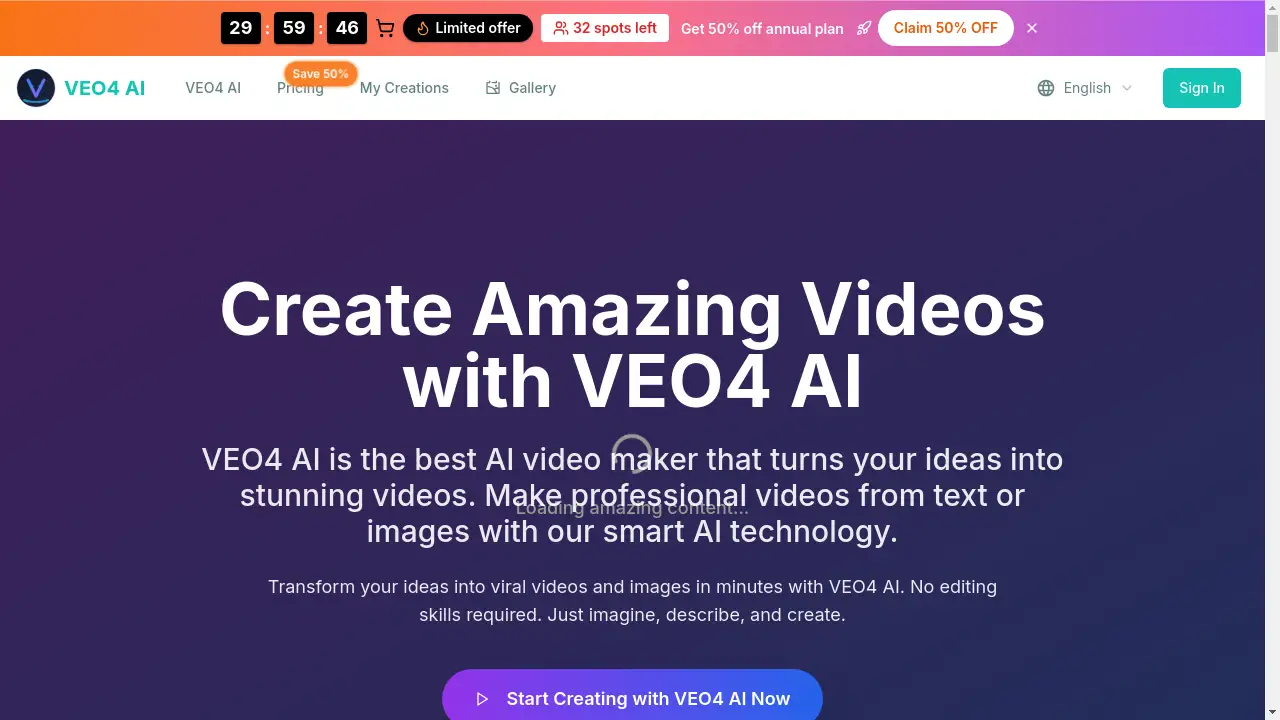
Transform ideas into viral videos with Veo 4 AI, a powerful AI video maker for effortless content creation.
What is Veo 4?
Veo 4 is an advanced AI video generator designed to simplify professional video production. The platform allows users to create short, engaging videos directly from text descriptions or existing images. This tool is particularly valuable for social media marketers, content creators, and small businesses that need to produce high-quality visual content quickly without extensive editing skills or a large budget. By leveraging artificial intelligence, Veo 4 automates complex aspects of video creation, such as animation, pacing, and adding sound effects, making it possible to generate marketing videos, animated landscapes, and branded content in minutes.
Key Features of Veo 4
AI-Powered Text-to-Video Generation
Users can describe a scene, characters, or action in text, and the AI video maker will generate a complete 6-second video clip with motion and audio.
Seamless Image-to-Video Conversion
The platform can transform static photos into dynamic video content by animating elements within the image based on a simple text prompt.
Multiple Creative Control Modes
Veo 4 offers different processing modes, such as 'Fast' for quick drafts and 'Normal' for higher quality, giving users flexibility in their workflow.
Watermark-Free HD Exports
Unlike some free AI video generators, Veo 4 allows users to download their finished videos in up to 1080p resolution without any platform watermark.
Library of Motion Styles
The tool provides over ten dynamic presentation styles and templates, enabling creators to tailor the look and feel of their videos for different scenarios.
Browser-Based and No-Code
The entire video creation process runs in a web browser, requiring no software downloads, plugins, or prior video editing experience.
Use Cases for Veo 4
Social Media Marketing
Create eye-catching, short-form video ads and promotional clips for platforms like TikTok, Instagram Reels, and YouTube Shorts to boost engagement.
Brand and Product Showcases
Animate product images or brand visuals to create professional teasers, demo reels, and explainer videos for websites and presentations.
Personal Creative Projects
Bring personal photos or creative concepts to life by turning them into animated stories, memory reels, or artistic video pieces.
Educational and Informational Content
Quickly produce simple animated videos to explain concepts, share information, or create engaging visual aids for tutorials.
How to Use Veo 4
Using this AI video maker is a straightforward process designed for users of all skill levels.
- Describe Your Idea: Start by typing a text prompt describing the video scene, characters, and actions you want to see.
- Or Upload an Image: Alternatively, upload a still image you want to animate. You can add a text prompt here to guide the animation.
- Choose Your Settings: Select your desired video style, quality mode ('Fast' or 'Normal'), and any other preferences.
- Generate and Download: Click the generate button. Once processing is complete (typically within minutes), you can preview and download the watermark-free video.
Target Audience for Veo 4
- Social Media Marketers and Influencers needing quick, viral-ready video content.
- Small Business Owners and Startup Teams operating with limited budgets and resources for video production.
- Content Creators and Freelancers looking to expand their service offerings or streamline their content creation pipeline.
- Educators and Trainers who want to create engaging visual materials without complex software.
Is Veo 4 Free?
Veo 4 operates on a credit-based system. It offers a free tier to start, with paid plans providing more credits and advanced features. Based on the provided information, the available plans are:
| Plan | Price (Billed Yearly) | Key Features |
|---|---|---|
| Starter | $23.9/month | 9,600 credits/year, up to 1080p, standard quality, basic tools. |
| Professional (Most Popular) | $39.9/month | 24,000 credits/year, advanced quality, priority support, commercial license. |
| Business | $79.9/month | 72,000 credits/year, advanced quality, expert support, commercial license. |
All plans include watermark-free exports and video with sound effects. Users can start creating with initial free credits before choosing a plan.
Veo 4's Pros and Cons
| Aspect | Pros | Cons |
|---|---|---|
| Ease of Use | Extremely simple, browser-based interface with no learning curve. | Creative control is limited compared to professional desktop editing software. |
| Output & Quality | Generates professional-looking videos quickly; offers HD, watermark-free downloads. | Videos are currently limited to a short 6-second format. |
| Technology | Powerful AI that handles both text-to-video and image-to-video generation effectively. | As an AI tool, results can sometimes be unpredictable and require prompt tweaking. |
| Pricing | Free tier available; scalable credit plans for different user needs. | High-volume users may find credit consumption for video generation relatively high. |
Frequently Asked Questions about Veo 4
How long does it take to generate a video with Veo 4 AI?
Processing time typically ranges from 2 to 15 minutes, depending on the selected mode ('Fast' or 'Normal') and server load.
What is the maximum length of a video I can create?
Currently, Veo 4 AI generates videos that are 6 seconds in duration, which is optimized for social media platforms like Reels and Shorts.
Does the free version include a watermark on videos?
No. A key feature of Veo 4 is that it allows users to download videos without any watermark, even on the free tier.
Can I use Veo 4 videos for commercial purposes?
Commercial use requires a Professional or Business subscription plan, which includes a commercial license. The free and Starter plans are generally for personal or non-commercial use.
What kind of text prompts work best for AI video generation?
Clear, descriptive prompts that detail the scene, subjects, actions, and mood yield the best results. For example, "a cat wearing a hat dancing under a disco ball" is more effective than just "a funny cat."
Do I need to upload my own audio or music?
No. Veo 4 AI automatically adds suitable sound effects and ambient audio to the generated videos. The platform handles the audio-visual synchronization.
Veo 4 Tags
AI video maker, Veo 4, text to video, image to video generator, AI video generator, create viral videos, social media video maker, marketing video tool, watermark free video, AI content creation, short form video, animated photos, video from text