Introduction
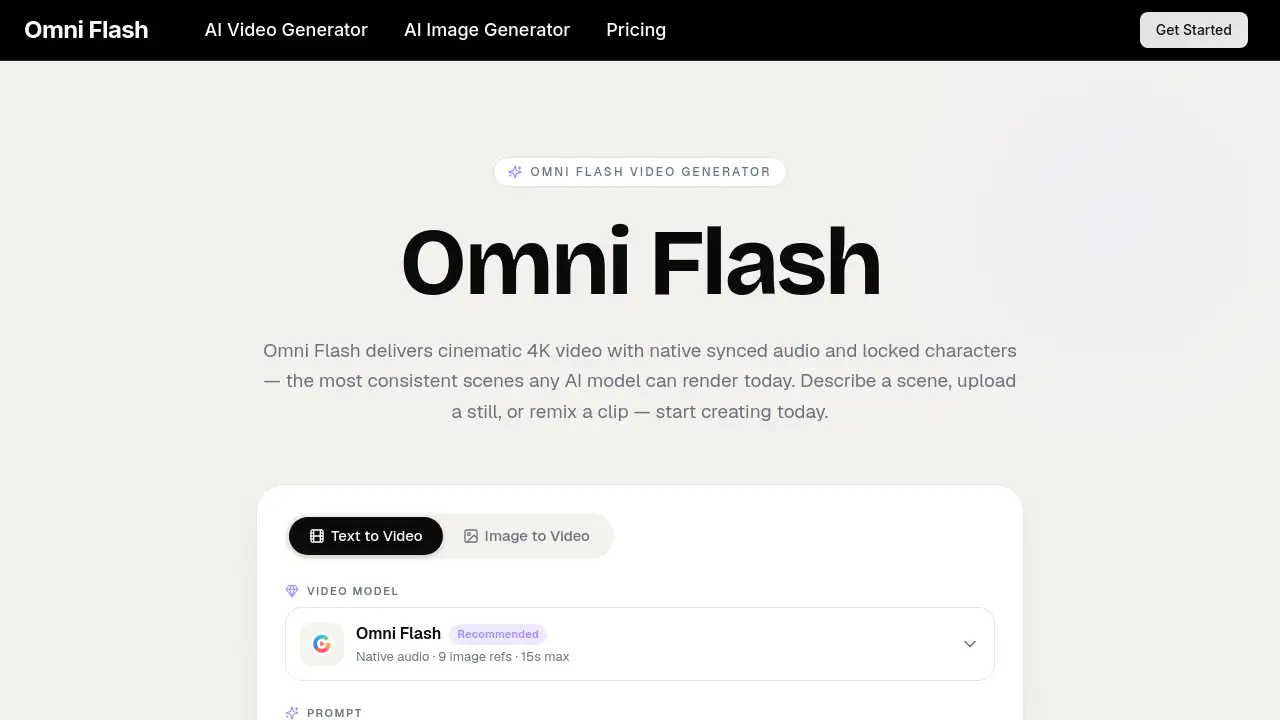
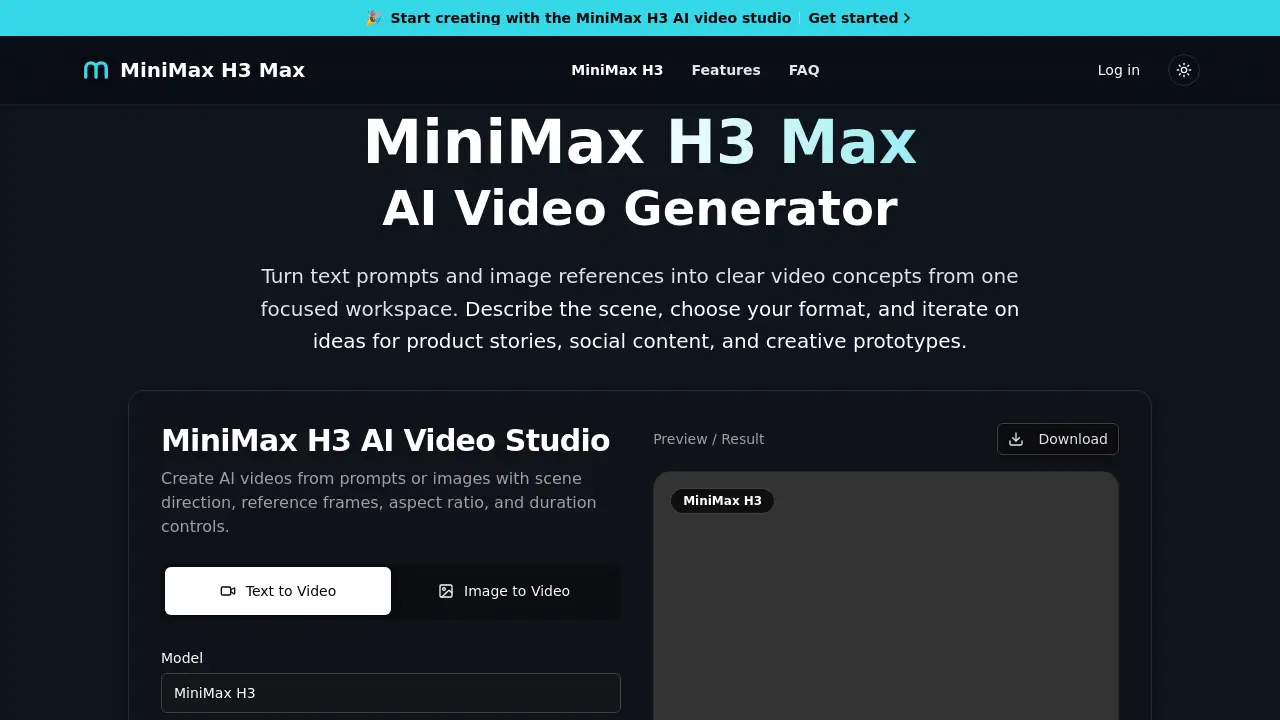
MiniMax H3 Max is an AI video generator that turns text prompts and image references into clear video concepts. It provides a focused, English-language creative workspace where users can describe a scene, choose a format, and adjust duration before generating a short AI video. The workflow combines prompt direction, image input, native audio sync, and format controls in one place.
What is MiniMax H3 Max?
MiniMax H3 Max is a web-based AI video studio for creating AI videos from text prompts and images. It was designed to solve the problem of vague prompts and disconnected settings. Users can define the subject, setting, movement, lighting, camera, and mood before generating, which makes the output closer to the original idea.
This tool is suitable for content creators, marketers, product designers, filmmakers, and anyone who needs rapid visual exploration. As an AI video generator, it matters because it keeps the source image, motion direction, and output settings together during iteration. Instead of moving between separate apps, creators can test different versions of a video concept in one focused workspace.
Key Features of MiniMax H3 Max
Prompt-led workflow
Turn a creative brief into a clear text-to-video prompt. The interface encourages users to shape the subject, scene, motion, lighting, and camera before generation. This is useful for storyboards, launch concepts, social clips, and creative prototypes.
Multimodal text and image input
Start from words, a reference image, or both. The image-to-video workflow lets users upload a character or product image, add motion notes, and keep identity, lighting, and style consistent across frames. This makes it easier to explore product motion without rebuilding the scene in text.
Video format controls
Adjust duration, aspect ratio, and resolution to compare different formats. The workspace supports 16:9 for widescreen, 9:16 for short video, 1:1 for feed posts, and 4:5 for portrait-style content. Native 2K output is listed as part of the generation result.
Scene and audio direction
Describe the visual scene and audio or dialogue in a single prompt. MiniMax H3 Max can generate short AI videos with synced audio, which supports lip-synced dialogue, cinematic ambience, and product videos that need sound.
Use Cases for MiniMax H3 Max
Product stories and demos
Use an image-to-video prompt to animate a product image, add camera movement, and test different lighting and mood. Marketers can create quick product videos for ads, social channels, and e-commerce pages with this AI video generator.
Social media content
Plan short video for Instagram Reels, TikTok, or YouTube Shorts using 9:16 format. The AI video studio makes it easy to compare vertical, square, and widescreen versions of the same concept before publishing.
Storyboards and creative prototypes
Explore scene ideas for anime, realism, fantasy, ads, and social content with prompt cases. Filmmakers and designers can use MiniMax H3 Max to communicate a visual concept quickly and move into production with a clearer direction.
How to Use MiniMax H3 Max
Use MiniMax H3 Max in three simple steps:
- Choose text or image. Write a detailed prompt for text-to-video, or upload a reference image for image-to-video. Include the subject, action, camera movement, style, and sound.
- Set the format. Choose duration, aspect ratio, and resolution. Use 16:9 for widescreen, 9:16 for short video, or 1:1 for feed posts.
- Generate and download. Generate the video, review motion and audio sync, then download the MP4. If the result is not right, refine the prompt and regenerate.
Target Audience for MiniMax H3 Max
- Content creators who make short videos for social platforms
- Marketing and social media managers who need quick concepts
- Product designers testing product motion and visual style
- Filmmakers and storyboard artists exploring scenes
- Advertisers and agencies creating campaign drafts
- AI art enthusiasts learning how to use an AI video generator
Is MiniMax H3 Max Free?
The official product page does not list a clear free plan or price table. The homepage mentions credits and generations, which suggests the tool works with a credit-based system. Free trial availability is not confirmed in the reference information.
| Plan | Price | Features |
|---|---|---|
| Free / Trial | Not confirmed | No official details available |
| Paid / Credit-based | Not listed | AI video generation, text and image input, format controls, 2K output, project history |
For accurate pricing, check the official MiniMax H3 Max website.
MiniMax H3 Max's Pros and Cons
| Aspect | Pros | Cons |
|---|---|---|
| Workflow | Simple three-step flow with clear prompt and image controls | Prompt writing still requires practice |
| Output quality | Native 2K output and audio sync are built in | AI results can vary, so review each generation |
| Format options | Supports 16:9, 9:16, 1:1, and 4:5 | Need to choose the right format manually |
| Billing | Credits are managed inside the workspace | No public price list or confirmed free tier |
Frequently Asked Questions about MiniMax H3 Max
What is MiniMax H3 Max and how does it work?
MiniMax H3 Max is an AI video generator that turns text prompts and image references into video concepts. Users describe a scene, choose the input, set the format, generate the video, and then refine the prompt if needed.
Can I use both text prompts and images?
Yes. Use text-to-video when starting from a new idea, or use image-to-video when the subject, composition, or visual style matters. The image-to-video workflow supports motion notes while keeping the source subject consistent.
What video settings can I adjust?
You can adjust duration, aspect ratio, and resolution. The homepage shows 5-second and 15-second duration options, with common aspect ratios like 16:9, 9:16, 1:1, and 4:5.
How do I write a stronger prompt?
Describe the subject, setting, action, camera perspective, lighting, pacing, dialogue, and intended use. Specific prompts make it easier to evaluate whether the generated video matches the brief.
What can I create with MiniMax H3 Max?
This AI video generator is useful for product stories, social clips, campaign drafts, storyboards, and creative scene studies. The tool also supports prompt cases for anime, realism, fantasy, ads, and social content.
Can I use the outputs for commercial work?
According to the product FAQ, outputs can be used for ads, social content, client work, films, and business projects, as long as users follow applicable laws and platform rules.
MiniMax H3 Max Tags
MiniMax H3 Max, AI video generator, text-to-video, image-to-video, AI video studio, prompt-to-video, AI video creation, video concepts from text, MiniMax H3, native audio sync, 2K AI video, aspect ratio controls