Introduction
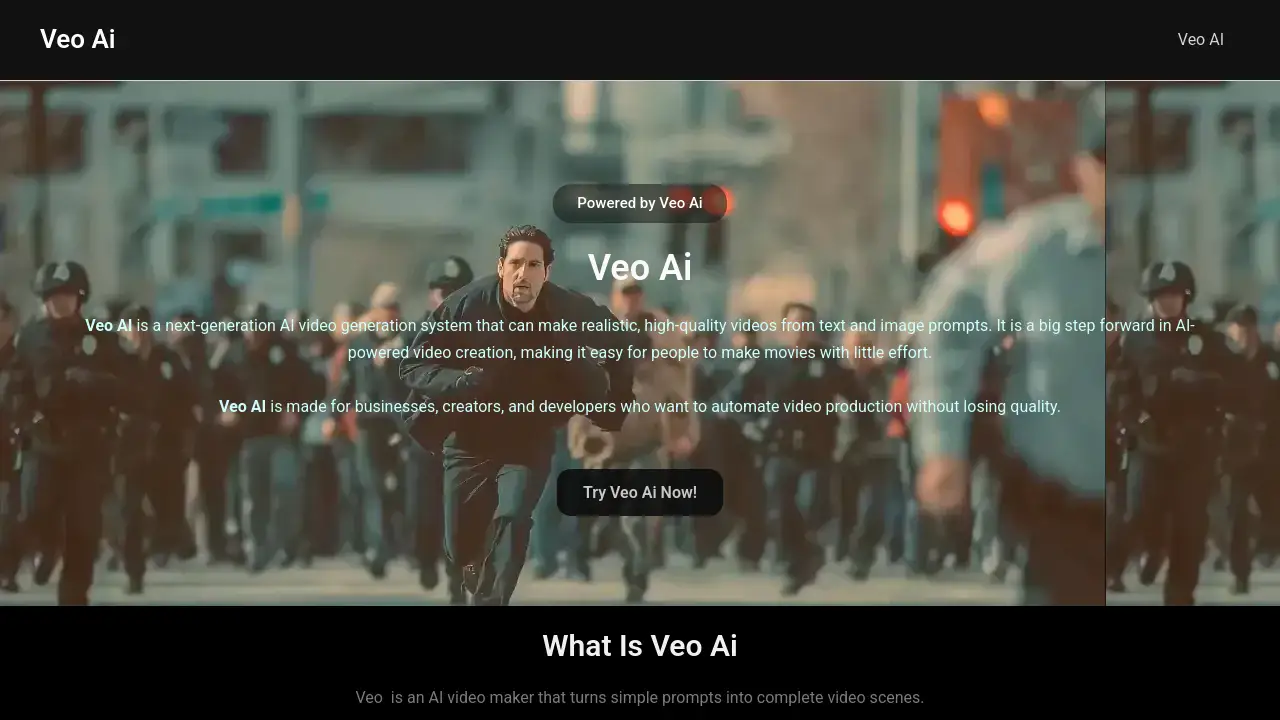
Veo AI is a powerful AI video generator that creates cinematic videos from text and image prompts, revolutionizing content creation for professionals.
What is Veo Ai?
Veo AI is a next-generation AI video generation system designed to transform simple text or image descriptions into realistic, high-quality video scenes. It solves the problem of time-consuming, resource-heavy traditional video production by automating the creation of cinematic visuals. This tool is suitable for businesses, content creators, and developers who need to produce professional-grade video content efficiently. The significance of Veo AI lies in its ability to democratize video creation, making advanced cinematic production accessible without requiring extensive technical skills, cameras, or editing crews.
Key Features of Veo Ai
Text-to-Video Generation
Veo 3 AI's core system converts written prompts into fully animated video scenes, allowing users to describe a cinematic vision in plain language and receive a professionally rendered result.
Image-to-Video Animation
This feature brings still images to life by adding motion, depth, and transitions, enabling creators to transform photos into engaging video content for marketing or digital art.
Cinematic Quality Output
The system produces videos with professional film-grade attributes, including realistic lighting, shadows, depth of field, and high-resolution imagery for a polished final product.
AI Motion Control
Veo 4 AI introduces advanced camera motion simulation, enabling smooth pans, tilts, tracking shots, and zooms to create dynamic and visually compelling scenes.
Multi-Scene Sequence Creation
Unlike basic generators, Veo 3 AI allows for the creation of multiple linked scenes, facilitating structured storytelling and continuity for narratives or advertisements.
Rapid Video Production
The platform significantly accelerates the video creation process, enabling users to generate complete videos in minutes rather than days, ideal for fast-paced content demands.
Use Cases for Veo Ai
Social Media Content Creation
Creators can quickly produce eye-catching, cinematic clips for platforms like Instagram, TikTok, and YouTube to maintain a consistent and engaging posting schedule.
Marketing and Advertising Campaigns
Businesses can automate the production of high-quality promotional videos, product demos, and ad sequences, scaling their visual marketing efforts efficiently.
Storyboarding and Concept Visualization
Filmmakers and writers can use Veo AI to quickly visualize scenes and story sequences, turning written concepts into rough visual drafts for pre-production planning.
E-commerce and Product Marketing
Online retailers can animate product photos into short videos, showcasing items in a more dynamic and appealing way to potential customers.
How to Use Veo Ai
- Access the Platform: Visit the official Veo AI website to begin.
- Choose Your Input Method: Select either the text-to-video or image-to-video animation feature.
- Provide Your Prompt: For text-to-video, describe your desired scene in detail. For image animation, upload your still image(s).
- Adjust Settings (if available): Apply any desired parameters, such as style, aspect ratio, or motion controls like those in Veo 4 AI.
- Generate and Review: Initiate the AI video generation process and review the output. The system will create your cinematic video based on the provided prompt.
Target Audience for Veo Ai
- Digital Content Creators and Influencers
- Marketing Professionals and Agencies
- Small to Medium Business Owners
- Filmmakers and Video Editors
- E-commerce Store Managers
- Developers and Tech Innovators
Is Veo Ai Free?
Specific pricing details for Veo AI are not explicitly listed in the provided reference information. The homepage mentions a "Veo Pro Ai" tier, suggesting the existence of a professional plan. For the most accurate and current information on free trials, subscription plans, and features, users should visit the official Veo AI website's pricing page.
Veo Ai's Pros and Cons
| Aspect | Pros | Cons |
|---|---|---|
| Ease of Use | Simplifies complex video production; accessible to non-experts. | Advanced features like AI motion control may require a learning curve. |
| Speed & Efficiency | Drastically reduces video creation time from days to minutes. | Output may require fine-tuning for highly specific professional needs. |
| Output Quality | Generates high-quality, cinematic videos with realistic details. | Pricing structure for professional tiers like Veo Pro AI is not publicly detailed. |
| Innovation | Features like multi-scene creation push beyond basic AI video clips. | As an AI tool, creative control is partially ceded to the algorithm's interpretation. |
Frequently Asked Questions about Veo Ai
What is the main purpose of Veo AI?
Veo AI is designed as an AI video generator that automates the creation of cinematic-quality videos from simple text or image prompts, making professional video production faster and more accessible.
What is the difference between Veo 3 AI and Veo 4 AI?
Based on the reference information, Veo 3 AI focuses on core generation features like text-to-video and multi-scene sequences. Veo 4 AI is noted to introduce more advanced AI motion control for dynamic camera movements within generated scenes.
Can I use Veo AI for commercial projects?
Yes, Veo AI is marketed towards businesses and creators for automating video production, which implies its use for commercial purposes like marketing and advertising campaigns.
Do I need video editing skills to use Veo AI?
No, a key advantage of Veo AI is that it allows users to create videos by describing a scene, minimizing the need for traditional video editing skills, cameras, or actors.
What kind of videos can I create with Veo AI?
You can create a wide range of videos, including cinematic scenes, product marketing videos, animated stories from images, and structured multi-scene sequences for narratives.
How long does it take to generate a video with Veo AI?
The platform is built for rapid video production, allowing users to generate complete video scenes in a matter of minutes, as opposed to the hours or days required by traditional methods.
Veo Ai Tags
AI video generator, Veo AI, Veo 3 AI, Veo 4 AI, cinematic video creation, text to video, image to video animation, AI motion control, video production tool, content creation AI, automated video maker, professional video generator