Introduction
Udon turns your Apple Silicon Mac into a home server.
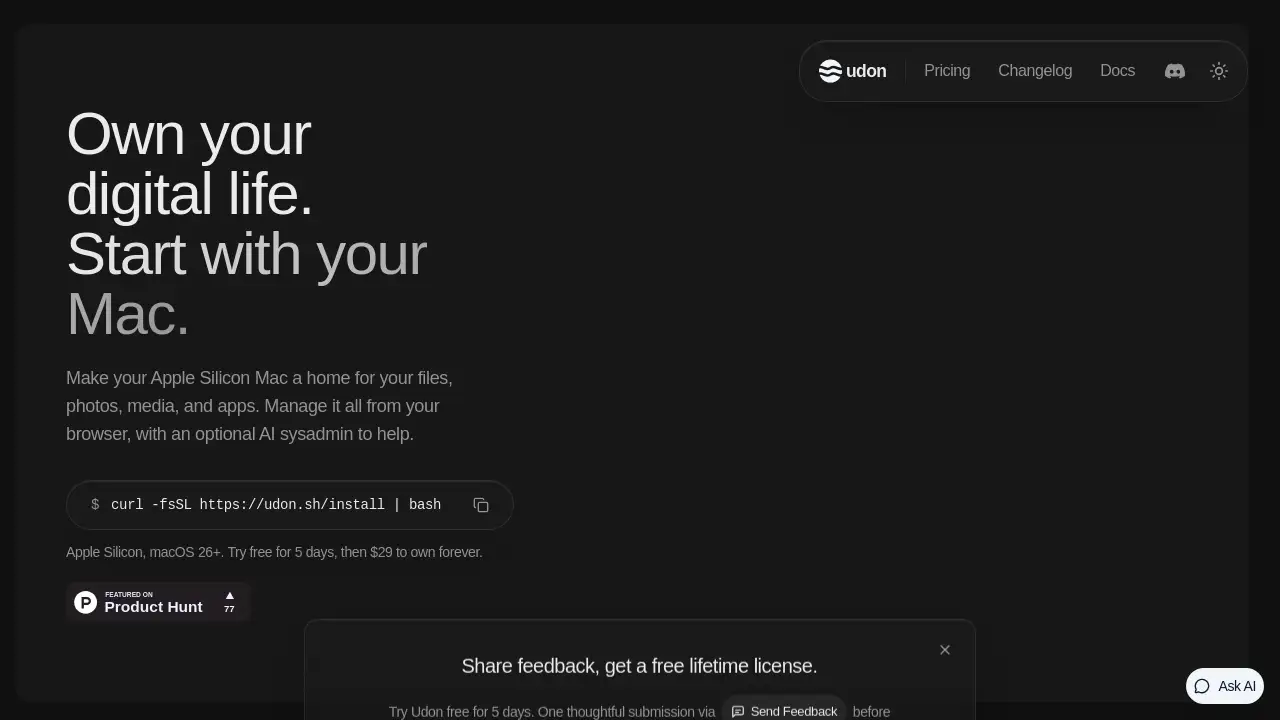
Udon is a self-hosting tool for Apple Silicon Macs. It helps you own your digital life by turning a Mac into a Udon home server for files, photos, media, and apps. You manage everything from a browser, and an optional AI sysadmin can help install apps and fix problems. Udon is designed for people who want a simpler alternative to NAS boxes, dedicated servers, or cloud subscriptions. It supports Docker containers, SMB shares, Homebrew packages, remote desktop, and Tailscale remote access. This review explains what Udon does, who it is for, and how much it costs.
What is Udon?
Udon is a home server platform for Apple Silicon Macs. It turns a Mac mini, Mac Studio, MacBook, or iMac into a Mac home server that hosts files, photos, media, and apps. Instead of relying on a separate NAS, a Linux server, or cloud storage, you can use hardware you already own and keep your data at home.
The problem Udon solves is simple: macOS has no built-in dashboard for running self-hosted apps. Udon adds that dashboard. It installs with one terminal command and lets you manage Docker containers, SMB shares, Homebrew packages, system stats, and remote access from any browser. An optional AI sysadmin can help install apps, troubleshoot issues, and make changes, but it stays off until you enable it.
Udon is suitable for privacy-focused users, home lab beginners, developers, media collectors, and anyone who wants a Mac home server without building a full Linux setup. It requires an Apple Silicon Mac (M1 or newer) running macOS 26 or later.
Key Features of Udon
Browser-Based Dashboard
Manage your Mac home server from any browser, at home or away. The dashboard brings containers, files, apps, and system tools into one place.
Optional AI Sysadmin
Turn on an optional AI assistant to help install apps and fix problems. By default, it asks before every change and records actions in an audit log.
Docker Container Support
Run standard Docker images from Docker Hub, GitHub Container Registry, or other registries. Udon supports Apple Container and OrbStack, and it can build compose stacks in a visual Composer.
File and SMB Sharing
Store files on your Apple Silicon Mac and share them over SMB. This makes Udon useful as a Mac home server for documents, media libraries, and backups.
Remote Access with Tailscale
Reach your self-hosted apps from a phone, laptop, or tablet over your own Tailscale network. The dashboard is served over HTTPS.
System Monitoring and Terminal
Check drive health, live system stats, and manage Homebrew packages. A built-in terminal gives direct access when you need it.
Remote Desktop
View and control the Mac’s screen through remote desktop. This helps with setup tasks, app configuration, or troubleshooting.
App Store and Container Management
Install apps from the App Store and manage containers side by side. Udon gives macOS a central control panel for self-hosted apps on Mac.
Use Cases for Udon
Media Streaming with Jellyfin or Plex
Host a personal media library on your Mac home server. Stream movies, shows, and music to devices on your network or through Tailscale.
Photo Backup with Immich
Keep photos on hardware you own instead of a cloud plan. Immich can run in a Docker container and store images on your Apple Silicon Mac.
File Sync with Nextcloud
Sync files across devices with a self-hosted Nextcloud instance. Udon helps manage the container and the Mac resources behind it.
Password Management with Vaultwarden
Run Vaultwarden to keep passwords private and self-hosted. The browser dashboard makes it easier to deploy and monitor the service.
Network-Wide Ad Blocking
Deploy a DNS-based ad blocker for your whole network. This is a common first project for a Mac mini home server.
Document Archiving with Paperless
Digitize and organize documents with Paperless. Udon can host the app and its supporting containers on your Mac.
Development and Coding Agents
Host development environments, coding agents, or test services. Access them from a laptop or iPad anywhere through Tailscale.
Automation with n8n
Automate tasks and connect apps with n8n. Run it as a self-hosted app on your Mac home server.
How to Use Udon
- Check compatibility: use an Apple Silicon Mac (M1 or newer) with macOS 26 or later.
- Install Udon with one terminal command. The Mac keeps working as a normal Mac.
- Open the Udon dashboard in a browser and complete the initial setup.
- Deploy Docker containers, manage files, add SMB shares, or install Homebrew packages.
- Optionally enable the AI sysadmin and connect an Anthropic or OpenAI API key, a coding CLI, or a local model.
- Start the free 5-day trial. After the trial, buy a $29 lifetime license to keep using every feature.
Target Audience for Udon
- Apple Silicon Mac owners who want a Mac home server
- Privacy-focused users who prefer self-hosted apps on Mac
- Home lab beginners looking for a simpler setup
- Developers who need containers, terminals, and remote access
- Media and photo collectors replacing cloud subscriptions
- Small teams or independent professionals hosting internal tools
- Users comparing Udon with NAS, Unraid, TrueNAS, Umbrel, or CasaOS
Is Udon Free?
Udon offers a free 5-day trial with no card required. After the trial, it is a one-time purchase, not a subscription.
| Plan | Price | Features |
|---|---|---|
| Free Trial | $0 for 5 days | Every Udon feature, no card required |
| Lifetime | $29 one-time (early supporter price; normally $49) | Every feature, updates included, tied to Mac’s serial number, no accounts, 14-day money-back guarantee |
After the five free days, the dashboard locks until you buy a license. Containers keep running, and files and settings stay as they are.
Udon's Pros and Cons
| Aspect | Pros | Cons |
|---|---|---|
| Pricing | One-time $29, no subscription, 14-day refund | Requires an Apple Silicon Mac; Intel Macs are not supported |
| Setup | One terminal command; browser dashboard | Some self-hosted apps still need basic configuration knowledge |
| AI | Optional AI sysadmin with audit log and approval before changes | Needs an API key, coding CLI, or local model; cloud AI sees requested work |
| Platform | Runs on macOS 26+ and Apple Silicon; Mac mini idles at low watts | macOS 26+ requirement may exclude older Macs |
| Features | Docker, compose, SMB, Homebrew, remote desktop, Tailscale | Not a full Linux NAS OS; depends on Mac hardware |
| Privacy | Files stay on the Mac; Tailscale provides private remote access | Remote access depends on Tailscale setup |
| Mobile | Browser access works now | Udon iPhone and Android apps are coming soon, not available yet |
Frequently Asked Questions about Udon
What is Udon?
Udon is software that turns an Apple Silicon Mac into a home server. It provides a browser dashboard for files, media, apps, Docker containers, and system tools, with an optional AI sysadmin.
Which Macs can run Udon?
Any Apple Silicon Mac with M1 or newer and macOS 26 or later. This includes Mac mini, Mac Studio, MacBook, and iMac. Intel Macs are not supported.
Is Udon a subscription?
No. Udon is a one-time payment of $29 per Mac. There are no renewals. The early supporter price is $29, normally $49, and it includes updates and a 14-day money-back guarantee.
Can Udon run Docker containers?
Yes. Udon runs standard images from Docker Hub, GitHub Container Registry, or other registries. It supports Apple Container and OrbStack, and OrbStack users can build compose stacks in a visual Composer.
What can I self-host on a Mac with Udon?
Common options include Jellyfin or Plex for media, Immich for photos, Nextcloud for files, Vaultwarden for passwords, Paperless for documents, and n8n for automation. It can also host development environments and coding agents.
How does the Udon AI assistant work?
The AI assistant is optional and off by default. You can connect an Anthropic or OpenAI API key, a coding CLI such as Claude Code or Codex, or a local model on the same Mac. It asks before every change and records actions in an audit log.
Is my data private with Udon?
Yes. Udon runs on your Mac, and files, photos, and media stay there. The dashboard uses HTTPS, and remote access uses Tailscale, your own private network. If you connect a cloud AI model, it sees what you ask the assistant to work on.
Udon Tags
Udon, Udon home server, Mac home server, Apple Silicon Mac server, self-hosted apps on Mac, AI sysadmin, Docker containers on Mac, Tailscale remote access, Mac mini home server, home server software, self-hosting on macOS, Udon review