Introduction
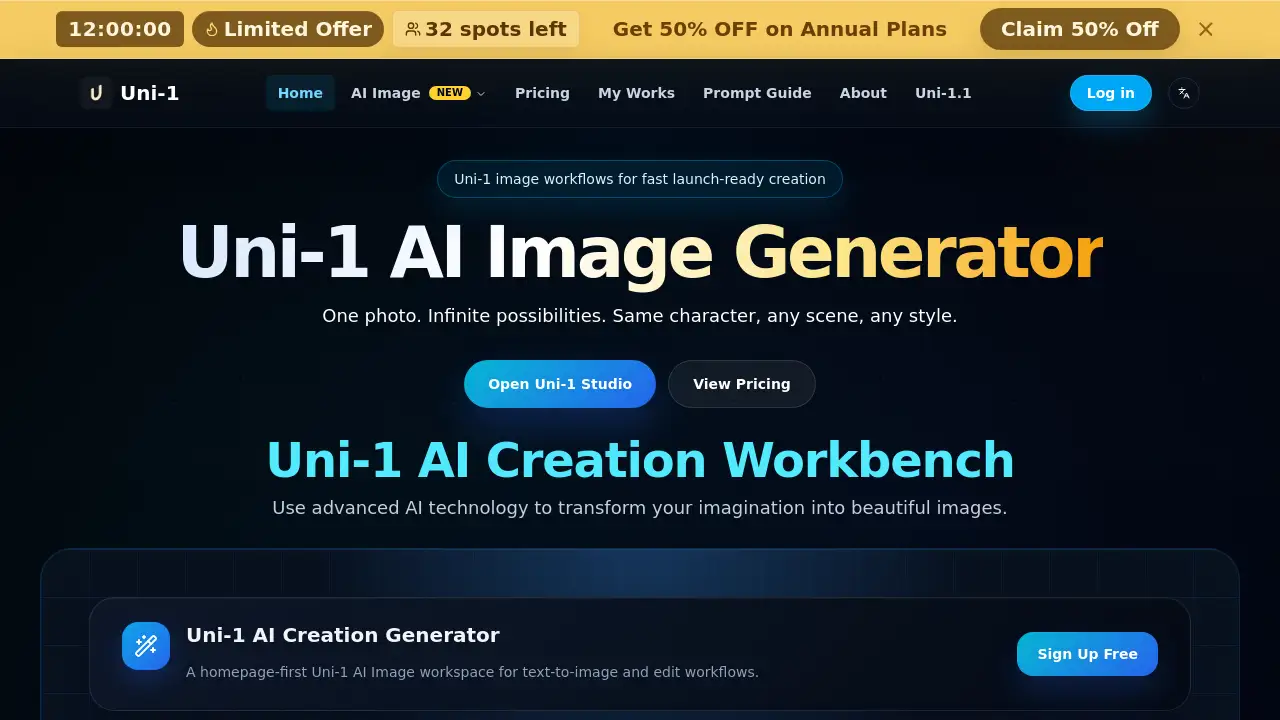
Uni-1 image generator is an AI creation workbench that helps users create and edit visuals from written prompts. Built around a multimodal reasoning model, Uni-1 understands intent, follows reference images, and supports prompt-based image creation. The tool brings text-to-image, AI image editing, fast image refinement, and polished commercial visuals into one seamless workflow.
What is Uni-1?
Uni-1 is a visual AI model designed for controllable image generation. It solves a common problem: many image generators produce attractive results that ignore the original direction. Uni-1 aims to fix this with reference-aware generation and stronger scene understanding. Users can describe a new idea, upload a source photo, or start from an existing image. Then the Uni-1 AI image workspace handles the rest.
It is suitable for designers, marketers, content creators, and e-commerce teams that need consistent visuals without waiting for a long production pipeline. This matters because it lets the same character appear in many scenes and styles while keeping control over the final look.
Key Features of Uni-1
Multimodal Reasoning Model
Uni-1 processes text prompts and visual references together. This helps the model understand what the user wants and produce more plausible images in a single pass.
Reference-Aware Editing
Upload one photo, and Uni-1 can keep the subject consistent while changing the background, style, or scene. This makes the AI image editing workflow more direct and useful for real projects.
Strong Instruction Following
Instead of randomly decorating a prompt, Uni-1 follows direction about composition, lighting, and style. This reduces trial and error during prompt-based image creation.
One Seamless Workflow
The product combines text-to-image generation, AI image editing, and image refinement in one workbench. Users do not need separate tools to create a rough idea and polish it later.
Commercial-Ready Prompt Gallery
Curated prompts for product shots, portraits, posters, macro detail, restoration, and lifestyle scenes help new users start quickly and create polished commercial visuals.
Human-Evaluated Quality
Uni-1 is reviewed by human evaluators across overall quality, editing, and reference-based generation. This keeps the focus on useful outputs rather than impressive but unusable images.
Use Cases for Uni-1
Product Shots for Online Stores
An e-commerce brand can use the Uni-1 image generator to turn a simple product photo into a lifestyle scene with different backgrounds and lighting.
Portraits and Character Consistency
Creators can keep the same person or character in different scenes and outfits. This is useful for storytelling, fashion previews, and brand campaigns.
Iterative AI Image Editing
Users can upload a rough visual and refine it through text direction. The result is a faster path to a final design without rebuilding the image from scratch.
Posters and Social Media Content
Marketers can quickly generate promotional posters, social posts, and banners with a clear prompt, then adjust the details until the visual fits the brand.
How to Use Uni-1
- Choose text-to-image or image edit in the Uni-1 AI creation workbench.
- Write a clear prompt describing the subject, style, lighting, composition, and finish.
- Generate the first pass with the Uni-1 image generator and review the output.
- Use a strong result as the next edit source, download the visual, or keep refining until it matches your production needs.
Target Audience for Uni-1
- Digital marketers and social media managers
- E-commerce sellers and product photographers
- Graphic designers and creative agencies
- Content creators and artists
- Small business owners who need fast commercial visuals
Is Uni-1 Free?
No free plan is listed on the Uni-1 site. The workbench uses a credit-based subscription model. Each text-to-image or AI image editing job currently costs 12 credits. The following plans are available with a launch offer:
| Plan | Credits per Month | Best For |
|---|---|---|
| Starter | 350 | Individuals who need occasional generation |
| Pro | 1,600 | Active creators who want priority queue and faster speed |
| Business | 5,500 | Teams and agencies with high-volume production needs |
All plans include Uni-1 models, private generations, and commercial use. Higher tiers add history, priority support, and faster queue times. To see exact prices, visit the official pricing page.
Uni-1's Pros and Cons
| Aspect | Pros | Cons |
|---|---|---|
| Creative Control | Reference-aware editing and strong instruction following keep results aligned with user intent | Prompt quality still matters, and unclear prompts can lead to weaker first-pass results |
| Workflow | Text-to-image, AI image editing, and image refinement live in one place | No team collaboration is available in lower tiers |
| Pricing | Credit system makes it easy to see costs per job; launch discounts reduce entry price | No free plan is listed, so new users must pay to test the tool |
| Output Quality | Human-evaluated quality rankings support polished, commercial-friendly visuals | Generation speed can vary depending on queue load and provider response time |
Frequently Asked Questions about Uni-1
What can Uni-1 do?
The Uni-1 image generator can create images from text prompts, edit uploaded images, and refine existing visuals. It is designed for prompt-based image creation and commercial-ready output.
How does Uni-1 pricing work?
Uni-1 uses credits. Text-to-image and AI image editing jobs each cost 12 credits. Users pick a monthly subscription plan, and yearly plans bundle credits for the year.
Will I be charged if generation fails?
Failed or canceled jobs should not consume credits. If a charge appears incorrect, check the job status and contact support with job details for review.
How long does image generation take?
Most runs finish in a short wait. The exact time depends on queue load, provider response time, and whether the user is generating from text or editing an uploaded image.
Where can I find and download my results?
Latest results appear directly in the workbench. Signed-in users can revisit recent jobs from saved history and download successful outputs from the result panel.
Can I use Uni-1 images commercially?
Yes. The subscription plans listed on the site include commercial use, so users can create visuals for products, marketing, and client work.
Uni-1 Tags
Uni-1, Uni-1 image generator, AI image generator, text-to-image, AI image editing, prompt-based image creation, image refinement, AI creation workbench, reference-aware generation, commercial visuals, Uni-1 AI model, image generation tool