Introduction
A browser-based AI image generator that combines reasoning with rendering for more intelligent visual creation.
What is Uni-1 AI?
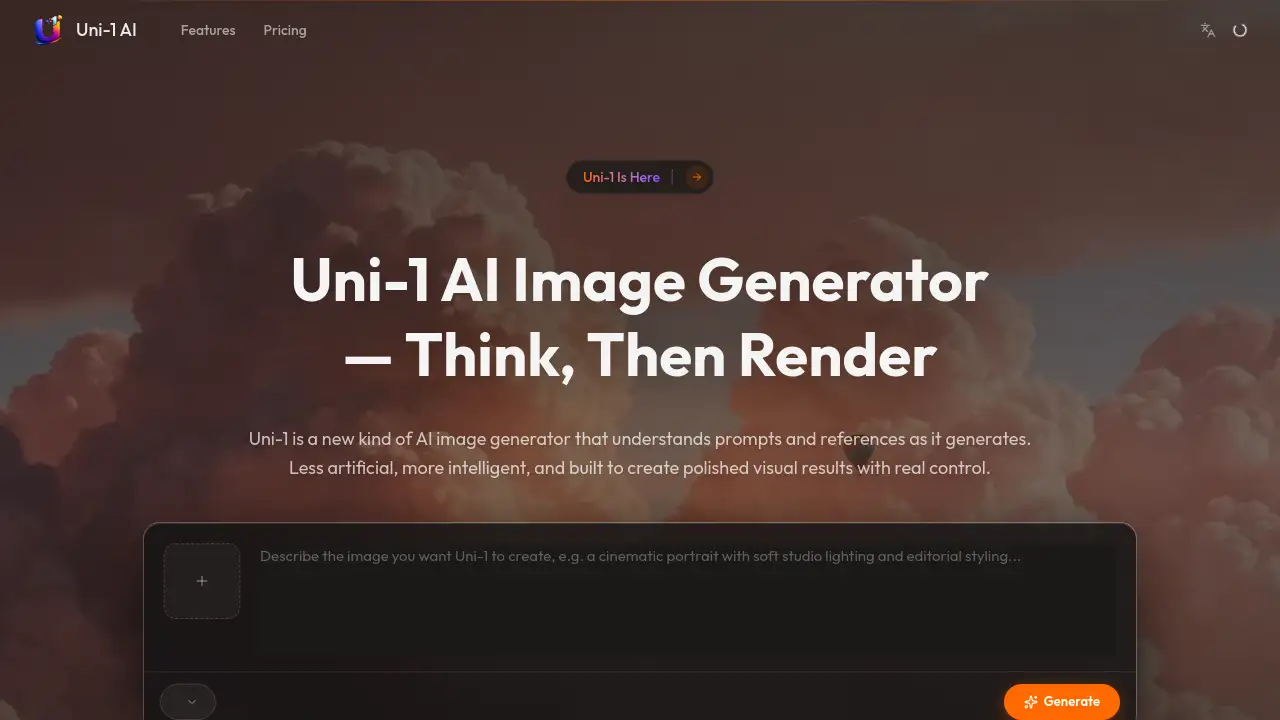
Uni-1 AI is an advanced AI image generator designed to understand creative intent rather than just keywords. It addresses the common problem of AI tools producing generic or disconnected results by blending reasoning and rendering into a single, cohesive workflow. This platform is suitable for creators, marketers, designers, and businesses that need high-quality, usable visual content. It matters because it offers real control over the generation process, allowing users to guide outputs with both text prompts and visual references, leading to more polished and intentional results. The Uni-1 AI image generator streamlines professional visual production directly from a web browser.
Key Features of Uni-1 AI
Unified Intelligence Workflow
Uni-1 combines text-to-image generation, AI image editing, and reference-guided generation in one connected process, ensuring prompts and visual cues stay linked for coherent results.
Text to Image Generation
Describe any scene or concept, and the model intelligently reasons through composition, lighting, and style before generating a complete image, moving beyond simple keyword matching.
Image-to-Image Editing
Upload a photo and use natural language to edit, restyle, or refine it; the AI image generator preserves important details from the original while applying described changes without manual masking.
Reference-Guided Generation
Guide the AI with up to 10 reference images for style, composition, or brand direction, enabling the reference-guided generation of visuals that closely follow your creative intent.
High-Resolution Output
Generate images ready for professional use at resolutions up to 4K, suitable for ads, e-commerce, and social media campaigns directly from this AI photo generator.
Fast Browser-Based Tool
The entire text to image workflow runs in the browser, eliminating the need for software installation, GPU configuration, or switching between disconnected applications.
Use Cases for Uni-1 AI
Product and E-commerce Imagery
Create polished product photos and angles for online catalogs and ads using reference-guided generation to maintain brand consistency.
Marketing and Ad Campaigns
Generate high-resolution visual assets for social media posts, landing pages, and digital advertising campaigns quickly with the AI image generator.
Concept Art and Visualization
Rapidly visualize scenes, characters, or concepts from descriptive text prompts, useful for storyboarding and creative ideation.
Portrait and Photo Enhancement
Edit and refine portraits or existing photos using natural language instructions, making it a versatile AI photo generator for retouching.
Brand and Style Development
Establish and replicate a specific visual style across multiple images by using reference images to guide the Uni-1 AI image generator.
How to Use Uni-1 AI
Using Uni-1 AI involves a simple four-step process conducted entirely in your web browser.
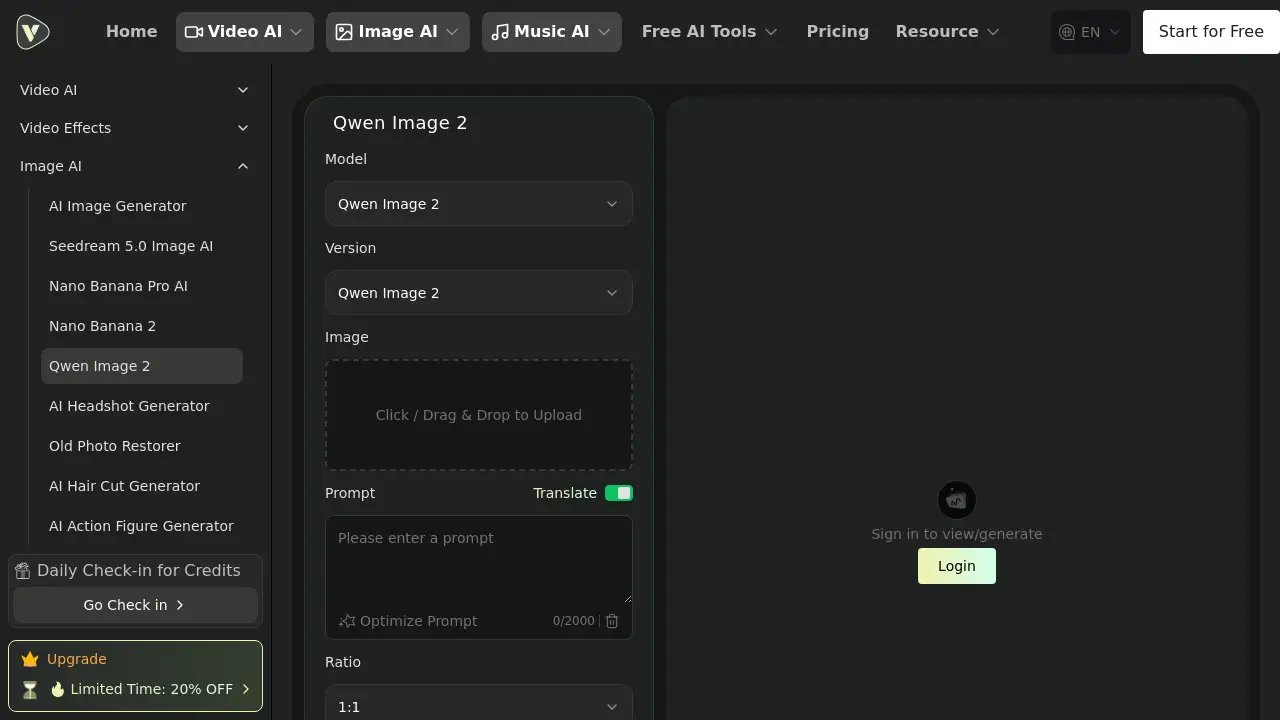
- Describe or Upload: Start by writing a detailed text prompt describing your desired image. Optionally, upload one or more reference images to provide visual guidance.
- Configure Settings: Adjust basic parameters like the output image's aspect ratio, quality, and the specific generation mode (e.g., text-to-image or edit) to match your project needs.
- Generate the Image: Click the generate button. Uni-1 AI will process your prompt and references, using its unified intelligence to reason about the scene before creating the final image.
- Review and Download: Evaluate the high-resolution result. You can refine it with a follow-up prompt if needed, then download the finished image for use in your project.
Target Audience for Uni-1 AI
- Digital Marketers and Content Creators
- Graphic Designers and Illustrators
- E-commerce Store Owners and Product Managers
- Social Media Managers and Advertisers
- Small Business Teams and Startups
- Concept Artists and Storyboard Creators
Is Uni-1 AI Free?
Based on the official website, Uni-1 AI offers a free tier to start creating. For detailed information on premium plans, features, and limits, users should visit the official Uni-1 AI pricing page.
| Plan | Price | Features |
|---|---|---|
| Free | $0 | Access to core AI image generator features to try text to image and editing. |
| Pro | Information Not Specified | Likely includes higher resolution, more generations, and advanced features. Check official site. |
Uni-1 AI's Pros and Cons
| Aspect | Pros | Cons |
|---|---|---|
| Ease of Use | Entirely browser-based with a simple, fast workflow; no technical setup required. | Advanced control features for experts may be limited compared to desktop software. |
| Output Quality | Generates high-resolution, polished images with strong reasoning for composition and style. | As with all AI generators, perfect consistency in complex scenarios can be challenging. |
| Functionality | Unifies text-to-image, editing, and reference guidance in one intelligent tool. | The free tier may have usage limitations common to such services. |
| Accessibility | Low barrier to entry for professionals and beginners needing quick, quality visuals. | Requires a stable internet connection as it is a cloud-based service. |
Frequently Asked Questions about Uni-1 AI
Is Uni-1 AI free to use?
Yes, Uni-1 AI offers a free tier that allows users to access and test its core AI image generator capabilities, including text to image and basic editing functions.
What makes Uni-1 AI different from other AI image generators?
Uni-1 AI differentiates itself through its unified intelligence workflow, which blends reasoning with rendering. This allows for better understanding of prompts and the unique ability to follow multiple reference images for reference-guided generation.
Do I need to install any software to use Uni-1 AI?
No. Uni-1 AI is a browser-based AI image generator that runs completely in your web browser, requiring no software downloads, installations, or special hardware configuration.
Can I use Uni-1 AI for commercial projects?
The generated images are typically intended for use in projects, but users should review the platform's official Terms of Service for specific licensing details regarding commercial use of images created with the Uni-1 AI image generator.
How many reference images can I use?
You can guide the AI with up to 10 reference images to direct style, composition, or product angles, enhancing the control offered by its reference-guided generation feature.
What kind of image quality does Uni-1 AI produce?
The tool can generate high-resolution images up to 4K quality, making it suitable for professional applications like print media, advertising campaigns, and detailed AI photo generator tasks.
Uni-1 AI Tags
Uni-1 AI, AI image generator, text to image, AI photo generator, reference-guided generation, browser-based AI, AI image editing, high-resolution AI, marketing visuals, product photography, concept art generator, free AI tools