Introduction
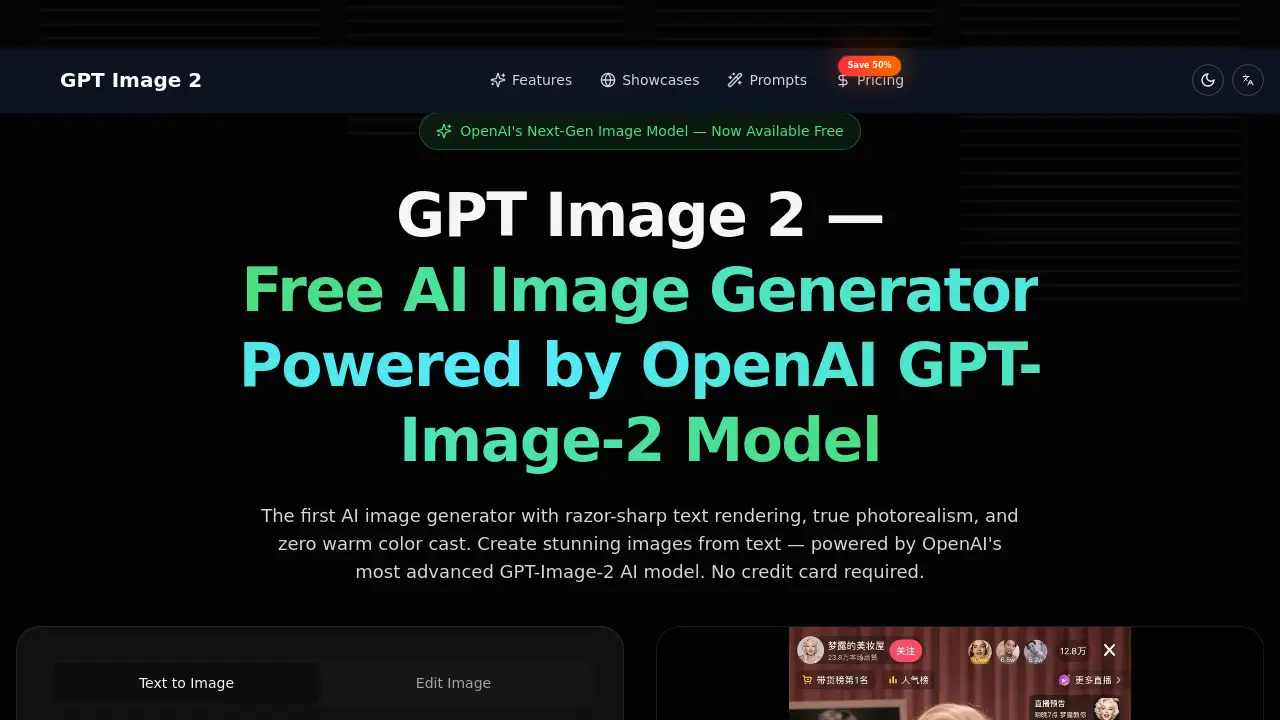
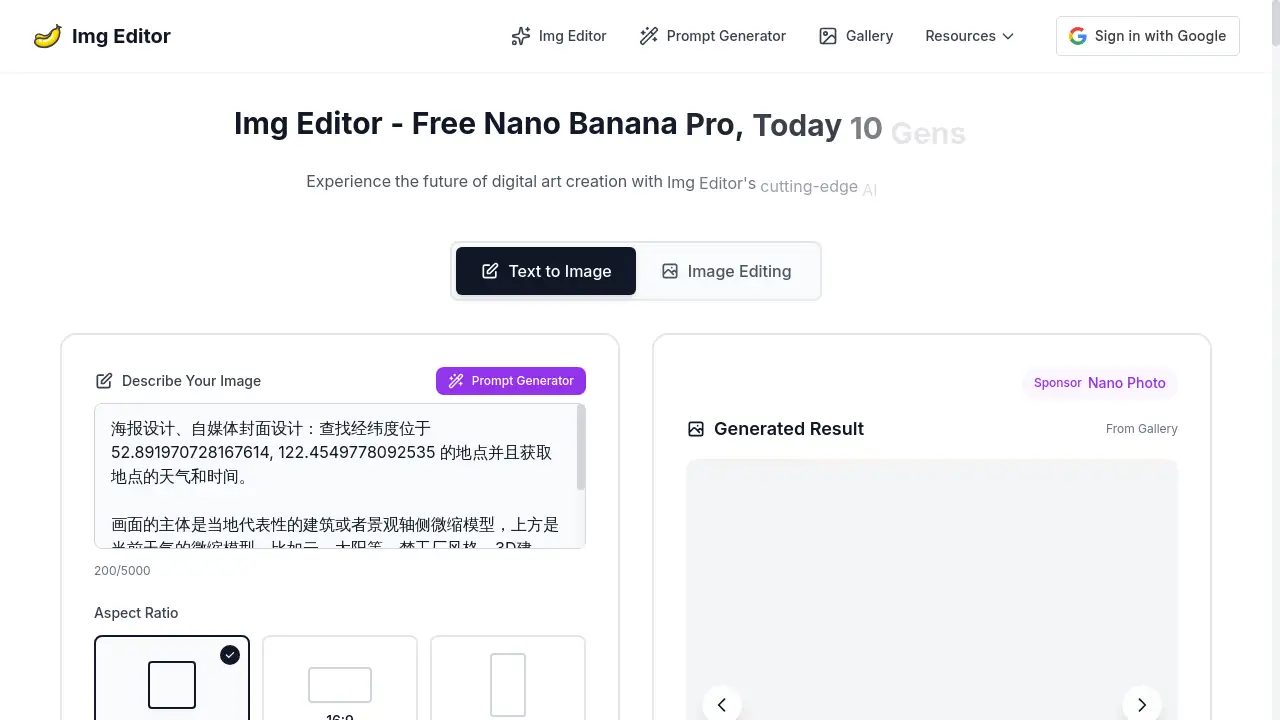
Img Editor is a free AI image generator for creating stunning visuals quickly and easily.
What is Img Editor?
Img Editor is an online AI image generation platform that transforms text descriptions into professional-quality images. It solves the problem of needing design skills or expensive software to create custom visuals, making digital art creation accessible to everyone. The tool is suitable for a wide range of users, from content creators and marketers to hobbyists and social media managers. Its significance lies in its ability to turn imagination into reality almost instantly, using advanced AI technology to understand and interpret user prompts with remarkable accuracy. This powerful image generation tool democratizes the creation of high-quality digital art.
Key Features of Img Editor
Free AI Image Generation
Img Editor provides a free-to-use platform for generating AI images without any initial cost, offering a generous number of free generations daily.
Advanced Prompt Understanding
The platform utilizes sophisticated AI technology to interpret detailed text prompts, ensuring the generated images closely match the user's described vision and ideas.
Multiple Aspect Ratios
Users can select from various aspect ratios including 1:1 (Square), 16:9, and 9:16 to tailor the image dimensions for different platforms and uses.
Standard Image Quality
The tool generates images at a standard 1K resolution, suitable for most online applications, with options for higher quality available through its partner platform, Nano Photo.
Prompt Generator Tool
An integrated prompt generator assists users in crafting effective descriptions, helping to optimize the AI image creation process for better results.
Community Gallery
A public gallery allows users to browse creations from others, submit their own images for review, and use popular prompts as a starting point for their own projects.
Use Cases for Img Editor
Social Media Content Creation
Img Editor is ideal for generating unique and engaging visuals for social media posts, stories, and ads, helping brands and individuals maintain a consistent and professional online presence.
Digital Art and Illustrations
Artists and hobbyists can use the AI image generator to create original digital art, explore new styles, and bring their creative concepts to life without manual drawing skills.
Blog and Website Imagery
Bloggers and website owners can produce custom featured images, illustrations, and graphics to enhance their written content and improve reader engagement.
Concept Visualization
Designers and creatives can rapidly prototype ideas and visualize concepts for projects, client pitches, or personal creative exploration using the powerful image generation capabilities.
How to Use Img Editor
- Describe Your Image: Navigate to the Img Editor website and type a detailed description of the image you want to create into the main text input field.
- Configure Settings: Choose your desired aspect ratio (e.g., Square 1:1, 16:9) and confirm the image quality setting, which is 1K Standard on the free plan.
- Generate: Click the "Generate with Img Editor" button. The AI will process your prompt and create your image within seconds.
- Download or Refine: Once satisfied with the generated result, you can download the image or use the prompt from the community gallery to create new variations.
Target Audience for Img Editor
- Social Media Managers and Marketers
- Bloggers and Content Creators
- Digital Artists and Hobbyists
- Small Business Owners
- Students and Educators
- Anyone needing quick, custom images without design experience
Is Img Editor Free?
Yes, Img Editor operates on a freemium model. It offers a generous free plan that includes a daily allowance of image generations at standard 1K quality. Users can also earn additional free generations by submitting their approved creations to the community gallery. For users requiring higher resolution outputs, such as 2K or 4K quality, premium options are available through its affiliated service, Nano Photo, providing an affordable upgrade path for professional needs.
Frequently Asked Questions about Img Editor
Is there a daily limit on free image generations?
Yes, Img Editor provides a set number of free generations per day. The homepage often promotes special offers, such as "Today 10 Gens Free," which may increase the standard daily limit.
What image quality does the free version offer?
The free version of Img Editor generates images at a standard 1K resolution. Higher quality options like 2K and 4K are available through the linked premium service, Nano Photo.
Can I use the AI-generated images for commercial purposes?
The terms of use for generated images should be reviewed on the Img Editor website. Typically, AI image generators allow for personal use, but commercial usage rights can vary and may require checking the specific licensing agreement.
How accurate is the AI in understanding my prompts?
Img Editor uses advanced AI technology designed for advanced AI understanding. The more detailed and descriptive your prompt, the more accurately the generated image will reflect your vision. Using the built-in prompt generator can help improve results.
What are the benefits of submitting my image to the gallery?
Submitting an image to the community gallery for approval can earn you extra free generations, typically around 10 additional credits, providing a way to extend your usage without cost.
Do I need to create an account to use Img Editor?
Based on the available information, the service appears to be accessible directly from the web page for basic functionality, but certain features like gallery submission may require some form of user session or account.
Img Editor Tags
ai image generator, free ai image generation, img editor, create ai images, text to image, prompt generator, digital art creation, ai technology, image generation, nano photo, stunning ai images, professional quality images, unlimited image generation, fast ai art