Introduction
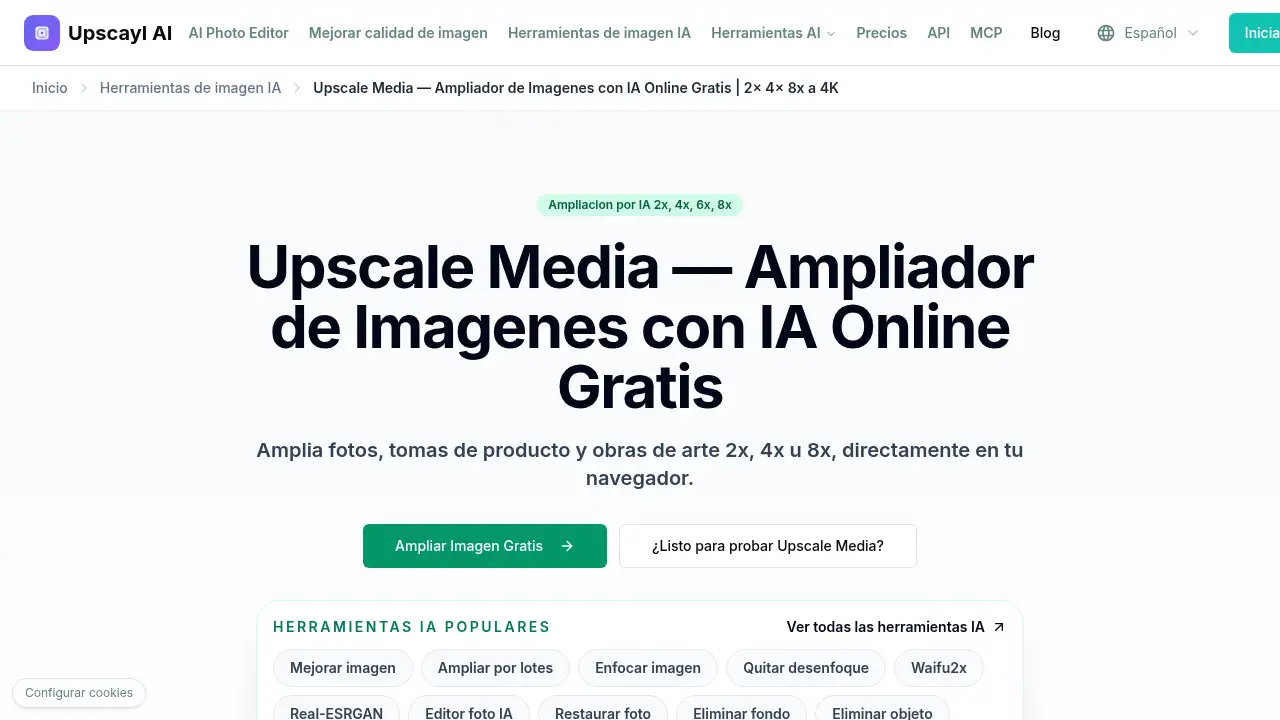
Upscale Media gratis is a free browser-based AI tool that enlarges JPG, PNG and WebP images up to 8x, with no sign-up, no payment and no watermark on downloads.
What is upscale media gratis?
Upscale Media gratis is an online AI image upscaler hosted at upscayl.app/es/upscale-media. It is built for anyone who needs to ampliar imágenes online — meaning upscale images online — without installing desktop software, creating an account or paying a subscription fee. Rather than stretching pixels the way a basic photo editor does, the tool's AI rebuilds edges, smooths pixelation and restores fine detail, so enlarged images stay crisp at 2x, 4x, 6x or 8x their original size.
The problem it solves is a common one: small or heavily compressed photos turn blurry the moment they are enlarged. AI upscaling fills in missing detail so old photos, phone shots, product images and artwork can be reused at HD or 4K sizes. Everything runs in the browser, files can be uploaded in JPG, PNG or WebP format at up to 20MB each, and up to five images can be queued in one batch. With no account, no credit card and no trial timer, upscale media gratis works well for quick one-off jobs as well as for consistent batches of images.
Key Features of upscale media gratis
AI-Powered Image Upscaling
The engine reconstructs borders, textures and small details instead of simply stretching pixels, which keeps images sharp at higher resolutions. This is the main reason upscale media gratis can handle both compressed phone photos and detailed product shots.
Flexible 2x, 4x, 6x and 8x Output
Users choose the exact multiplier they need: 2x for fast web use, 4x for HD quality, and 6x or 8x for print-ready resolution. Higher multipliers produce better results when the source image already has clear visible structure.
Batch Processing for Multiple Files
Up to five images can be dragged in or selected at once, and ZIP files are accepted. Batch upscaling keeps quality consistent across a full set of product photos, archive images or social media assets.
Facial Enhancement for Portraits
An optional facial enhancement setting sharpens eyes and facial features in portraits and group photos. The goal is a natural look rather than an artificial, over-smoothed result.
Wide Format Support
The tool works directly with JPG, JPEG, PNG and WebP files, with a 20MB limit per image. No format conversion or pre-resizing step is needed before upload, which keeps the workflow short.
Free Downloads Without Watermarks
Uploads, processing and downloads are free, and finished images arrive without a watermark. No registration form, credit card or trial period stands between uploading a file and saving the result.
Use Cases for upscale media gratis
Enlarging Low-Resolution Photos
Old photos, downloaded files and compressed mobile shots often look soft when enlarged. Upscaling with AI adds pixel density and cleaner edges, so these images hold up better at HD or 4K sizes.
Product Photos for Ecommerce
Product images that look fine on a phone can appear pixelated on a desktop screen. Upscale media gratis helps keep labels readable and product outlines clean in zoom previews and catalog pages.
Artwork, Screenshots and Social Media Graphics
Digital art, screenshots, profile pictures and social graphics lose quality when resized. AI upscaling keeps interface text legible and linework clean at larger output sizes.
Print and Presentation Preparation
When a source file is too small to print well, a 6x or 8x upscale from upscale media gratis can rescue it. The sharper output is ready for posters, flyers or slide decks.
How to Use upscale media gratis
- Upload an image. Drag and drop a JPG, PNG or WebP file (up to 20MB), or queue several files at once for batch processing.
- Choose an output size. Select 2x, 4x, 6x or 8x, and turn on facial enhancement if the image contains people.
- Set the output format. Keep the original format or pick the one that best suits the destination.
- Preview the result. Check the upscaled preview for sharpness, edge quality and readable text.
- Download instantly. Save the high-resolution file — no registration and no watermark.
Target Audience for upscale media gratis
- Online sellers who need sharper product photos and readable labels
- Photographers and designers working with small or compressed files
- Social media creators, marketers and content managers
- Print shops and small studios preparing large-format files
- Hobbyists and families restoring old or low-resolution photos
- Anyone looking for a free AI image upscaler with no sign-up
Is upscale media gratis Free?
Yes. According to the product page, upscale media gratis can be used without payment, without a credit card and without an account. Uploaded images are processed and returned without a watermark, and there is no trial countdown. The page lists no subscription tiers or paid plans, so the tool appears to be fully free at the time of writing.
| Plan | Price | Features |
|---|---|---|
| Free | $0 | 2x–8x AI upscaling, JPG/PNG/WebP input, 20MB per file, up to 5 images per batch, facial enhancement, 4K output, no watermark, no registration |
Users should confirm current limits on the official upscayl.app page, since free tools sometimes adjust their allowances over time.
upscale media gratis's Pros and Cons
| Aspect | Pros | Cons |
|---|---|---|
| Pricing | Completely free, no card and no trial timer | No paid tier listed, so no priority support or extra features |
| Ease of use | Runs in the browser, no install and no account | Requires a stable internet connection |
| Output quality | AI reconstruction keeps edges and detail sharp at up to 8x | Very high multipliers work best on sources with visible structure |
| Features | Batch uploads, facial enhancement, 4K downloads, no watermark | Batch limited to 5 images and 20MB per file |
| Formats | JPG, PNG, WebP and ZIP uploads | No RAW or TIFF support mentioned |
Frequently Asked Questions about upscale media gratis
What is upscale media gratis?
It is a free online AI image upscaler from Upscayl that enlarges photos, product shots and artwork 2x to 8x directly in the browser, with no account and no watermark.
Do I need an account to upscale images online?
No. There is no registration form, no email confirmation and no credit card. Users open the page, upload a file and download the result.
How much can an image be enlarged?
Output options are 2x, 4x, 6x and 8x. Higher multipliers give better results when the source image has clear visible structure and reasonable starting quality.
Are uploaded images stored or shared?
The page states that uploaded images are processed temporarily and are not stored longer than necessary. It also says images are not used for training and are not shared with external services.
What file types and sizes are supported?
JPG, JPEG, PNG and WebP files up to 20MB each, plus ZIP uploads. Up to five images can be processed in a single batch.
Can I download upscaled photos without a watermark?
Yes. Downloads are watermark-free, and there is no payment step before saving the high-resolution result.
upscale media gratis Tags
upscale media gratis, free AI image upscaler, ampliar imágenes online, upscale images online free, AI photo upscaler, 2x 4x 6x 8x upscaling, batch image upscaling, no watermark image upscaler, image upscaler without registration, 4K photo upscaling, product photo upscaling, upscale artwork online