Introduction
Print on demand image upscaler for artwork.
What is print-on-demand-image-upscaler?
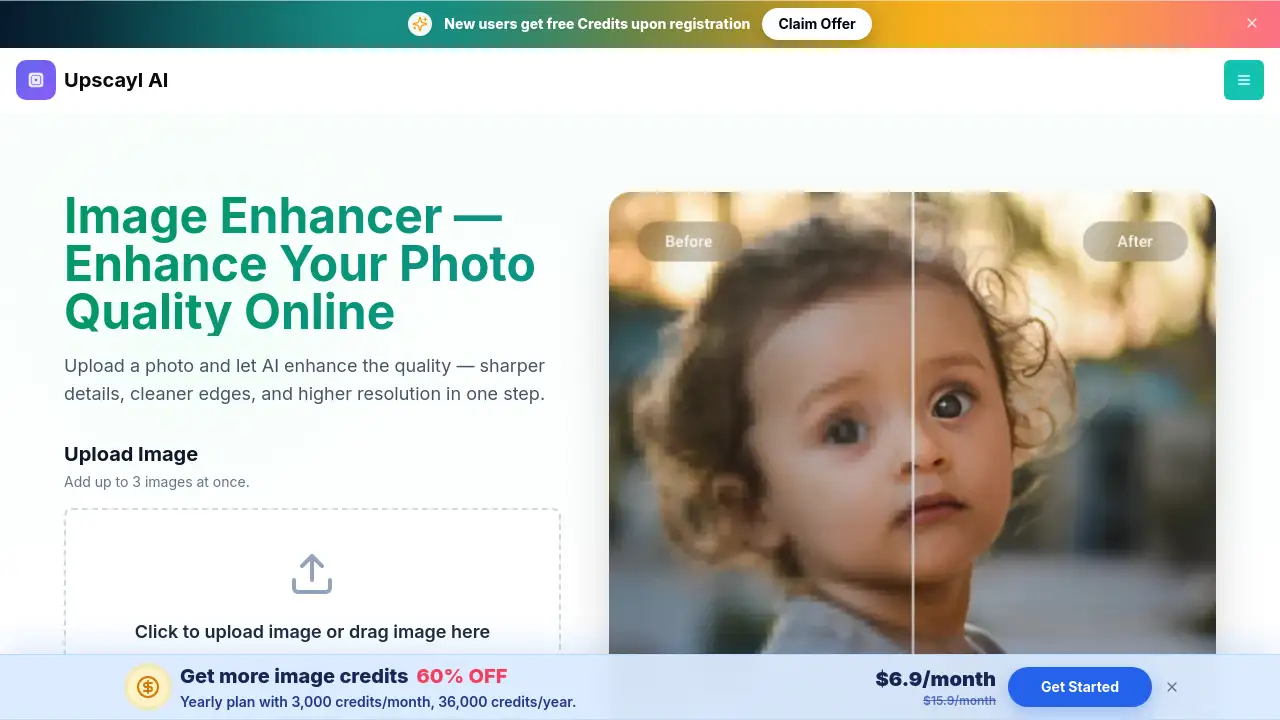
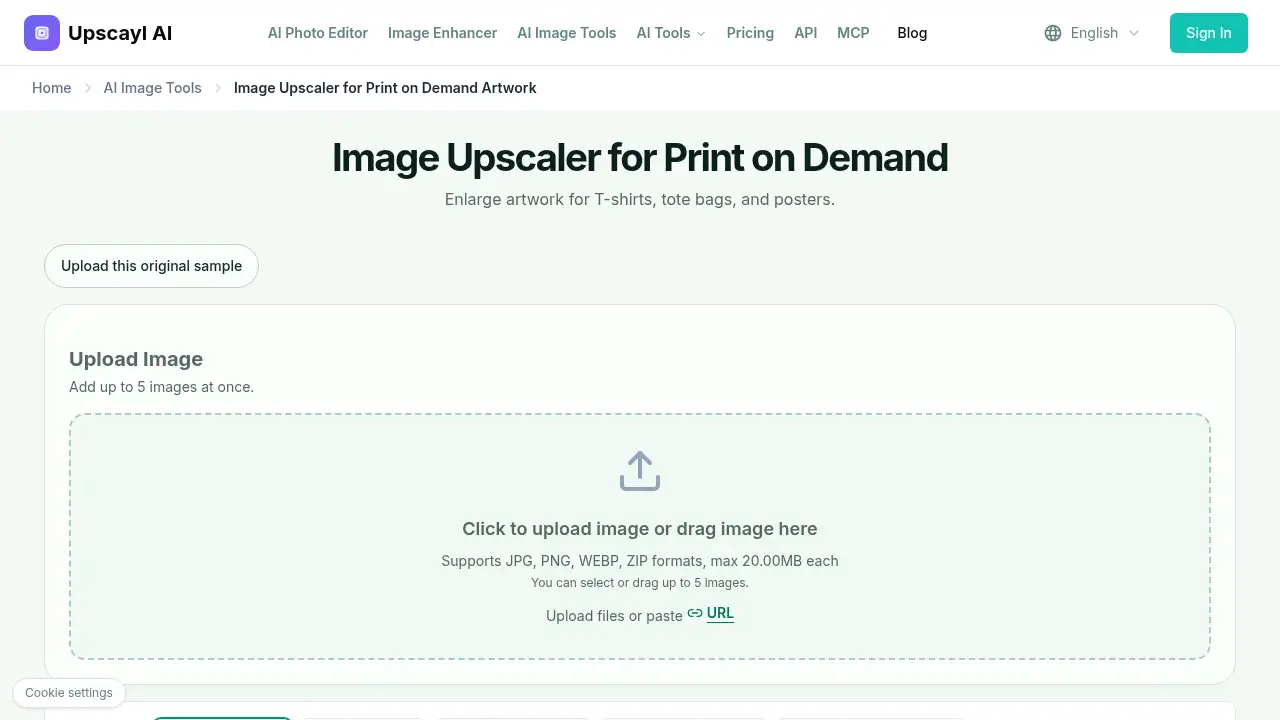
The print on demand image upscaler is a web tool for enlarging raster artwork before it goes into a supplier template. It helps sellers meet print area pixel targets for T-shirts, tote bags, and posters. A small web export may look fine on screen but fall short of the dimensions required for a 12 × 16 inch shirt print area or an 18 × 24 inch poster. This POD image upscaler addresses that gap by increasing image dimensions with AI-style processing and letting users choose factors from 1× to 8×. It is suitable for print-on-demand sellers, illustrators, and small shops that upscale images for print on demand. The tool does not create mockups or vector files; it creates a larger raster image that users inspect and place into the supplier’s design tool.
Key Features of print-on-demand-image-upscaler
The print on demand image upscaler combines batch upload, controlled enlargement, and simple download options. Each feature supports a specific part of print on demand artwork preparation.
Batch Upload for Multiple Designs
Upload up to five images at once, or drag files into the workspace. The print on demand image upscaler accepts JPG, PNG, WEBP, and ZIP formats, with a maximum of 20 MB per file.
Flexible Upscale Factors
Choose 1×, 2×, 4×, 6×, or 8× to enlarge artwork. This helps users upscale images for print on demand when a design needs more pixels for a specific print area.
Face Enhance Option
Enable Face Enhance when artwork includes faces or portrait-style details. Inspect the result closely, because AI processing can change small features and fine lines.
Output Format and Download
Select an output format and download the enlarged file. The print on demand image upscaler gives users a larger raster image for the next step, but users should check format, alpha channel, and edge quality before uploading to a supplier.
Print Area Pixel Guidance
Use the reference calculation to estimate pixel targets by multiplying print width and height in inches by the requested PPI. At 300 PPI, a 12 × 16 inch area needs 3600 × 4800 pixels, and an 18 × 24 inch poster needs 5400 × 7200 pixels. These are arithmetic examples, not universal supplier requirements.
Use Cases for print-on-demand-image-upscaler
T-Shirt Graphics
Enlarge artwork for T-shirts when the original design is below the template’s pixel target. The print on demand image upscaler creates a larger file that can be placed into the shirt’s printable area.
Tote Bag Designs
A tote bag may need a different print size from a shirt. Use the POD image upscaler to prepare the same flat design for a new tote template, then check placement and safe zones in the supplier’s editor.
Poster Artwork
Posters often need much larger dimensions than garment graphics. The print on demand image upscaler can increase a raster illustration for a poster layout, but users should compare linework and texture before printing.
Small-Batch Artwork Preparation
Sellers with several designs can upload up to five images at once. This batch workflow helps a print on demand artwork upscaler fit into a larger catalog preparation routine.
How to Use print-on-demand-image-upscaler
- Upload the original flat design. Use the largest artwork export available, not a photo of a finished product.
- Calculate the print area pixel target from the supplier template. Multiply width and height in inches by the requested PPI.
- Choose an upscale factor in the print on demand image upscaler and enable Face Enhance only when needed.
- Inspect the enlarged artwork for text, edges, transparency, and fine details.
- Download the file and place it into the supplier template. Finish bleed, placement, and safe zones in an editor or the supplier’s design tool.
Target Audience for print-on-demand-image-upscaler
- Print-on-demand sellers preparing T-shirt, tote bag, and poster artwork
- Independent illustrators who need to upscale images for print on demand
- Small apparel and accessory shops using supplier templates
- Etsy, Shopify, or market stall sellers managing small product catalogs
- Designers who need a quick POD image upscaler before final template placement
Is print-on-demand-image-upscaler Free?
The provided reference content does not list plan names, prices, trial terms, or usage limits for the print on demand image upscaler. It shows the upload workflow, supported formats, upscale factors, Face Enhance option, and download step, but it does not confirm whether the tool is free or paid. Users should check the official product page for current pricing, limits, and account requirements before relying on it for regular production work.
print-on-demand-image-upscaler's Pros and Cons
| Aspect | Pros | Cons |
|---|---|---|
| Pricing | Pricing is not stated in the reference, so users can check the official page for current terms | No public plan or price details are included in the provided content |
| Features | Supports batch upload, JPG/PNG/WEBP/ZIP files, and 1× to 8× factors | No mockup generation and no vector output |
| Workflow | Includes print area pixel examples and a download step for supplier templates | Results vary by source image and settings |
| Output | Creates a larger raster file for print on demand artwork preparation | Does not guarantee a file is print-ready; text and transparency need inspection |
Frequently Asked Questions about print-on-demand-image-upscaler
How do I upscale an image for print on demand?
Download the supplier template, calculate the required pixel dimensions, and upload the original artwork to the print on demand image upscaler. Choose a factor, inspect the result, and place the downloaded file into the template.
Will upscaling make any design print-ready?
No. Pixel dimensions are only one requirement. File format, color, transparency, bleed, safe zones, artwork rights, and source quality also matter. The print on demand image upscaler does not replace a full preflight check.
Can I use this print on demand image upscaler for Printful or Printify artwork?
Users can enlarge an authorized design and prepare it for a chosen provider. Check the provider’s current requirements for the exact product. The reference page states no provider integration or affiliation.
Will text and transparent backgrounds stay unchanged?
That is not guaranteed. AI processing can alter small lettering, and output behavior can vary by mode. Inspect text and the downloaded alpha channel, or return to the original editable design for exact typography.
Does the tool create a vector or a print-on-demand mockup?
No. The print on demand image upscaler creates a larger raster image. Use a vector editor for scalable paths and a separate mockup workflow to show products to customers.
Can I upscale AI-generated artwork for merchandise?
Users can enlarge a raster image, but they should review details and confirm the rights needed for commercial use. Upscaling does not grant licensing rights or remove restrictions.
print-on-demand-image-upscaler Tags
print on demand image upscaler, POD image upscaler, upscale images for print on demand, print on demand artwork upscaler, enlarge artwork for T-shirts, tote bags, and posters, print area pixel target, upscale design for supplier template, AI image upscaler for POD, print on demand image preparation, upscale artwork for posters