Introduction
Sharpen image online with AI for clearer photos.
What is sharpen image?
Sharpen image is an online AI tool from Upscayl designed to reduce visible blur and improve image clarity in a browser. It helps users unblur image files that look soft because of light blur, missed focus, or compression, and it aims to make edges and small details easier to see. The tool is useful for people who need a sharper portrait, cleaner screenshot, or clearer product photo without learning complex editing software. A user can upload JPG, PNG, or WebP files, preview the result, and download a clearer version. Because the sharpen image process works online, it fits quick everyday fixes as well as simple content preparation. It is not a full photo restoration suite, and it does not promise to recreate details that were never captured.
Key Features of sharpen image
AI Unblur and Sharpen Image Processing
The tool analyzes soft edges and lost clarity, then applies AI sharpening to help unblur image content in one pass. This makes it a practical AI image sharpener for light and moderate blur.
Batch Upload for Up to Five Images
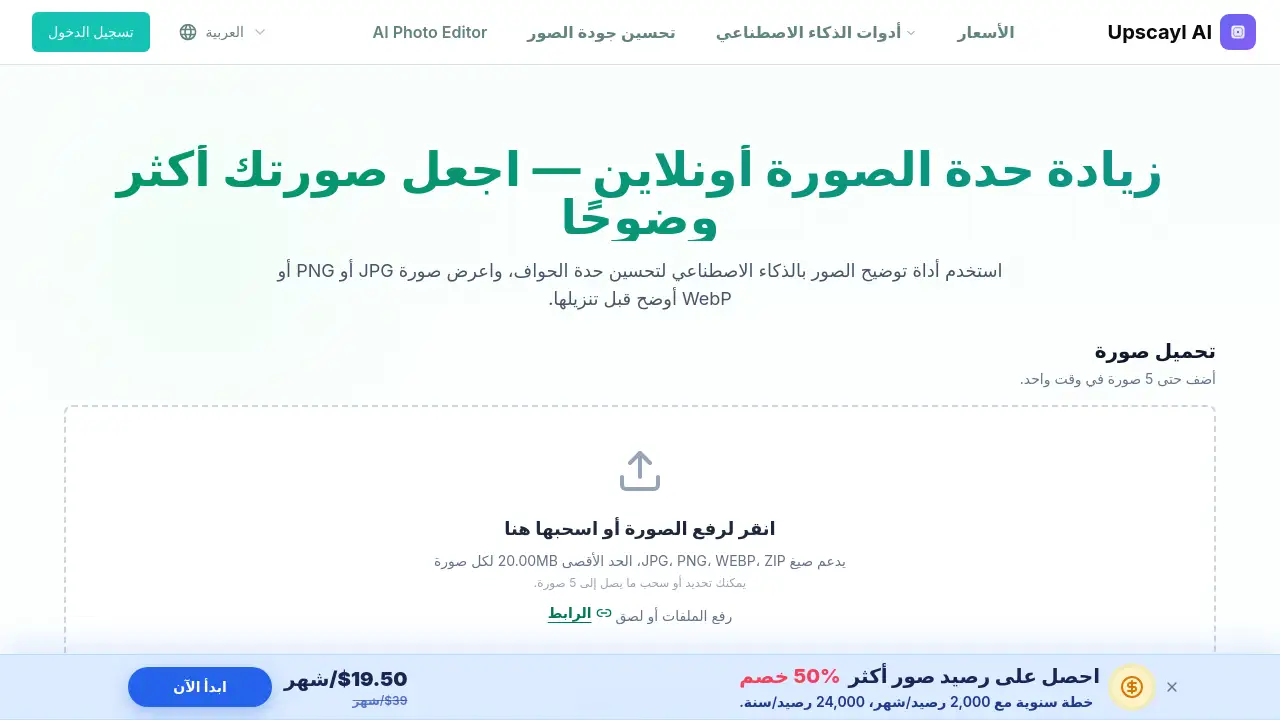
Users can add up to five images at a time and process supported files up to 20 MB each. This helps anyone who needs to sharpen photo online in small batches rather than one file at a time.
Portrait and Face Enhancement
A face enhancement option helps improve soft portraits by making eyes, hair, and facial outlines look clearer. It is helpful when users want to unblur photos of people while keeping a natural result.
Text and Screenshot Clarity
The sharpen image tool can reduce mild softness around letters and interface elements. This supports better readability for screenshots, scanned pages, and archived text images.
Resolution and Output Controls
Users can choose from available resolution settings, such as 1× to 8×, and select an output format shown with the result. These options give more control before downloading a sharpened image.
Browser-Based Workflow
Upload, preview, and download from a modern desktop or mobile browser. The browser-based design makes the sharpen image workflow simple for quick edits on the go.
Use Cases for sharpen image
Soft Portraits and Group Photos
Sharpen image can help make soft portraits, staged photos, and group shots look clearer around faces and hair. It is useful for social profiles, personal albums, and simple photo sharing.
Screenshots and Scanned Text
Use the tool to unblur image files from screenshots, scanned pages, or text photos where the content is only slightly soft. It can make small characters and edges easier to review.
Old Digital Photos
Older digital files and compressed downloads often look less crisp than expected. The sharpen image tool can improve visible sharpness, though it will not invent details that are missing from the original.
Product Photos for Online Stores
Ecommerce sellers can sharpen image files to clean up soft edges and compression artifacts before adding photos to catalogs or social posts. Clearer product images can look more professional in small previews.
Everyday Social Media Images
Creators can use sharpen image online to improve slightly blurry photos before posting. The result may help images appear cleaner in feeds, stories, and simple marketing graphics.
How to Use sharpen image
- Open the sharpen image page and upload a JPG, PNG, or WebP image. The tool supports up to five images at once, with a maximum size of 20 MB per file.
- Choose the available resolution setting, face enhancement option if needed, and output format.
- Let the AI unblur image edges and increase visible sharpness in one processing pass.
- Compare the result with the original image and check details such as faces, text, and object edges.
- Download the sharper image when the preview looks right. An account is required to process and download results.
Target Audience for sharpen image
- Photographers who need quick clarity improvements for soft images.
- Ecommerce sellers preparing cleaner product photos for online stores.
- Social media creators who want to sharpen photo online before posting.
- Students and office workers making screenshots or text images easier to read.
- Everyday users who need to unblur photos from phones or older digital files.
Is sharpen image Free?
Pricing is not fully listed in the reference information. New accounts receive trial credits to test the tool, and processing uses credits according to the current account rules shown in the app. Users who need ongoing access should check the official pricing or account page for current credit terms.
| Plan | Price | Features |
|---|---|---|
| Trial credits | Free for new accounts | Test AI unblur and sharpen image processing; credit limits apply |
| Credit-based use | Varies by account rules | Process images with credits under current account terms |
sharpen image's Pros and Cons
| Aspect | Pros | Cons |
|---|---|---|
| Pricing | Trial credits allow new users to test the tool | Ongoing use is credit-based, and exact prices are not listed in the reference |
| Features | AI unblur, face enhancement, resolution options, batch upload | Severe motion blur or fully unclear photos may not improve much |
| Workflow | Browser-based, preview before download, supports JPG, PNG, WebP | An account is required to process and download results |
| Use cases | Useful for portraits, screenshots, old photos, and product images | Results depend heavily on the source image quality |
Frequently Asked Questions about sharpen image
What does sharpen image do?
Sharpen image analyzes a soft or slightly blurry image and improves visible edge clarity and sharpness. It is designed for mild blur, soft focus, and compression softness, not for rebuilding missing detail.
Can sharpen image fix any blurry photo?
No. Results depend on the source file. Light or moderate blur often responds better than strong motion blur, heavy defocus, or images where important details were never recorded.
Is sharpen image free?
New accounts receive trial credits for testing, according to the reference information. Continued processing uses credits under the current account rules, so users should review the in-app terms before relying on the tool for repeat work.
Do I need an account to sharpen image online?
Yes. An account is required to process images and download results. The account also stores generated images and remaining credits.
Which formats does sharpen image support?
The upload options include JPG, JPEG, PNG, and WebP. The available download format is shown with the result.
Can sharpen image improve text and screenshots?
It can reduce mild softness around text and interface elements, which may improve readability. Very small or strongly blurred characters may remain unreadable.
sharpen image Tags
sharpen image, sharpen image online, unblur image, unblur photos, AI image sharpener, sharpen blurry photo, make blurry photo clear, increase image sharpness, sharpen photo online, AI unblur image, fix blurry photo, image clarity tool