Introduction
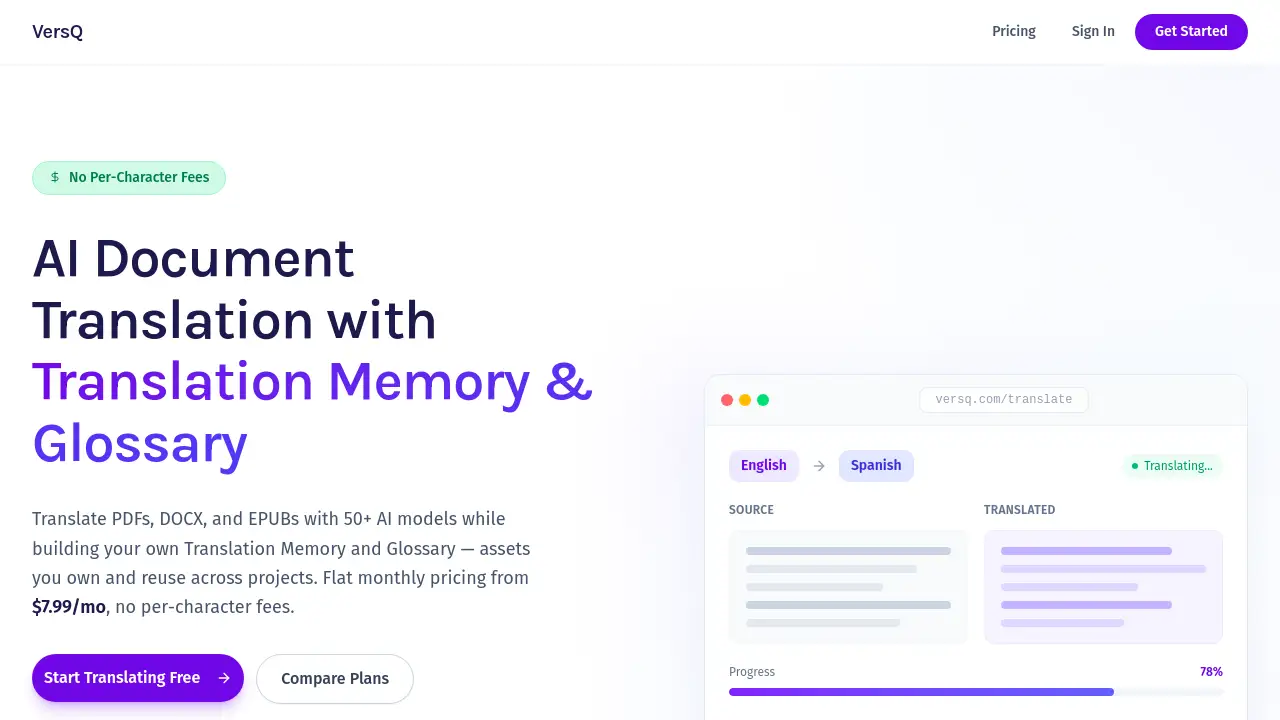
VersQ is a powerful AI translation platform for documents with perfect formatting.
What is VersQ?
VersQ is an AI-powered document translation platform designed for professionals and businesses. It solves the common problem of translating large or complex documents while maintaining their original layout, structure, and visual elements like tables and images. Unlike services that charge per character, VersQ uses a simple, flat-rate monthly subscription, making it a cost-effective solution for frequent users. The platform supports over 20 languages and leverages a multi-engine AI system, allowing users to choose from more than 50 specialized models, including top-tier options like Claude Opus and GPT-4.1, for superior translation accuracy that captures proper context and cultural nuances.
Key Features of VersQ
Multi-Engine AI for Superior Accuracy
The platform utilizes state-of-the-art AI models, letting users select the best engine for their specific content, which ensures translations are accurate and culturally appropriate.
Perfect Format Preservation
VersQ's standout feature is its ability to translate entire documents while perfectly preserving the original formatting, layouts, tables, images, and visual structure, eliminating tedious manual reformatting.
Large Document Handling
The system can efficiently handle documents of 200+ pages by automatically splitting them into semantic sections, translating in parallel, and reassembling them with perfect continuity.
Side-by-Side Editor with Memory
A built-in editor allows for easy review and refinement of translations, supported by Translation Memory and Glossary features to ensure consistency across projects.
Simple, Transparent Pricing
VersQ offers clear, flat-rate per-word monthly subscriptions starting from a free tier, providing predictable costs compared to per-character services that scale with document length.
Broad File Format Support
The platform works with over 14 document formats, including PDF, DOCX, XLSX, PPTX, EPUB, and SRT files, offering versatile processing capabilities.
Use Cases for VersQ
Translating Business Reports and Contracts
Professionals can translate lengthy annual reports, legal contracts, and business proposals while keeping all original formatting intact for a polished, professional result.
Academic and Research Paper Translation
Researchers and students can translate complex academic papers, theses, and journals across languages, maintaining charts, citations, and structural integrity.
Localizing Technical Documentation
Software developers and technical writers can efficiently localize user manuals, API documentation, and help files into multiple languages without breaking the layout.
Translating E-books and Subtitles
Authors and content creators can translate EPUB books or subtitle files (SRT/VTT) for international audiences, streamlining the publishing and content distribution process.
How to Use VersQ
- Sign Up and Upload: Create a free account on the VersQ website and upload your document from the supported formats.
- Select Language and AI Model: Choose your target language and select the preferred AI translation model (e.g., Claude Opus for premium quality, a budget model for cost-efficiency).
- Process and Review: Initiate the translation. Once processed, use the built-in side-by-side editor to review the text and apply glossary terms if needed.
- Download: Download the fully translated document in its original format, with all formatting preserved and ready to use.
Target Audience for VersQ
- Business professionals and multinational corporations
- Researchers, academics, and university students
- Software developers and technical writers
- Freelance translators and localization specialists
- Authors, publishers, and content creators
- Legal professionals handling international documents
Is VersQ Free?
VersQ offers a tiered pricing model with a free plan to get started. The key plans are summarized below.
| Plan | Price | Key Features |
|---|---|---|
| Free | $0 | 10,000 effective words/month, 5 translations, budget AI models, core format support. |
| Lite | $7.99/month | 75,000 effective words/month, unlimited translations, budget models, priority processing. |
| Pro | $19.99/month | 400,000 effective words/month, unlimited translations, access to premium models, high-priority processing. |
| Business | $79.99/month | 2,000,000 effective words/month, all models + early access, highest priority, SLA guarantees. |
VersQ's Pros and Cons
| Aspect | Pros | Cons |
|---|---|---|
| Pricing Model | Flat-rate per-word pricing is predictable and cost-effective for high-volume users. | The free plan is limited; heavy users may need higher-tier subscriptions. |
| Features & Quality | Excellent format preservation and choice of multiple AI engines for accuracy. | The sheer number of model options might be overwhelming for casual users. |
| Document Handling | Efficiently processes very large documents (200+ pages) automatically. | Translation time for massive files can still be several minutes. |
| Usability | Intuitive side-by-side editor for review; simple upload-and-download workflow. | Advanced features like Translation Memory are geared toward professional users. |
Frequently Asked Questions about VersQ
What file formats does VersQ support?
VersQ supports a wide range of formats including PDF, DOCX, XLSX, PPTX, TXT, HTML, EPUB, SRT, and VTT files, maintaining original formatting across all of them.
How does VersQ's pricing compare to DeepL?
VersQ uses a flat monthly fee per word, while DeepL charges per character. For users translating several documents monthly, VersQ's model, starting at $7.99, is often more economical than DeepL's per-character fees.
Is my data secure with VersQ?
Yes, VersQ processes documents securely using enterprise-grade encryption. Documents are automatically deleted from servers after processing to ensure data privacy.
Can VersQ translate a very large PDF document?
Absolutely. The platform is built to handle large documents up to 200+ pages by intelligently splitting them into sections for parallel AI translation, ensuring consistent terminology and quality throughout.
How long does a translation take?
Translation time depends on file size and complexity. A small document may take 1-5 minutes, while a 150-page document could take 15-45 minutes to process.
Does VersQ offer an API for integration?
Yes, API access is available with the Professional and Business plans, allowing for seamless integration into existing applications and workflows for automated document translation.
VersQ Tags
AI translation, document translation, format preservation, multi-engine AI, translate PDF, large document translation, Claude Opus translation, GPT-4 translation, translation software, localization tool, professional translation, affordable translation service