Introduction
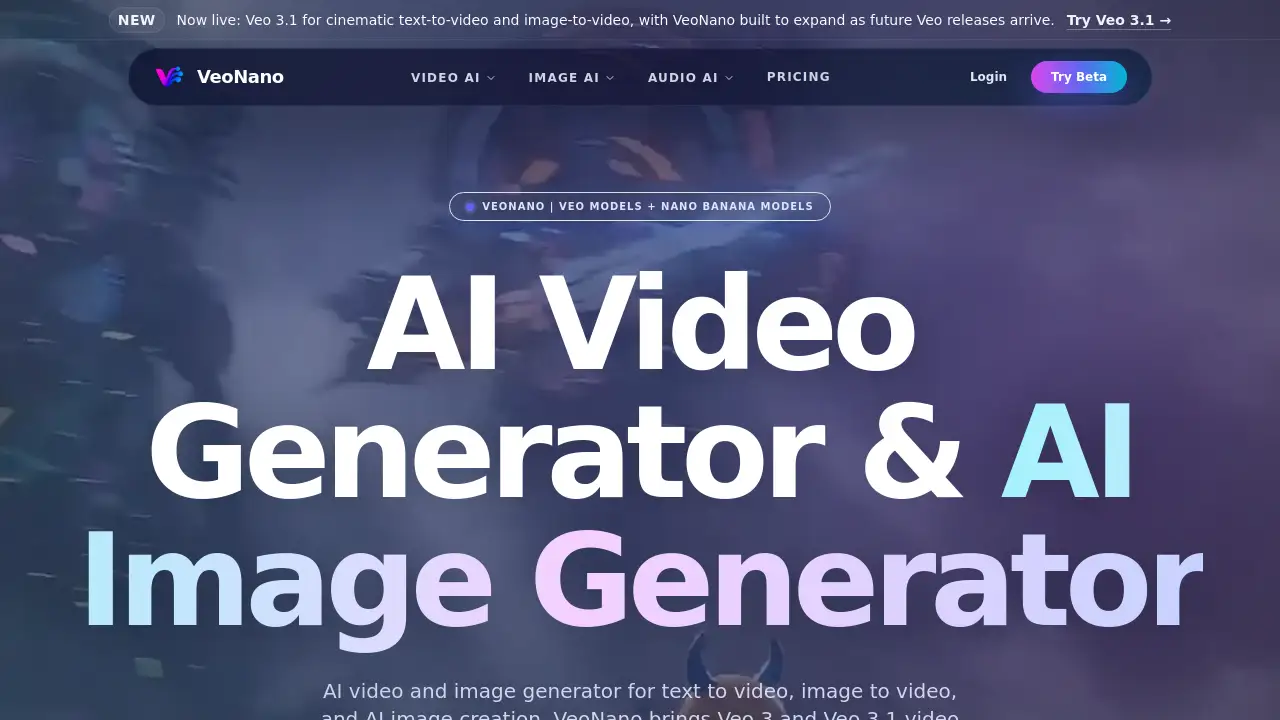
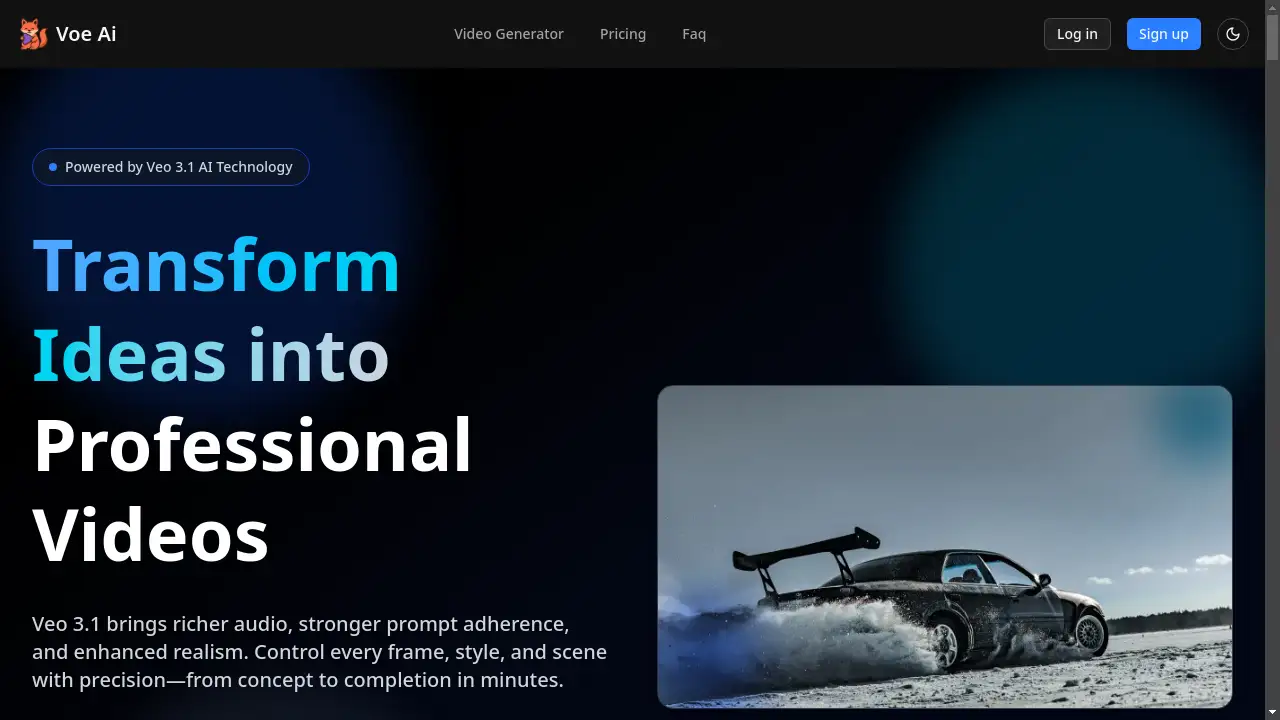
Voe Ai, powered by its latest Veo 3.1 technology, is an advanced AI video generator designed to help creators produce professional-quality videos with unprecedented ease and cinematic control.
What is Voe Ai?
Voe Ai is an AI-powered video generation platform that transforms text descriptions and images into high-quality, professional videos. It solves the problem of high production costs and steep learning curves associated with traditional video editing software. By leveraging its Veo 3.1 model, Voe Ai enables users to maintain strong narrative control, generate synchronized audio, and achieve realistic textures, all within minutes. This tool is ideal for marketers, content creators, and businesses looking to scale video content production efficiently without needing extensive technical expertise or large budgets.
Key Features of Voe Ai
Frames to Video
This feature allows users to provide a starting and ending image, and Voe Ai will generate a seamless video that bridges the two frames, complete with rich, generated audio for a cohesive scene.
Ingredients to Video
Users can upload multiple reference images to lock in specific characters, objects, and styles. The Veo 3.1 model then uses these "ingredients" to craft the final video scene, ensuring brand consistency and creative adherence.
Text-to-Video Mode
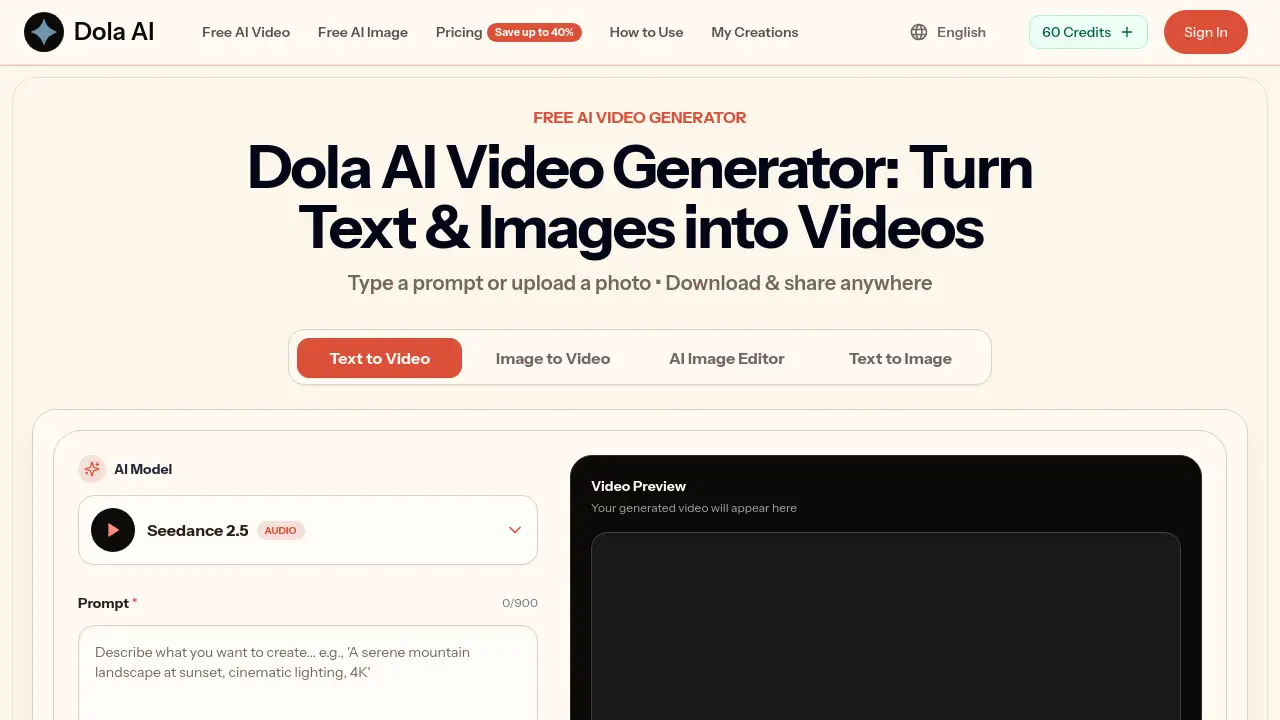
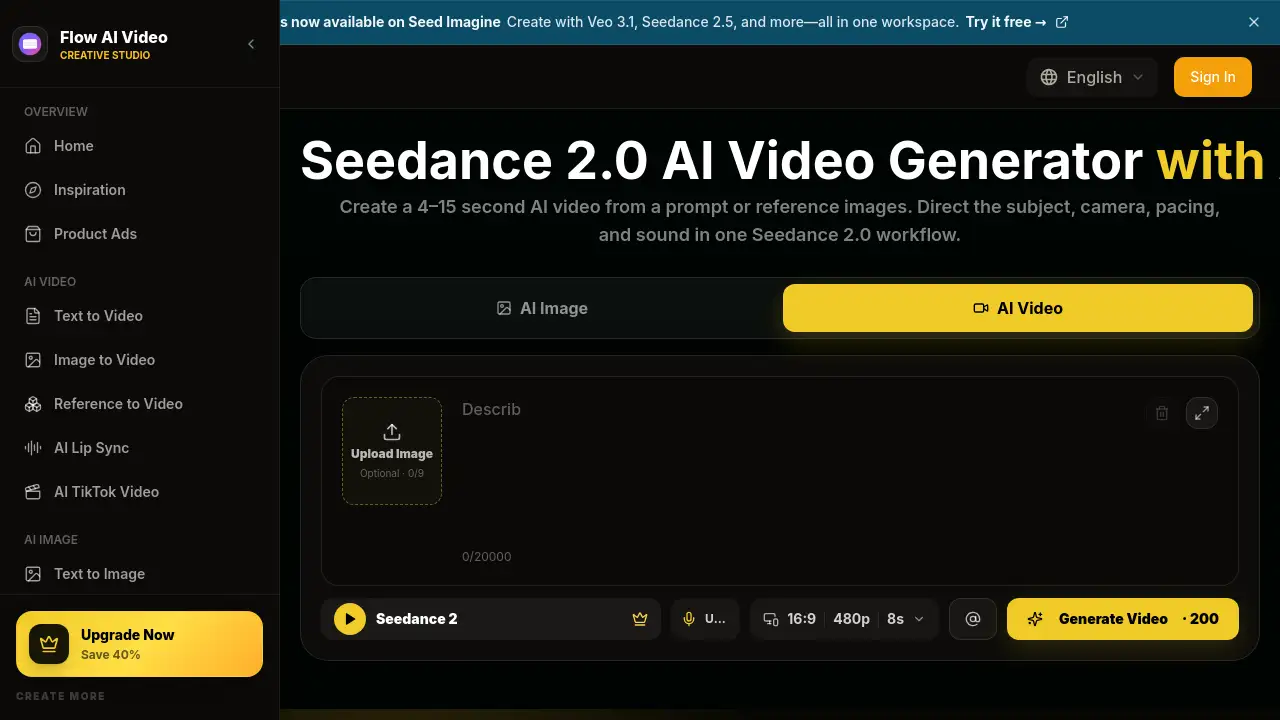
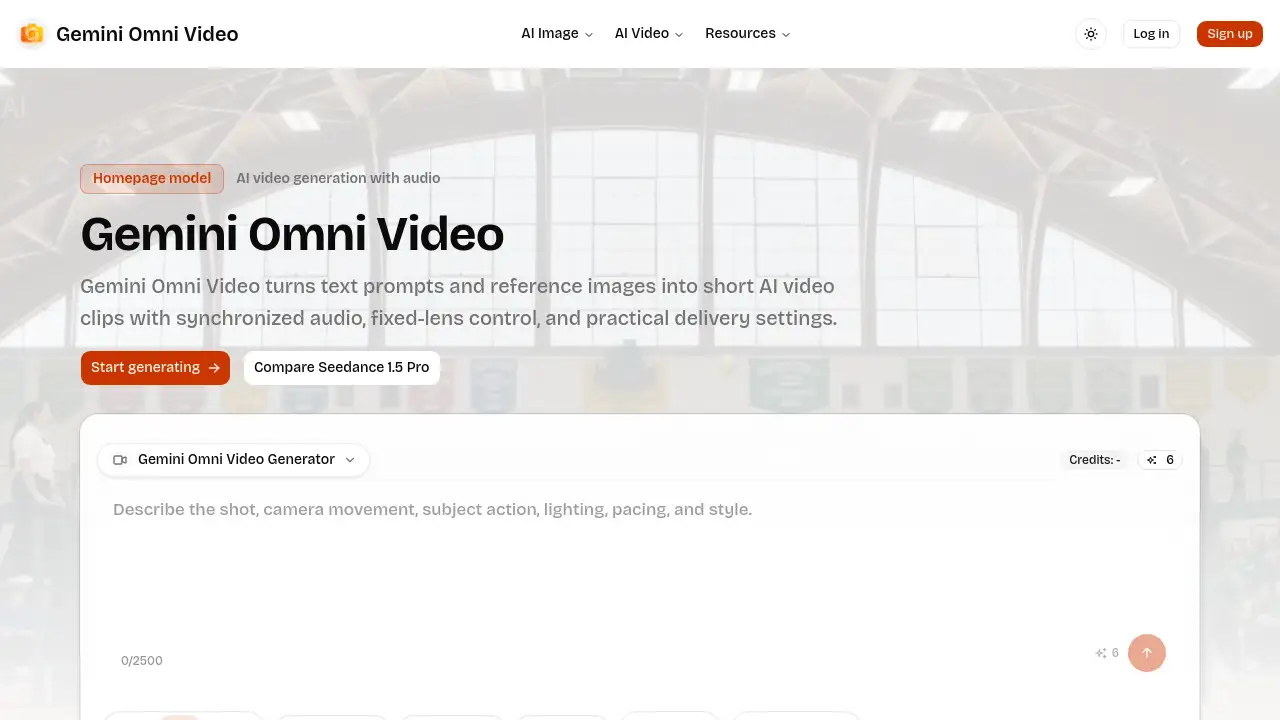
Simply describe any scene in text, and Voe Ai's powerful AI video generation capabilities will transform that idea into a high-quality cinematic video with synchronized audio, offering a straightforward path from concept to creation.
Extend Shots
This functionality lets users seamlessly lengthen existing video clips. It continues the action from the final second of a provided clip, which is perfect for creating longer establishing shots or continuous sequences exceeding 60 seconds.
Precision Editing Tools
Voe Ai includes tools like Insert and Remove, which allow for precise edits within a generated scene. The AI respects shadows and lighting to make additions or deletions of objects look natural, eliminating the need for complex reshoots.
Style and Frame Control
The platform offers advanced controls to lock in visual styles and dictate camera movements through simple prompts, such as "slow dolly-in" or "fast cut," granting users cinematic polish without requiring a director of photography.
Use Cases for Voe Ai
Social Media Marketing
Brands can rapidly produce a high volume of on-brand video ads, hooks, and campaign content for platforms like Instagram Reels and TikTok, enabling faster A/B testing and higher ad return on ad spend (ROAS).
Content Creation for Creators
Independent creators and influencers can generate engaging video content for their channels without needing to learn complex non-linear editing (NLE) software, significantly speeding up their content velocity.
Product Demonstrations and Explainer Videos
Businesses can create professional product demos, explainer videos, and tutorials by combining reference images with descriptive text, achieving high-quality results at a lower production cost.
Localized Video Content at Scale
Global marketing teams can use Voe Ai to generate video content tailored for different regional audiences in one click, maintaining brand identity while achieving localization efficiently.
How to Use Voe Ai
- Describe Your Vision: Start by typing a short brief or pasting a script into the Voe Ai platform. This text prompt forms the foundation of your video.
- Direct the Scene: Guide the AI by refining your text prompt, uploading reference images via the Ingredients to Video or Frames to Video modes, or combining both methods for maximum creative control.
- Render and Deliver: Let Voe Ai process your inputs. Within minutes, you can render your video and export it in various aspect ratios (16:9, 1:1, 4:5, 9:16) ready for publishing.
Target Audience for Voe Ai
- Marketing professionals and advertising agencies
- Social media managers and content creators
- Small business owners and entrepreneurs
- Video editors and production teams seeking efficiency
- Educators and trainers creating instructional content
Is Voe Ai Free?
Voe Ai operates on a credit-based subscription model and does not offer a permanent free plan. It provides several tiered pricing options designed for different usage levels. The plans are structured to be affordable, offering value through features like commercial use rights and 24/7 support. Users can choose between monthly or yearly payment options and cancel anytime, starting with a plan suitable for beginners.
Frequently Asked Questions about Voe Ai
What is the maximum video duration Voe Ai can generate?
With the Veo 3.1 model, the core generation provides clips of 4-8 seconds. However, using the Extend Shots feature, these clips can be seamlessly continued to create videos lasting 60 seconds or more.
Can I use my own images and logos with Voe Ai?
Yes. The Ingredients to Video feature is specifically designed for this purpose. You can upload multiple reference images (PNG, JPG, WebP) to lock characters, objects, colors, and logos, ensuring every video aligns with your brand identity.
Does Voe Ai generate audio for the videos?
Yes. A key enhancement in Veo 3.1 is richer, multi-layer generated audio. This audio syncs with the video scene and is available across multiple generation modes, including Ingredients to Video, Frames to Video, and Extend.
What kind of video editing control does Voe Ai offer?
Voe Ai provides precise AI-powered frame control through natural language. You can direct camera movements, pacing, and scene composition with prompts. Additionally, tools like Insert and Remove allow for object-level editing within a generated scene.
Who is the ideal user for Voe Ai?
Voe Ai is built for anyone needing to create professional video content quickly. It is particularly useful for marketers, content creators, small teams, and businesses that want to increase their content velocity and reduce reliance on expensive production tools or freelancers.
How does Voe Ai compare to other AI video generators?
Voe Ai, especially with the Veo 3.1 update, emphasizes strong prompt adherence, realistic textures, and rich audio. It excels in scenarios requiring cinematic quality and precise creative control, differentiating itself with features like multi-image referencing and advanced scene direction.
Voe Ai Tags
Voe Ai, Veo 3.1, AI video generator, AI video generation, text to video, ingredients to video, frames to video, extend video, AI video editor, create professional videos, video marketing tool, content creation AI, cinematic AI video, generate video from text