Introduction
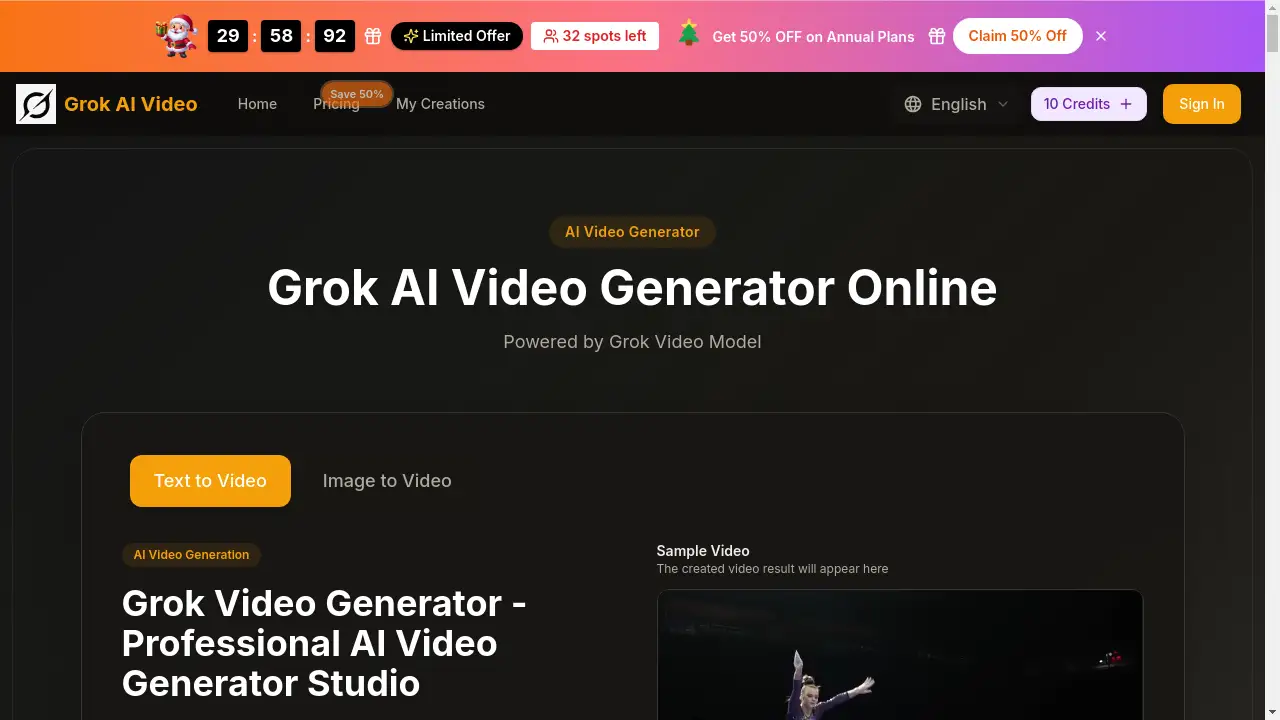
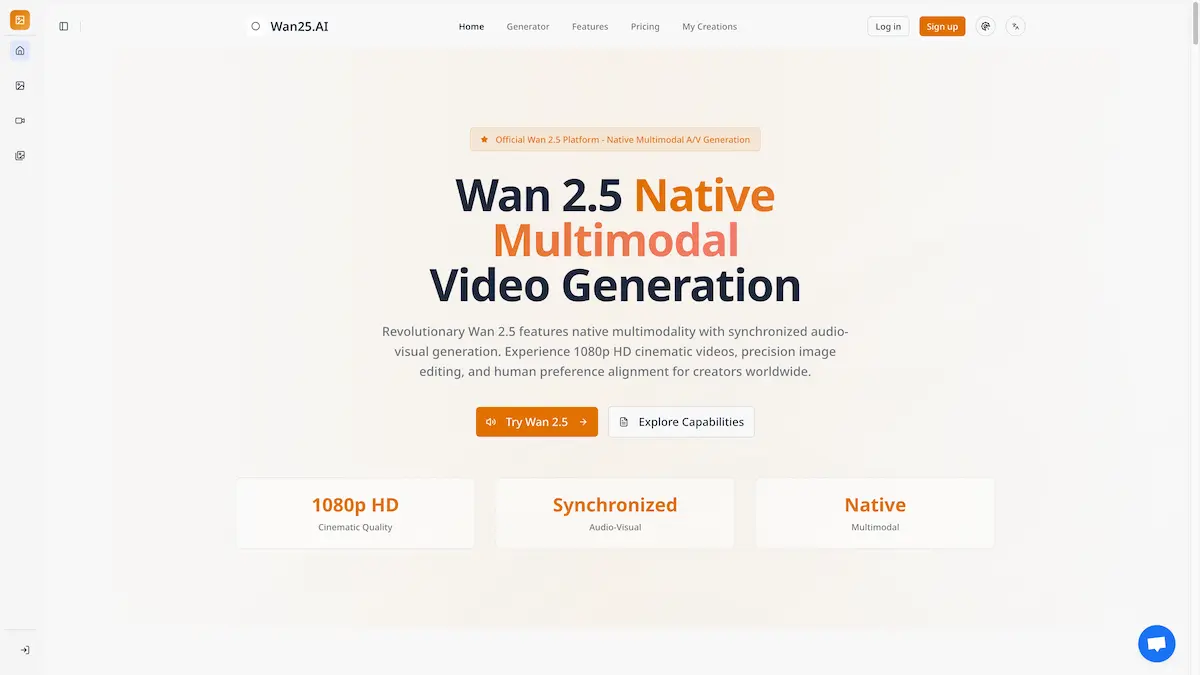
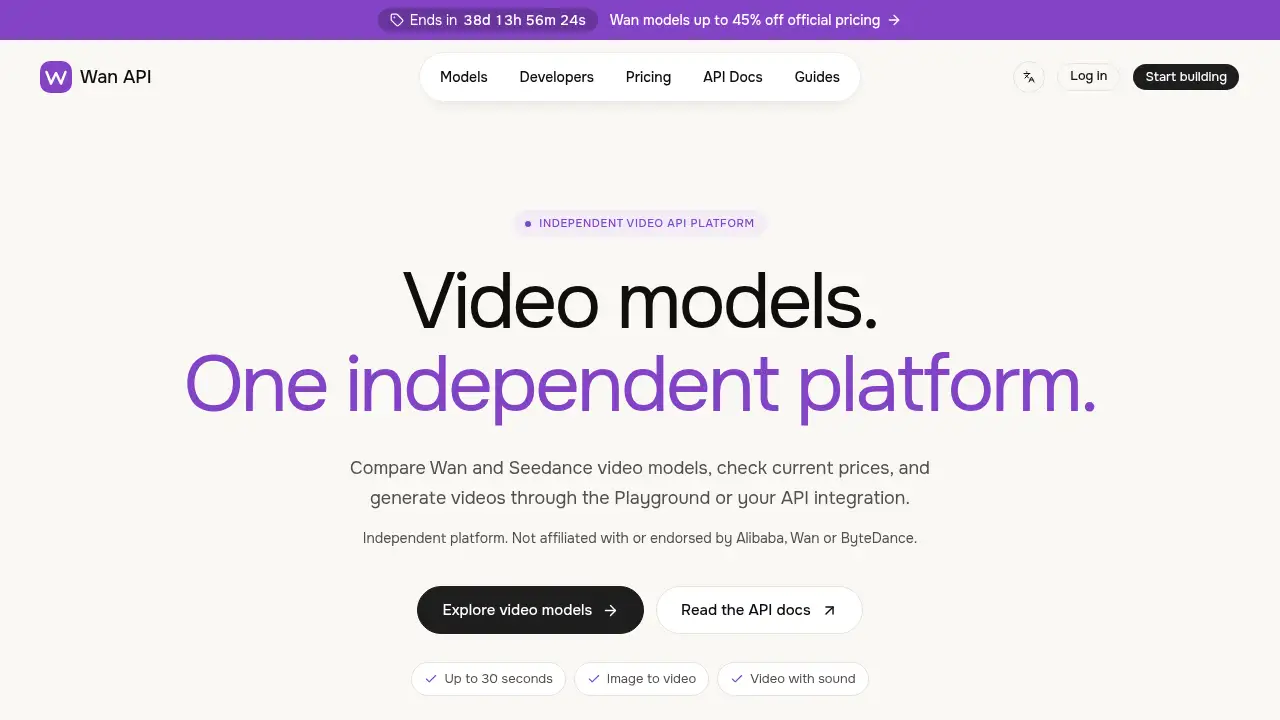
Wan API is an independent platform for Wan 3.0 video models.
What is Wan API?
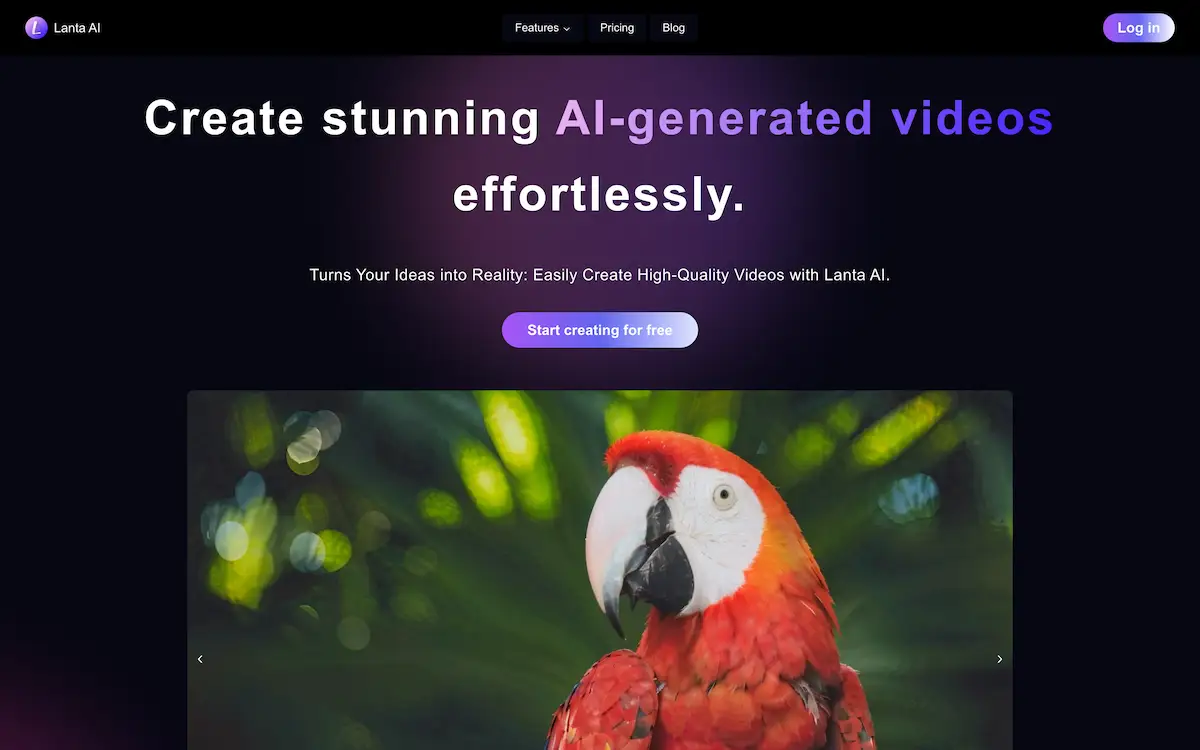
Wan API is an independent video API platform where developers and creators can compare Wan 3.0 video models, review current pricing, and generate clips through a browser playground or a direct API integration. The site is clear about its position: it is not affiliated with or endorsed by Alibaba, Wan, or ByteDance, so it acts as a third-party access layer rather than an official vendor portal.
The problem it addresses is practical. Anyone building video features into an app usually has to answer three questions first: which model version fits the job, what each generation costs at a given resolution, and how to send a request and retrieve a finished file. Wan API puts those answers on one site. Model pages list inputs, duration limits, output resolutions, and price tables, while the documentation covers endpoints, authentication, and request fields.
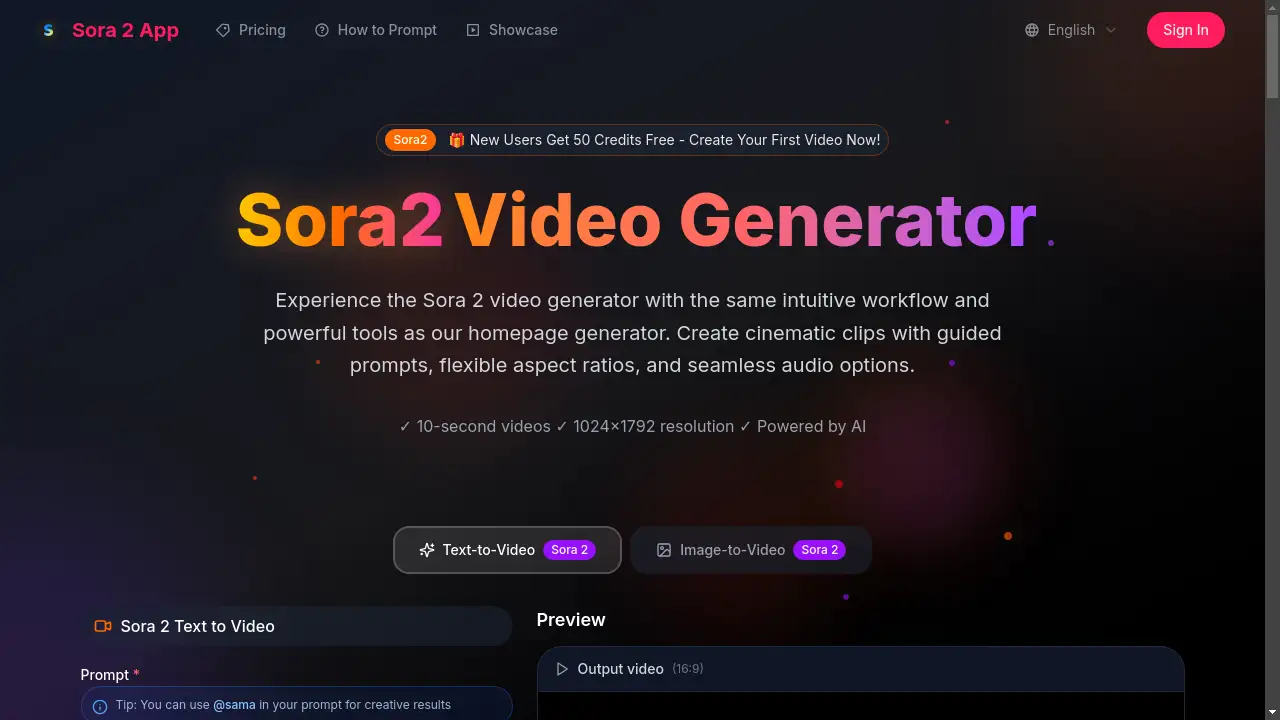
In simple terms, Wan API is a video generation API platform built around the Wan 3.0 family. It covers four tiers — Wan 3.0, Wan 3.0 Prime, Wan 3.0 Pro, and Wan 3.0 Prime Pro — alongside a separate section for Seedance models. Each tier supports text-to-video, image-to-video, and reference-based workflows, with the Pro versions adding 2K and 4K output. Clips can run from 2 to 30 seconds and include generated audio.
This matters for teams that want to test a creative idea quickly, compare model behavior, and then move the same request into production without switching tools.
Key Features of Wan API
Compare Four Wan 3.0 Model Tiers
Review Wan 3.0, Prime, Pro, and Prime Pro side by side to see which one matches your resolution, input, and budget needs.
Text-to-Video Generation
Write a prompt describing a subject, an action, and a camera move, then generate a clip up to 30 seconds at resolutions up to 1080p.
Image-to-Video Animation
Upload a first or last frame image and describe the motion you want, which helps keep product shots and character stills consistent.
Reference-to-Video Workflows
Combine images for character and setting, video for motion, and audio for sound guidance, then explain what each reference contributes.
Generated Audio
Enable sound directly in the request so the clip arrives with audio rather than needing a separate mix step.
Resolution Control up to 4K
Choose 1080p on the standard and Prime models, or step up to 2K and 4K on the Pro tiers when the final delivery requires it.
Playground and API Access
Test a prompt in the browser playground, then move the same idea into code using documented endpoints, authentication, and request fields.
Seedance Model Comparison
Check Seedance models on the same platform when you want a second option for a brief before committing to a pipeline.
Use Cases for Wan API
Marketing and Product Video
Animate a product photograph with a slow camera push or a fabric detail catching the light, then review small packaging and lettering details against the original shot.
Storyboarding and Previsualization
Turn a script line into a short scene to test pacing, framing, and mood before arranging a shoot or building a full animation.
Social Media Clips
Produce short vertical or wide-format clips with sound for feeds where quick turnaround matters more than a full production crew.
Developer Prototyping
Test request bodies, durations, and aspect ratios in the Wan API playground, then reuse the same structure in a production integration.
Creative Direction with References
Brief a scene using character, setting, motion, and audio references so the intended subject and mood are easier to describe.
How to Use Wan API
- Sign in to Wan API, create a key in the API key settings, and add funds to the account before sending requests.
- Choose a model. Start with Wan 3.0 or Prime for 1080p output, and compare the Pro tiers if you need 2K or 4K.
- Pick your input type: a written prompt, a starting image, or a set of reference media such as images, video, and audio.
- Set the output details — duration, aspect ratio, resolution, and whether audio is enabled — and keep them consistent when comparing models.
- Submit the request, track the task, and download the finished video. Review subject, motion, and audio against your brief, then adjust one instruction at a time.
Target Audience for Wan API
- Developers integrating video generation into an app or internal tool
- Product and marketing teams producing short-form video content
- Creative studios testing scene ideas before full production
- Indie makers and solo founders building video features on a per-use budget
- Agencies comparing model variants and pricing before quoting a project
Is Wan API Free?
No free plan is listed on the site. Wan API uses a pay-as-you-go model: users create an account, add funds, and pay per generation in USD. Cost depends on the chosen resolution and the combined duration of reference video plus generated output, so the same brief can cost different amounts across tiers. Current per-second rates appear on each model page.
| Model | Output Options | Pricing Basis |
|---|---|---|
| Wan 3.0 | Up to 1080p | Per-second rate listed on the model page |
| Wan 3.0 Prime | Up to 1080p | Separate per-second rate table |
| Wan 3.0 Pro | Up to 4K | Per-second rate that varies by resolution |
| Wan 3.0 Prime Pro | Up to 4K | Per-second rate that varies by resolution |
Wan API's Pros and Cons
| Aspect | Pros | Cons |
|---|---|---|
| Model coverage | Four Wan 3.0 tiers plus Seedance models in one place | Third-party platform, not an official model vendor |
| Inputs | Text, image, and multimodal reference workflows | Clear, specific briefs are needed for good results |
| Pricing | Per-second rates published per model and resolution | No free tier listed; costs rise with length and resolution |
| Output | Up to 4K video with generated audio | 2K and 4K only on Pro tiers |
| Access | Browser playground plus documented REST endpoints | Requires an account, API key, and funded balance |
Frequently Asked Questions about Wan API
Which Wan model should I choose?
Start with Wan 3.0 or Wan 3.0 Prime if 1080p is enough. Compare the Pro models when your final video needs 2K or 4K, and check each model page for its own specifications and limits.
How is video priced on Wan API?
Rates are shown per model and are based on resolution plus the combined duration of reference video and generated output. All prices are listed in USD, and the balance is drawn from funds added to the account.
Can I start from an image instead of a prompt?
Yes. The family supports text-to-video, first and last frame image inputs, and a separate multimodal reference workflow that can include images, video, and audio guidance.
How long can a generated clip be?
Wan 3.0 models support clips from 2 to 30 seconds. Shorter scenes are easier to evaluate first, since motion, subject consistency, and sound are simpler to judge before scaling up.
Does Wan API generate sound with the video?
Yes. Generated audio can be enabled in the request, and audio references can also be supplied in the reference-to-video workflow to guide the mood.
Where do I find API access details?
Sign in, create a key in the API key settings, add funds, and follow the integration guide, which lists production endpoints, authentication, and request fields.
Wan API Tags
Wan API, Wan 3.0, Wan 3.0 Prime, Wan 3.0 Pro, video API platform, text-to-video API, image-to-video API, reference-to-video, AI video generation pricing, 4K AI video, Seedance models, video generation API integration