Introduction
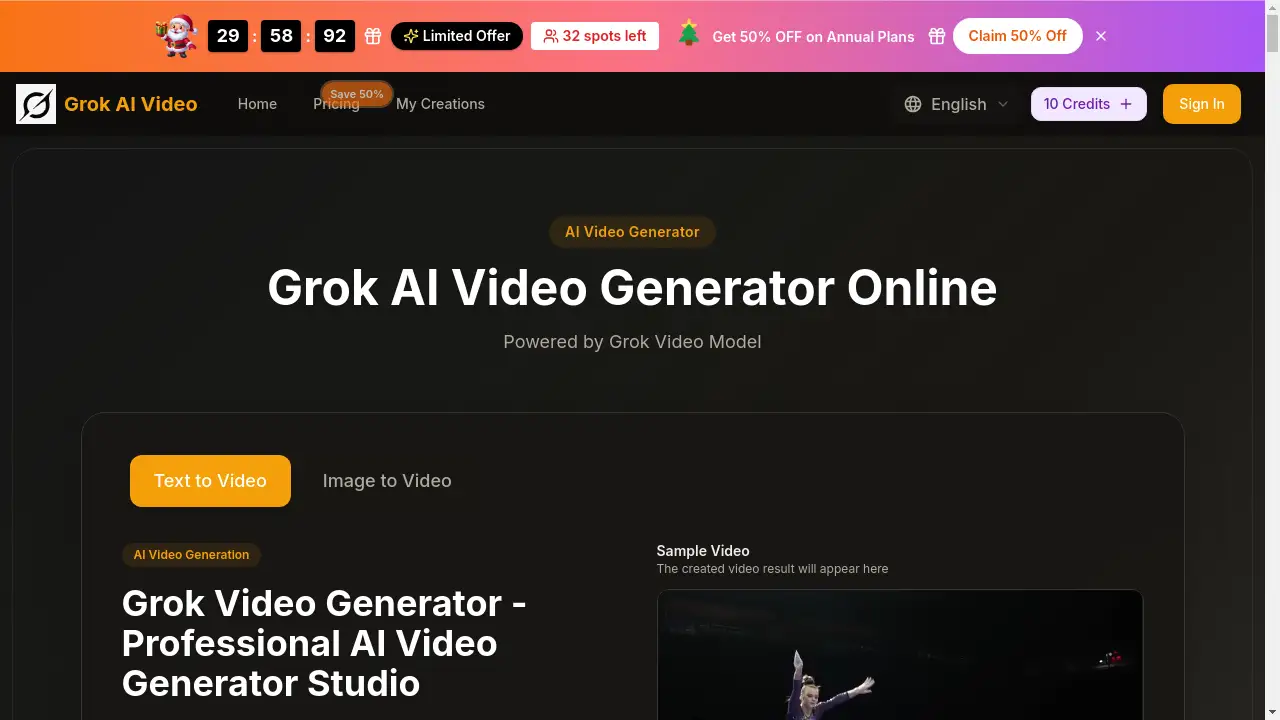
The Grok AI Video Generator is a powerful online tool that creates cinematic 4K videos from text or images.
What is grok ai video?
The Grok AI Video Generator is an online platform that transforms simple text prompts or static images into high-quality, dynamic videos. It solves the problem of needing expensive equipment, technical skills, or complex software to produce professional-looking video content. This tool is suitable for a wide range of users, from hobbyists and social media creators to marketers and business professionals. Its significance lies in its accessibility and the advanced Grok Video Model technology it uses, which enables features like multi-shot storytelling and motion synthesis to create coherent and realistic scenes.
Key Features of grok ai video
Multi-Shot Storytelling
The platform's advanced Grok Video Model excels at creating consistent multi-shot narratives, maintaining characters, styles, and atmospheres across different scenes for professional storytelling.
4K Cinematic Quality
It generates stunning Grok AI Video 4K output with high resolution, smooth motion, and rich detail, suitable for professional presentations and marketing materials.
Dual-Mode Creation
Users can create videos either by describing a scene in text or by uploading an image, leveraging the Grok video from image feature to bring static pictures to life.
Lightning-Fast Generation
The Grok Video Generator produces videos in a matter of seconds, streamlining the workflow from idea to finished product without long rendering times.
Creative Style Freedom
The tool supports a vast range of visual styles, from photorealistic scenes to animated fantasy worlds, allowing for unlimited creative exploration.
Seamless Frame Continuity
Intelligent modeling ensures smooth visual flow between frames, eliminating jarring artifacts and guaranteeing a professional, polished look for every Grok AI Video.
Use Cases for grok ai video
Social Media Content Creation
Creators can quickly generate eye-catching, platform-optimized video clips for Instagram, TikTok, or YouTube to engage their audience.
Marketing and Advertising
Businesses can produce high-quality promotional videos, product demos, or ad assets without the need for a full production team or video shoot.
Concept Visualization
Designers, architects, and storytellers can use text prompts to visualize concepts, moods, or environments before committing to costly physical production.
Educational Content
Educators and trainers can transform lesson plans or static diagrams into engaging, animated video explanations to enhance learning.
How to Use grok ai video
- Access the Tool: Navigate to the Grok AI Video Generator website and choose to start a new project.
- Input Your Source: Either type a detailed text prompt into the provided field or upload an image you wish to animate using the image to video function.
- Configure Settings: Select your desired aspect ratio (e.g., 16:9 for widescreen, 9:16 for stories), video quality, and duration.
- Generate Video: Click the "Generate" button. The Grok Video Model will process your input and create a video, typically within seconds.
- Review and Download: Preview the generated Grok AI Video 4K, make any refinements if needed, and then download the final video file to your device.
Target Audience for grok ai video
- Social media influencers and content creators
- Digital marketers and advertising professionals
- Small business owners and entrepreneurs
- Graphic designers and visual artists
- Educators and trainers
- Hobbyists interested in exploring AI video creation
Is grok ai video Free?
The platform offers a free trial with initial credits, allowing users to test the Grok AI Video Free Online features. For ongoing use, it operates on a credit-based subscription model. Detailed pricing is as follows:
| Plan | Price (Annual Billing) | Key Features & Credits |
|---|---|---|
| Basic | $15.9/month | 1,000 credits/month, Commercial License, Basic AI models. |
| Professional | $25.9/month | 2,000 credits/month, Priority features like no watermark, access to advanced models (Veo 3, Sora 2). |
| Enterprise | $49.9/month | 6,000 credits/month, All premium features, priority support and generation queue. |
Note: A limited-time 50% discount on annual plans is frequently promoted.
grok ai video's Pros and Cons
| Aspect | Pros | Cons |
|---|---|---|
| Ease of Use | Very intuitive interface; no technical expertise required. | Advanced customization options for expert users may be limited. |
| Output Quality | Produces high-quality 4K cinematic videos with smooth motion. | Output duration is currently limited to short clips (e.g., 5-10 seconds). |
| Speed | Lightning-fast generation from prompt to video. | Generation speed for longer or complex multi-shot videos may vary. |
| Pricing | Free trial available; transparent credit system. | Can become expensive for users requiring high volumes of video generation. |
| Features | Powerful multi-shot storytelling and motion synthesis. | The most advanced models (like Sora 2) are locked behind higher-tier annual plans. |
Frequently Asked Questions about grok ai video
Is there a free trial for Grok AI Video?
Yes, the platform offers a Grok AI Video Free Online trial, providing new users with a number of free credits to test the core features of the Grok Video Generator before committing to a paid plan.
What is the Grok Video Model?
The Grok Video Model is the underlying AI technology that powers the platform. It specializes in understanding context and generating coherent, multi-scene videos with consistent elements and realistic motion synthesis from text or image inputs.
Can I create a video from a picture?
Absolutely. One of the key features is Grok video from image capability. You can upload any static image, and the AI will animate it, adding motion and depth to create a short video clip.
What video quality does it produce?
The Grok AI Video Generator is capable of producing videos up to Grok AI Video 4K resolution, ensuring high-definition output with fine details suitable for professional use.
Who owns the videos I create?
According to the platform's terms, users typically retain ownership of the videos they generate, and paid plans include a commercial use license, allowing you to use the videos for business purposes.
What are credits, and how many do I need?
Credits are the platform's currency for generating videos. The number of credits consumed per video depends on factors like length and resolution. Subscription plans provide a monthly allowance of credits, as shown in the pricing table.
grok ai video Tags
Grok AI Video, Grok AI Video Generator, AI video generator, text to video, image to video, Grok Video Model, 4K AI video, free AI video maker, online video creator, motion synthesis, multi-shot storytelling, cinematic video AI