Introduction
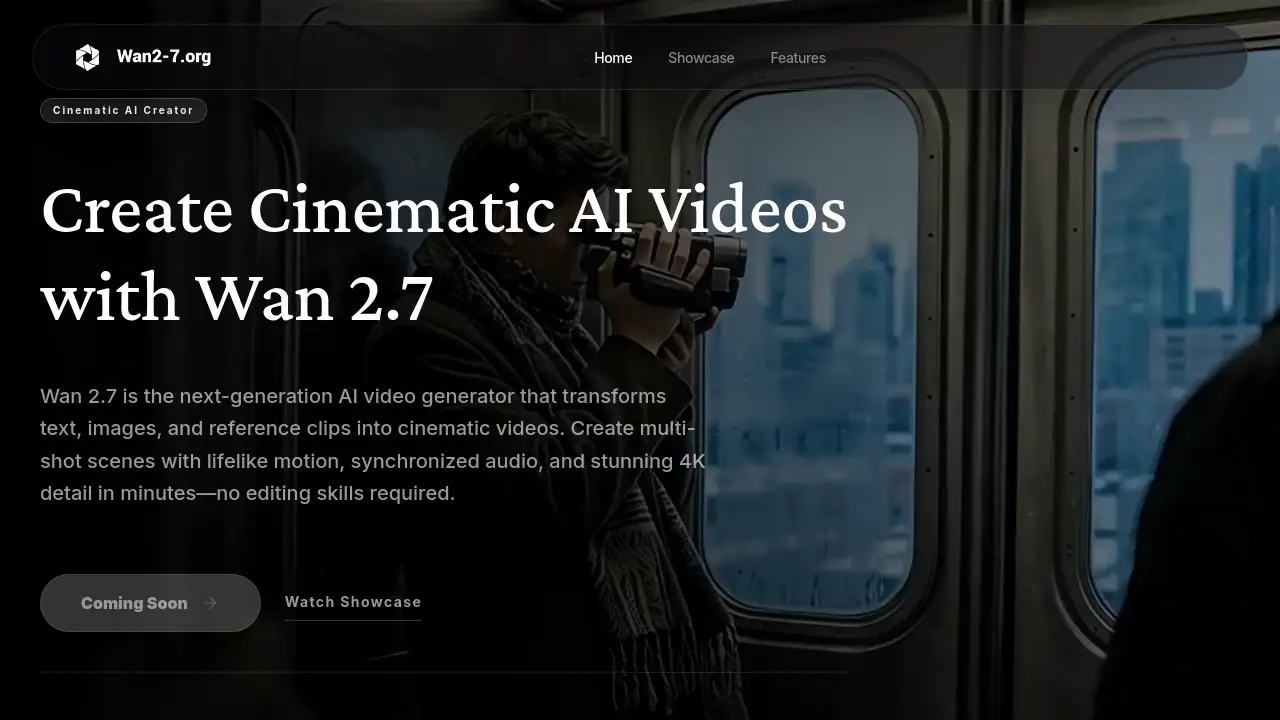
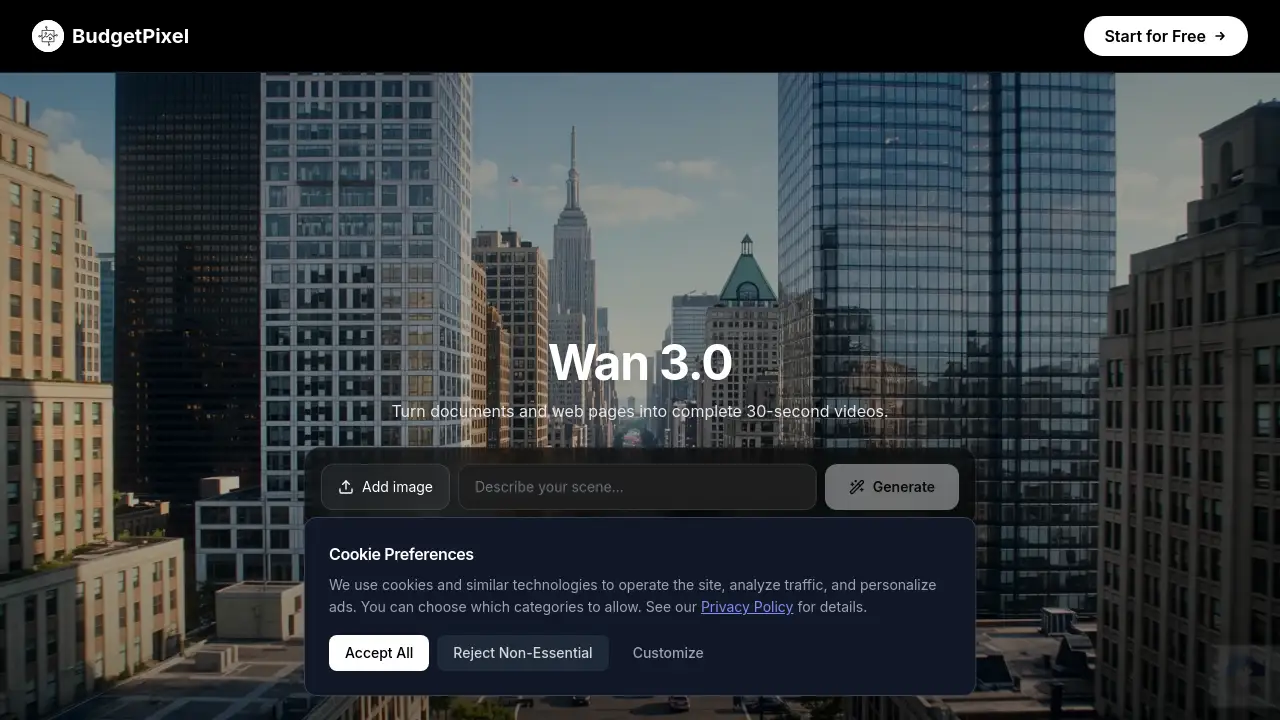
Wan 3.0 Video Model makes 30-second videos from text.
What is Wan3.0 Video Model At BudgetPixel AI?
Wan 3.0 Video Model At BudgetPixel AI is a cloud-based AI video generation service. It is built around Alibaba's Wan 3.0 multimodal model, which creates complete video clips from text descriptions and mixed reference media. Instead of producing a short, silent draft, this model generates up to 30 seconds of footage at 1080P with synchronized audio, dialogue, and camera movement in a single pass.
The core problem it solves is fragmentation. Many AI video tools produce short clips that need heavy editing, separate audio tools, and multiple regenerations. Wan 3.0 Video Model treats the whole scene as one creative brief: characters, products, locations, voices, and style are controlled together through text, images, video, audio, documents, or public web pages.
This makes it useful for anyone who needs professional-looking video without a full production team. Content creators, marketing teams, product teams, and developers can use it for explainers, brand spots, product demos, and data storytelling.
Why it matters: it combines long-form generation, native sound, and multimodal input in a single workflow. That reduces the distance between an idea and a finished video, and makes AI video generation more practical for real projects.
Key Features of Wan3.0 Video Model At BudgetPixel AI
Wan 3.0 Video Model offers these core capabilities:
Native 30-second scenes
Generate up to 30 seconds of video in one pass, with smart duration recommendations and continuous camera movement. Extend clips for longer narratives when needed.
Mixed media references
Guide generation with text, images, video, audio, documents, and public web pages. Use up to 10 reference images, 5 reference videos, and 5 reference audio tracks to control characters, products, locations, voices, and style.
1080P video and sound in one pass
Produce 480P, 720P, or 1080P output with synchronized dialogue, lip movement, ambient sound, music, and multilingual voice performances. Audio follows the on-screen action rather than being added later.
Stable details with targeted editing
Preserve faces, clothing, logos, product structure, and spatial relationships across shots. Revise visuals, plot, or dialogue without rebuilding the whole concept from scratch.
Document-to-video briefings
Turn reports, decks, and spreadsheets into coherent narrated visual sequences. This helps anyone with prepared material skip the script-writing stage.
API and MCP access
Use Wan 3.0 Video Model through the BudgetPixel developer API or connect Claude, Cursor, or any MCP-compatible agent. The API supports text-to-video, image-to-video, and reference-to-video prompts. Generations are metered in credits and failed requests are not charged.
Use Cases for Wan3.0 Video Model At BudgetPixel AI
Document-to-video briefings
Convert reports and slide decks into narrated explainer videos for internal communication, training, or client updates.
30-second brand spots
Create a complete campaign arc with synchronized sound and continuous camera movement in one generation.
Reference-led product demos
Keep packaging, materials, logos, and presenter details stable across product-focused shots.
Vertical creator videos
Produce portrait clips with direct-to-camera speech, natural gestures, and matched audio for social platforms.
UI and data explainers
Animate interfaces, charts, and structured information while preserving a polished visual hierarchy.
How to Use Wan3.0 Video Model At BudgetPixel AI
Working with Wan 3.0 Video Model follows a simple three-step workflow:
- Describe your story. Write the scene, action, camera direction, dialogue, and sound. Add images, video, audio, documents, or web references when you need tighter control.
- Choose length and quality. Set a duration up to 30 seconds and choose 480P, 720P, or 1080P. Use lower resolution for drafts, then move to 1080P for the final output.
- Generate and refine. Review motion, subject consistency, framing, dialogue, and sound. Adjust the prompt or references and generate another pass until the result matches your intent.
The same model is available via API for developers who want to automate text-to-video or reference-to-video workflows.
Target Audience for Wan3.0 Video Model At BudgetPixel AI
- Content creators and social media producers
- Marketing and brand teams
- Product and growth teams making demos
- Corporate training and internal communications
- Video editors and motion designers
- Developers building AI video features with text-to-video APIs
Is Wan3.0 Video Model At BudgetPixel AI Free?
Wan 3.0 Video Model is not free. It runs on a credit system with no per-model surcharge and no surprise billing. The web studio costs 170 credits per second of video, so a 5-second clip costs roughly 850 credits. Credit packages are available on the BudgetPixel pricing page.
API pricing is metered per second and depends on resolution and endpoint:
| Endpoint | 480P | 720P | 1080P |
|---|---|---|---|
| POST /v1/videos/wan-3.0-video | 60 credits/s | 120 credits/s | 240 credits/s |
| POST /v1/videos/wan-3.0-video-prime | 85 credits/s | 170 credits/s | 340 credits/s |
API keys are available on Premium plans and above. Failed generations are never charged.
Wan3.0 Video Model At BudgetPixel AI's Pros and Cons
| Aspect | Pros | Cons |
|---|---|---|
| Video length | Up to 30 seconds in a single pass | Longer narratives require extension |
| Input types | Text, images, video, audio, documents, web pages | Reference limits: max 10 images, 5 videos, 5 audio tracks |
| Output quality | 1080P with synced audio and dialogue | Higher resolution consumes more credits |
| Editing | Targeted revisions to visuals, story, dialogue | Exact controls depend on how the model is accessed |
| Licensing | Commercial use possible under service terms | Proprietary model, not open-source |
| Pricing | Credit-based, transparent meter rates | Costs scale with duration and resolution |
Frequently Asked Questions about Wan3.0 Video Model At BudgetPixel AI
What is Wan 3.0?
Wan 3.0 Video Model is Alibaba's multimodal AI video generation model. It creates clips up to 30 seconds long at up to 1080P, with native audio, from text and mixed reference materials.
How long are Wan 3.0 videos and what resolutions are supported?
Clips can be up to 30 seconds per generation. Supported resolutions are 480P, 720P, and 1080P, with portrait and landscape framing for different publishing formats.
Does Wan 3.0 generate audio?
Yes. Wan 3.0 generates dialogue, voices, ambience, music, and sound effects in the same pass as the video, with synchronized lip movement for spoken performances.
Can Wan 3.0 turn documents into videos?
Yes. Wan 3.0 can interpret reports, presentations, spreadsheets, PDFs, text files, and other supported documents and turn them into structured briefings, explainers, training sequences, or promotional videos.
Does Wan 3.0 have an API?
Yes. Wan 3.0 Video Model is available through the BudgetPixel developer API with two endpoints (Wan 3.0 and Wan 3.0 Prime), supporting text-to-video, image-to-video, and reference-to-video.
Can I use Wan 3.0 videos commercially?
Wan 3.0 is a proprietary model accessed under service terms rather than an open-source license. Review provider and platform terms for commercial rights, trademarks, reference media, and output ownership.
Wan3.0 Video Model At BudgetPixel AI Tags
Wan 3.0 video model, AI video generation, text-to-video AI, 30-second video generator, document-to-video, AI video API, Wan 3.0 Prime, multimodal video generation, AI video with audio, 1080p AI video, BudgetPixel AI, MCP video generation