Introduction
Wonderslide is an AI presentation maker for fast decks.
What is Wonderslide?
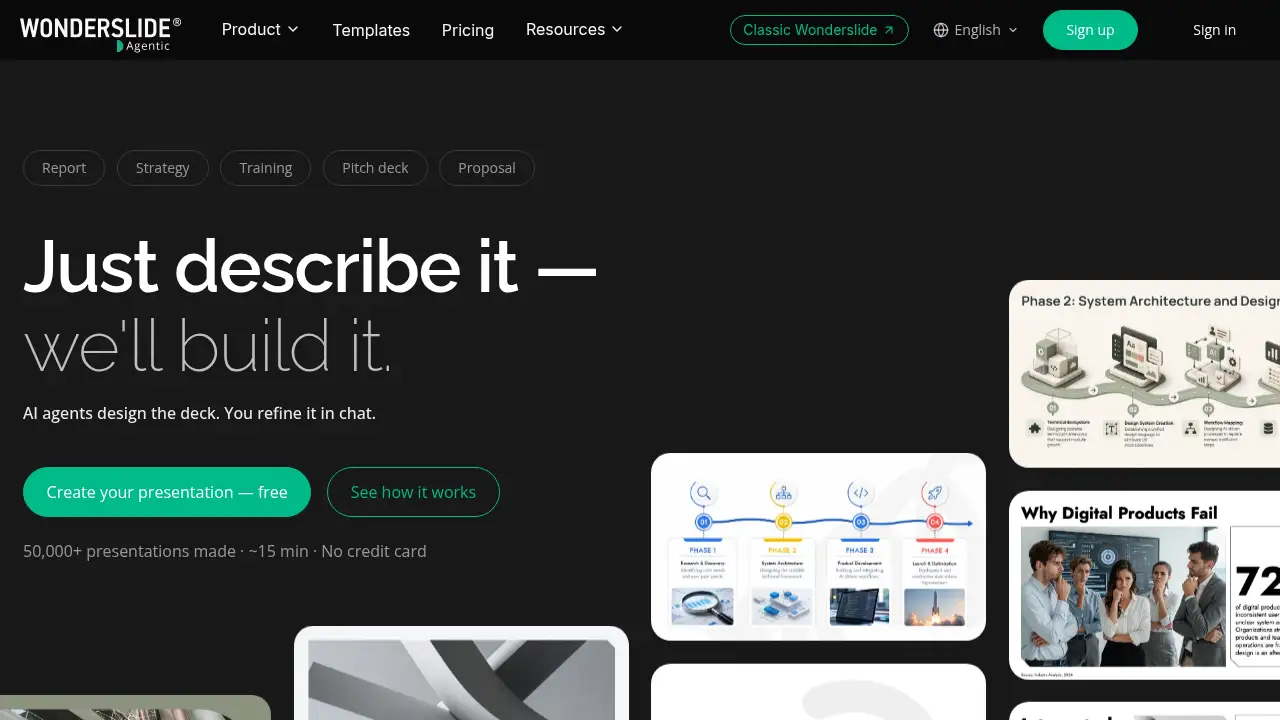
Wonderslide is an AI presentation generator that helps users turn a short brief, uploaded files, or rough notes into a structured slide deck. Instead of spending hours on layout and formatting, users describe the task and let AI agents build an outline, design slides, and suggest visual elements. It is built for people who need a presentation quickly but do not have design skills or extra time. As an AI presentation maker, Wonderslide focuses on the content-first workflow: users explain what they need, review the structure, then refine the result in chat. This makes it a practical PowerPoint alternative for reports, proposals, strategy decks, training materials, and pitch presentations. The tool matters because it reduces the gap between having an idea and presenting it clearly, without requiring a designer or a long production cycle.
Key Features of Wonderslide
AI Agents Build the Structure
Describe the presentation goal in plain language and Wonderslide proposes a slide-by-slide outline. The AI agents organize the narrative before design begins, which helps users move from a blank page to a clear deck faster.
Chat-Based Editing and Refinement
Users can ask for changes in a chat window, such as adding a competitor slide or making the tone more formal. This AI deck builder applies edits without forcing a full rebuild from scratch.
Works with Uploaded Materials
Upload a document, spreadsheet, PDF, or draft and Wonderslide parses the content to build slides. This feature makes the AI presentation generator useful for turning existing research into a finished deck.
Built-In Web Research with Sources
When web search is allowed, Wonderslide can add current statistics, market data, and trends to a presentation. Numbers found through search include source links, which supports more careful fact-checking.
Automatic Charts, Tables, and Diagrams
The presentation design tool automatically formats tables, graphs, and diagrams with readable colors and layouts. Users do not need to manually adjust every visual to keep the deck consistent.
Export and Sharing Options
Finished presentations can be downloaded as PPTX or PDF, opened in Google Slides, or shared by link. This makes Wonderslide a flexible AI-powered presentation software option for different workflows.
Use Cases for Wonderslide
Business Reports and Strategy Decks
Marketers and product managers can turn performance data and planning notes into a structured report. An AI slide generator can help prepare an executive summary, quarterly review, or strategy presentation in less time.
Sales Proposals and Client Pitches
Sales teams can describe a client’s industry and pain points, then generate a more tailored proposal. Wonderslide can support a personalized pitch deck rather than a generic template-based presentation.
Training and Educational Presentations
Trainers can upload course guides or program notes and ask Wonderslide to build a teaching structure. The AI presentation maker can organize theory, practice, and reinforcement into a clear slide flow.
Startup Pitch Decks
Founders preparing for Demo Day or investor meetings can use Wonderslide to shape a narrative quickly. The tool helps create a first draft that can then be refined through chat-based editing.
How to Use Wonderslide
- Go to Wonderslide and describe the presentation task in a sentence or two.
- Upload any supporting materials, such as documents, data files, or drafts.
- Review the proposed outline and adjust the structure or style if needed.
- Click to generate the presentation and wait for the AI agents to assemble the slides.
- Use the chat to request edits, then download the deck as PPTX or PDF or share it by link.
Wonderslide keeps the workflow simple: describe, review, generate, and refine. Users who need an AI presentation generator can complete a first version in minutes and then improve it with focused chat instructions.
Target Audience for Wonderslide
- Marketers and product managers who need reports and strategy decks
- Sales managers preparing client proposals and pitches
- Startup founders building investor presentations
- Trainers and instructional designers creating course slides
- Consultants who present research and recommendations
- Small teams that want a shared presentation workflow
- Professionals looking for a fast PowerPoint alternative
Is Wonderslide Free?
Wonderslide offers a free plan and several paid tiers. The free plan is useful for testing the AI presentation maker on a real task, while paid plans add more presentations, editable PPTX files, watermark removal, commercial use, and higher-level AI models.
| Plan | Price | Features |
|---|---|---|
| Free | $0 | 3 presentations per month, up to 10 slides per presentation, standard AI, web research, PDF download, share by link, non-commercial use |
| Starter | $9.99/month annual or $12.99/month monthly | 20 presentations per month, advanced AI, editable PPTX, no watermark, password-protected sharing, commercial use license, basic support |
| Pro | $18.99/month annual or $24.99/month monthly | Unlimited presentations, best AI models, priority generation speed, priority support |
| Team | From $59.97/month for 3 seats | Unlimited presentations per seat, corporate templates and branding, shared brand assets, team admin dashboard, centralized billing, individual support agent |
Wonderslide's Pros and Cons
| Aspect | Pros | Cons |
|---|---|---|
| Speed | Generates a first draft in minutes and supports fast chat edits | Very complex or highly branded decks may still need manual review |
| Ease of use | No design skills needed; users describe the task in plain language | New users may need a short adjustment period to write clear prompts |
| Features | Supports uploaded files, web research, charts, tables, and diagrams | Advanced AI and editable PPTX are limited to paid plans |
| Output | Exports to PPTX, PDF, Google Slides, or shareable links | Free plan limits slides and monthly presentations |
| Pricing | Free tier available; paid plans scale for individuals and teams | Team branding features require a higher-tier plan |
Frequently Asked Questions about Wonderslide
What is Wonderslide best used for?
Wonderslide is best for creating structured business presentations, reports, proposals, training decks, and pitch presentations. It is an AI presentation maker designed to reduce layout work and help users focus on content and message.
Does Wonderslide work with PowerPoint files?
Wonderslide can export presentations as PPTX files on paid plans, which can then be opened in PowerPoint. The free plan focuses on PDF download and link sharing, so users who need editable PowerPoint output should check the paid options.
Can Wonderslide find current data for presentations?
Yes, when web search is enabled, Wonderslide can add current statistics, trends, and market data. Numbers from search include source links, and data without a verified source is marked for review.
Is Wonderslide free to try?
Yes. Wonderslide has a free plan that allows 3 presentations per month with up to 10 slides each. It is a practical way to test the AI slide generator before choosing a paid plan.
How long does it take to create a presentation with Wonderslide?
The homepage suggests a ready presentation can be created in around 15 minutes, depending on the task and materials. Users describe the brief, review the outline, and generate slides, then refine them in chat.
Can teams use Wonderslide together?
Yes. The Team plan supports multiple seats, shared brand assets, corporate templates, a team admin dashboard, and centralized billing. This makes Wonderslide an AI-powered presentation software option for teams that present together.
Wonderslide Tags
Wonderslide, AI presentation maker, AI presentation generator, AI slide generator, presentation design tool, PowerPoint alternative, AI deck builder, create presentations with AI, business presentation software, sales pitch deck tool, training presentation maker, AI-powered presentation software