Introduction
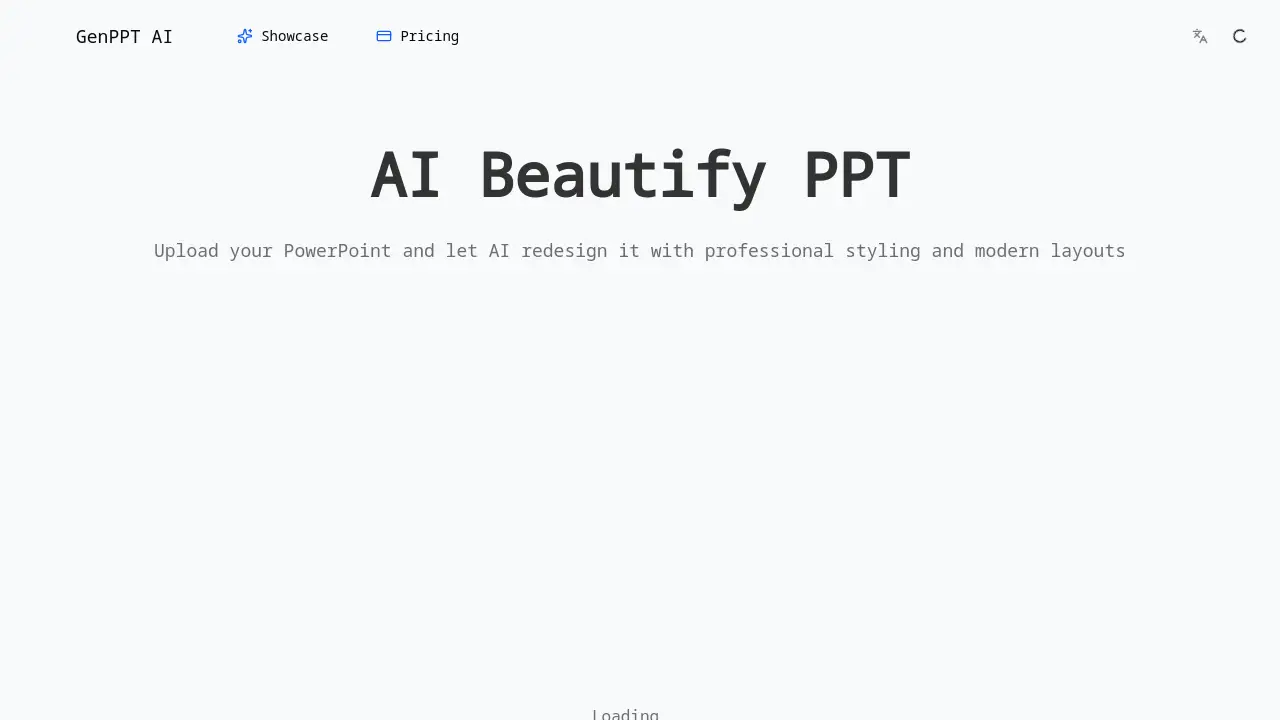
Transform ordinary PowerPoint slides into professional presentations instantly with the AI Beautify PPT tool.
What is GenPPT - AI Beautify PPT?
GenPPT - AI Beautify PPT is an online tool that uses artificial intelligence to automatically redesign PowerPoint presentations. It solves the common problem of creating visually appealing slides without design expertise. Users can upload an existing PowerPoint file, and the AI will apply professional styling, modern layouts, and cohesive themes to beautify the entire deck. This product is suitable for professionals, students, educators, and anyone who needs to deliver polished presentations quickly. It matters because it saves significant time and effort, transforming ordinary or outdated slides into visually stunning presentations that can better capture and retain an audience's attention.
Key Features of GenPPT - AI Beautify PPT
Professional Redesign
The tool transforms plain slides into eye-catching presentations by applying modern typography, balanced layouts, and professional color schemes that make your content stand out.
Content Preservation
Your original text, data, and slide structure remain completely intact, as the AI focuses exclusively on improving visual elements like colors, fonts, and spacing.
Smart Layout Optimization
The AI analyzes each slide to select the optimal layout, rearranging elements for better visual hierarchy and ensuring key points receive the attention they deserve.
Consistent Theme Application
A cohesive design theme is applied across all slides, creating a unified look with matching colors and fonts for a polished, professional appearance.
Custom Design Instructions
Users can guide the AI with specific preferences, such as desired color schemes or design styles, for a more tailored beautification result.
Fast & Free to Use
The tool beautifies presentations in minutes without requiring design skills or a sign-up, handling PowerPoint files of any size for free.
Use Cases for GenPPT - AI Beautify PPT
Upgrading Old Decks
Quickly refresh outdated business or academic presentations to give them a modern, professional look suitable for current audiences.
Polishing Draft Presentations
Take rough draft slides and instantly apply professional design principles, ensuring a strong visual impact for important meetings or client pitches.
Academic and Student Projects
Help students and educators create visually compelling presentations for classes, thesis defenses, or conference talks without design training.
Last-Minute Presentation Prep
Rapidly enhance the visual appeal of a presentation when time is limited, ensuring it looks polished and well-considered.
How to Use GenPPT - AI Beautify PPT
Using the AI Beautify PPT tool is a straightforward process designed for speed and simplicity.
- Visit the Website: Navigate to the GenPPT AI Beautify PPT page.
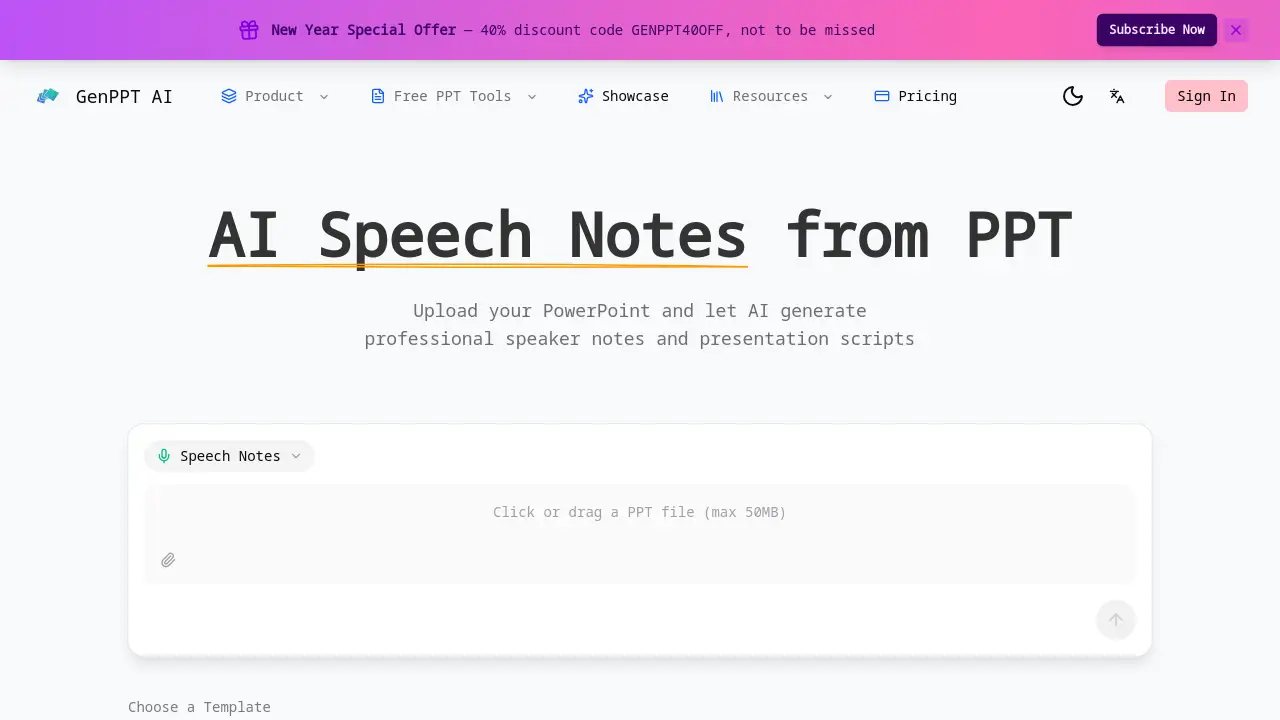
- Upload Your File: Click the upload area and select the PowerPoint presentation you wish to beautify from your computer.
- Choose a Template (Optional): If prompted, select from available design templates like Insight Blue or Sandstone Pro to guide the AI's style.
- Let AI Work: The AI will automatically process your file, redesigning the layouts, fonts, and colors while keeping your content intact.
- Download Result: Within minutes, download your newly beautified PowerPoint presentation, ready for use.
Target Audience for GenPPT - AI Beautify PPT
- Business professionals preparing reports or pitches
- Students and educators working on academic presentations
- Consultants and freelancers needing client-ready slides
- Marketers creating campaign or product decks
- Anyone lacking design skills but requiring professional-looking slides
Is GenPPT - AI Beautify PPT Free?
Based on the available information, the core "AI Beautify PPT" functionality is described as completely free to use with no sign-up required. The website mentions a "New Year Special Offer—40% discount code GENPPT40OFF," which suggests there may be premium plans or related paid services. For detailed and current pricing information, users should check the official GenPPT website.
| Plan | Price | Key Features |
|---|---|---|
| AI Beautify PPT (Basic) | Free | Professional redesign, content preservation, fast processing. |
| Premium Plans (Inferred) | Information Not Specified | Likely includes advanced templates, higher upload limits, or additional AI features. (Check official site) |
GenPPT - AI Beautify PPT's Pros and Cons
| Aspect | Pros | Cons |
|---|---|---|
| Ease of Use | Extremely simple, no design skills or account needed. | Customization may be limited compared to manual design. |
| Speed | Processes and redesigns presentations in just minutes. | Final design is AI-generated, which may not suit highly specific brand guidelines. |
| Cost (Basic Feature) | The core beautification tool is completely free. | Premium features or related services likely require payment. |
| Output Quality | Transforms ordinary slides into professionally styled presentations. | The AI's creative choices might not always align with user preference. |
Frequently Asked Questions about GenPPT - AI Beautify PPT
How does AI Beautify PPT work?
You simply upload your PowerPoint file to the tool. The AI then analyzes your slides and automatically applies professional design principles, including modern layouts, typography, and color schemes, to create a visually enhanced version while keeping your original content.
Does the tool change my text or data?
No. A key feature of the AI Beautify PPT tool is content preservation. It focuses solely on improving visual design elements like layout, colors, fonts, and spacing. Your original text, data charts, and overall structure remain completely unchanged.
Is there a limit to the file size or number of slides?
The product information states the tool handles PowerPoint files of "any size." For the most accurate and current information on any limitations for the free service, it is best to refer to the official GenPPT website.
Can I choose a specific design style or color scheme?
Yes. The tool offers a "Custom Design Instructions" feature. You can guide the AI by specifying preferences for color schemes or design styles to influence the final look of your beautified presentation.
Is the beautified PowerPoint editable after download?
Yes. The output is a standard PowerPoint (.pptx) file. You can open it in Microsoft PowerPoint, Google Slides, or similar software and make any further edits or adjustments as needed.
What types of presentations is this tool best for?
The AI Beautify PPT tool is perfect for upgrading old business decks, polishing draft presentations for meetings, enhancing academic talks, and creating client-facing materials that require a professional visual impact quickly.
GenPPT - AI Beautify PPT Tags
AI Beautify PPT, PowerPoint redesign, presentation beautifier, AI presentation maker, free PPT design, professional PowerPoint templates, automate slide design, improve presentation visuals, AI for presentations, quick PowerPoint upgrade, slide layout optimization, GenPPT AI tool