Introduction
GenPPT AI is an innovative AI PPT generator that simplifies creating professional presentations.
What is GenPPT AI?
GenPPT AI is an AI-powered presentation tool designed to transform ideas into polished slide decks quickly and efficiently. It solves the common problem of spending excessive time on slide design, structure, and visual formatting. This tool is suitable for anyone who needs to create presentations, from business professionals and educators to students and content creators. By automating the most time-consuming aspects of presentation creation, GenPPT AI allows users to focus on their core message, making it a valuable asset for enhancing productivity and communication.
Key Features of GenPPT AI
Text-to-Slides with GenPPT
Users can describe their presentation concept in plain text, and the AI will generate a complete, structured slide deck with professionally designed layouts automatically.
Smart Layouts by GenPPT AI
The AI analyzes the content type on each slide and intelligently selects the most effective design patterns and layouts to ensure visual coherence and impact.
Chart Generation with GenPPT
Raw data can be transformed into professionally styled charts and graphs, enabling users to create compelling data visualizations without manual design work.
Image Suggestions by GenPPT AI
To enhance visual appeal, the tool recommends relevant, high-quality images that perfectly match the slide's content and overall message.
Export to PPTX from GenPPT
Presentations can be downloaded as standard PowerPoint (.PPTX) files, ensuring full compatibility with software like Microsoft PowerPoint, Google Slides, and Apple Keynote.
Multi-language Support in GenPPT
The platform supports creating presentations in multiple languages with proper formatting and typography, making it ideal for global teams and multilingual projects.
Use Cases for GenPPT AI
Business Pitch Decks
Professionals can rapidly generate investor-ready pitch decks, saving valuable time in fast-paced startup environments or corporate settings.
Educational Course Materials
Educators and trainers can quickly create engaging lecture slides and training materials, allowing them to dedicate more time to teaching and student interaction.
Marketing and Sales Presentations
Marketing teams can produce visually consistent sales presentations and product showcases to effectively communicate brand messages to clients and stakeholders.
Student Projects and Reports
Students can overcome design challenges to produce well-structured, professional-looking presentations for academic projects, theses, or class reports.
How to Use GenPPT AI
Using GenPPT AI to create a presentation is a straightforward process:
- Start a New Project: Visit the GenPPT AI website and initiate a new presentation project.
- Input Your Content: Provide a text description of your presentation topic, outline, or key points. You can also input data for charts.
- Let the AI Generate: The AI PPT generator will process your input and automatically create a structured slide deck with designs, layouts, and suggested images.
- Review and Customize: Review the generated presentation. You can easily edit text, swap images, or adjust layouts within the platform.
- Export and Present: Once satisfied, download your presentation as a PPTX file using the export feature, ready for your meeting or delivery.
Target Audience for GenPPT AI
- Business Professionals: Managers, consultants, and entrepreneurs who need to create reports, proposals, and pitches.
- Educators and Trainers: Teachers, professors, and corporate trainers developing course materials and instructional content.
- Marketing and Sales Teams: Individuals responsible for creating client presentations, product launches, and promotional content.
- Students: University and high school students working on assignments, project submissions, and thesis defenses.
- Content Creators: Bloggers, influencers, and speakers who require visually appealing slides for webinars, videos, or live talks.
Is GenPPT AI Free?
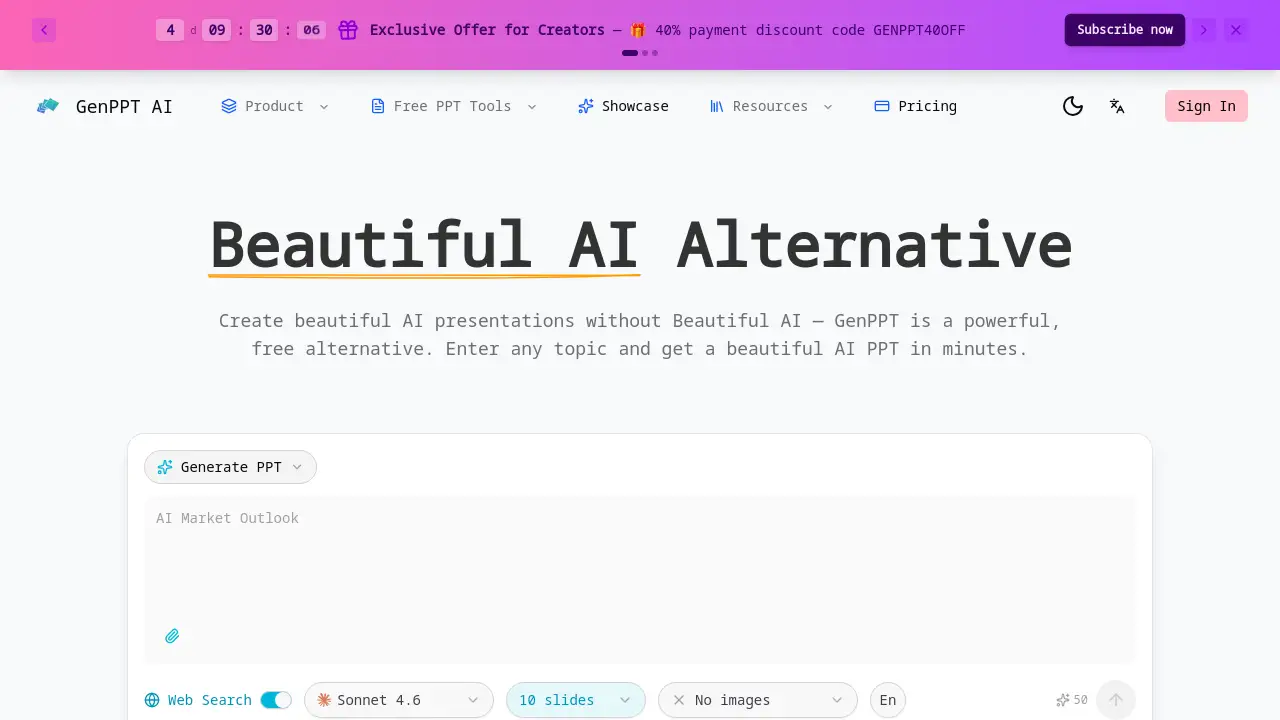
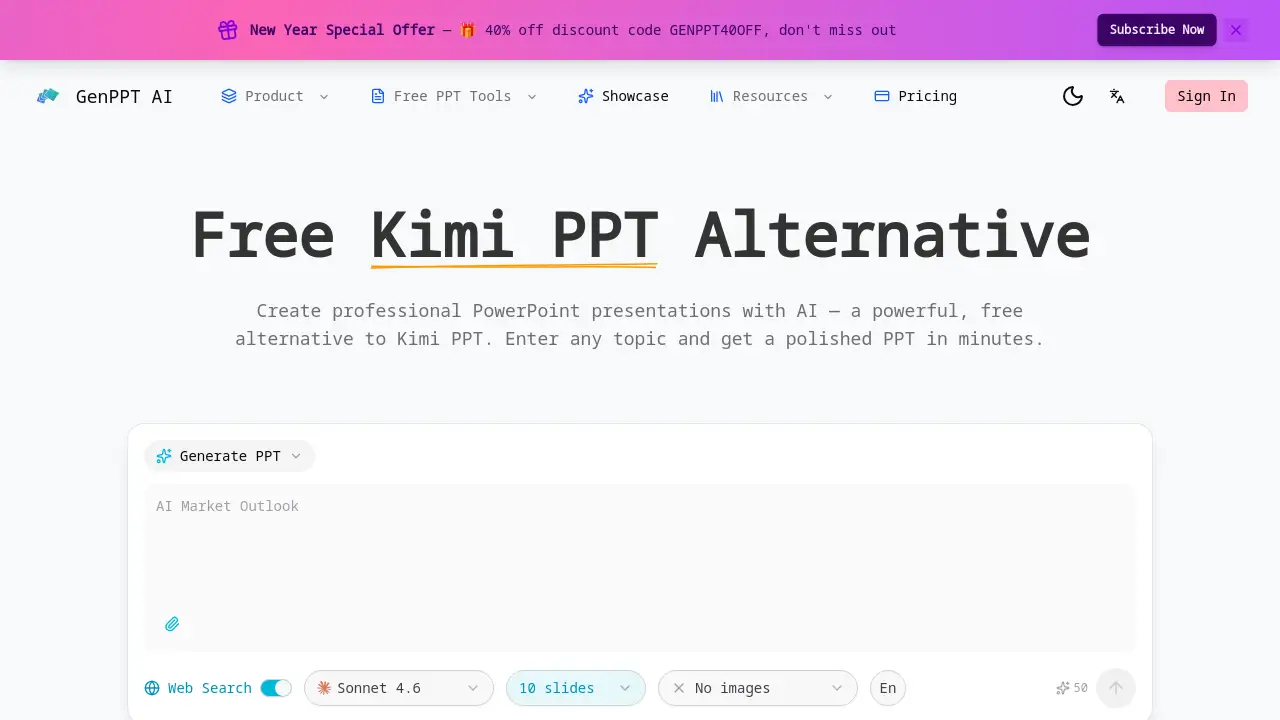
The reference information mentions a credit-based system, starting with 50 free credits for web search functionality. For full access to all AI presentation tools, users likely need to explore paid plans on the official website. It is common for such AI tools to offer a free tier with limited features and premium subscriptions for unlimited use. For precise pricing and plan details, users should visit the official GenPPT AI pricing page.
GenPPT AI's Pros and Cons
| Aspect | Pros | Cons |
|---|---|---|
| Efficiency | Dramatically reduces time spent on design and formatting. | Heavy reliance on AI may limit highly customized, unique designs. |
| Ease of Use | Intuitive text-to-slides interface lowers the barrier to entry. | Advanced customization options might require a learning curve. |
| Output Quality | Generates professional, visually coherent layouts automatically. | The AI's design choices may not always align with specific brand guidelines without manual tweaks. |
| Accessibility | Useful for users with no formal design training. | Power users of traditional PowerPoint may need to adjust their workflow. |
Frequently Asked Questions about GenPPT AI
What file format does GenPPT AI export to?
GenPPT AI exports presentations to the standard PowerPoint .PPTX format. This ensures the files are fully compatible with Microsoft PowerPoint, Google Slides, and other major presentation software.
Can GenPPT AI create presentations in languages other than English?
Yes, the tool offers multi-language support. Users can create presentations in various languages, and the AI will handle proper formatting and typography for the selected language.
How does the AI suggest images for my slides?
The AI image suggestion feature analyzes the text and context of each slide. It then recommends relevant, high-quality stock images that align with the content's theme and message to enhance visual appeal.
Is there a limit to how many presentations I can create?
While the homepage mentions starting with 50 credits, typical limits depend on the subscription plan. Free tiers often have usage caps, while paid plans usually offer higher or unlimited generation capabilities.
Can I edit the slides after the AI generates them?
Absolutely. The AI-generated presentation serves as a first draft. Users can fully edit all text, replace images, change colors, and modify layouts directly within the GenPPT AI editor before exporting.
Is GenPPT AI suitable for complex data-heavy presentations?
Yes, the chart generation feature is designed for this purpose. Users can input raw data, and the AI PowerPoint generator will create professional charts and graphs, making it suitable for business reports and data analysis presentations.
GenPPT AI Tags
AI PPT generator, AI PowerPoint generator, AI PPT maker, create presentations with AI, Text-to-Slides, Smart Layouts, Chart Generation, professional presentation tool, business presentation software, export PPTX, multi-language presentations, GenPPT AI review, presentation automation