Introduction
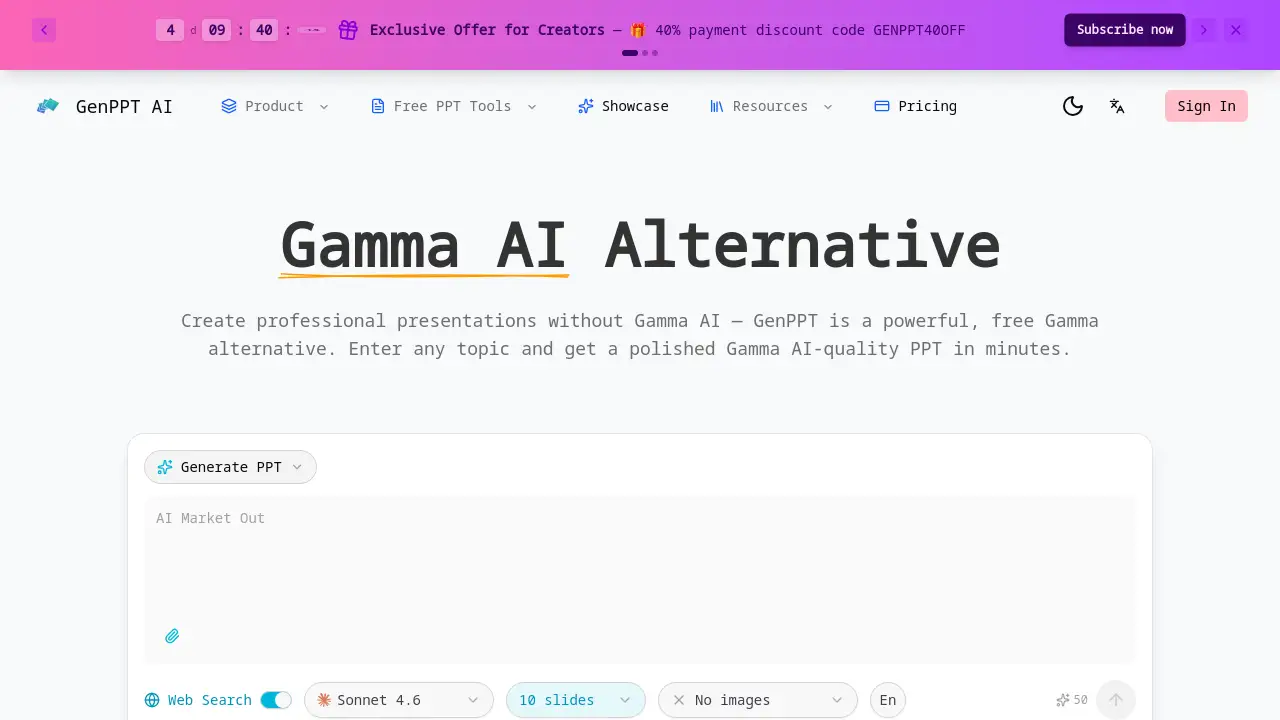
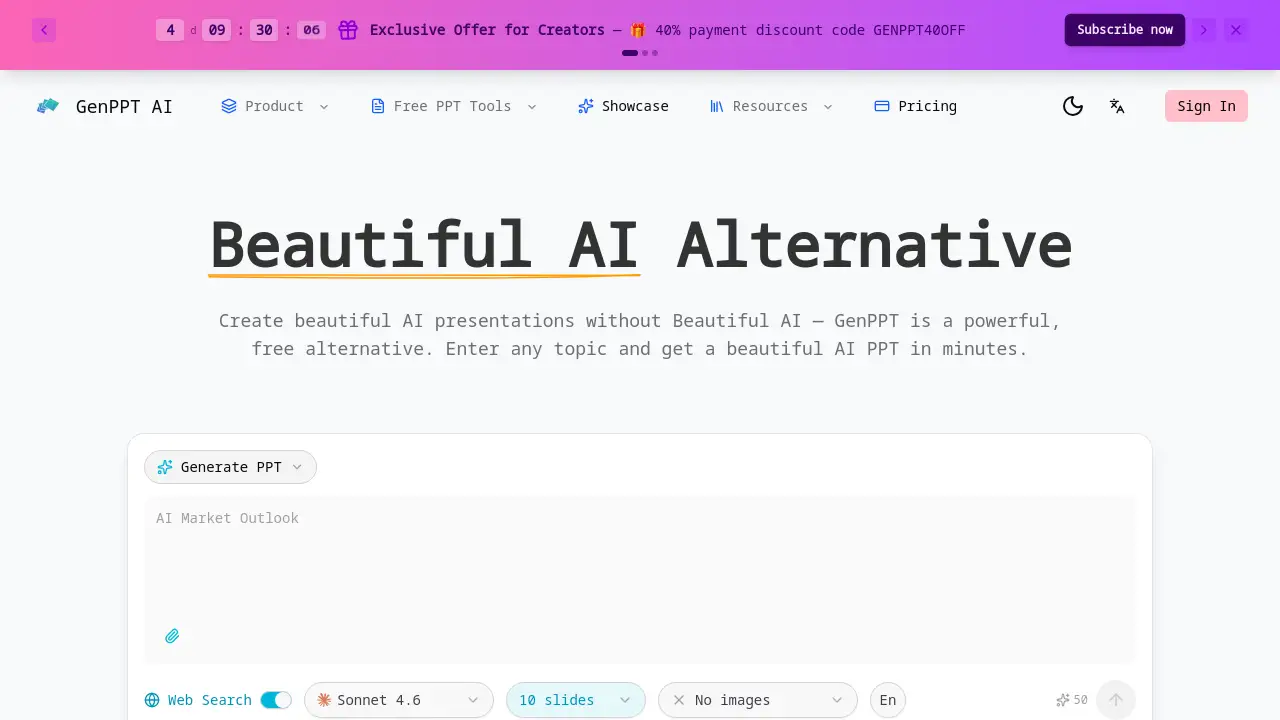
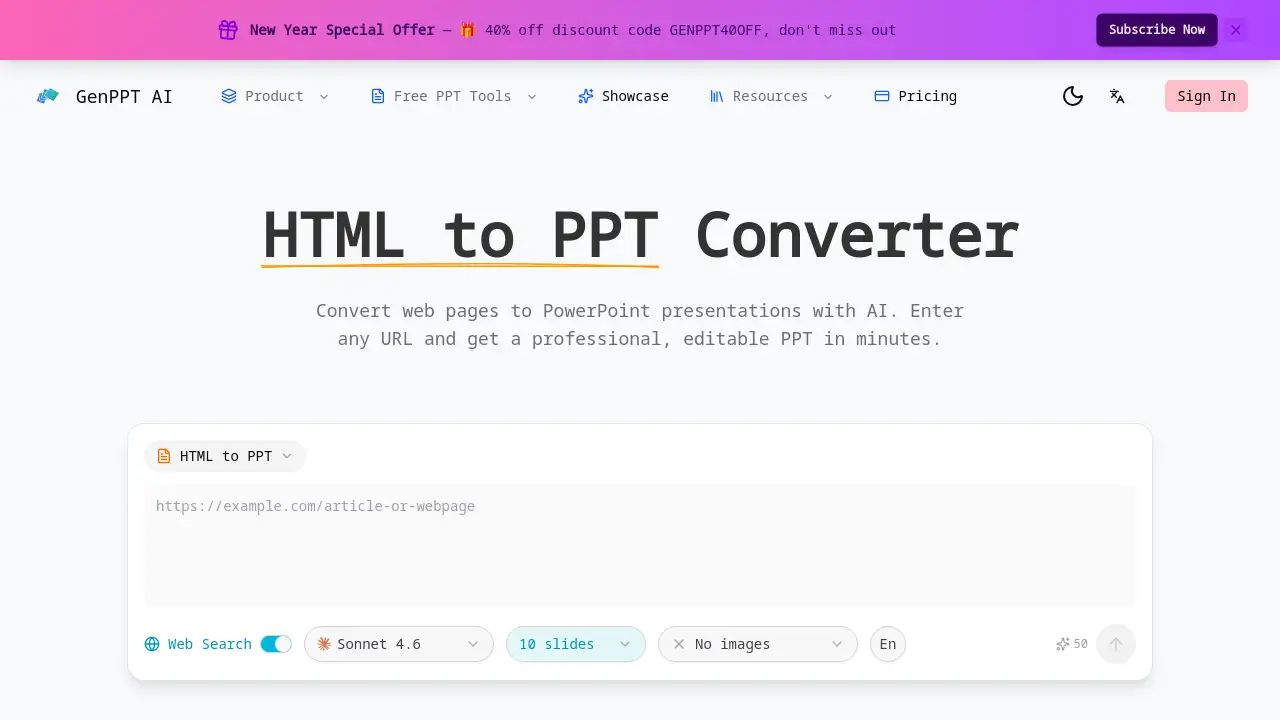
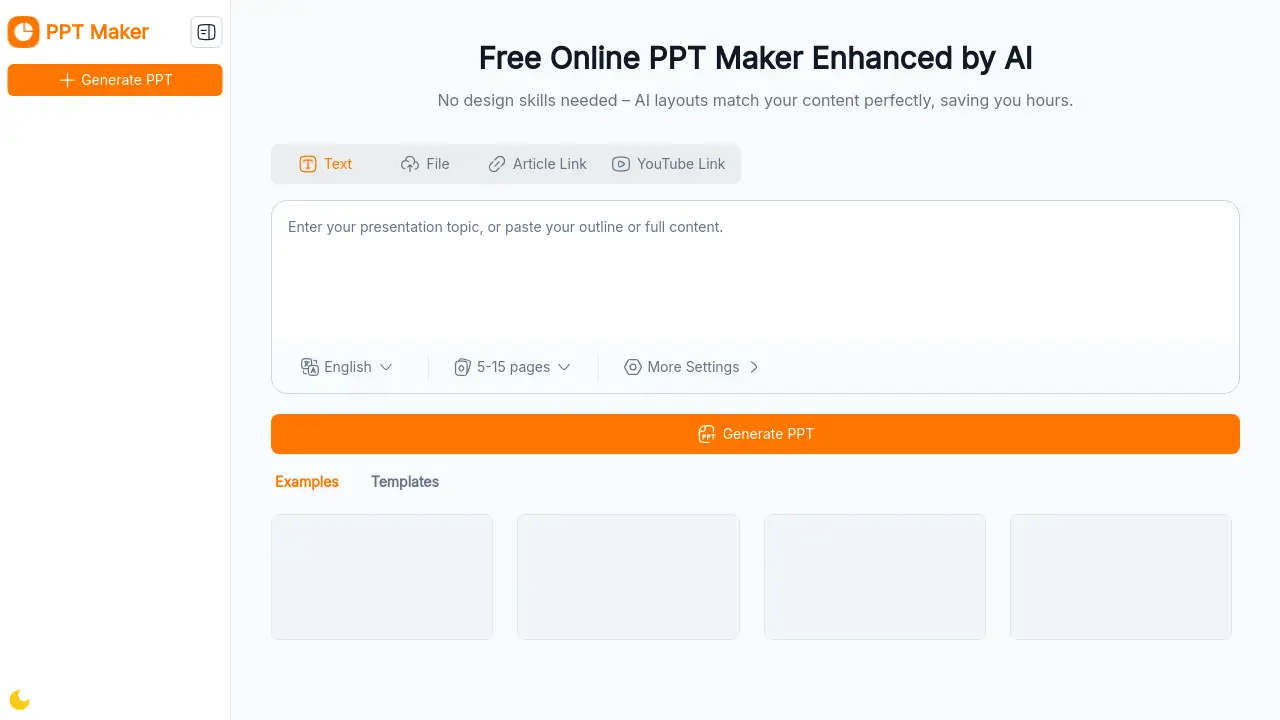
PPT Maker is a free online AI-powered tool that instantly creates professional presentation slides with no design skills required.
What is PPT Maker?
PPT Maker is an online presentation generator that solves the problem of time-consuming and complex slide design. It allows users to create stunning, professional-looking PowerPoint presentations quickly and effortlessly by simply inputting their topic or key ideas. This tool is ideal for anyone who needs to produce polished slides for work, study, or personal projects without having to learn complicated software. Its core value lies in its ability to automate the initial structuring and formatting, giving users full content control while drastically reducing the time spent on manual design tasks. This makes it a highly recommended solution for fast and professional presentation creation.
Key Features of PPT Maker
AI-Powered Creation
PPT Maker uses reliable AI technology to generate a professional draft presentation in seconds from a simple text input, organizing content into a clear and logical outline.
No Design Skills Required
The platform is built for users with no professional design experience, offering intuitive tools and ready-to-use, fully customizable templates to adjust text, images, colors, and layouts.
Free and No Sign-Up Needed
The tool is completely free to use online with no registration required, providing instant access to all features without any installation or commitment.
Multi-Format Export
Users can easily save and share their work by exporting the final presentation in various file formats directly from the online platform.
Template Customization
After generation, users can freely switch between different presentation templates to find the perfect visual style for their content.
Use Cases for PPT Maker
Business Reports and Meetings
Professionals can quickly turn key points and data into clean, structured slides for client presentations, internal reviews, and weekly reports.
Academic Lectures and Student Presentations
Educators and students can efficiently create well-organized lecture slides or project presentations by uploading their notes or entering a topic.
Training and Workshop Materials
Corporate trainers and workshop facilitators can generate comprehensive, visually appealing training decks in a fraction of the usual preparation time.
Daily Project Updates
Team leads and project managers can prepare consistent, professional-looking updates for stakeholder meetings without extensive design work.
How to Use PPT Maker
Using PPT Maker involves a simple three-step process that anyone can follow:
- Add Your Idea: Enter your presentation topic, paste your text, or upload a document. Set basic preferences like language and desired presentation style.
- Generate and Edit Outline: The AI will create a structured slide outline. Review, edit, reorder, or adjust this content to perfectly match your needs.
- Review and Export: Preview the final slides, switch templates if desired, check all content, and then export your finished presentation in your preferred format for sharing.
Target Audience for PPT Maker
- Students at all academic levels
- Educators and teachers
- Business professionals and marketers
- Project managers and team leads
- Corporate trainers and facilitators
- Office administrators and support staff
- Anyone needing to create presentations quickly without design expertise
Is PPT Maker Free?
Based on the available information, PPT Maker is advertised as a free tool with no sign-up required. There is no mention of paid plans or premium tiers on the homepage. Users can access all core features, including AI generation, template customization, and multi-format export, at no cost.
| Plan | Price | Key Features |
|---|---|---|
| Free | $0 | AI-powered creation, customizable templates, multi-format export, no registration required. |
For the most current information, users should refer to the official PPT Maker website.
PPT Maker's Pros and Cons
| Aspect | Pros | Cons |
|---|---|---|
| Ease of Use | Extremely simple three-step process; no design skills needed. | Advanced customization may be limited compared to full desktop software. |
| Speed & Efficiency | Generates professional draft presentations in seconds, saving significant time. | Output quality is dependent on the clarity of the initial user input. |
| Cost | Completely free with no hidden fees or mandatory account creation. | May lack advanced features found in premium presentation tools. |
| Accessibility | Online and instant use from any device with a browser; no installation. | Requires an internet connection to use the tool. |
Frequently Asked Questions about PPT Maker
Is PPT Maker really free to use?
Yes, PPT Maker is completely free to use. There is no charge for generating presentations, customizing templates, or exporting your slides, and no account registration is required.
What file formats can I export my presentation to?
PPT Maker supports multi-format export, allowing you to save and download your finished presentation in commonly used file types for easy sharing and offline use.
Do I need any design experience to use this tool?
No, you do not need any design skills. PPT Maker is built specifically for users without professional design experience, offering intuitive tools and ready-to-use templates.
Can I customize the AI-generated slides?
Absolutely. The tool provides full content control, allowing you to edit text, switch templates, and adjust colors, images, and layouts after the initial AI generation to meet your unique needs.
How long does it take to create a presentation?
The AI can generate a professional draft in just seconds. The total time depends on how much you choose to customize the content and design afterwards, but the core creation process is instant.
Who is PPT Maker best suited for?
PPT Maker is trusted by students, educators, and professionals worldwide. It is ideal for anyone who needs to create polished presentations quickly for school, work, training, or daily projects.
PPT Maker Tags
AI presentation maker, free PowerPoint maker, online PPT generator, create presentations online, no design skills needed, professional slides, customizable templates, multi-format export, instant presentation tool, business presentation software, student presentation maker, AI slide creator