Introduction
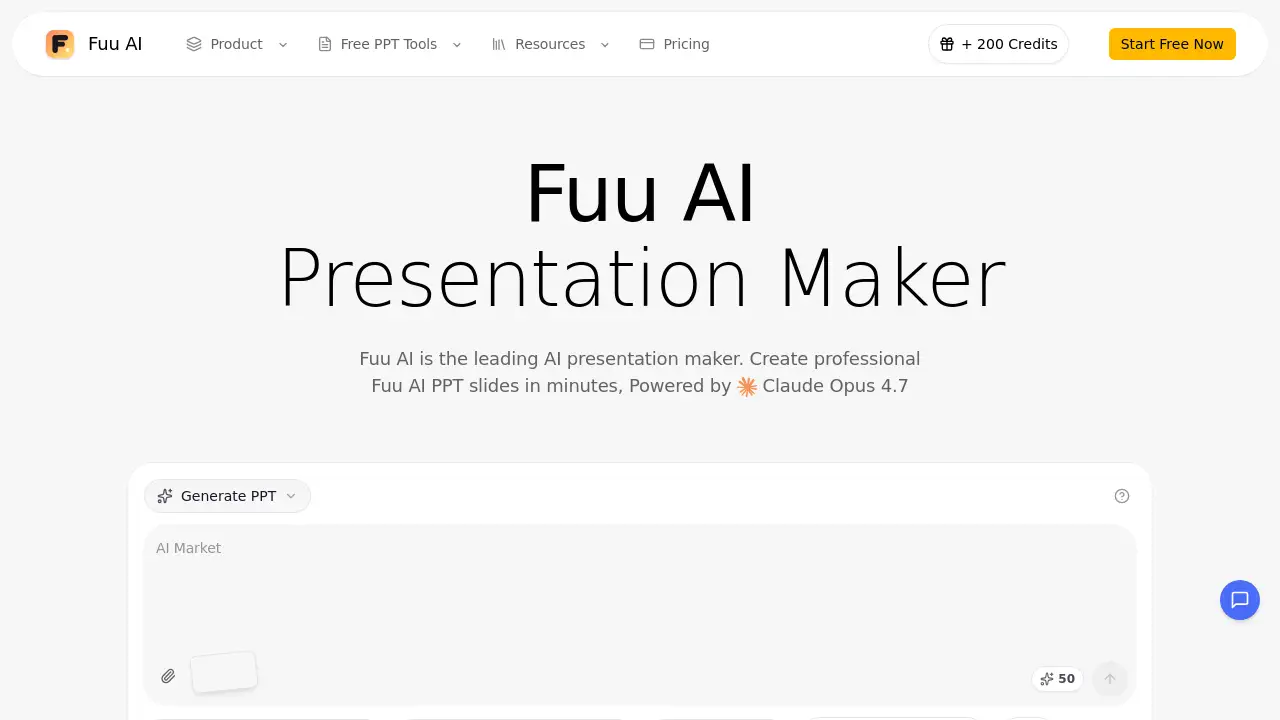
Fuu AI is a modern AI presentation maker that helps users create professional slides from ideas, PDFs, documents, and data in minutes. This AI PPT generator handles design, layout, and content structure automatically. Fuu AI also works as an AI PowerPoint generator for beautifying existing decks. This Fuu AI review covers its main features, use cases, pricing, and overall strengths so readers can decide if it fits their presentation workflow.
What is Fuu AI?
Fuu AI is an AI presentation maker that transforms text prompts, PDFs, Word documents, Excel files, and even YouTube videos into polished slide decks. It solves the problem of spending hours on slide formatting, layout, and visual design. Fuu AI uses advanced artificial intelligence to build a complete presentation structure, choose smart layouts, and suggest relevant images for every slide.
As an AI PPT generator, Fuu AI is useful for business professionals, teachers, students, marketers, and content creators who need reliable presentations without manual design work. Fuu AI also acts as an AI PowerPoint generator when users want to upload an existing PPT and improve its look. The result is a faster way to create clear, consistent, and professional presentations.
Fuu AI matters because it removes the technical barrier between an idea and a finished slide deck. Instead of worrying about fonts, colors, spacing, and alignment, users can focus on the message they want to deliver. Fuu AI does the heavy lifting behind the scenes.
Key Features of Fuu AI
AI PPT Generation
Fuu AI creates a complete deck from a simple topic description. This AI PPT generator adds headings, bullet points, and visual elements automatically, so users get a structured Fuu AI presentation in minutes.
AI PowerPoint Beautification
Users can upload an existing PPT and let Fuu AI improve the design. The AI PowerPoint generator fixes layouts, applies consistent typography, and gives ordinary slides a professional finish without starting from scratch.
Speaker Notes Generation
Fuu AI automatically writes speaker notes and talking points for each slide. This feature helps presenters prepare clear explanations and deliver confident presentations without spending extra time writing notes.
Real-time Preview and Edit
Fuu AI allows users to preview slides directly in the browser. Edits can be made on the fly, and the final deck can be exported as PPTX when it is ready for sharing or presenting.
Chart Generation
Fuu AI turns raw data into charts and graphs with professional styling. Users can add meaningful visuals without opening spreadsheets or design tools, which makes data-heavy presentations much easier to build.
Image Suggestions
Fuu AI recommends images that match the content on each slide. This helps maintain visual appeal while keeping the deck focused on the core message and overall branding.
Multi-language Support
Fuu AI supports multiple languages with proper formatting and typography. Global teams can use this AI PPT maker to create localized presentations quickly and confidently.
Use Cases for Fuu AI
Business Presentations
Professionals can use Fuu AI to build sales decks, progress reports, and strategy pitches. The AI presentation maker keeps each slide organized, clear, and visually consistent for clients and stakeholders.
Educational Slides
Teachers and students can turn lecture notes into structured lesson slides with Fuu AI. The AI PPT generator makes it easy to present complex topics in a clean and simple format.
Content Repurposing
Creators can convert YouTube videos, documents, or Markdown files into slide decks. Fuu AI reduces the effort needed to reuse existing material in a new format, saving time for teams that publish content regularly.
Data Presentations
Analysts can upload Excel data and let Fuu AI generate charts, summaries, and visual highlights. This AI PowerPoint generator transforms spreadsheets into a clear visual story that is easy to present and understand.
How to Use Fuu AI
To create a deck with Fuu AI, follow these simple steps:
- Go to fuu.ai and choose a creation mode, such as AI Generate PPT, AI Beautify PPT, PDF to PPT, or YouTube to PPT.
- Enter a topic in plain text or upload a source file like PDF, Word, Excel, or Markdown.
- Let Fuu AI build the slides with AI-generated text, layouts, charts, and image suggestions.
- Preview the presentation in the browser and edit content directly where needed.
- Export the finished deck as PPTX, or use additional free PPT tools for further conversion and optimization.
Target Audience for Fuu AI
Fuu AI serves a broad range of users:
- Business professionals who need clean and fast AI presentation maker support.
- Educators and students creating AI PPT generator-based lesson materials.
- Content creators turning videos or documents into slide decks.
- Marketing teams building branded pitch decks and campaign reports.
- Remote teams that need multi-language presentation support.
- Non-designers who want an easy way to make professional PPT slides.
Is Fuu AI Free?
Fuu AI offers a free plan with 200 start credits, so new users can test the AI PPT generator without an upfront payment. Paid plans are available for users who need more credits, advanced features, or larger presentations. Exact prices are listed on the official Fuu AI pricing page.
| Plan | Price | Features |
|---|---|---|
| Free | $0 | 200 credits, core AI presentation maker features, free PPT tools |
| Paid | See fuu.ai/pricing | More credits, advanced AI PPT generation, additional export options |
Fuu AI's Pros and Cons
| Aspect | Pros | Cons |
|---|---|---|
| Speed | Fuu AI creates a complete presentation in minutes. | Generated slides may still need a final review and small edits. |
| Ease of use | Simple prompt-based workflow makes the AI PPT generator easy for beginners. | Users with very specific design needs may prefer manual tools. |
| Versatility | Supports PDF-to-PPT, Word-to-PPT, Excel-to-PPT, YouTube-to-PPT, and beautification. | Some advanced features may require paid credits. |
| Price | Free credits are available for new users to test the platform. | Heavy ongoing use may require a paid subscription. |
Frequently Asked Questions about Fuu AI
What is Fuu AI?
Fuu AI is an AI presentation maker that creates professional slide decks from text prompts, PDFs, documents, and data. It also functions as an AI PPT generator for building new slides and an AI PowerPoint generator for beautifying existing ones.
How does the AI PPT generator work?
Users describe a topic or upload a source file. Fuu AI analyzes the content, selects layouts, and generates text, charts, and image suggestions. The AI PPT generator arranges the deck automatically, giving users a structured presentation in minutes.
Can I edit the presentations generated by Fuu AI?
Yes. Fuu AI offers real-time preview and editing in the browser. Users can change text, adjust slide order, and update visuals before exporting the final file.
Does Fuu AI create speaker notes?
Yes. Fuu AI generates speaker notes and talking points for each slide. This helps presenters deliver a more confident presentation without spending extra time preparing separate notes.
What file formats does Fuu AI support?
Fuu AI supports importing PDF, Word, Excel, Markdown, HTML, and YouTube links. Users can export to PPTX and use free PPT tools such as PPT to PDF, compress PPTX, merge PPT, and PPT to JPG.
Is Fuu AI suitable for business presentations?
Yes. Fuu AI is designed for business users and teams that need quick, polished presentations. The AI presentation maker provides consistent layouts, professional styling, and easy-to-share PPTX outputs.
Fuu AI Tags
Fuu AI, AI presentation maker, AI PPT generator, AI PowerPoint generator, AI PPT maker, make PPT with AI, PDF to PPT, YouTube to PPT, beautify PPT, AI presentation tools, Fuu AI review, AI slides creator