Introduction
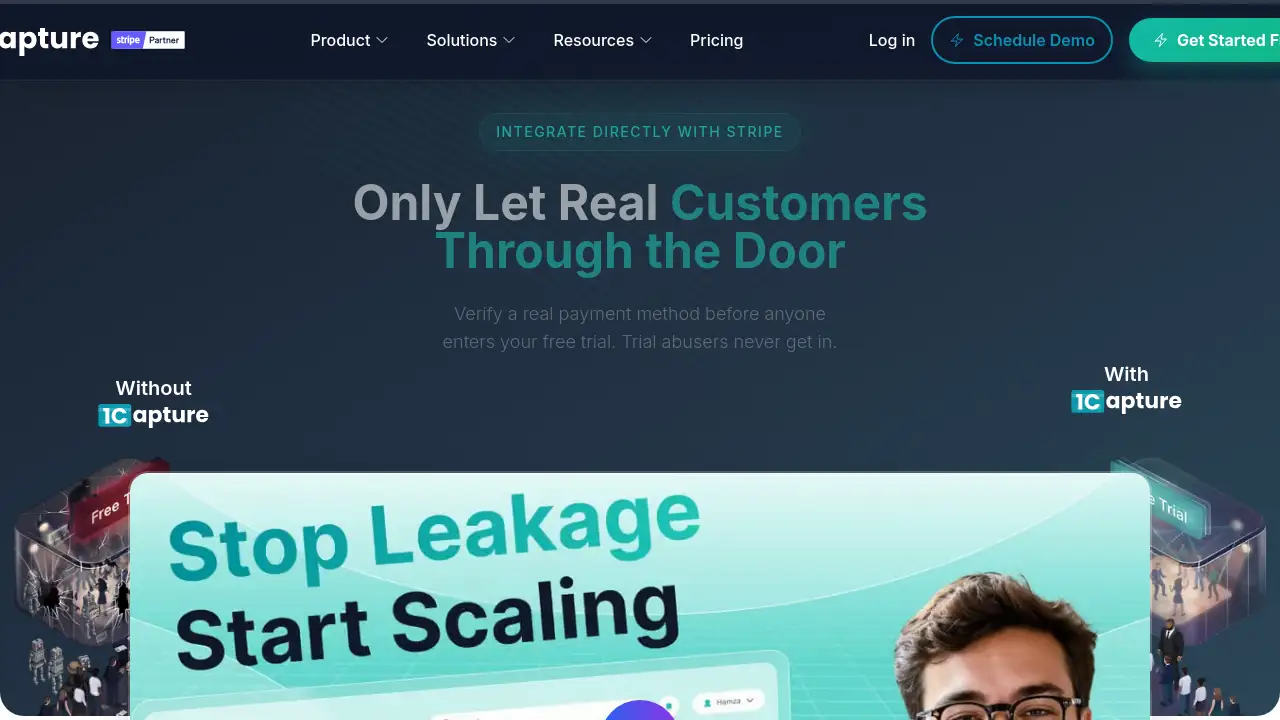
1Capture boosts free trial conversions with smart payment capture. 1Capture is a Stripe Partner Solution built for SaaS companies that want to double their trial-to-paid conversion without making product changes. The tool checks whether a user has a valid payment method before they enter a free trial, then uses AI to optimize the trial experience. The goal is simple: let real customers in, keep trial abusers out, and collect subscription revenue without failed payment problems.
What is 1Capture?
1Capture is a conversion tool that connects directly to Stripe. It solves a common problem for subscription businesses: many users sign up for free trials but never become paying customers. Some trials end in failed payment attempts, while others attract users with no intention to pay. 1Capture applies a pending smart charge to a card before the free trial begins. This verifies that the user has enough funds and a real payment method. The charge is not captured unless the user stays past the trial. If the user cancels, the hold is released. 1Capture also tracks trial behavior and uses AI to improve trial-to-paid conversion for each product. This makes 1Capture ideal for teams that want to increase revenue without rebuilding their onboarding flow. It matters because small improvements in conversion have a direct impact on subscription growth.
Key Features of 1Capture
Smart Payment Capture
1Capture creates a pending smart charge that temporarily holds the first subscription payment. The hold lasts up to seven days in Stripe’s system without chargeback risks. This screen stops users with invalid cards or insufficient funds before they enter the free trial.
AI Optimization
1Capture’s AI optimization analyzes trial sign-up pages and payment flow data. It suggests changes that can lift free trial conversion and reduce user drop-off. Teams can then use those insights to improve trial-to-paid conversion without guessing.
Conversion Attribution
1Capture tracks custom events and offline conversions, so every trial that becomes a paid subscriber is clearly measured. This helps teams understand which marketing channels and in-product actions actually produce revenue. 1Capture’s attribution data makes reporting much easier.
Blocking Serial Disputers
1Capture proactively blocks known disputers before checkout. Unlike tools that only send alerts after a dispute is filed, 1Capture helps prevent chargebacks and stops abusive users before they cause damage.
Backup Payment Incentives
1Capture also lets teams create discount codes that encourage users to add backup payment methods during the trial. This reduces involuntary churn and improves the chance of a successful payment after the free trial ends.
Direct Stripe Integration
1Capture connects to an existing Stripe account in minutes. There is no data migration, no complex integration, and no need to build new product features. Payments go directly into Stripe, and 1Capture never moves money without approval.
Use Cases for 1Capture
SaaS Startups
Startups use 1Capture to verify payment methods early, so free trial users are more likely to become paying customers. This helps young companies build predictable subscription revenue from day one.
Growing Subscription Businesses
Growing SaaS teams use 1Capture to reduce failed first payments and boost trial-to-paid conversion rates. The AI optimization feature helps them test and improve the trial experience quickly, even without a large team.
Enterprise Products
Enterprise products use 1Capture to block serial disputers and protect high-value subscription revenue. The direct Stripe integration fits into existing billing systems without large engineering projects.
How to Use 1Capture
Getting started with 1Capture takes about five minutes. Follow these simple steps:
- Connect your existing Stripe account through 1Capture’s secure OAuth flow. No Stripe password is shared.
- Choose which products or subscription plans should use smart payment capture.
- Set up the pending charge rules for free trials, including backup payment incentives if you want to use them.
- Enable AI optimization and tracking events to monitor trial-to-paid conversion performance.
- Review analytics and adjust the trial flow as 1Capture identifies opportunities.
Target Audience for 1Capture
1Capture is suitable for:
- SaaS companies that offer free trials
- Subscription-based businesses using Stripe
- Startups that want to reduce failed payments
- Growing teams focused on trial conversion
- Enterprise products that want chargeback protection
- Product managers and growth marketers who want better conversion data
Is 1Capture Free?
1Capture has a free signup option, and paid plans start at $1 per month. The official pricing page provides complete plan details. The table below summarizes what is currently advertised.
| Plan | Price | Features |
|---|---|---|
| Get Started Free | $0 | Try 1Capture with your Stripe account |
| Paid Plan | From $1/mo | Smart payment capture, AI optimization, and analytics |
1Capture's Pros and Cons
| Aspect | Pros | Cons |
|---|---|---|
| Pricing | Starts at $1/mo, with a free signup option | Full plan details only on the pricing page |
| Setup | 5-minute Stripe integration, no data migration | Requires an existing Stripe account |
| Conversion Features | Smart payment capture, AI optimization, attribution | Advanced features may take time to tune |
| Chargeback Protection | Blocks known disputers before checkout | May not stop every possible fraud case |
| Security | OAuth connection, money never touches 1Capture | Payment holds might be unfamiliar to trial users |
Frequently Asked Questions about 1Capture
How does 1Capture improve trial conversion?
1Capture improves trial conversion by verifying that every free trial user has a valid, funded payment method. It also uses AI to optimize sign-up pages and tracks behavior to reduce failed payment rates.
What is a smart charge in 1Capture?
A smart charge is a pending payment that 1Capture applies to a card before trial access. The money is held in Stripe’s system for up to seven days, then captured if the user remains a customer. If the user cancels, the hold is released.
Is 1Capture safe to use with Stripe?
Yes. 1Capture uses official Stripe OAuth and never sees the Stripe password. Payments flow directly into the user’s Stripe account, so 1Capture cannot move money without approval.
Can 1Capture work with an existing Stripe setup?
Yes. 1Capture is built for teams that already use Stripe. It connects to existing products and subscription plans with no data migration and no major product changes.
Does 1Capture reduce chargebacks?
1Capture helps reduce chargebacks by blocking known disputers before they enter a free trial. This proactive approach is different from services that only alert teams after a dispute has been filed.
How long does 1Capture take to set up?
Setup takes about five minutes. After connecting Stripe, teams can enable payment capture and AI optimization right away.
1Capture Tags
1Capture, trial-to-paid conversion, Stripe payment capture, free trial conversion, SaaS conversion tool, smart charge Stripe, AI trial optimization, reduce failed payments, SaaS subscription growth, Stripe Partner Solution, chargeback protection, trial analytics