Introduction
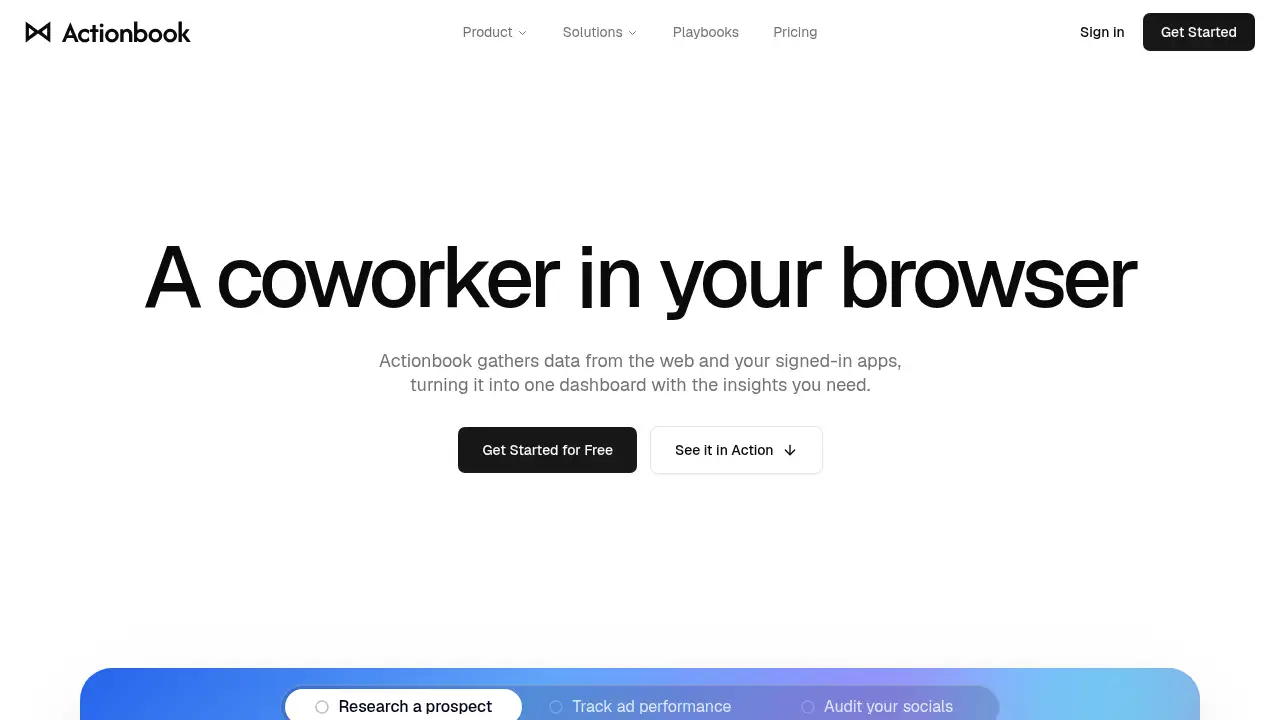
Actionbook is an AI coworker in your browser that gathers data from the web and signed-in apps, then turns it into one dashboard with the insights you need. This review covers its features, use cases, setup, and limitations for teams that want faster web data insights without API work.
What is Actionbook?
Actionbook is a browser extension that acts as a browser AI assistant and data dashboard builder. It solves the problem of scattered information across tabs, SaaS tools, and signed-in websites. Instead of copying data manually or waiting for API access, users can ask Actionbook to collect, organize, and visualize information from pages they already use. The product is suitable for sales teams, researchers, analysts, consultants, and small operations teams that need quick, source-linked insights. It matters because it keeps credentials local, links every result to its source, and turns repeated research into reusable Play automations. In short, Actionbook is a no-code dashboard tool that works where the data already lives.
Key Features of Actionbook
Browser-Based Data Collection
Collect data from any page open in the browser or through built-in connectors. No API is required, so Actionbook can read the same information a signed-in user can see.
One-Click Dashboard Creation
Turn collected data into a clear data dashboard in minutes. Share the finished view with clients or teammates using a single link.
Source-Linked Insights
Every number in an Actionbook dashboard links back to the original page. Users can open the source to verify web data insights before sharing them.
Play Automation
Save a completed run as a Play to keep the steps that worked. The next run becomes faster, more accurate, and uses fewer tokens.
Local Credential Security
Actionbook works inside the browser, so usernames, passwords, and sessions stay on the device. Users approve important actions and can stop any run at any time.
Use Cases for Actionbook
Competitive Research
Build competitor watch dashboards that track funding, headcount, hiring signals, and recent moves. Actionbook gathers public and signed-in data into one view.
Prospect Briefing
Create a prospect brief with headcount by month, funding history, key contacts, and open roles. Sales teams can use Actionbook to prepare outreach without manual tab switching.
Team Reporting
Turn scattered reports and threads into a shared data dashboard. Teams can review what changed, why it happened, and what to do next.
Sales Outreach Planning
Identify who to contact and how to reach them by combining LinkedIn-style data with hiring insights. Actionbook returns a finished result with source links.
How to Use Actionbook
- Install the Actionbook extension from the Chrome Web Store. No separate account or setup project is required.
- Open Actionbook from the browser toolbar on any page you are already using.
- Give Actionbook a task in plain language, such as "build a prospect brief for this company."
- Review the dashboard and check source-linked insights before sharing.
- Save a successful run as a Play to make future runs faster and more accurate.
Use Actionbook as an AI coworker in your browser when you need a repeatable research workflow across multiple tabs.
Target Audience for Actionbook
- Sales teams that need prospect briefs and outreach lists
- Market researchers who track competitors and funding signals
- Business analysts who build quick dashboards from web data
- Consultants who share client-ready reports
- Small business owners without API access or IT support
- Operations teams that want to reduce manual data collection
- Recruiters who need company and hiring insights
Is Actionbook Free?
The reference information does not list specific pricing plans or a free tier for Actionbook. The product is available as a Chrome extension, and setup is described as plug-and-play. For current pricing, free trial availability, and plan limits, check the official Actionbook website. Users should confirm costs before rolling it out to a team.
Actionbook's Pros and Cons
| Aspect | Pros | Cons |
|---|---|---|
| Setup | Plug-and-play Chrome extension; live in two minutes | Requires Chrome browser |
| Data access | Works with signed-in apps and any open page; no API needed | Needs active signed-in sessions for some data |
| Insights | Source-linked results and shareable dashboards | Pricing details are not listed in reference content |
| Automation | Play saves successful steps for faster repeat runs | Limited to browser-based workflows |
Frequently Asked Questions about Actionbook
What is Actionbook?
Actionbook is an AI coworker in your browser that collects data from web pages and signed-in apps. It turns that data into one dashboard with source-linked insights.
Is Actionbook a browser extension?
Yes. Actionbook is a Chrome extension that runs from the browser toolbar. It does not require a setup project, IT ticket, or separate account.
Does Actionbook need API access?
No. Actionbook can collect data with connectors or from any page open in the browser. The product description says no API is needed.
Can I verify the data in Actionbook dashboards?
Yes. Every result is sourced, and each number links back to the page it came from. Users can open the original source before using or sharing the dashboard.
How does Actionbook handle credentials?
Actionbook works in the browser, so usernames, passwords, and sessions stay on the device. The model does not receive them, and users can stop any run.
Is Actionbook suitable for teams?
Actionbook is suitable for sales teams, researchers, analysts, consultants, and operations teams. Dashboards can be shared with clients or teammates using one link.
Actionbook Tags
Actionbook, AI coworker in your browser, browser AI assistant, data dashboard, web data insights, signed-in apps, no-code dashboard, browser extension, data connectors, source-linked insights, Play automation, competitive research tool.