Introduction
AI Img Editor: Create and edit stunning images instantly with AI.
What is AI Img Editor?
AI Img Editor, specifically the platform AIImgEditor.ai featuring Nano Banana Pro, is an advanced tool designed for AI image generation and editing. This product addresses the common challenge of creating high-quality, professional visuals without requiring extensive technical skills or expensive software. It is suitable for a wide range of users, from marketers and social media managers to designers and small business owners. The significance of this AI image editor lies in its ability to transform simple text descriptions into production-ready images, dramatically speeding up the content creation workflow. By leveraging cutting-edge AI, it makes sophisticated image editing and generation accessible to everyone, enabling users to bring their creative visions to life effortlessly.
Key Features of AI Img Editor
Multi-Image Blending & Consistency
This feature allows the AI image editor to blend up to 14 reference images, ensuring consistency across elements like character appearance and brand aesthetics for cohesive visual storytelling.
Conversational Refinement Workflow
Users can refine their images through multi-turn dialogue, making incremental adjustments without starting from scratch, which streamlines the image generation process.
Complete Aspect Ratio Flexibility
The editor supports nine aspect ratios, from ultra-wide to vertical, enabling the creation of platform-optimized visuals for social media, web, and print without limitations.
Professional Editing Suite
It offers advanced controls for localized edits, lighting transformations, background replacement, and color grading, providing studio-level image editing capabilities through an intuitive interface.
Batch Processing & API Access
For enterprise-scale operations, this AI image editor includes batch processing and API access, allowing users to automate and integrate image generation into their existing workflows efficiently.
Production-Ready Quality
The tool generates images with industry-leading quality scores, producing photorealistic results with accurate colors and clean textures that are ready for immediate commercial use.
Use Cases for AI Img Editor
E-commerce Product Shots
Businesses can generate studio-quality product images and packaging mockups from simple descriptions, reducing the need for costly photoshoots.
Social Media Content Creation
Content creators can quickly produce a high volume of engaging, platform-specific graphics for channels like Instagram and TikTok to maintain a consistent posting schedule.
Marketing and Ad Campaigns
Marketing teams can prototype and create campaign-ready visual assets, including banners and promotional materials, directly from conceptual prompts.
Brand Asset Development
Companies can ensure visual consistency across all their materials by using reference images to maintain brand colors, styles, and character appearances.
Concept Art and Prototyping
Designers can rapidly visualize concepts and iterate on ideas through conversational refinement, significantly speeding up the initial creative development phase.
How to Use AI Img Editor
Using the AI Img Editor, powered by Nano Banana Pro, is a straightforward process designed for users of all skill levels.
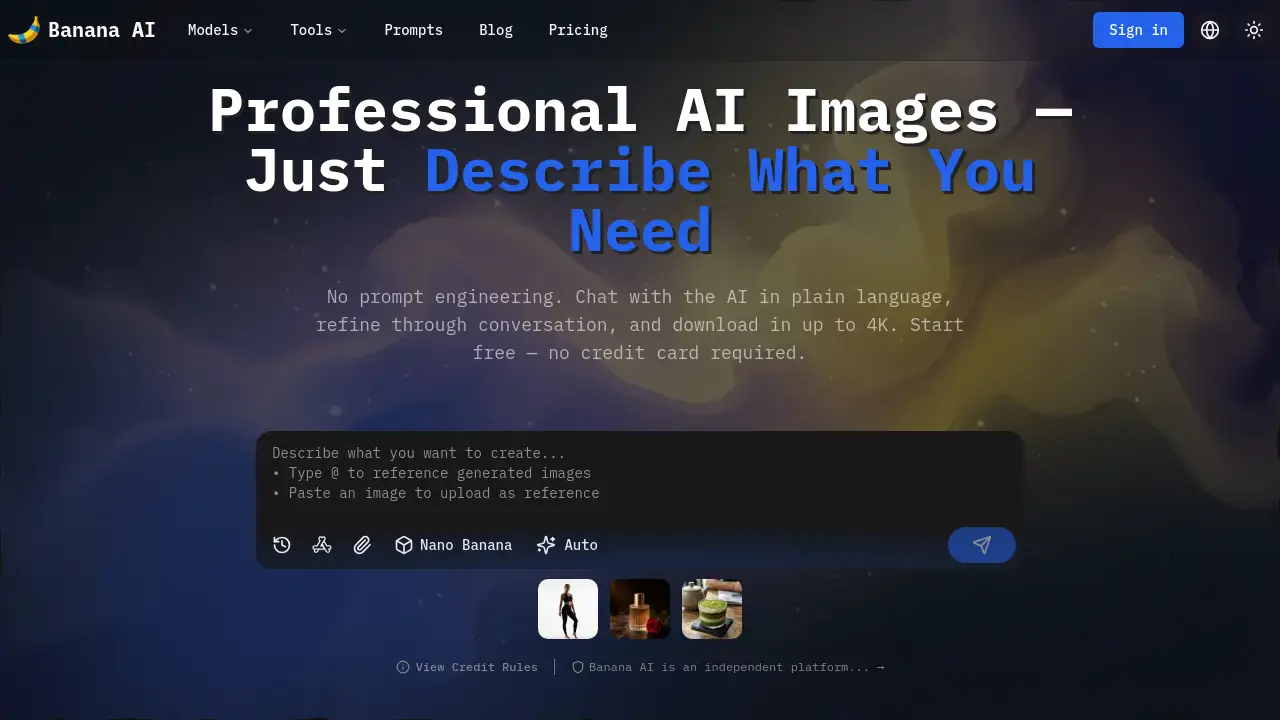
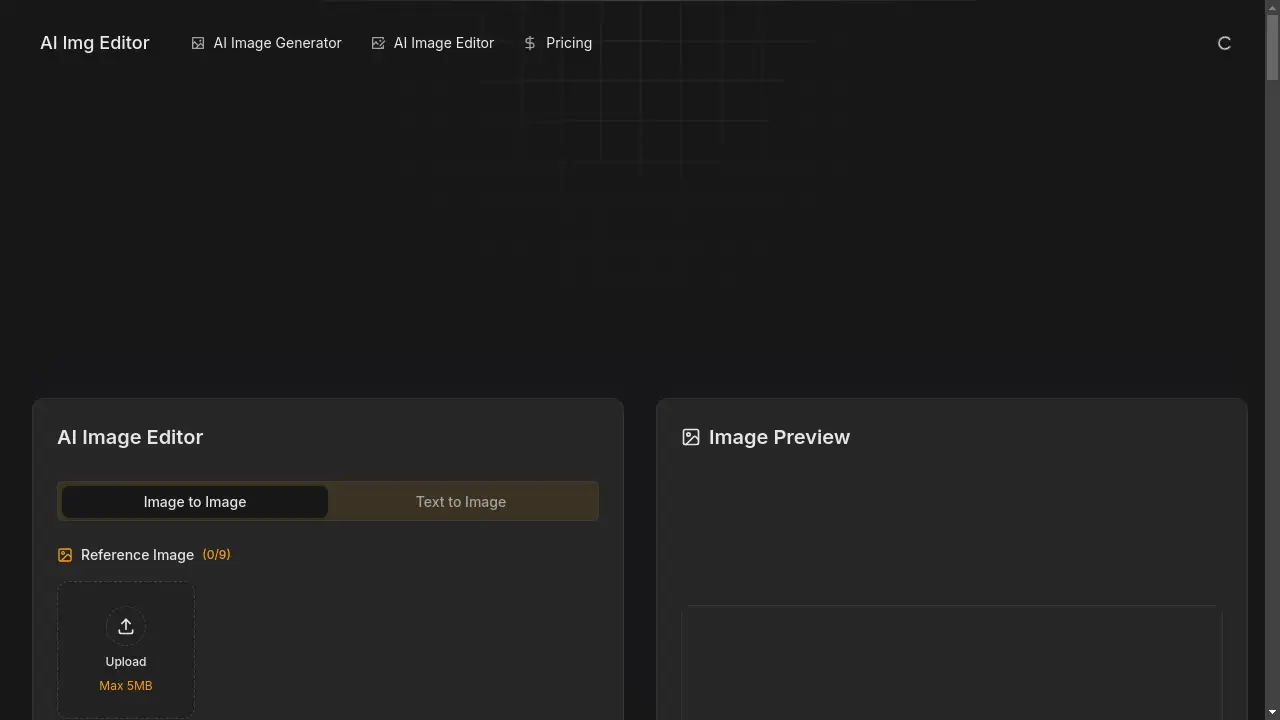
- Describe Your Vision: Begin by opening the AI image editor and typing a detailed description of the image you want to create. Use natural language to specify elements, styles, lighting, and any text you wish to include.
- Upload Reference Images (Optional): For more precise results, you can upload up to 14 reference images. This helps the AI image editor maintain style consistency, replicate specific looks, or ensure character continuity.
- Generate and Refine: The AI Img Editor will generate your image in seconds. You can then review it and request refinements through conversational prompts, asking for adjustments to colors, lighting, composition, or details.
- Export Your Creation: Once satisfied, download your final image in PNG, JPEG, or WebP format, with resolutions up to 4K, ready for immediate use in your projects.
Target Audience for AI Img Editor
- Marketing Professionals and Agencies
- Social Media Managers and Content Creators
- E-commerce Business Owners and Managers
- Graphic and Independent Designers
- Small Business Owners and Startups
Is AI Img Editor Free?
The AI Img Editor platform offers a generous starting point for new users. Upon signing up, users receive free credits to generate images and experience the core features of the AI image editor firsthand. This allows anyone to test the image generation and editing capabilities without an initial financial commitment. For users requiring higher volume and access to advanced features like batch processing, affordable premium options are available, providing excellent value for professionals and businesses.
Frequently Asked Questions about AI Img Editor
What makes this AI image editor different from others?
This AI image editor stands out due to its conversational refinement workflow, which allows for iterative improvements through dialogue, and its powerful multi-image blending capability that maintains consistency across up to 14 references.
What image formats can I download?
You can export your creations from the AI Img Editor in common formats including PNG, JPEG, and WebP, with support for high resolutions up to 4K suitable for both digital and print use.
How accurate is the text rendering in generated images?
The platform achieves a 94% text rendering accuracy, making it highly reliable for creating images that include specific text elements, such as logos or slogans, with minimal need for correction.
Can I use the generated images for commercial purposes?
Yes, images generated with the AI Img Editor are production-ready and can be used for commercial purposes, including marketing campaigns, e-commerce listings, and social media content.
Is there a limit to how many images I can generate?
The platform operates on a credit system. New users start with free credits, and continued usage, especially for high-volume needs, is supported through affordable premium plans that offer more credits and advanced features.
Does the editor support different image aspect ratios?
Absolutely. The AI Img Editor supports 9 different aspect ratios, from 21:9 ultra-wide to 9:16 vertical, ensuring you can create perfectly sized images for any platform or application.
AI Img Editor Tags
AI image editor, image generator, Nano Banana Pro, create images with AI, edit images online, AI photo editor, professional image generation, social media visuals, e-commerce images, marketing assets, batch image processing, AI design tool