Introduction
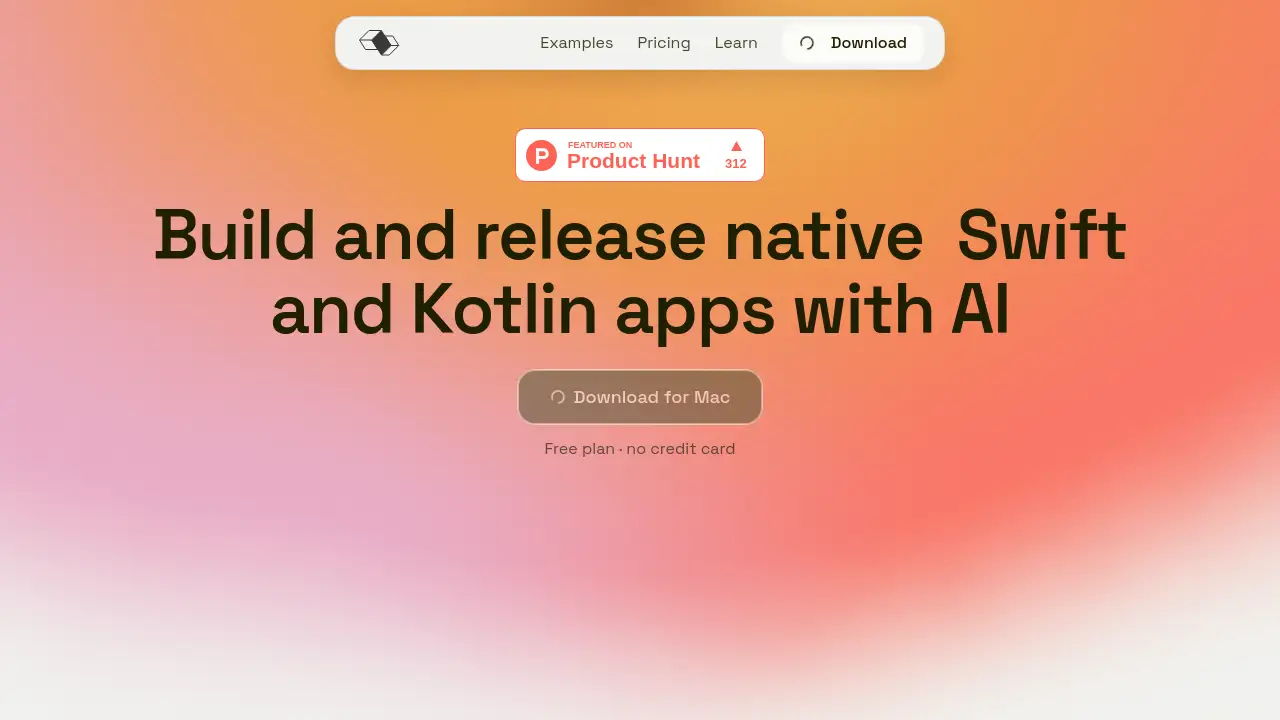
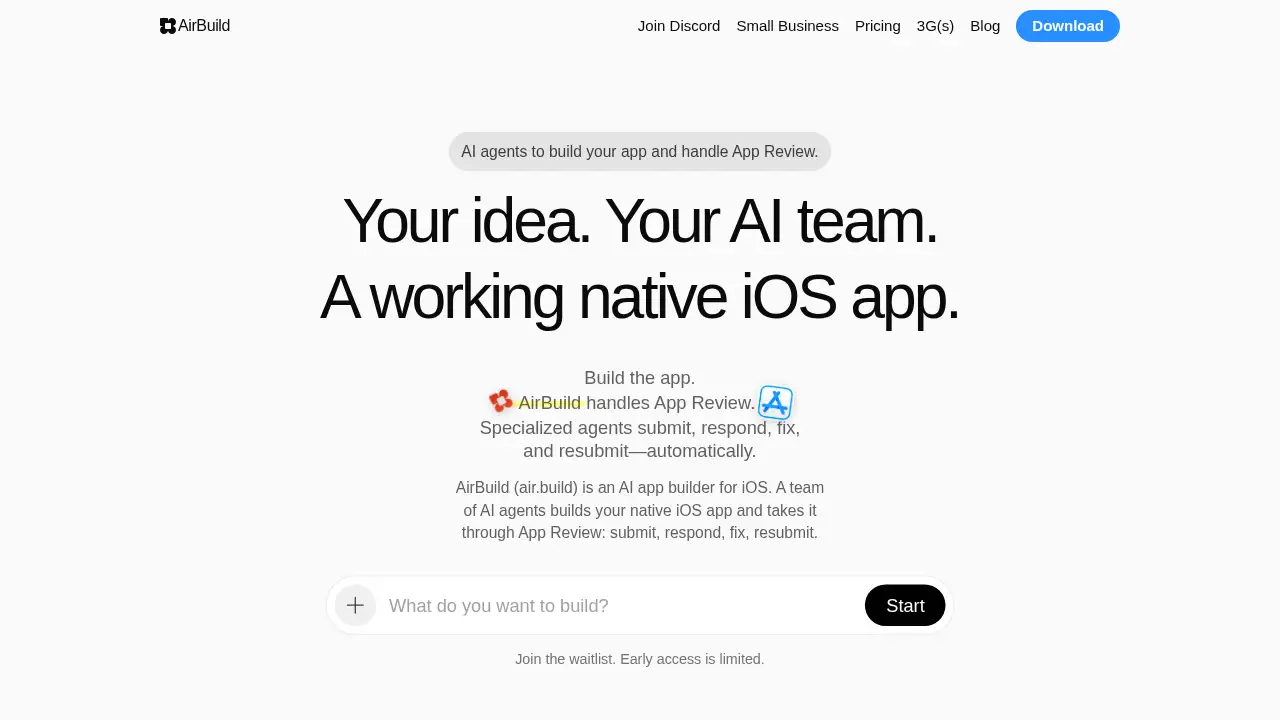
AirBuild is a native AI app builder for iOS.
What is AirBuild?
AirBuild (air.build) is an AI app builder for iOS that gives users a team of AI agents to build a native iOS app and manage App Review. The platform is designed for people who want to move from an app idea to a working iPhone app without traditional manual handoffs between design, engineering, and submission tasks. AirBuild focuses on the full workflow: building the app, preparing App Store materials, submitting it, responding to Apple feedback, fixing issues, and resubmitting.
The main problem AirBuild addresses is the stop-start nature of iOS app launches. App Review can slow progress when feedback is missed, fixes are delayed, or resubmission waits on manual work. AirBuild keeps App Review moving by using specialized AI agents for product, design, engineering, and growth. It is suitable for solo founders, indie developers, small app studios, and product teams that want a more connected iOS app development workflow. Early access is limited and available through a waitlist.
Key Features of AirBuild
AI Team for Product, Design, Engineering, and Growth
AirBuild provides AI agents that share one project brief and help shape the app. Product, design, engineering, and growth agents work on screens, features, and App Store listing preparation.
Automated App Review Submission and Resubmission
AirBuild submits the app, reads Apple’s feedback, replies through App Store Connect, routes issues to the right agent, and resubmits when fixes are ready. This App Review automation supports both new app submissions and app update submissions.
Local or Cloud Team Options
Users can run the AI team locally on a Mac or in the cloud and switch when needed. The same brief and project context move with the team, which helps keep native iOS app work consistent.
App Store Connect Workflow Support
AirBuild prepares build details, metadata, screenshots, and review notes before submission. It also helps manage replies and supporting information through App Store Connect.
TestFlight and Build Distribution Tools
AirBuild can manage tester groups, send TestFlight invites, and track build distribution. This is useful for internal testing, external testing, and public beta groups before an App Store launch.
Sales, Rankings, ASO, and App Store Listing Tools
AirBuild tracks daily units and 7- and 30-day sales totals. It also supports keyword ranking tracking, App Store listing refinement, ASO work, and landing page creation for an app.
iPhone-First Workflow and Cross-Project Memory
Users can review work, request changes, and keep an app moving from an iPhone. AirBuild’s agent can also remember context across active projects, making it easier to ask once and get a cross-project readout.
Use Cases for AirBuild
Solo Founders and Indie Developers
Solo builders can use AirBuild as an AI app builder for iOS to turn an idea into a native iOS app. The platform helps with design, engineering, App Store listing preparation, and App Review follow-up.
Small App Studios
Small teams can use AirBuild to reduce manual handoffs between product, design, and engineering. AI agents can help manage review feedback, fixes, and resubmission tasks in one workflow.
Product Teams Testing iOS Ideas
Product teams can test an iOS concept without assembling a full mobile development pipeline first. AirBuild supports screens, features, TestFlight distribution, and App Store submission steps.
Creators Who Prefer Mobile Work
Creators can review and iterate from an iPhone instead of waiting for desktop sessions. AirBuild’s iPhone workflow supports app review, changes, and shipping activity when a signal is available.
Teams Managing App Review Iterations
Teams dealing with rejection notes and resubmission cycles can use App Review automation to keep feedback organized. AirBuild routes issues to agents and helps prepare the next version for review.
How to Use AirBuild
- Describe the app idea and select Start. AirBuild asks for a clear brief, such as a fitness app that tracks workouts, recovery, and weekly training load.
- Sign in with Google, Apple, or GitHub and join the waitlist. Early access is limited, so the invite step is part of the onboarding process.
- Work with the AI team to shape screens, build features, and prepare the App Store listing. The shared brief helps product, design, engineering, and growth agents stay aligned.
- Choose a local or cloud team, then use Cloud Builds, previews, and TestFlight tools to review the native iOS app with testers.
- Submit through AirBuild and use App Review automation to respond, fix issues, and resubmit. Users can also track sales, rankings, and ASO details from the AirBuild workflow.
Target Audience for AirBuild
- Non-coders with a clear iOS app idea
- Indie iOS developers who want AI-assisted building and review support
- Small app studios managing product, design, and engineering tasks
- Product teams testing native iOS app concepts
- Creators who prefer an iPhone-first workflow
- Teams that need help with App Review responses, fixes, and resubmissions
Is AirBuild Free?
| Plan | Price | Features |
|---|---|---|
| Free | $0 USD | Trial AI usage, trial Cloud Builds and Previews, and a chance to try every step from building to the App Store. |
| Basic | $10 USD | Bring your own API key; full AI team for product, design, and engineering; standard Cloud Builds and Previews; unlimited website hosting; multiple projects; TestFlight invites; App Store metadata, screenshots, and review notes; submit and track review; unlimited auto-replies; fix and resubmit without handoffs. API usage is billed by the provider. |
| Plus | $20 USD | AI and cloud builds included; top AI models; standard AI usage; full AI team; submit and track review; unlimited auto-replies; unlimited website hosting; everything in Basic. |
| Ultra | $200 USD | Everything in Plus, plus 10× AI usage and 10× Cloud Builds and Previews. |
| Enterprise | Custom | Custom AI usage and cloud builds; shared seats and org context; self-hosted backend; dedicated support. |
AirBuild requires iOS 26 or later for iPhone and macOS 26 or later for Mac. Free trial details and waitlist availability may change, so the official AirBuild pricing page is the best place to confirm current terms.
AirBuild's Pros and Cons
| Aspect | Pros | Cons |
|---|---|---|
| Pricing | Free trial; Basic at $10; Plus at $20; Ultra for heavy usage; Enterprise option | Basic requires a personal API key and API usage is billed separately; Ultra at $200 may be high for individuals |
| Features | AI agents build a native iOS app and support App Review automation; local or cloud team; TestFlight; ASO; landing page tools | Focused on iOS rather than cross-platform app development |
| Workflow | Submit, respond, fix, and resubmit steps are connected; reduces manual handoffs | Apple still controls App Review outcomes; AI output should be reviewed before submission |
| Access | iPhone-first workflow and Mac support | Requires iOS 26+ or macOS 26+; early access is waitlist-based and limited |
Frequently Asked Questions about AirBuild
Do I need to know how to code to use AirBuild?
No. AirBuild is positioned as an AI app builder for iOS where users can start with an idea instead of code. Product, design, and engineering agents help turn that idea into an app.
What can I build with AirBuild?
AirBuild focuses on native iOS apps and also supports landing pages for apps. Users can shape screens, build features, prepare an App Store listing, and manage App Review steps.
Does AirBuild handle App Review automatically?
AirBuild submits the app, responds to Apple feedback, fixes rejection issues, and resubmits. This App Review automation is designed to reduce manual handoffs, though Apple still makes the final review decision.
Which devices and OS versions does AirBuild support?
AirBuild for iPhone requires iOS 26 or later, and AirBuild for Mac requires macOS 26 or later. Users can review work, request changes, and keep projects moving from an iPhone.
Can AirBuild help with TestFlight and App Store listings?
Yes. AirBuild supports TestFlight tester groups, invites, and build distribution. It also helps prepare App Store metadata, screenshots, review notes, keyword rankings, and ASO details.
How much does AirBuild cost?
AirBuild offers a free plan for trial use. Paid plans include Basic at $10, Plus at $20, Ultra at $200, and custom Enterprise pricing. The Basic plan uses a personal API key, with API usage billed by the provider.
AirBuild Tags
AirBuild, AI app builder for iOS, native iOS app builder, AI agents for app development, App Review automation, App Store Connect workflow, TestFlight app distribution, App Store listing ASO, iPhone app development, AI app team, iOS app submission, app review resubmission