Introduction
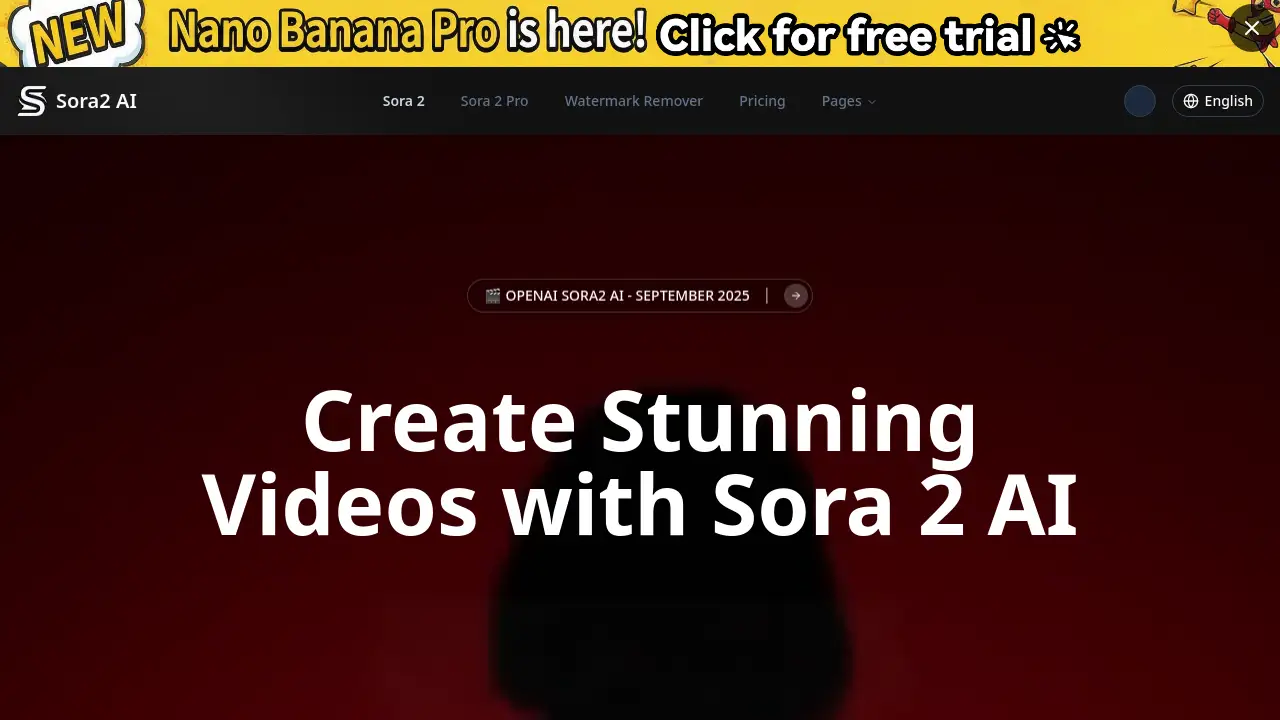
Sora 2 is an advanced AI video generator that helps creators produce stunning, photorealistic videos from simple text prompts quickly and without watermarks.
What is Sora 2?
Sora 2 is an AI-powered video creation platform designed to transform text descriptions or images into short, professional-quality video clips. It solves the problem of time-consuming and expensive video production by offering a fast, accessible tool for generating content. This AI video platform is suitable for a wide range of users, from social media creators and marketers to educators and small businesses, who need to produce engaging visual content without a steep learning curve or large budget. Its ability to generate synchronized audio with video in one step makes it a significant tool for efficient video creation.
Key Features of Sora 2
Fast, Watermark-Free Generation
Sora 2 is tuned for speed, allowing users to generate videos quickly for social media or educational content, with the added benefit of no watermarks on the final output.
Multimodal AI Video Creation
The platform supports both text-to-video and image-to-video generation, enabling users to create content from a simple written idea or an existing visual reference.
Synchronized Native Audio
A standout feature is its ability to generate synchronized audio—including dialogue, sound effects, and ambient soundscapes—simultaneously with the video from a single prompt.
Professional-Grade Output Options
Users can choose between Sora 2 for everyday speed and Sora 2 Pro for higher fidelity, with options for up to 1080p resolution and clips lasting up to 12 seconds for more cinematic projects.
Multiple Aspect Ratios and Styles
The tool supports various aspect ratios like 16:9, 9:16, and 1:1, and can generate videos in multiple visual styles, including cinematic and anime, to fit different platform requirements.
Simple Credit-Based Pricing
Access to the AI video generator is managed through a transparent credit system, with flexible monthly subscriptions and pay-as-you-go packages to suit different usage levels.
Use Cases for Sora 2
Social Media Shorts and Reels
Creators can rapidly produce eye-catching vertical videos for platforms like TikTok, Instagram Reels, and YouTube Shorts to grow their audience.
Marketing and Advertisement Content
Marketing teams can prototype ad concepts, create product demo videos, or produce branded content quickly to test ideas and engage customers.
Educational and Explainer Videos
Educators and trainers can transform complex topics into simple, engaging visual explanations to enhance learning materials and online courses.
Pre-Visualization for Professional Projects
Film, game, and VFX studios can use Sora 2 Pro to create high-quality pre-visualization sequences, iterating on complex scenes in hours instead of weeks.
How to Use Sora 2
- Sign Up and Choose a Plan: Visit the Sora 2 website, create an account, and select a free or paid credit package based on your needs.
- Craft Your Prompt: Enter a detailed text description of the scene you want to create. Using the platform’s smart prompts and templates can help speed up the process.
- Select Your Model and Settings: Choose between Sora 2 for speed or Sora 2 Pro for higher quality. Select your desired video length, resolution (up to 1080p), and aspect ratio.
- Generate and Review: Submit your prompt. The Sora 2 AI will process your request and generate a video with synchronized audio, typically within minutes.
- Download and Share: Once generated, you can download the watermark-free MP4 file directly to your device for use in your projects or on social platforms.
Target Audience for Sora 2
- Social media content creators and influencers
- Digital marketing agencies and in-house marketing teams
- Small business owners and entrepreneurs
- Educators, trainers, and online course creators
- Film, animation, and game development studios for pre-visualization
- Freelancers and independent video editors
Is Sora 2 Free?
Sora 2 operates on a credit-based system. While there is no traditional "free forever" plan, users can start by purchasing a credit package. The platform offers flexible subscription plans and one-time credit packs.
| Plan Type | Key Details | Best For |
|---|---|---|
| Starter Plan | 700 monthly credits, community support. | New users testing the platform. |
| Professional Plan | 2000 monthly credits, priority processing. | Regular creators and small teams. |
| Team Plan | 5500 monthly credits, dedicated support. | Agencies and professional studios. |
| Pay-As-You-Go Credit Packs | One-time credits (e.g., 500, 1100, 2200) valid for 30 days. | Users with sporadic or project-based needs. |
Specific pricing in dollars is not listed on the homepage; users need to check the official site for current rates. Generation costs vary by model, duration, and quality (e.g., a 4-second Sora 2 Standard video costs 40 credits).
Sora 2's Pros and Cons
| Aspect | Pros | Cons |
|---|---|---|
| Speed & Accessibility | Fast generation times for quick content; intuitive, simple interface. | Professional-grade (Pro) videos, especially in HD, can take 15-30 minutes to render. |
| Output Quality | Photorealistic videos with impressive detail; synchronized audio is a groundbreaking feature. | Maximum video length is currently limited to 12 seconds per clip. |
| Pricing & Value | Transparent credit system; no watermarks on any output, even on shorter/standard plans. | No permanent free tier; costs can add up for users requiring frequent, high-quality renders. |
| Features | Offers both a fast standard model and a high-fidelity Pro model, catering to different needs. | Advanced features like the "Cameo" for likeness integration may have a learning curve. |
Frequently Asked Questions about Sora 2
What is the difference between Sora 2 and Sora 2 Pro?
Sora 2 is optimized for speed and everyday content creation, offering fast renders at up to 720p resolution. Sora 2 Pro focuses on higher fidelity, better scene stability, and professional-grade output, supporting up to 1080p HD resolution, making it ideal for cinematic or commercial projects, though it takes longer to generate.
Does Sora 2 add watermarks to the videos?
No. A key benefit of using this AI video generator is that it does not apply any watermarks to the generated videos, regardless of whether you use the Standard or Pro model.
What kind of audio does Sora 2 create?
Sora 2 can generate synchronized audio natively alongside the video. This includes realistic dialogue matched to lip movements, sound effects for actions, and ambient background soundscapes, all created from your initial text prompt.
Who is Sora 2 best suited for?
Sora 2 is an excellent tool for social media creators, marketers, educators, and small businesses needing quick video content. The Sora 2 Pro model is particularly valuable for professional creators, agencies, and studios working on commercial, cinematic, or pre-visualization projects.
How long does it take to generate a video?
Generation time varies by model and settings. Sora 2 Standard videos can be ready in 1-6 minutes. Sora 2 Pro videos, especially the 12-second clips in 1080p, can take between 15 to 30 minutes to complete.
Can I use an image to generate a video with Sora 2?
Yes. Sora 2 supports image-to-video generation, allowing you to upload an image which the AI will then animate and bring to life based on your additional instructions.
Sora 2 Tags
AI video generator, Sora 2, AI video creation, text to video, synchronized audio, video maker, create AI videos free, no watermark video, Sora 2 Pro, photorealistic videos, social media video tool, marketing video AI, fast video generation