Introduction
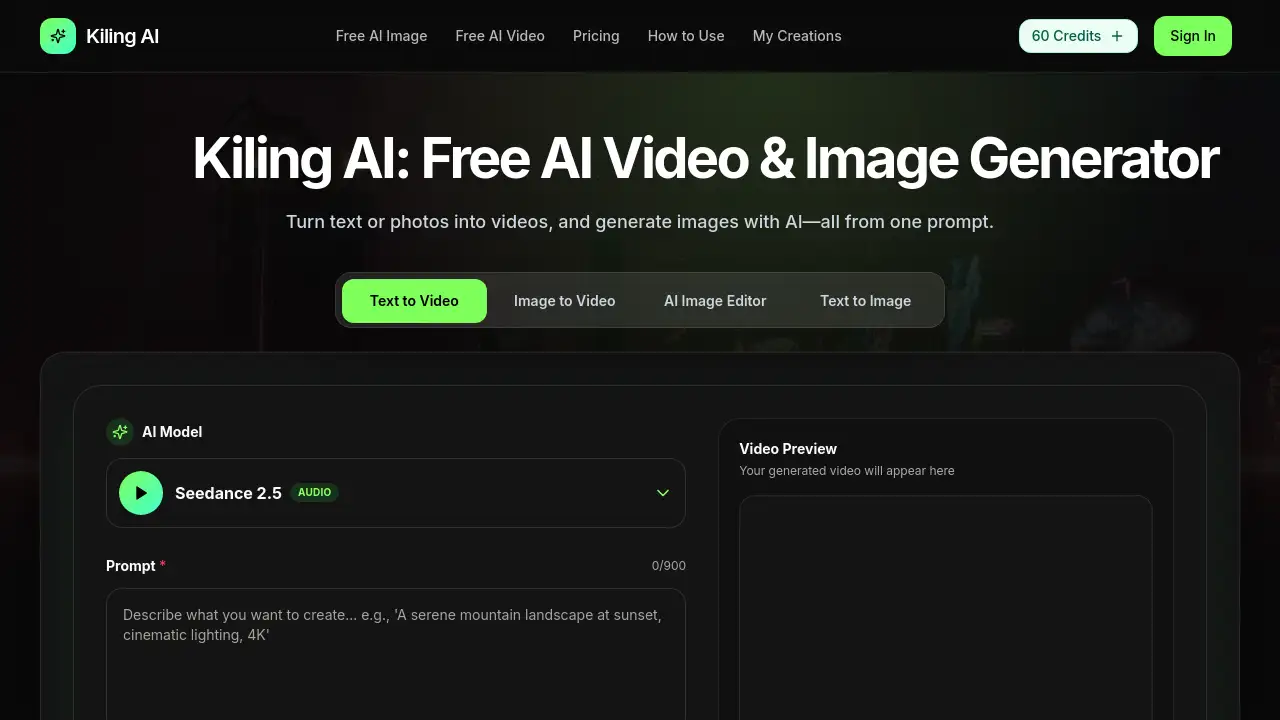
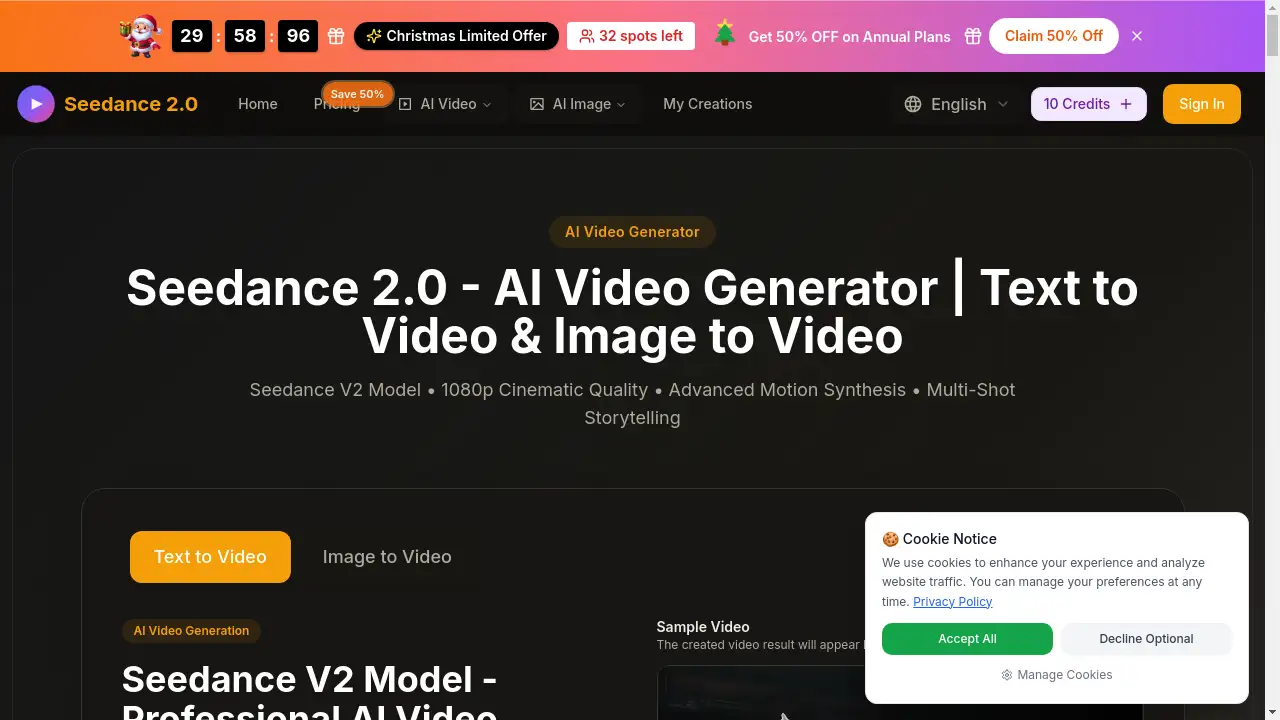
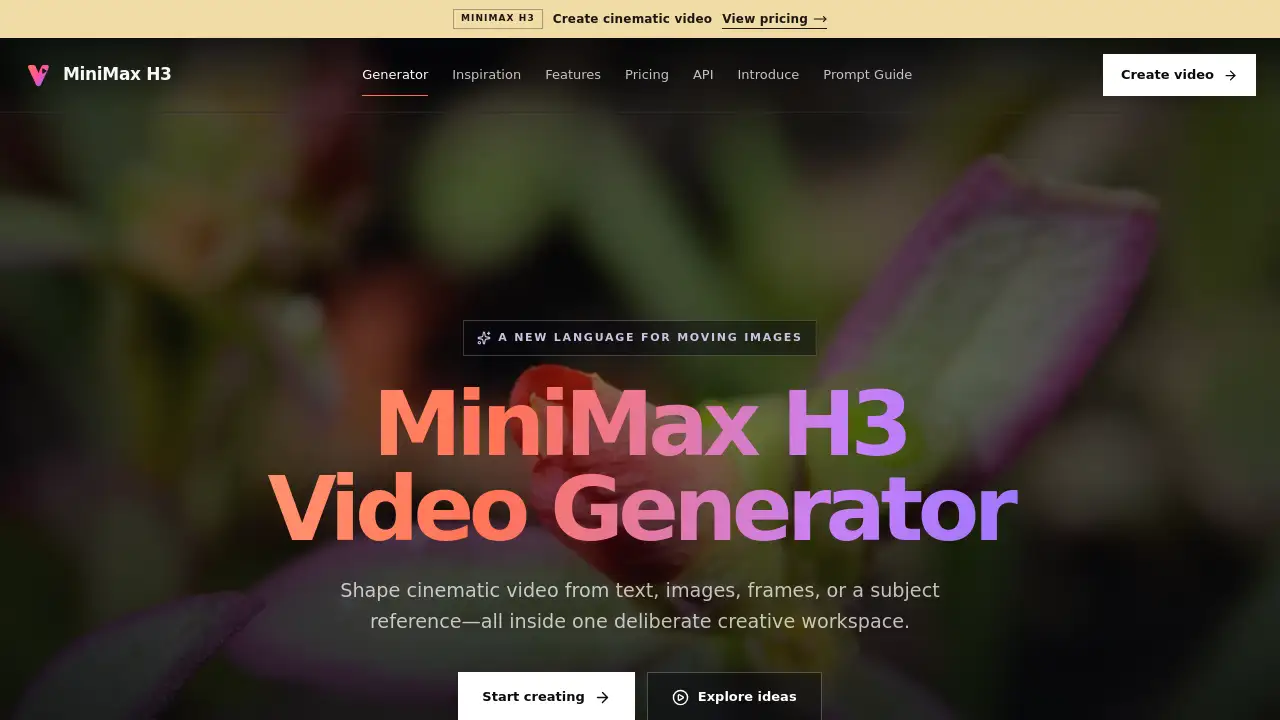
AI Video Free is a free online AI video generator that turns images and text into short videos in seconds. It is built for creators, marketers, and small teams who need fast content without editing skills, and no credit card is required to start.
What is AI Video Free?
AI Video Free is a browser-based creative platform that converts written ideas, photos, and product images into finished videos and images. Instead of learning timeline-based editing software, users describe what they want or upload a picture, and the tool produces a clip that can be published straight to social platforms or used in business materials.
The product solves a common problem: making video content usually takes time, skill, and money. A free AI video generator like this one lowers that barrier by automating the production step. Marketers can build ad clips from product photos, teachers can turn course notes into training videos, and solo creators can publish more often without hiring a production team.
The platform also includes AI image generation, so the same workspace supports both visual assets and motion content. Output is designed to be platform-ready, which matters for anyone posting to TikTok, Instagram, YouTube, or a product page. Because it runs in a browser with a three-step workflow, the tool is approachable for first-time users as well as experienced content teams.
Key Features of AI Video Free
Text-to-Video and Image-to-Video Generation
Turn a written prompt or an uploaded image into a short AI generated video, with no timeline editing or manual keyframing needed.
Free AI Image Generator
Create images from text or a reference photo, then reuse them across posts, ads, and product listings inside the same tool.
AI Image to Video Generator for Product Shots
Convert static product photos into motion clips that suit e-commerce listings, short ads, and social media videos.
Multi-Language Video Output
Generate videos in up to 17 languages, which supports training content and campaigns aimed at international audiences.
Script-to-Video Element Extraction
Extract characters, objects, and locations from a script and keep them as reusable elements for consistent storytelling across scenes.
Platform-Ready Output Formats
Produce adaptable video and image files sized for TikTok, Instagram, YouTube, product pages, and learning materials.
Three-Step Workflow
Start with text, images, course materials, or product photos and move to a finished clip in a few clicks, with no design background required.
Use Cases for AI Video Free
Social Media Content
Create vlog-style, lifestyle, or promotional clips for Instagram, TikTok, and YouTube with a consistent look across posts.
Advertising and Marketing
Build product videos and promotional ad clips quickly, without a large production budget or an in-house video crew.
Education and Training
Convert text-based or image-based course materials into structured training videos, including versions in multiple languages.
E-commerce Product Videos
Turn product images or links into ready-to-publish product videos for Shopify, Amazon, TikTok Shop, and social channels.
Storytelling and Entertainment
Develop animated stories and short creative films from a script, keeping characters and settings consistent between scenes.
Personal Creative Projects
Bring personal ideas to life as stylish clips made from text or photos, which makes this free AI video generator useful beyond business work.
How to Use AI Video Free
- Open the platform. Go to the AI Video Free website in any modern browser; there is nothing to install.
- Choose a mode. Select text-to-video for written prompts, or image-to-video to animate a photo or product shot.
- Add your input. Type a short description or upload an image, then pick the language and format you need.
- Generate the output. Let the AI video generator process the request; simple clips typically render in seconds to a few minutes.
- Review and download. Check the result, regenerate if needed, and download the file for publishing or reuse in other content.
Target Audience for AI Video Free
- Social media managers and content creators
- Small business owners and e-commerce sellers
- Marketing and advertising teams with limited budgets
- Teachers, trainers, and e-learning producers
- Freelance designers and storytellers
- Individual users exploring AI generated videos for personal projects
Is AI Video Free Free?
The platform offers free credits so users can test the AI video generator and AI image generator without a credit card. Paid options are sold as one-time credit packs, and credits never expire.
| Plan | Price | Features |
|---|---|---|
| Free trial credits | $0 | Test text-to-video, image-to-video, and AI image generation; no credit card required |
| Starter Pack | $6.9 one-time | 600 credits, all features included |
| Small Pack | $14.9 one-time | 1,500 credits, all features included |
| Medium Pack | $29.9 one-time | 3,500 credits, all features included |
| Large Pack | $59.9 one-time | 8,000 credits, all features included |
| Pro Pack | $89.9 one-time | 13,000 credits, all features included |
| Mega Pack | $129.9 one-time | 24,000 credits, all features included |
| Basic (annual) | $7.4/month, billed yearly | 14,400 credits per year, credited instantly |
| Plus (annual) | $16.6/month, billed yearly | 36,000 credits per year, credited instantly |
Credit consumption varies by video length and complexity, so checking the official pricing page before committing to a larger pack is sensible.
AI Video Free's Pros and Cons
| Aspect | Pros | Cons |
|---|---|---|
| Pricing | Free credits to start; one-time packs; credits never expire | Heavy users will eventually need to buy credits |
| Features | Text-to-video, image-to-video, and AI image generation in one place | Focused on automated generation rather than frame-level manual editing |
| Ease of use | Three-step workflow; no editing or design background required | New users may need a little time to understand credit usage |
| Output | Platform-ready formats and up to 17 output languages | Results depend heavily on the quality of the source image or prompt |
| Access | Runs in a browser, nothing to install | Requires a stable internet connection |
Frequently Asked Questions about AI Video Free
Is AI Video Free really free to use?
Yes, the platform provides free credits so users can create AI generated videos and images before paying anything, and no credit card is needed to try it. Paid credit packs are optional.
Do I need video editing experience to use this free AI video generator?
No. The workflow is built around prompts and uploads rather than timelines, so users with no editing background can produce a finished clip in a few steps.
Can I turn a photo into a video?
Yes. The image-to-video feature animates a still photo, product image, or illustration, which makes it practical for e-commerce clips and social media videos.
How long does it take to generate a video?
The site states that videos and images can be created in seconds, though actual time depends on clip length, selected settings, and current demand.
Do credits expire after purchase?
According to the pricing information, purchased credits never expire, so users can spread projects across weeks or months without losing balance.
Which languages are supported?
The platform supports generating videos in up to 17 languages, which is useful for training material and multi-market campaigns.
AI Video Free Tags
AI Video Free, free AI video generator, AI video generator, AI image to video generator, text to video, AI generated videos, free AI image generator, AI video maker online, social media videos, e-commerce product videos, AI video for marketing, free AI video tool