Introduction
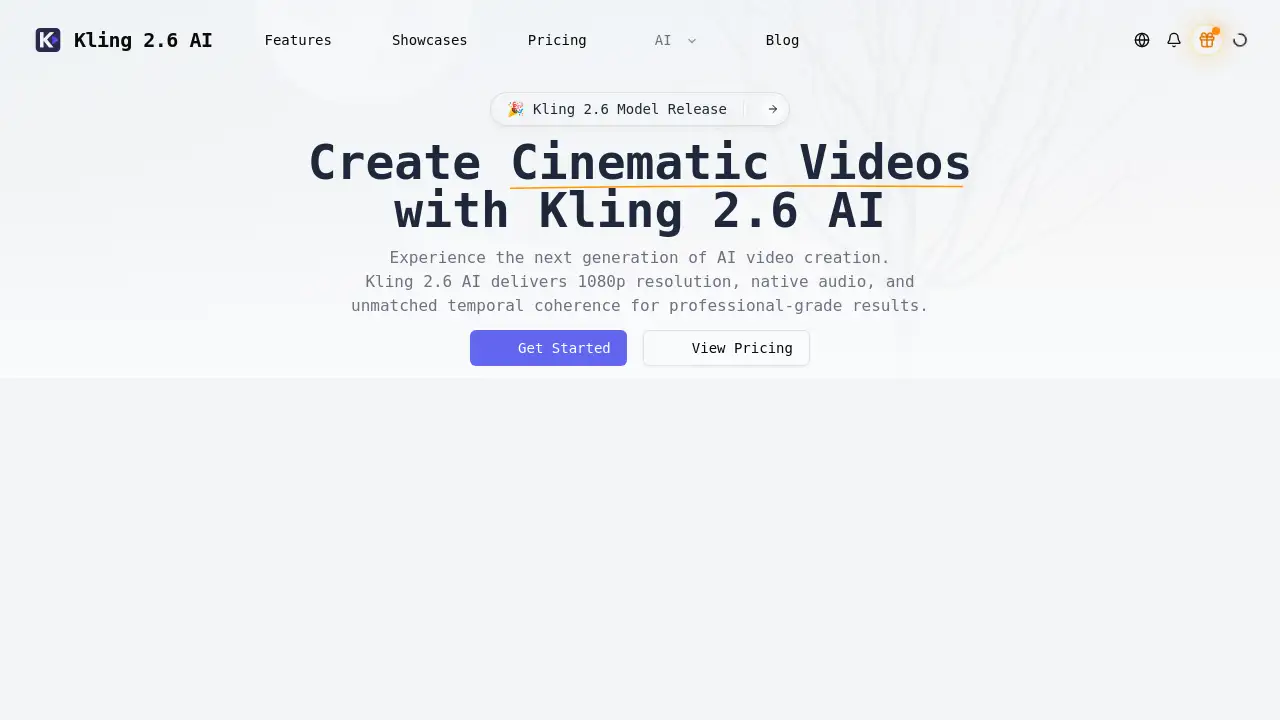
Kling 2.6 AI is an advanced AI video generator that transforms text, images, and audio into cinematic videos.
What is Kling 2.6 AI?
Kling 2.6 AI is an advanced artificial intelligence tool designed to generate high-quality, cinematic videos directly from user prompts. It solves the problem of time-consuming and resource-intensive video production by allowing creators, marketers, and filmmakers to produce polished 1080p video clips with synchronized audio in minutes. This AI video generator is suitable for anyone looking to create professional video content without needing a full production crew, advanced editing skills, or expensive equipment. By blending text prompts, image references, and audio cues, Kling 2.6 AI provides a streamlined workflow from initial idea to finished footage, making high-quality video creation more accessible.
Key Features of Kling 2.6 AI
Text + Image + Audio Prompts
Users can blend detailed narrative text, reference artwork, and soundtrack cues to precisely guide the style and content of each generated video scene.
1080p Native Resolution
The tool renders high-fidelity, cinematic-quality footage with professional details like depth of field, realistic lighting, and natural motion blur.
Temporal Coherence
This feature ensures characters, objects, and environmental lighting remain visually consistent and stable throughout longer video sequences, preventing jarring jumps.
Physics Awareness
Kling 2.6 AI understands real-world physics, simulating accurate depth, object occlusion, and believable interactions for more realistic and immersive motion.
Native Audio Pipeline
It can synthesize dialogue, sound effects (Foley), or musical score stems that are perfectly synchronized with the visual action of each clip.
Collaboration Tools
Teams can share project scenes, gather feedback on drafts, and manage shared render credits directly within the platform.
Use Cases for Kling 2.6 AI
Marketing and Advertising Campaigns
Marketing teams can rapidly prototype and produce high-quality promotional videos, social media ads, and product explainers, maintaining consistent branding with reference-based prompting.
Independent Filmmaking and Storyboarding
Solo filmmakers and indie creators can visualize scenes, create animatics, or produce short films with cinematic camera movements and coherent visual narratives.
Content Creation for Social Media
Video creators and influencers can generate engaging, professional-looking content for platforms like YouTube, Instagram, and TikTok without extensive production budgets.
Prototyping Concert and Event Visuals
Event producers and VJs can quickly design and iterate on complex visual backdrops and motion graphics for live performances, exporting files ready for show systems.
How to Use Kling 2.6 AI
Using the Kling 2.6 AI video generator involves a straightforward four-step process:
- Describe Your Scene: Write a detailed text prompt covering the main subject, desired motion, camera angles, lenses, and overall mood.
- Add References (Optional): Upload still images, sketches, or audio clips to anchor the visual style, character design, or pacing of the video.
- Generate and Refine: Run the initial AI draft, then tweak elements like motion paths or keyframes before re-rendering the clip in seconds.
- Export and Share: Download the final 1080p video clip with its native audio or send it directly into your preferred video editing application.
Target Audience for Kling 2.6 AI
- Independent Filmmakers and Video Artists
- Marketing Agencies and In-House Creative Teams
- Social Media Content Creators and Influencers
- Startup Founders and Entrepreneurs needing promotional content
- Event Producers and Visual Artists (VJs)
- Solo Videographers and Freelancers
Is Kling 2.6 AI Free?
Specific pricing details for Kling 2.6 AI are not explicitly listed on the provided homepage. The homepage mentions managing "render credits," which suggests a credit-based or subscription model. For the most accurate and up-to-date information on free trials, plans, and pricing, users should visit the official Kling 2.6 AI website.
Kling 2.6 AI's Pros and Cons
| Aspect | Pros | Cons |
|---|---|---|
| Output Quality | Generates high-fidelity 1080p video with cinematic qualities like motion blur and depth of field. | Maximum clip length may be limiting for some long-form projects. |
| Workflow Efficiency | Dramatically speeds up video creation, turning ideas into clips in minutes or hours. | May require learning effective prompting techniques for optimal results. |
| Feature Set | Unique combination of multi-modal prompts, physics awareness, and native audio generation. | Advanced features like collaboration tools are more beneficial for teams than solo users. |
| Accessibility | Makes professional-grade video production accessible to non-experts and small teams. | Pricing structure (likely credit-based) needs to be evaluated for cost-effectiveness per project. |
Frequently Asked Questions about Kling 2.6 AI
What is the maximum video length I can generate with Kling 2.6 AI?
According to the homepage, Kling 2.6 AI can generate video clips with a maximum length of 120 seconds.
What kind of input does Kling 2.6 AI accept?
This AI video generator accepts three types of input, or modalities, per prompt: detailed text descriptions, reference images or sketches, and audio cues for pacing or mood.
Can Kling 2.6 AI maintain consistency in characters across different scenes?
Yes, its Temporal Coherence feature is designed to keep characters, props, and lighting consistent across long sequences, which is vital for storytelling and branding.
Does Kling 2.6 AI create the audio for the videos?
Yes, it includes a Native Audio Pipeline that can synthesize dialogue, sound effects, or musical scores that sync perfectly with the generated video footage.
Is Kling 2.6 AI suitable for complete beginners in video production?
While designed to be accessible, achieving the best results requires crafting detailed prompts. Beginners can certainly use it, but there might be a learning curve to master effective scene description.
How does the "Physics Awareness" feature improve the videos?
Physics Awareness allows the AI to understand depth, occlusion, and how objects interact, leading to more believable and realistic movement within the generated scenes.
Kling 2.6 AI Tags
AI video generator, Kling 2.6 AI, cinematic video creator, text to video, AI video maker, 1080p video generation, video from text prompt, AI video production, AI filmmaking tool, video marketing AI, AI for content creators, generate video from image