Introduction
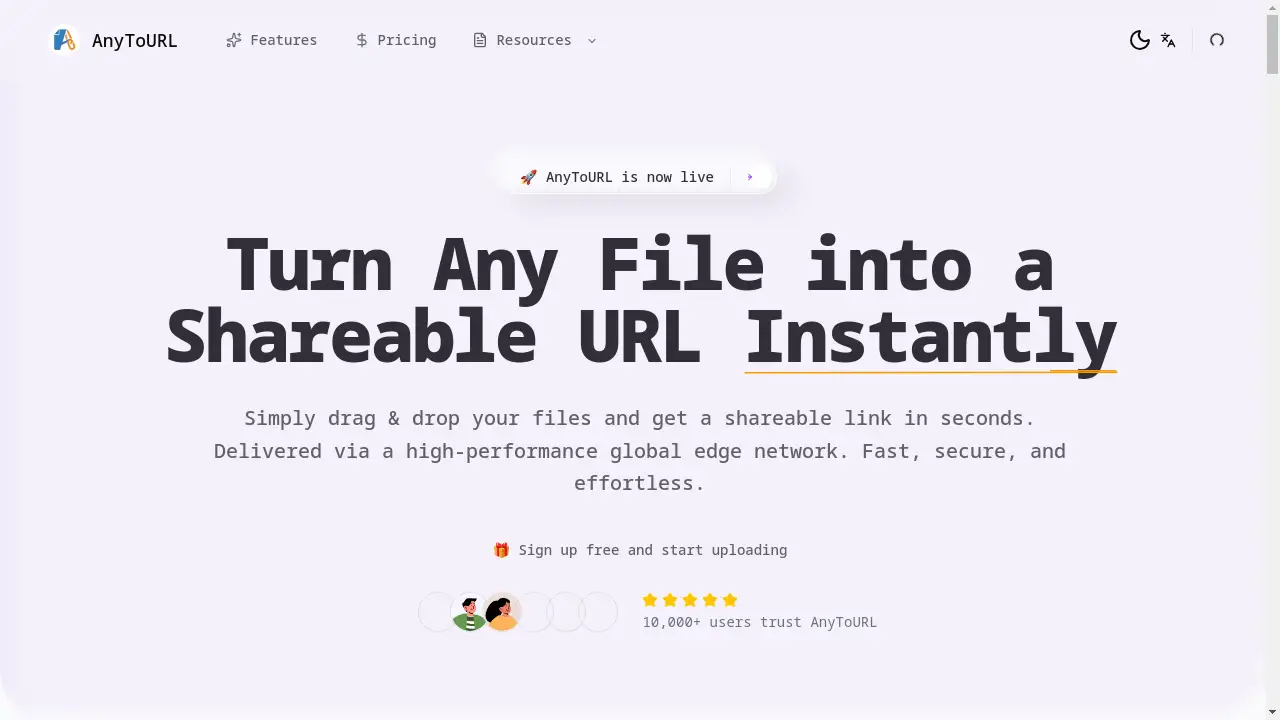
AnyToURL is a fast and simple file hosting service for instant shareable links.
What is AnyToURL?
AnyToURL is an online file hosting service designed for speed and simplicity. It solves the common problem of needing to quickly send files—like images, videos, PDFs, or code snippets—to others without using email attachments or complex cloud storage setups. The platform allows users to upload a file and immediately receive a direct, shareable link. This link can be sent via email, chat, or social media, allowing recipients to view or download the content instantly. AnyToURL is suitable for a wide range of users, from professionals sharing work assets to individuals sending personal files. Its importance lies in eliminating friction from the file sharing process, offering a secure, fast, and effortless alternative to traditional methods. The service is delivered via a high-performance global edge network, ensuring files are accessible quickly from anywhere in the world.
Key Features of AnyToURL
Drag-and-Drop Simplicity
Uploading is effortless: users can simply drag and drop a file onto the webpage or click to browse, supporting formats like images, PDFs, and documents.
Instant Shareable Link
Immediately after upload, a short and clean URL is generated, which can be copied with one click for easy sharing across any platform.
In-Browser File Preview
Recipients can view images, PDFs, and documents directly within their web browser without the need to download the file first, providing a seamless viewing experience.
Global Edge Network Delivery
Files are served through Cloudflare's high-performance global edge network, guaranteeing lightning-fast access and reliable delivery to users worldwide.
Password Protection
For sensitive content, users can add password protection to their links, ensuring that only authorized individuals with the password can access the hosted files.
Flexible Storage Options
While free uploads are available, they expire after 24 hours; upgrading to a paid plan offers permanent file storage and the ability to host files forever.
Use Cases for AnyToURL
Sharing Design Mockups with Clients
Designers can quickly upload and share high-resolution images or prototypes, allowing clients to preview the work directly in their browser for fast feedback.
Distributing Marketing Materials
Marketing teams can use the service to share campaign assets, press kits, or large PDF documents with colleagues or external partners instantly.
Sending Educational Resources
Teachers and educators can upload lesson plans, assignments, or presentation slides and share the link with students, who can view the materials without logging into another platform.
Delivering Client Galleries
Photographers and videographers can host galleries of high-resolution photos or video clips, providing clients with a fast, professional way to view and select their content.
Collaborating on Code Snippets
Developers can paste and share code snippets quickly with team members for review or debugging purposes, using the instant, clutter-free link.
How to Use AnyToURL
Using AnyToURL is a straightforward process designed for maximum efficiency:
- Upload Your File: Navigate to the AnyToURL website. You can drag and drop your file onto the upload area, click to browse your computer, or paste an image from your clipboard.
- Copy Your Link: Once the upload is complete, the platform instantly generates a short URL. Click the copy button to save the shareable link to your clipboard.
- Share the Link: Paste the AnyToURL link anywhere you need—into an email, a messaging app, a social media post, or even embed it on a website.
- Optional: Add Security: If the file is sensitive, you can enable password protection during or after the upload. Share the password separately with your intended recipients.
Target Audience for AnyToURL
- Designers and Creative Professionals
- Marketing Managers and Teams
- Photographers and Videographers
- Teachers, Tutors, and Educators
- Content Creators and Social Media Managers
- Developers and IT Professionals
- Freelancers and Remote Workers
- Small Business Owners
- Students and Academic Researchers
Is AnyToURL Free?
AnyToURL offers a generous free plan that allows users to experience its core functionality. Free users can upload files up to 50MB in size and receive an instant shareable link. However, files uploaded on the free plan are stored for a limited time and expire after 24 hours. For users who require permanent storage, larger file size limits, and additional features, AnyToURL provides affordable premium subscription options. These paid plans ensure your hosted files remain accessible indefinitely, making it a cost-effective solution for professional or frequent use.
Frequently Asked Questions about AnyToURL
What file types can I upload?
AnyToURL supports a wide range of common file types, including images (JPG, PNG, GIF), videos (MP4, MOV), documents (PDF, DOCX), presentations, and code files. The free plan supports files up to 50MB.
How secure is my file on AnyToURL?
The service employs strict security measures including link isolation and malware scanning. For added security, you can enable password protection on any file, restricting access only to those with the password.
How long do files stay online?
Files uploaded with a free account are available for 24 hours before expiring. To host files permanently, you need to upgrade to one of the platform's paid plans.
Is there a limit to how many files I can share?
There is no strict limit on the number of files you can upload and share. The constraints are based on individual file size (50MB on free tier) and storage duration.
Can recipients download the file, or just view it?
Recipients of your AnyToURL link have the option to either preview the file directly in their browser (for supported types) or download it to their device, depending on their needs.
Where can I get support for AnyToURL?
Support is available through the AnyToURL Discord community or by contacting the team directly via email, as indicated on their website.
AnyToURL Tags
file sharing service, instant file link, host files online, shareable link generator, drag and drop upload, secure file hosting, global CDN file sharing, fast file upload, image hosting, PDF sharing, password protected link, Cloudflare file delivery, temporary file host, permanent file storage, AnyToURL review