Introduction
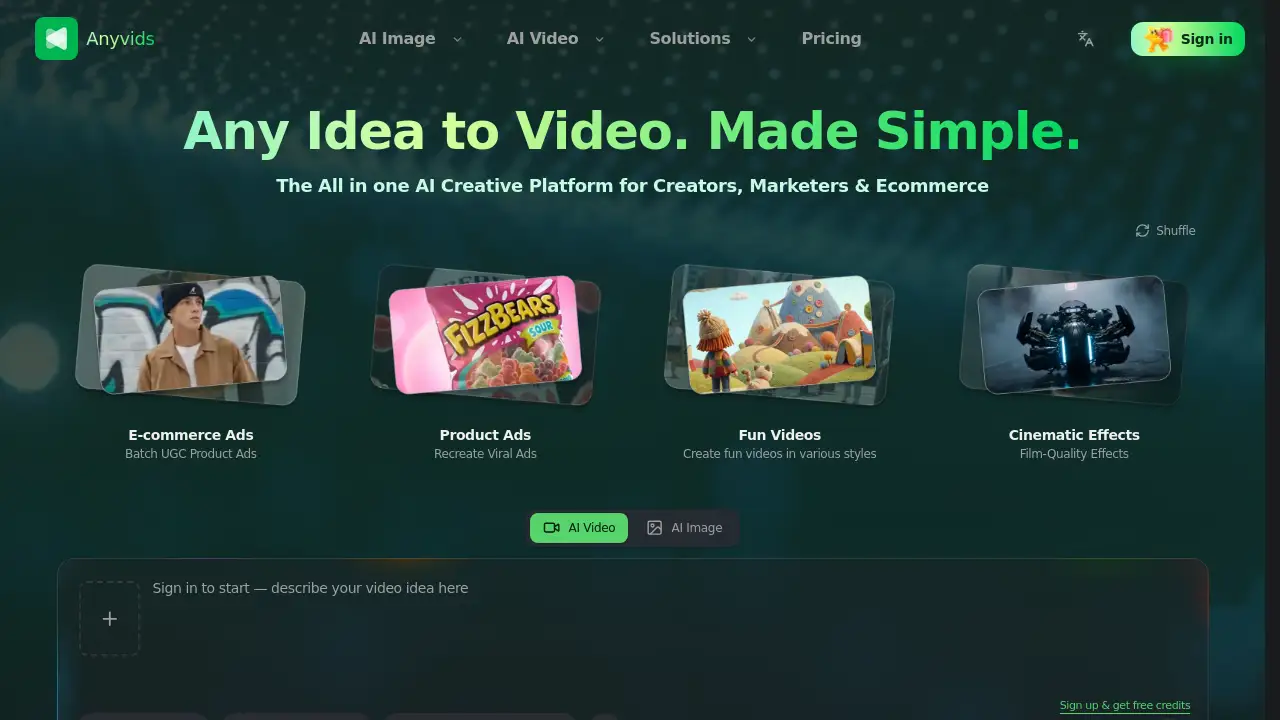
Anyvids is a free-to-start AI video generator and AI image generator built for content creators, marketers, and ecommerce teams. It brings several top AI models into one simple AI creative platform. Users can generate videos from text, edit existing clips, create product photography, and export final content without switching between many tools. With 10 free starter credits, the platform offers a low-risk way to test advanced AI models and production workflows.
What is Anyvids?
Anyvids is an all-in-one AI creative platform that combines an AI video generator, an AI image generator, and a long list of editing and production tools. It is built around a simple idea: help users go from product to published content fast. Rather than paying for separate subscriptions for text-to-video, image generation, video effects, avatar creation, and product ads, a team can manage the entire visual workflow in one place.
The platform solves a common problem for modern creators. Many people need to jump between several websites to make one short video. Anyvids reduces that friction by providing access to leading video and image models in a single dashboard. This matters because speed matters in social media, ecommerce, and advertising. If users can generate, edit, and refine content in one session, they can publish more and spend less time on repetitive tasks.
Anyvids is also designed for users with different skill levels. Beginners can follow simple prompt-based workflows, while teams can access more advanced tools like video character swap, motion control, and studio-level effects.
Key Features of Anyvids
Multi-Model Text-to-Video Generator
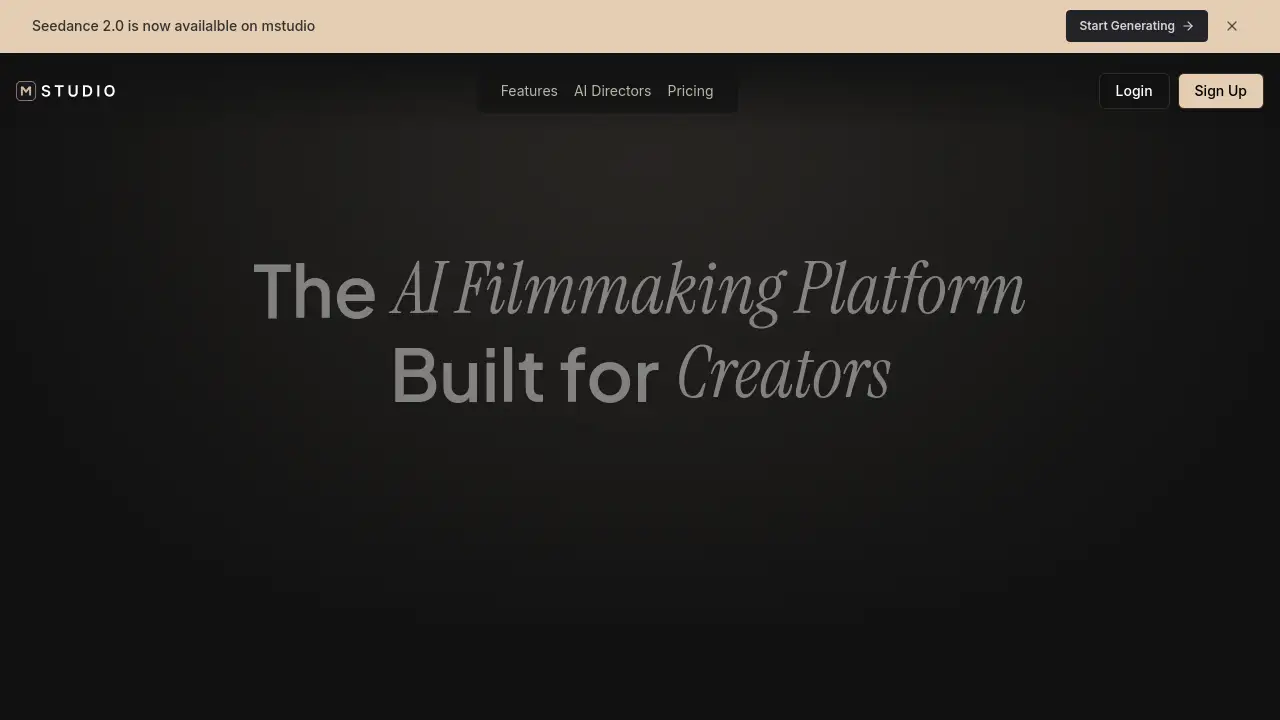
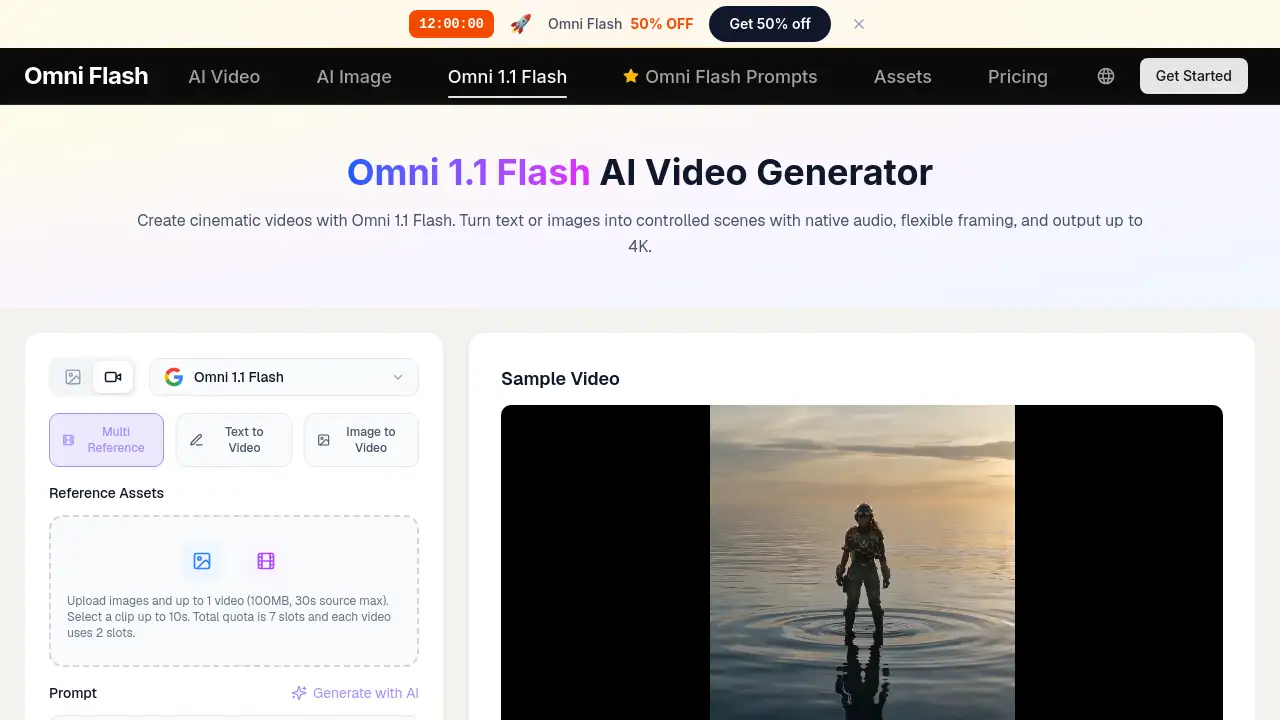
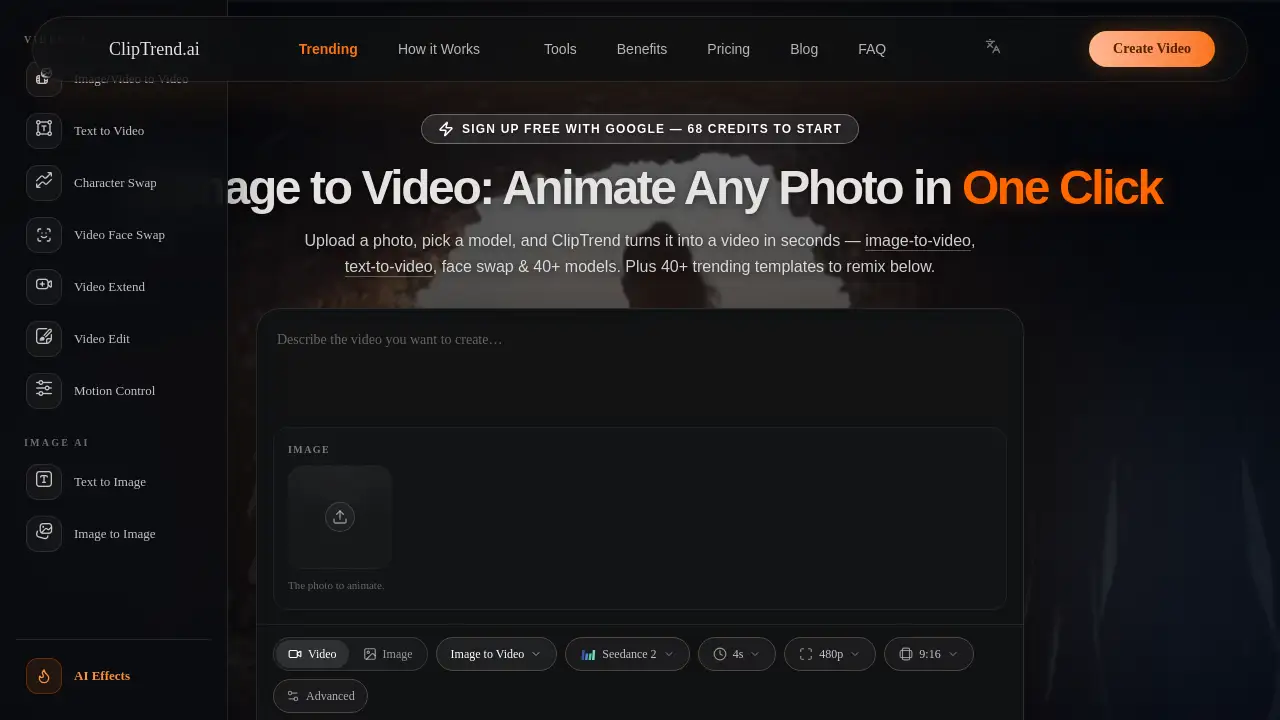
Anyvids supports several leading video models, including Veo 3.1, MiniMax H3, Kling 3.0, Seedance, and Wan. This makes the AI video generator flexible enough for short ads, cinematic scenes, and experimental social content.
AI Image Generator and AI Image Editor
The AI image generator provides access to high-performance image models such as GPT Image 2.0, Flux 2, Nano Banana, Seedream, and Grok Imagine. Users can create fresh visuals from prompts or use the AI image editor to change backgrounds, styles, objects, and text with precision.
Prompt-Based AI Video Editor
Users can describe edits in plain language, and the AI video editor applies them to footage. It can replace a background, relight a scene, change the style, remove distractions, and adjust camera framing without opening complex editing software.
Video Effects and Cinematic Templates
The video effects module adds cinematic transitions, film-style looks, and VFX templates. It also includes a video upscaler, which helps users improve video resolution and reach true 4K quality when needed.
AI Animation and Motion Control
The AI animation generator turns text or still images into animated scenes using styles such as Ghibli-inspired looks. Motion control takes this further by letting users drive avatars with dance moves, gestures, or choreography from a reference clip.
Character Swap and AI Avatars
The video character swap tool replaces the main person in a video with someone from a photo while preserving the original motion, lighting, and background. Users can also build custom AI influencers or avatars for branding and social campaigns through the AI influencer studio.
Ecommerce and Ad Creation Tools
The Commerce Studio section includes AI product video, AI product photography, virtual try-on photo and video, product review images, and a relight studio. These tools help ecommerce teams create ad-ready content without a full production team.
Clear Credits and Transparent Pricing
Anyvids highlights clear billing, credit usage, and refunds as part of its pricing structure. New users receive free credits after signing up, and the site sometimes runs membership offers such as discounted subscription plans.
Use Cases for Anyvids
Ecommerce Product Videos
Ecommerce teams can use Anyvids to create batch UGC product ads, product videos, and product images. These assets can be tested quickly on social channels or used directly on product pages.
Social Media Content
Creators can turn simple text ideas into short videos for TikTok, Instagram Reels, or YouTube. The AI video generator helps produce fun videos, styled visuals, and catchy animations that fit each platform’s format.
Brand and Influencer Campaigns
Marketers can build AI avatars, swap characters in videos, and generate polished brand content without filming new footage. This is useful for ad testing, localized content, and influencer-style product storytelling.
Cinematic and Animated Storytelling
Video editors and animators can use AI animation styles, motion control, and cinematic effects to add movement to still images or enhance existing clips with high-impact visuals.
How to Use Anyvids
- Visit Anyvids.ai and create an account. After signing up, new users receive free credits to explore the platform.
- Choose a creative path. Select Creative Studio, Marketing Studio, Commerce Studio, or Ad Studio depending on the project.
- Enter a prompt or upload a file. Start with text, an image, a product photo, or a reference clip.
- Pick a model and settings. Choose from the available AI models and adjust options such as aspect ratio, resolution, and video length.
- Edit and export. Use built-in AI editing tools to refine the result, then download or publish the final content.
Target Audience for Anyvids
- Content creators and influencers
- Social media marketers
- Ecommerce sellers and online store owners
- Small business owners
- Video editors and animators
- AI product enthusiasts
- Marketing teams looking for an all-in-one AI creative platform
Is Anyvids Free?
Anyvids offers a free starter experience. Users can sign up and receive 10 credits to test the platform. There is also a newbie gift pack and a 7-day check-in system that gives additional free credits.
The exact pricing for paid plans is not shown on the homepage, but the platform states that billing, credit usage, and refunds are transparent. Users should check the official pricing page for current plans and model costs.
| Plan | Price | Features |
|---|---|---|
| Free Starter | $0 | 10 credits, access to top AI models, basic AI image and video tools |
| Paid Subscription | Varies by plan | More credits, advanced editing tools, premium model access, commercial features |
Anyvids's Pros and Cons
| Aspect | Pros | Cons |
|---|---|---|
| Pricing | Free credits to start; clear billing and refund policy | Free plan provides a limited number of credits |
| Features | All-in-one AI creative platform with image, video, and editing tools | Many models and options can feel overwhelming at first |
| Models | Access to industry-leading video and image models | Some advanced output may require higher credit usage |
| Workflow | Reduces the need to switch between separate AI tools | Users must learn where each tool or studio fits in the workflow |
Frequently Asked Questions about Anyvids
What is Anyvids used for?
Anyvids is used to create AI images and AI videos for social content, marketing, product ads, and creative projects. It works as an AI video generator, AI image generator, AI video editor, and avatar studio in one platform.
Which AI models does Anyvids support?
According to the official website, Anyvids lists models such as Veo 3.1, Kling 3.0, Seedance, Wan, and MiniMax H3 for video, plus GPT Image 2.0, Flux 2, Seedream, and Grok Imagine for images. The list may expand as new models are released.
Can I try Anyvids without paying?
Yes. Users can sign up and receive 10 free credits. The homepage also mentions a newbie gift pack and a 7-day check-in system, which lets new users collect extra free credits while they learn the platform.
Is Anyvids suitable for beginners?
Yes. The platform is designed to start with simple prompts and templates. New users can use the AI video generator and AI image generator without complex setup, while more advanced tools remain available when needed.
Does Anyvids have refunds?
Anyvids states that its pricing includes clear billing, credit usage, and refunds. For exact refund rules and eligibility, users should review the official Refund Policy linked on the website.
Is Anyvids useful for ecommerce brands?
Yes. The Commerce Studio includes AI product videos, product photography, virtual try-on tools, product review images, and ad creation features. Ecommerce teams can use these tools to produce campaign assets faster.
Anyvids Tags
Anyvids, AI video generator, AI image generator, all-in-one AI creative platform, text to video, image to video, AI video editor, AI animation generator, AI avatar generator, AI product video, ecommerce AI tools, Anyvids pricing