Introduction
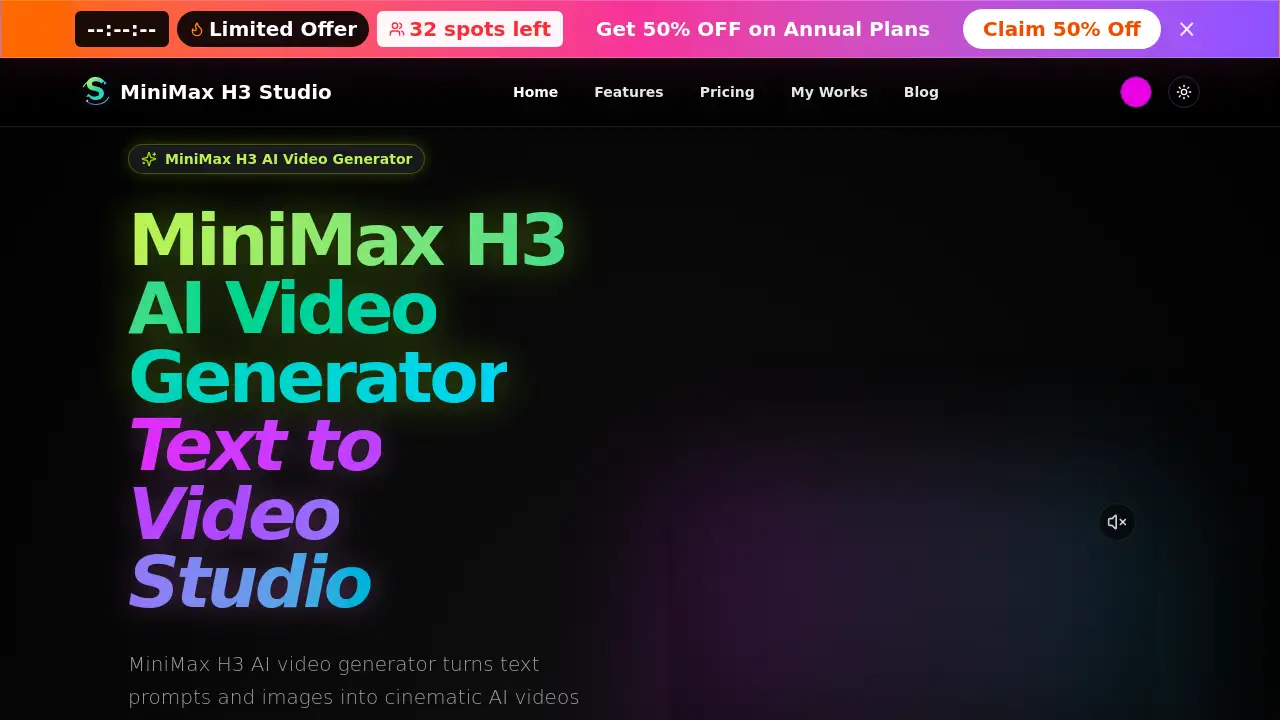
MiniMax H3 is an AI video generator that creates text-to-video and image-to-video clips with synced audio. Built for creators and marketing teams, it supports 1080p video output, camera control, and consistent characters. The tool turns simple prompts into cinematic short videos with lifelike motion and flexible aspect ratios.
What is MiniMax H3?
MiniMax H3 is an AI video generator designed to simplify video creation. It helps users turn text prompts or source images into short, cinematic video clips. The main goal is to remove the need for complex editing software while still producing professional-looking results.
This tool solves a common content production problem: making high-quality video quickly. Instead of filming, storyboarding, and editing from scratch, users can describe a scene and let MiniMax H3 generate the visuals. It also handles audio sync, which means dialogue and sound effects can match the video content. That makes it useful for product demos, social ads, storyboards, and short-form content.
MiniMax H3 matters because it combines several advanced features in one workspace. Users can create videos from text, work from reference images, control camera movement, and keep characters consistent across scenes. The result is a practical video generation tool for creators who need speed and consistency.
Key Features of MiniMax H3
Text-to-Video and Image-to-Video Workspace
MiniMax H3 supports both text-to-video and image-to-video workflows. Users can describe a scene in plain text or upload an image as the starting frame. The AI video generator then builds a video clip around that input.
Synced Audio in AI Video Generation
The AI video generator can create video with synced audio. Users can describe both the visual scene and the audio or dialogue in a single prompt. This helps produce clips where sounds and visuals feel connected.
1080p Output and High Resolution Options
MiniMax H3 creates 1080p videos with lifelike motion. The official site also lists a 2K resolution option, giving users more flexibility for high-quality output. This makes it suitable for professional-looking content.
Camera Control and Character Consistency
MiniMax H3 includes camera control and character consistency features. Users can guide camera movement and keep the same character style across multiple shots. This is helpful for storytelling and multi-scene projects.
Reusable Prompt Cases
The platform offers reusable prompt cases. These are saved prompt examples that allow users to recreate similar video styles quickly. Instead of starting from scratch, users can modify an existing case and generate a new video with ease.
Flexible Aspect Ratios and Duration Controls
Users can adjust aspect ratio and video duration to match their project. The official homepage shows support for common ratios like 16:9 and durations around 5 to 15 seconds. This flexibility works well for different platforms and ad formats.
Use Cases for MiniMax H3
Product Demos
MiniMax H3 can generate quick product demo videos from simple text descriptions. Marketers can create visuals that highlight product features without filming on location.
Storyboards
Filmmakers and video teams can use MiniMax H3 AI video generator to build storyboards. The tool helps visualize action sequences, camera angles, and scene transitions before actual production begins.
Social Ads
Social media teams can use MiniMax H3 to create short ad videos for platforms like Instagram, TikTok, and YouTube. The synced audio and flexible aspect ratios make it easier to format content for different channels.
Short-Form Content
The tool is built for short-form video creation. Users can generate 5 to 15 second clips that fit the fast-paced style of modern social media.
Cinematic Action Scenes
MiniMax H3 can handle detailed prompts for action sequences and cinematic shots. The homepage includes examples such as character attack scenes and costume change videos, showing its range for creative projects.
How to Use MiniMax H3
Using MiniMax H3 is straightforward. The platform is designed around a simple prompt-based workflow.
- Go to the official MiniMax H3 AI video generator website.
- Choose between text-to-video and image-to-video mode.
- Write a prompt that describes the visual scene and any audio or dialogue.
- Set the duration, aspect ratio, and other controls like reference frames.
- Generate the video and preview the result.
Users can also browse existing prompt cases to get ideas. Selecting a case automatically fills in the prompt fields, so it is easy to test different styles.
Target Audience for MiniMax H3
- Content creators who make short videos regularly
- Marketing teams producing product demos and social ads
- Filmmakers and storyboard artists planning their shots
- Social media managers who need platform-ready video formats
- Advertisers looking for fast video variations
- Small business owners who want simple video promotion tools
Is MiniMax H3 Free?
The official MiniMax H3 homepage does not currently show a full pricing table. That means the free tier and paid plan details are not clearly confirmed in the product reference.
Users can visit the official website to check current plan options. Many AI video generators offer free credits or trial access, so it is worth reviewing the site for the latest availability.
| Plan | Price | Features |
|---|---|---|
| Free | Not confirmed | Check official site for details |
| Paid | Not confirmed | Check official site for pricing and limits |
MiniMax H3's Pros and Cons
| Aspect | Pros | Cons |
|---|---|---|
| Features | Includes text-to-video, image-to-video, synced audio, and camera control | Some users may need time to learn prompt writing |
| Output Quality | 1080p video and 2K resolution options | Final quality depends heavily on prompt detail |
| Accessibility | Browser-based workflow with reusable prompt cases | No clear pricing information on the main page |
| Use Cases | Good for product demos, storyboards, social ads, and short-form content | Video lengths appear limited to short clips such as 5–15 seconds |
Frequently Asked Questions about MiniMax H3
What is MiniMax H3?
MiniMax H3 is an AI video generator that creates short video clips from text prompts or images. It supports synced audio, camera control, and consistent characters in a single online workspace.
Does MiniMax H3 support text-to-video?
Yes. MiniMax H3 allows users to create videos from text descriptions. The AI video generator turns the prompt into a visual scene with motion and audio.
Can MiniMax H3 generate videos from images?
Yes. MiniMax H3 supports image-to-video generation. Users can upload an image and use it as the starting point for a new animated video clip.
Does MiniMax H3 generate synced audio?
Yes. Users can describe both visual and audio elements in the same prompt. MiniMax H3 then creates a video where the audio is aligned with the action on screen.
What resolutions does MiniMax H3 support?
MiniMax H3 supports 1080p video output. The official homepage also lists 2K as a resolution option, which is useful for higher-quality projects.
Is MiniMax H3 free?
The official page does not clearly list pricing details. Users should check the website directly to see if free credits, trial access, or paid subscription plans are available.
MiniMax H3 Tags
MiniMax H3, AI video generator, text-to-video, image-to-video, synced audio video, 1080p AI video, camera control AI video, character consistency, short-form video creator, product demo video, cinematic AI video, MiniMax H3 review