Introduction
Wan 3 Video Generator makes cinematic AI video from prompts.
What is Wan 3 Video Generator?
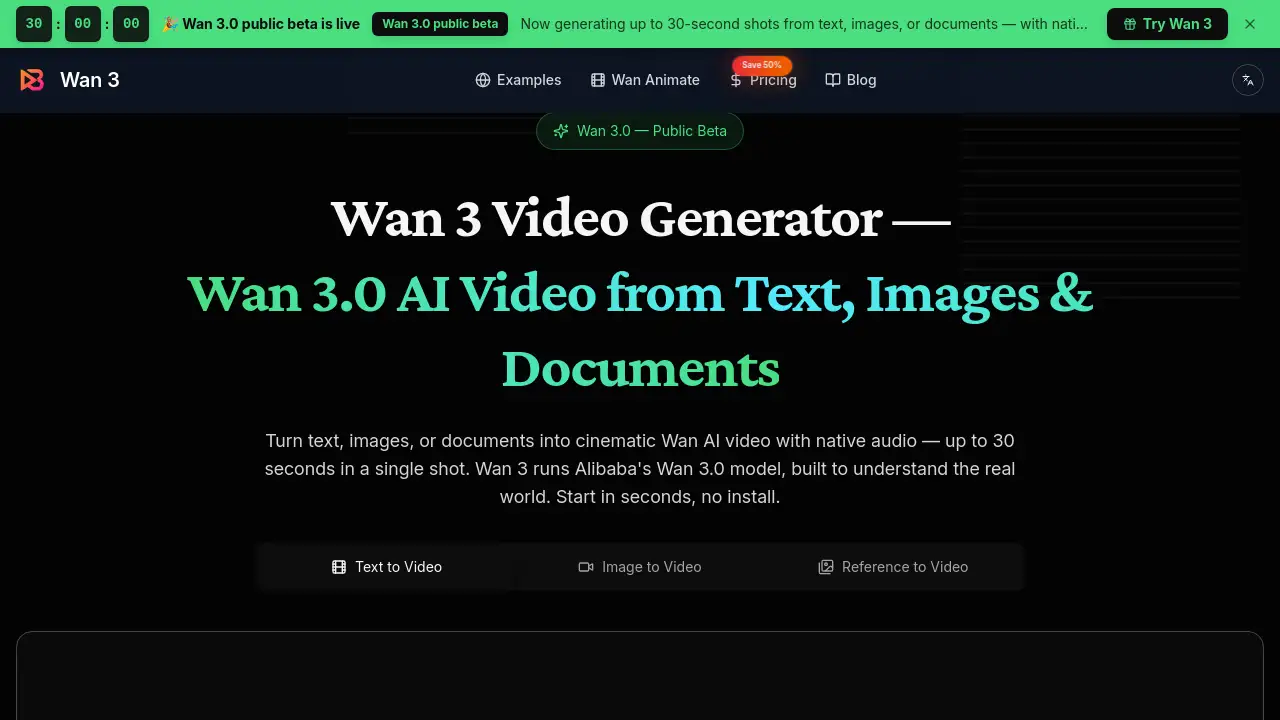
Wan 3 Video Generator is an AI video tool built on Alibaba's Wan 3.0 model. It turns text prompts, images, documents, and reference media into short cinematic clips. The output is called Wan AI video, and this Wan AI video can include native audio, dialogue, and sound effects. The tool solves a common problem: making polished video from a simple idea without complex editing software. Anyone who needs quick visual content can benefit. The Wan 3 Video Generator matters because it combines several tasks into one workflow. Users can start with a sentence, a photo, or a PDF and get a finished-looking clip in minutes. The website offers a public beta with free starter credits, so people can test the Wan 3 Video Generator before paying.
Key Features of Wan 3 Video Generator
Native Audio and Lip Sync
The Wan 3 Video Generator creates sound together with the moving picture. It can produce dialogue, ambient sound, music, and timed effects, and it supports lip sync for talking characters. This feature makes Wan AI video feel more complete without extra audio work.
Up to 30-Second Shots
Each single shot can run up to 30 seconds. That is longer than many other AI video generators. With Wan 3 Video Generator, users can build a continuous scene instead of stitching short clips together.
Text, Image, and Document Inputs
Users can type a text prompt, upload an image, or provide a document such as PDF, PPT, XLS, or MD file. The Wan 3 Video Generator then turns that input into Wan AI video. This flexibility is useful for converting slides or storyboards into moving visuals.
Omni-Reference
The omni-reference feature lets users guide the model with images, video, or audio samples. It helps keep a character, prop, voice, or style consistent. For group scenes, Wan 3 Video Generator can preserve distinct faces and wardrobe details.
Instruction-Based Editing
Instead of writing a new prompt, users can ask for one specific change: new weather, slower camera, replaced prop, or rewritten line. The Wan 3 Video Generator keeps the parts that already work and updates only the requested element.
Use Cases for Wan 3 Video Generator
Social Media Clips
Marketers can turn product descriptions into quick promo videos. The Wan 3 Video Generator adds motion and native audio, making posts more engaging and shareable.
Previsualization for Filmmakers
Directors can use the tool to test camera angles, lighting, and character continuity before a real shoot. Wan AI video from a simple brief helps communicate ideas to a team.
Talking-Character Dialogue
Creators can make short dialogue scenes with lip sync. The Wan 3 Video Generator can generate speech together with the character, which is useful for storyboards or animated shorts.
Document-to-Video for Training
Trainers can convert PDFs or slides into short explainer videos. The Wan 3 Video Generator turns a static document into Wan AI video with narration or background sound.
How to Use Wan 3 Video Generator
Using the Wan 3 Video Generator is simple:
- Open the website and sign in.
- Choose text, image, or document input.
- Enter a prompt up to 2000 characters or upload a file.
- Pick a reference if needed, then click generate.
- Review the Wan AI video, download the MP4, or edit with a follow-up instruction.
The whole process runs in a browser, so there is no install.
Target Audience for Wan 3 Video Generator
The Wan 3 Video Generator suits:
- Social media creators who need fast video content
- Marketing teams making ads and product demos
- Filmmakers and animators doing previsualization
- Trainers and educators converting documents to video
- Small business owners without video editing skills
- Teams producing Wan AI video for client pitches
Is Wan 3 Video Generator Free?
Wan 3 Video Generator offers free starter credits during the public beta. After that, users can choose a subscription plan. The website also sells one-time credit packs, although specific prices for those are not listed in the reference content. The subscription plans are:
| Plan | Price | Features |
|---|---|---|
| Basic | $7.50/mo (billed annually at $90) | 300 credits/month, about 11 clips |
| Pro | $19.50/mo (billed annually at $234) | 1600 credits/month, about 59 clips |
| Max | $80.00/mo (billed annually at $960) | 9200 credits/month, about 340 clips |
All plans are currently offered at 50% off for a limited time. Costs are shown in credits before checkout. The free credits let users test the Wan 3 Video Generator workflow before committing.
Wan 3 Video Generator's Pros and Cons
| Aspect | Pros | Cons |
|---|---|---|
| Video length | Up to 30 seconds per shot | Longer projects may require multiple clips |
| Audio | Native audio and lip sync included | Audio quality varies by prompt and scene |
| Input options | Text, image, document, and reference media | Some inputs may need careful prompt design |
| Pricing | Free starter credits and affordable subscriptions | Annual billing required for discounted rates |
| Ease of use | Browser-based with no install | Results should be reviewed before publishing |
Frequently Asked Questions about Wan 3 Video Generator
What exactly is Wan 3 Video Generator?
Wan 3 Video Generator is an AI video creation tool that runs Alibaba's Wan 3.0 model. It turns text, images, and documents into short cinematic clips with native audio. The tool is available online at wan3video.app.
How long can the generated videos be?
The Wan 3 Video Generator can produce shots up to 30 seconds in a single take. This is longer than many competing AI video tools, which often stop at 10–15 seconds.
Does Wan 3 support audio and dialogue?
Yes. The Wan 3 model generates native audio, including dialogue, ambience, music, and effects. It also supports lip sync for talking characters. Users should review the clip because Wan AI video quality can vary by prompt, scene, and language.
Can I upload my own images or documents?
Yes. The Wan 3 Video Generator accepts text prompts, images, and documents such as PDF, PPT, XLS, and MD files. This makes it easy to turn an existing asset into Wan AI video.
How much does it cost?
Users start with free credits. Paid plans start at $7.50 per month for the annual Basic plan, $19.50 per month for Pro, and $80 per month for Max. A limited-time discount saves 50% on these plans.
Is Wan 3 the same as Wan 2.7?
No. Wan 3 is the newest version, while Wan 2.7 is the previous generation. Wan 3 offers longer 30-second shots, document input, native audio, and stronger reference consistency.
Wan 3 Video Generator Tags
Wan 3 Video Generator, Wan AI video, Alibaba Wan 3.0, text to video AI, image to video AI, document to video, native audio AI video, AI video generator free, lip sync AI video, Wan 3 video tool, cinematic AI video, online video generator