Introduction
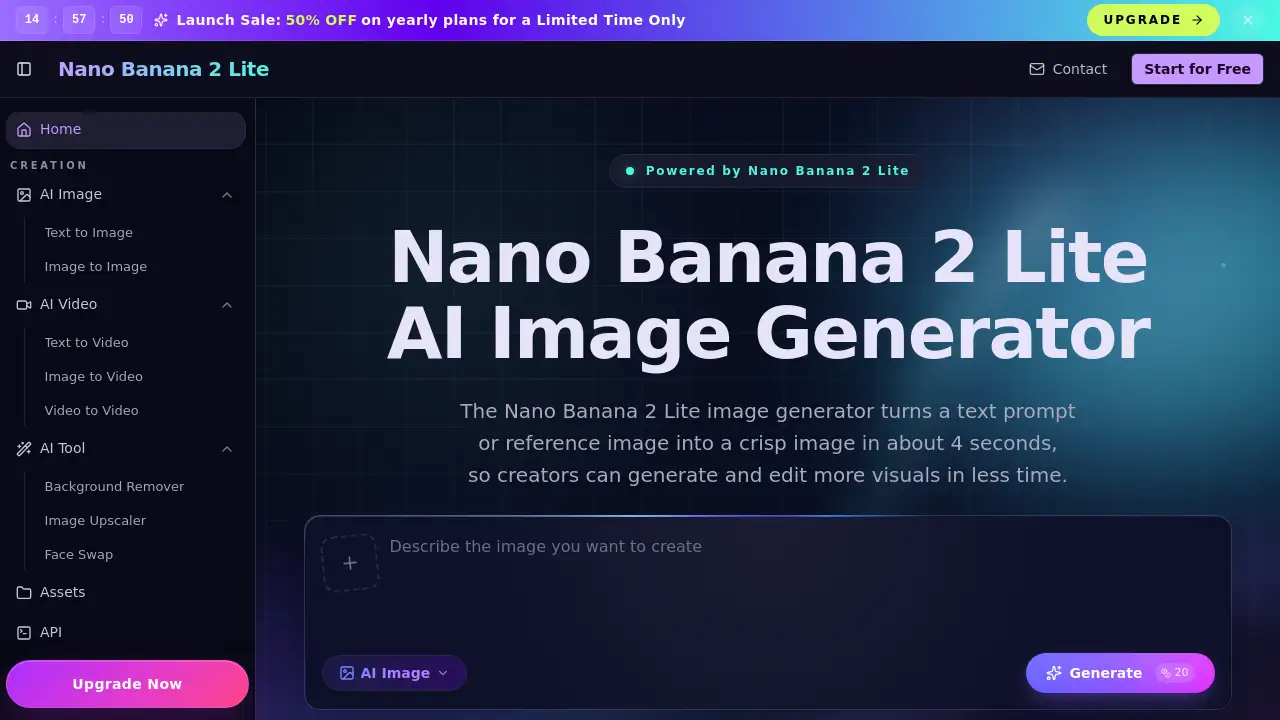
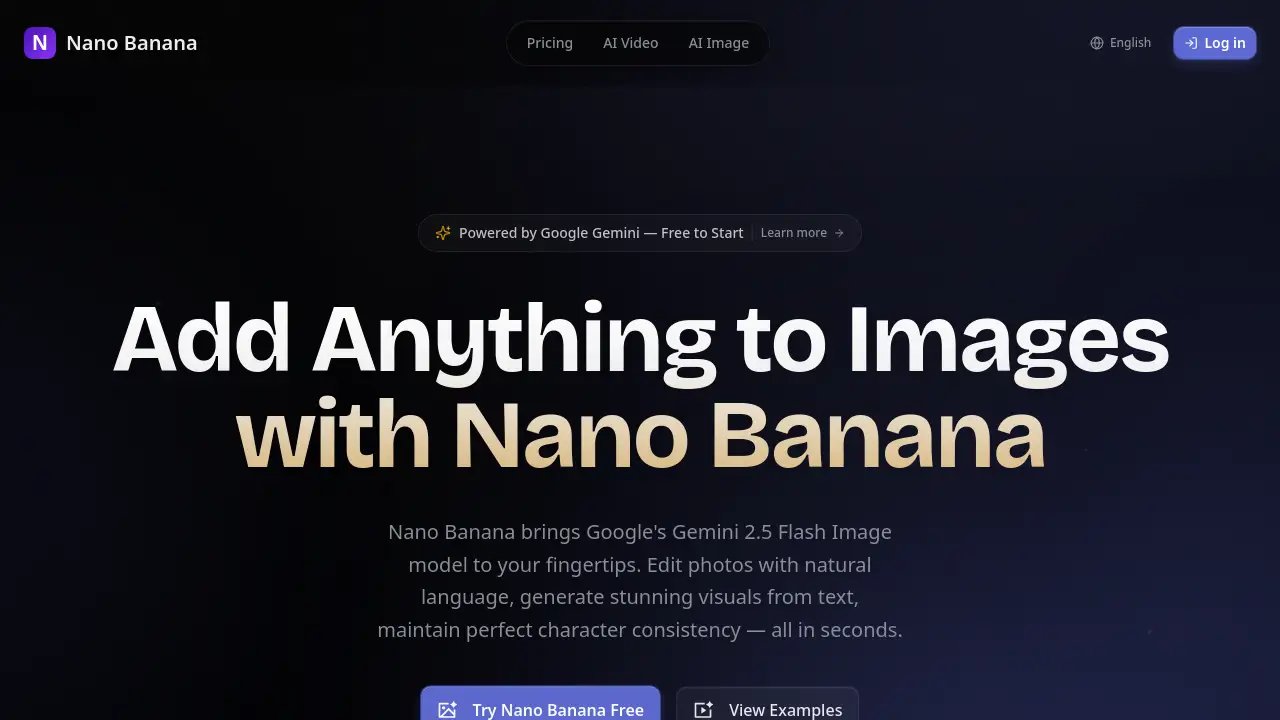
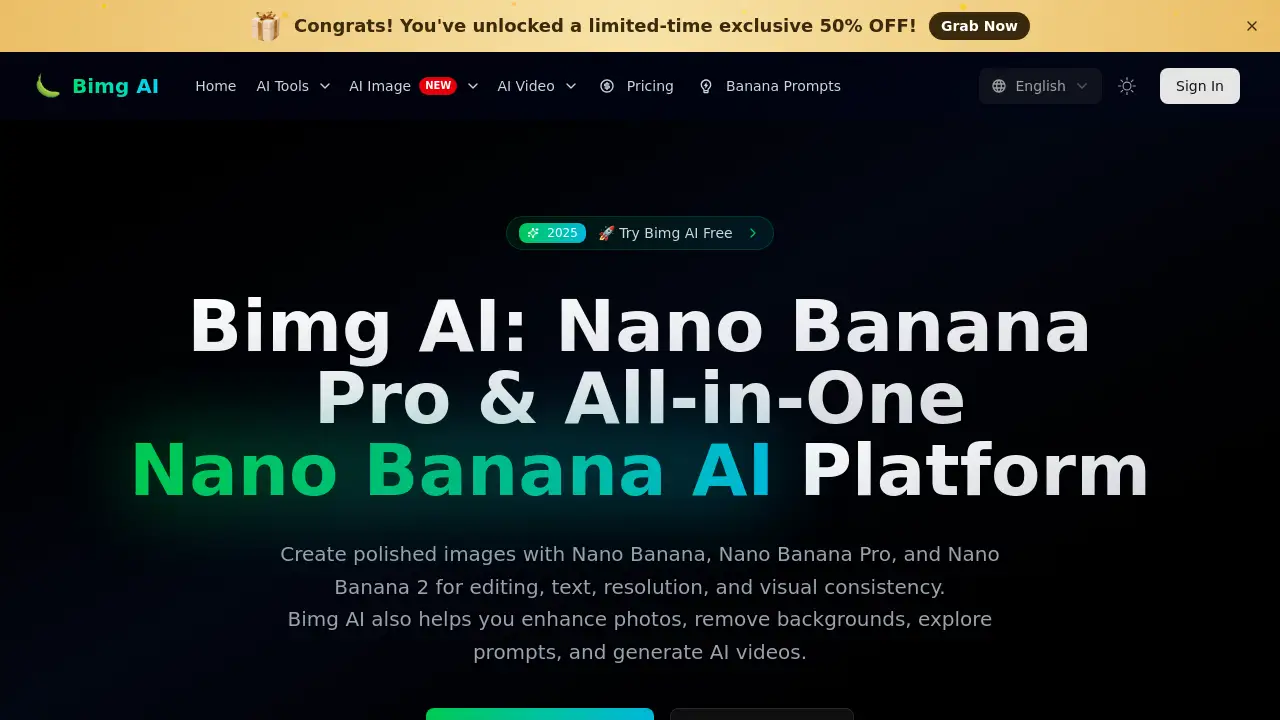
Bimg AI offers a comprehensive Nano Banana AI platform for image editing, upscaling, restoration, and video generation. This tool supports Nano Banana, Nano Banana Pro, and Nano Banana 2 models, providing users with an all-in-one creative workspace.
What is Bimg AI: Nano Banana AI Platform?
Bimg AI is a unified creative platform designed specifically for the Nano Banana series of AI models. It solves the common problem of needing multiple tools for different image tasks—editing, text rendering, upscaling, background removal, and video creation—by bringing everything into one place. The platform is suitable for content creators, designers, marketers, and hobbyists who want to produce high-quality visuals efficiently. What makes this Nano Banana AI platform stand out is its support for multiple model versions and its focus on delivering professional-grade results with features like 4K resolution, precise text generation, and style transfer. Users can also explore ready-made prompts for inspiration and generate AI videos.
Key Features of Bimg AI: Nano Banana AI Platform
Multi-Model Support
Bimg AI integrates Nano Banana, Nano Banana Pro, and Nano Banana 2, allowing users to switch between models for different tasks. This flexibility helps achieve the right balance between speed, quality, and output resolution.
4K Ultra Resolution Output
The platform supports up to 4K resolution, making every detail crystal clear. This feature is ideal for professional printing, commercial use, and applications where image sharpness matters.
Clear Text Generation
Bimg AI can generate sharp, legible text within images. Users can create impactful posters, detailed diagrams, and product mockups by describing the desired font style or simulating handwriting.
Perfect Style Transfer
The AI precisely captures and transfers artistic styles—whether oil painting, watercolor, illustration, or photography. This allows users to replicate and apply specific aesthetics to their creations with high accuracy.
Background Removal and Image Restoration
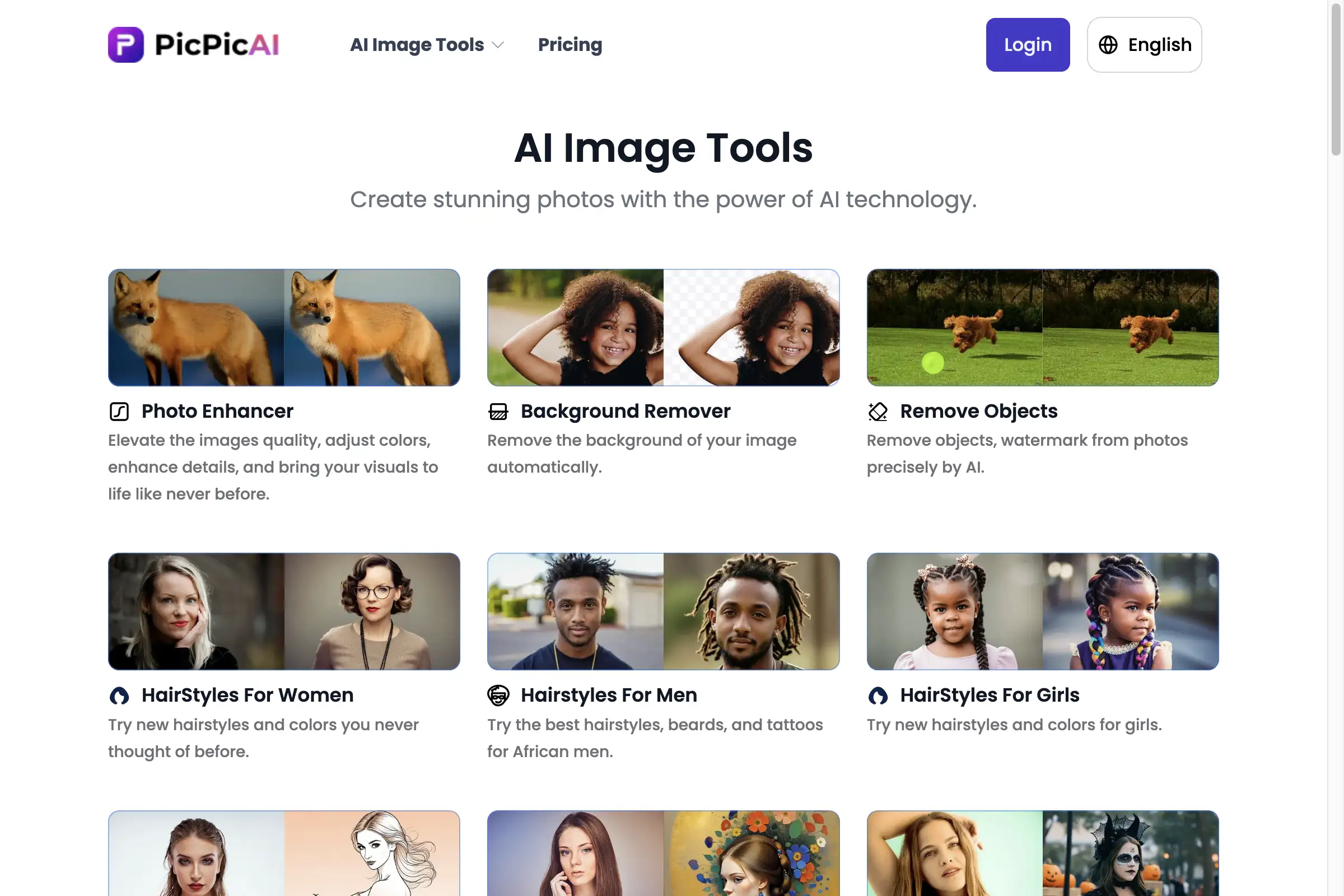
The platform includes tools for removing backgrounds from photos and restoring old or damaged images. For restoration, it removes blur, noise, scratches, and fading while preserving original details.
AI Video Generation
Beyond images, Bimg AI also supports AI video generation. This expands the creative possibilities for users who need both static visuals and moving content.
Banana Prompts Library
Users can browse a curated collection of AI image prompts for Nano Banana. Each prompt comes with detailed descriptions, and users can copy them with one click to start creating.
Use Cases for Bimg AI: Nano Banana AI Platform
Content Creation for Social Media
Designers and influencers can use Bimg AI to create polished images with perfect text and style. The 4K resolution ensures high-quality posts that stand out on platforms like Instagram and Pinterest.
Commercial Product Mockups
Businesses can generate detailed product mockups with clear text and realistic textures. The platform's AI image editing capabilities help produce professional-looking visuals without hiring a designer.
Old Photo Restoration
Users can restore and colorize old family photographs using Bimg AI. The tool removes damage while keeping the original composition and facial features intact, making it useful for preserving memories.
Artistic Experimentation
Artists and hobbyists can explore different styles using the style transfer feature. They can apply painting, illustration, or photography styles to their images to create unique artwork.
How to Use Bimg AI: Nano Banana AI Platform
- Sign Up for an Account: Visit bimg.ai and create a free account to receive 20 credits. No credit card is required to start.
- Select a Model and Task: Choose between Nano Banana, Nano Banana Pro, or Nano Banana 2. Then, pick a task like text-to-image, image editing, or background removal.
- Provide Input and Settings: Upload a reference image if needed, describe your idea in detail, and adjust settings like aspect ratio, resolution, and output count.
- Generate and Download: Click the creation button to generate your image or video. Review the result and download it in your preferred resolution.
Target Audience for Bimg AI: Nano Banana AI Platform
- Content Creators and Social Media Managers who need high-quality visuals regularly.
- Graphic Designers looking for AI tools to speed up their workflow.
- Small Business Owners needing product mockups and marketing materials.
- Photographers who want to restore old photos or enhance images.
- Hobbyists and Artists interested in experimenting with AI-generated art.
- Video Editors who require AI-assisted video generation.
Is Bimg AI: Nano Banana AI Platform Free?
Bimg AI offers a free tier that provides 20 credits upon sign-up. Users can explore the platform without a credit card. For extended usage, there is a paid Pro plan with additional features and more credits. The official pricing page at bimg.ai/pricing provides detailed information about available plans and costs.
| Plan | Price | Features |
|---|---|---|
| Free | $0 | 20 free credits, basic features |
| Pro | Varies | More credits, 4K resolution, Pro model access |
Bimg AI: Nano Banana AI Platform's Pros and Cons
| Aspect | Pros | Cons |
|---|---|---|
| Pricing | Free trial with 20 credits, no credit card needed | Paid plans may be costly for heavy users |
| Features | Multi-model support, 4K output, text generation | Some advanced features require Pro access |
| Ease of Use | Simple interface, one-click prompt copying | Detailed descriptions needed for best results |
| Output Quality | High resolution, accurate style transfer | Results depend on input quality and prompt detail |
Frequently Asked Questions about Bimg AI: Nano Banana AI Platform
What is the difference between Nano Banana, Nano Banana Pro, and Nano Banana 2?
Nano Banana is the base model for general image creation. Nano Banana Pro offers enhanced features like perfect text rendering and 4K resolution. Nano Banana 2 is an updated version with further improvements. The Nano Banana AI platform allows users to switch between these models based on their needs.
Can I use Bimg AI for commercial purposes?
Yes, users can generate images for commercial use, such as product mockups, marketing materials, and social media content. The 4K resolution output is suitable for professional printing and commercial applications.
Does Bimg AI support image upscaling and background removal?
Yes, the platform includes AI upscaling and background removal tools. Users can enhance photo resolution and remove or replace backgrounds with ease.
How many credits do I get with the free plan?
New users receive 20 free credits upon signing up. No credit card is required to access the free trial. Credits are used for each generation task, with costs varying based on model and resolution.
Can I restore old and damaged photos with Bimg AI?
Yes, the platform offers old photo restoration and colorization features. It removes blur, scratches, and age-related damage while preserving the original composition and facial features.
Is there a mobile app for Bimg AI?
Currently, Bimg AI is accessible through its website at bimg.ai. There is no mention of a dedicated mobile app in the available information.
Bimg AI: Nano Banana AI Platform Tags
Nano Banana AI platform, Bimg AI, AI image editing, image upscaling, background removal, AI video generation, text-to-image, style transfer, 4K resolution, AI photo restoration, Banana Prompts, AI creative tools, Nano Banana Pro, Nano Banana 2