Introduction
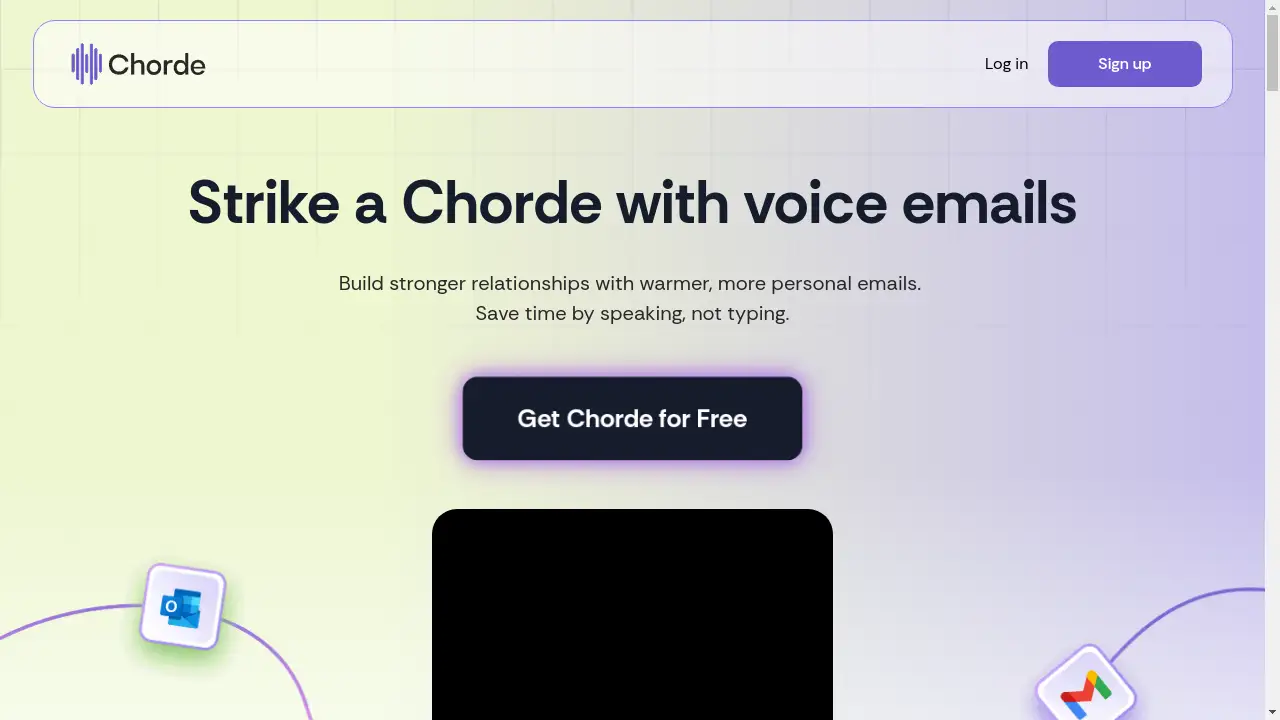
Chorde is a tool for sending personal voice emails to build stronger relationships.
What is Chorde?
Chorde is a software tool designed to enhance email communication by allowing users to send voice emails. This product addresses the common challenges of time-consuming typing and impersonal text-based messages. By enabling users to speak their messages, Chorde helps individuals and businesses send warmer, more authentic communications quickly. It is suitable for professionals, salespeople, customer support agents, and anyone who relies on email to build rapport. The ability to send a voice message in email can make correspondence feel more personal and engaging, potentially leading to better response rates and stronger connections.
Key Features of Chorde
One-Click Listening
Recipients can listen to the voice message with a single click directly from their email, requiring no additional software downloads.
Rapid Recording Workflow
Users can create a voice recording in just three clicks: one to start, one to stop, and one to insert the audio into their email, significantly speeding up the email creation process.
Message Preview and Editing
Before sending, users can listen to their recording and choose to re-record it with a single click to ensure the message is perfect.
Engaging Playback Button
Emails include an attractive, clickable button to play the audio, which can be customized with a personal photo to increase recipient engagement.
Automatic Text Transcription
This feature provides a written transcript of the voice recording, allowing recipients to read along while listening for better comprehension.
Playback Notifications
Senders receive notifications when a recipient listens to their voice email and can see how much of the recording was played.
Analytics Tracking
For business plans, analytics tracking tags can be integrated, allowing senders to monitor listener engagement through tools like Google Analytics.
Custom Styling
Users can customize the appearance of the playback button and other elements to match their branding or personal style.
Use Cases for Chorde
Sales Prospecting
Sales professionals can use voice emails to create a more memorable and personal first touchpoint with potential clients, standing out from text-only competitors.
Customer Follow-Ups
Sending a thank-you or check-in message as a voice recording can make customers feel more valued and foster loyalty.
Internal Team Communication
Managers can use the tool to send quick, clear voice updates to their teams, conveying tone and nuance more effectively than text.
Personal Outreach
Individuals can use Chorde to send more heartfelt messages to friends, family, or professional contacts for occasions where text feels insufficient.
How to Use Chorde
Using Chorde to send a voice email is a straightforward process designed for efficiency.
- Compose an Email: Begin writing a new email in your preferred email client.
- Record Your Message: Use the Chorde extension or platform to click and start recording your voice message. Click again to stop when finished.
- Review and Finalize: Listen to the playback. If satisfied, click to insert the recording into your email. If not, re-record and try again.
- Send: The voice email is now ready, complete with a play button for the recipient. Hit send.
Target Audience for Chorde
- Sales representatives and business development professionals
- Customer success and support teams
- Marketers and community managers
- Executives and team leaders
- Freelancers and consultants
- Anyone looking to add a personal touch to their digital communication
Is Chorde Free?
Chorde offers a generous free plan that is ideal for trying out the core features. The Free plan includes one-minute recordings and storage for 100 recordings. For users who need more functionality, affordable premium options are available. The Lite plan ($10/month) offers longer recordings and transcription. The Pro plan ($30/month) adds recipient notifications, and the Business plan ($50/month) includes advanced analytics tracking, providing scalability for different user needs.
Frequently Asked Questions about Chorde
How does the recipient listen to my voice email?
The recipient receives an email containing a special play button. They can listen to your voice message directly in their browser by clicking this button, with no login or download required.
Is there a limit to how long my voice recording can be?
Yes, recording length depends on your subscription plan. The Free plan allows 1-minute recordings, while paid plans offer longer durations, up to 120 minutes on the Business plan.
Can I see if someone has listened to my voice message?
Yes, this feature is available on the Pro and Business plans. You will receive a notification showing when a recipient listens and what percentage of the recording they played.
Does Chorde provide a text transcript of the voice message?
Automatic text transcription is a feature included in the Lite, Pro, and Business plans, providing a written version of your voice recording within the email.
What happens to my recordings if I cancel my subscription?
The specific policy on data retention after cancellation should be confirmed with Chorde's terms of service, but it is common practice to allow a grace period to download data before it is deleted.
Can I use Chorde with any email client?
Chorde is designed to work seamlessly by generating a link and button that can be pasted into most modern email clients, including Gmail, Outlook, and others.
Chorde Tags
voice emails, voice message, voice recording, voice message in email, send voice email, personal email, email productivity, communication tool, audio email, business communication, sales outreach, customer engagement