Introduction
Advanced YouTube comment finder tool with AI-powered sentiment analysis for instant comment search and audience insights.
What is YouTube comment finder?
YouTube comment finder is a powerful web-based tool designed to help content creators, marketers, and businesses efficiently search and analyze comments across YouTube videos. This YouTube comment search tool solves the common problem of manually scrolling through endless comment threads to find specific feedback, questions, or mentions. The platform processes millions of comments in seconds, making it invaluable for YouTube creators who need to monitor audience engagement, respond to important feedback, and gather insights from their community.
The tool is particularly useful for content creators managing multiple videos, social media managers tracking brand mentions, and researchers analyzing audience sentiment. By combining traditional comment searching with AI-powered sentiment analysis, this YouTube comment viewer transforms how users interact with their YouTube audience and make data-driven content decisions.
Key Features of YouTube comment finder
Lightning-Fast Comment Search
The YouTube comment finder processes millions of comments instantly, allowing users to search by keyword, phrase, or author across entire comment sections without manual scrolling through threads.
AI-Powered Sentiment Analysis
Advanced artificial intelligence analyzes audience emotions in real-time, helping users identify positive feedback, concerns, and trending topics with 94% accuracy across 30+ languages.
Direct Comment Navigation
Users can jump directly to original comments on YouTube with one click, enabling faster responses and more effective audience engagement through the YouTube comment viewer interface.
Advanced Export Options
The platform offers comprehensive export capabilities, allowing users to download comments in CSV format or generate detailed PDF reports for team collaboration and deeper analysis.
Multi-Language Support
Searching comments on YouTube becomes global with support for 30+ languages, featuring automatic translation and sentiment analysis for international content creators.
Real-Time Comment Tracking
The YouTube comment search tool provides live monitoring for streaming content, premieres, and regular videos, ensuring no important audience feedback goes unnoticed.
Use Cases for YouTube comment finder
Content Strategy Development
Creators use the YouTube comment finder to identify trending topics and audience interests, transforming viewer feedback into actionable content ideas for future videos.
Brand Monitoring and Reputation Management
Businesses leverage the YouTube comment search functionality to track brand mentions, monitor customer sentiment, and respond quickly to both positive and negative feedback.
Audience Research and Analytics
Marketers analyze comment patterns and sentiment data to understand target demographics, measure campaign effectiveness, and optimize their YouTube marketing strategies.
Customer Support Enhancement
Companies utilize the YouTube comment viewer to identify customer questions and concerns, enabling proactive support responses and improving overall customer satisfaction.
Competitive Analysis
Content creators and businesses monitor competitor videos to understand audience reactions, identify content gaps, and discover new market opportunities.
How to Use YouTube comment finder
Using the YouTube comment finder is straightforward and requires no technical expertise:
-
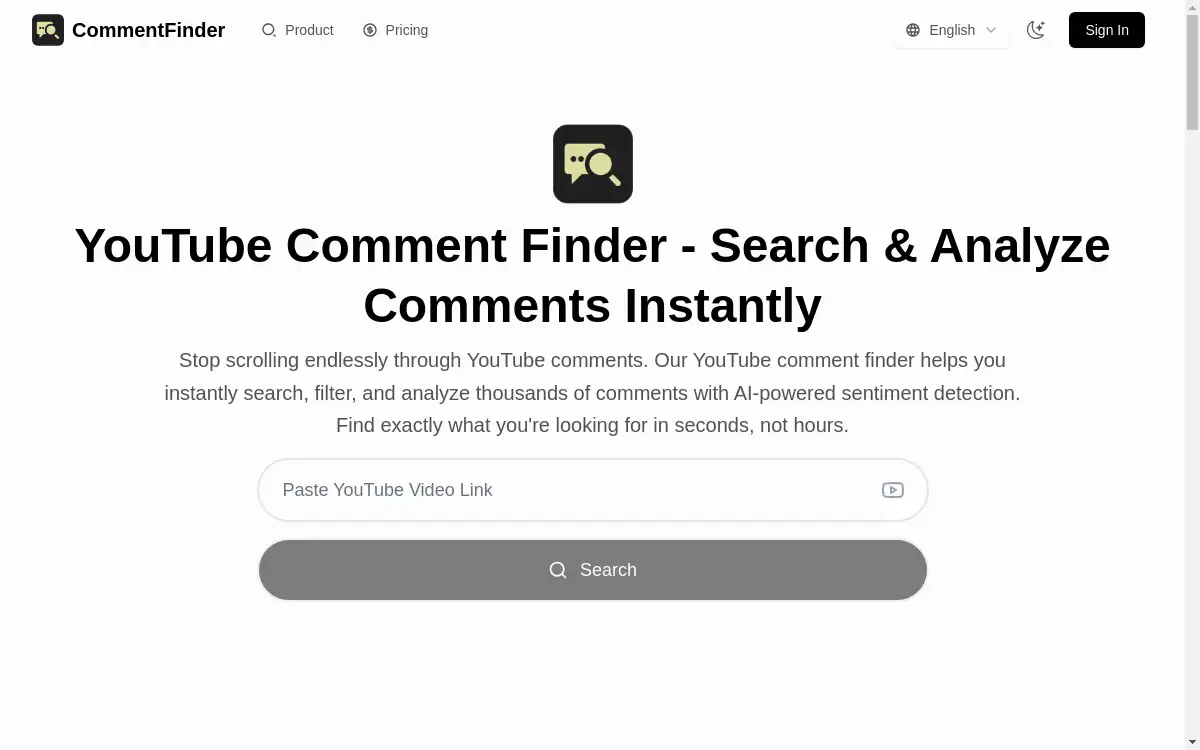
Paste the Video URL: Copy any YouTube video link and paste it into the search bar on the CommentFinder.net platform.
-
Wait for Processing: The YouTube comment search tool automatically fetches and indexes all public comments, replies, and metadata within seconds.
-
Search and Filter: Use the powerful search functionality to find specific keywords, phrases, or author names across all comments.
-
Analyze Results: Review sentiment analysis data, engagement metrics, and comment patterns using the built-in AI tools.
-
Export or Navigate: Either export results for further analysis or click to jump directly to specific comments on YouTube for immediate response.
Target Audience for YouTube comment finder
- YouTube content creators and influencers managing multiple channels
- Social media managers monitoring brand presence across video platforms
- Digital marketing professionals analyzing audience engagement and sentiment
- Customer service teams tracking product mentions and support requests
- Market researchers studying consumer behavior and preferences
- Educational institutions analyzing student feedback on instructional videos
- Businesses using YouTube for marketing and customer communication
Is YouTube comment finder Free?
Yes, YouTube comment finder offers a generous free plan that allows users to search up to 100 videos per month without requiring a credit card. The free version includes basic search functionality, filtering options, and the ability to export up to 1,000 comments per video in CSV format.
For users requiring more advanced features, premium plans provide unlimited video searches, enhanced export options in multiple formats (CSV, JSON, PDF), priority customer support, and advanced analytics dashboards. The pricing structure is designed to accommodate both individual creators and enterprise-level organizations, making professional YouTube comment analysis accessible to users with varying needs and budgets.
Frequently Asked Questions about YouTube comment finder
How does the YouTube comment finder access video comments?
The tool uses the official YouTube API combined with proprietary algorithms to fetch and index all public comments instantly. Simply paste a video URL, and the system retrieves all comments, replies, and metadata for comprehensive analysis.
Can I find my own comments across multiple YouTube videos?
Absolutely! The YouTube comment search tool includes an author search feature that lets you enter your username to find all your comments across any videos you've commented on, with real-time alerts for responses.
What makes this YouTube comment viewer different from manual searching?
The platform dramatically improves efficiency by pre-indexing all comments and using advanced search algorithms. Features like keyword highlighting, sentiment filtering, and direct navigation save hours compared to manual scrolling through YouTube comment sections.
Does the YouTube comment finder work with live streams and YouTube Shorts?
Yes! The YouTube comment viewer supports all public YouTube content including regular videos, live streams, premieres, and Shorts, with real-time comment tracking for live content.
How accurate is the AI sentiment analysis feature?
The AI achieves 94% accuracy in sentiment detection across 30+ languages, using advanced natural language processing to understand context, sarcasm, and cultural nuances while continuously improving through machine learning.
Can I export comment data for team collaboration?
Definitely! The YouTube comment search tool offers multiple export options. Free users can export up to 1,000 comments per video in CSV format, while Pro users get unlimited exports in CSV, JSON, and PDF formats with sentiment scores and engagement metrics.
YouTube comment finder Tags
YouTube comment finder, YouTube comment search, comment search tool, YouTube comment viewer, searching comments on YouTube, YouTube comment analysis, AI sentiment analysis, YouTube comment management, video comment search, YouTube audience insights, comment export tool, YouTube engagement analytics