Introduction
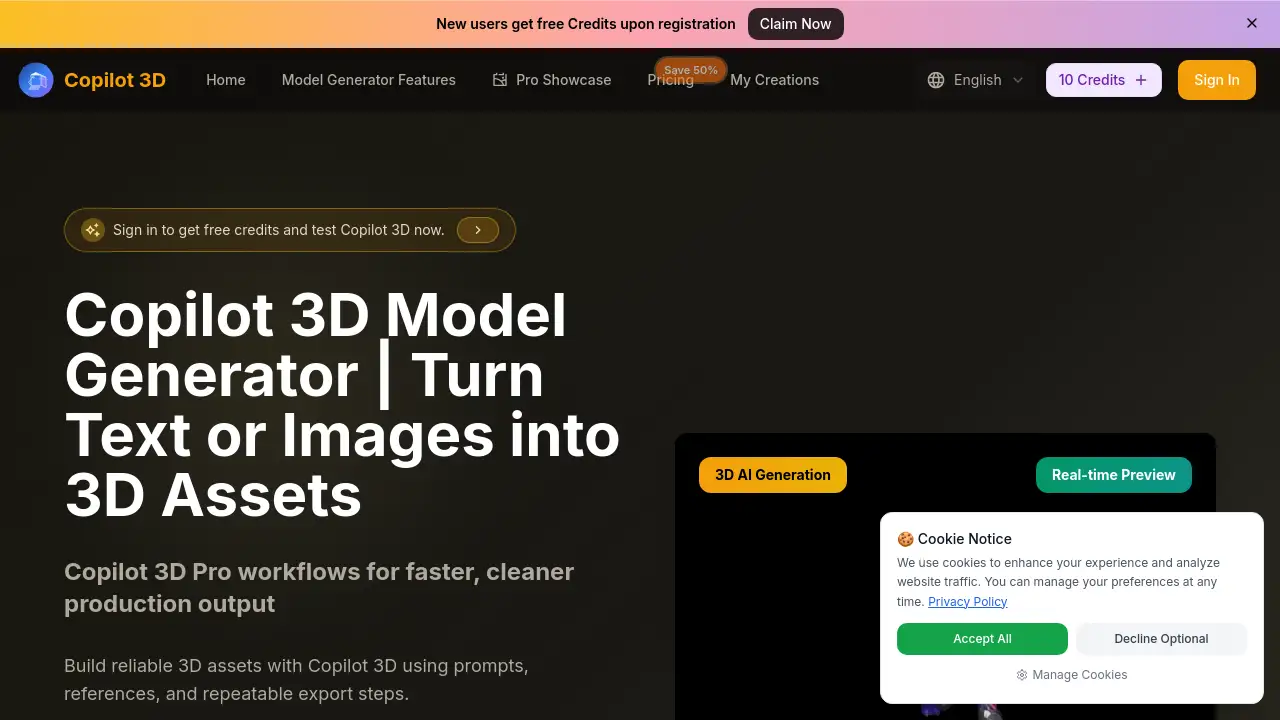
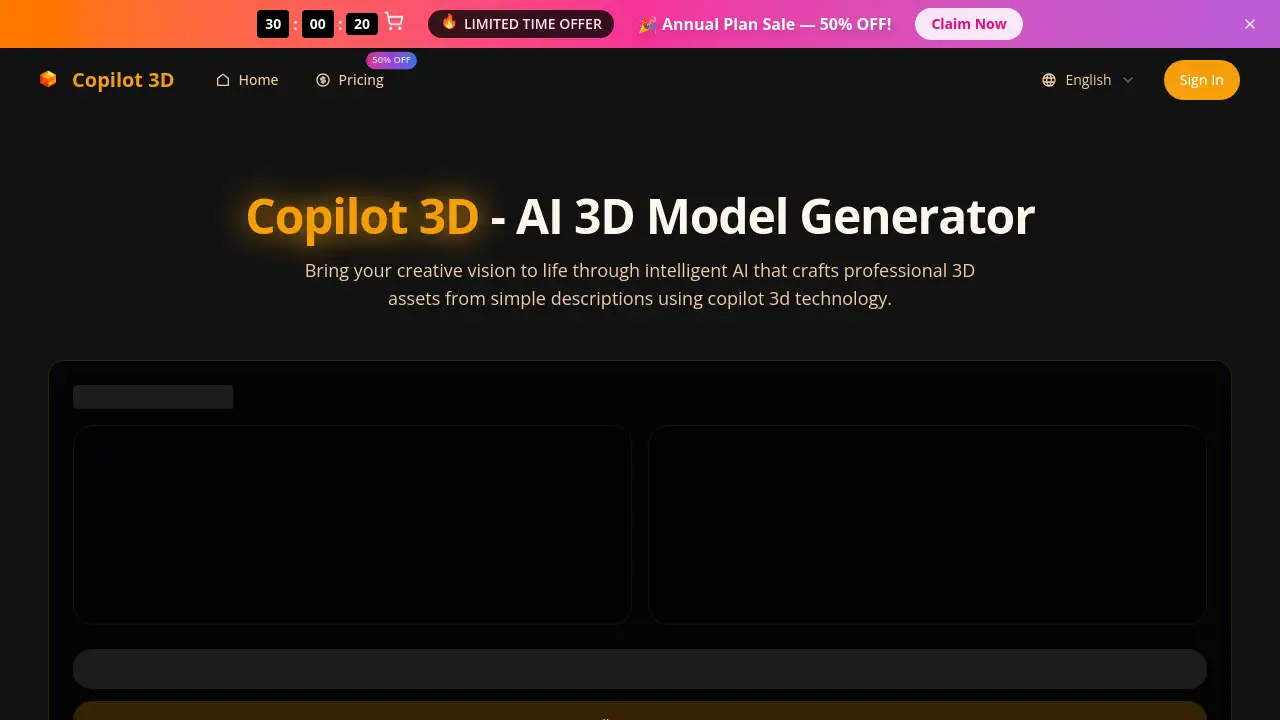
Copilot 3d is an advanced AI-powered platform that generates professional 3D models from simple text descriptions or images.
What is Copilot 3d?
Copilot 3d is an innovative artificial intelligence tool designed to democratize the creation of 3D assets. It solves the complex, time-consuming, and technically demanding problem of traditional 3D modeling by allowing users to generate detailed, production-ready 3D models using natural language prompts or reference photos. This product is suitable for a wide range of users, from game developers and VFX artists who need to accelerate asset creation to indie creators, product designers, and architects who may lack extensive 3D software training. The significance of Copilot 3d lies in its ability to compress workflows that traditionally take weeks into a matter of minutes, making professional-grade 3D content creation accessible to everyone.
Key Features of Copilot 3d
Text-to-3D Innovation
The core of the Copilot 3d generator allows users to describe any object, character, or scene in plain English, which the AI then interprets to create a tangible 3D mesh, effectively turning ideas into viewable assets almost instantly.
Visual Transformation Engine
Users can upload reference photographs, and the Copilot 3d editing technology will analyze the image's depth, materials, and structure to automatically reconstruct a detailed 3D model, preserving intricate details from a flat picture.
Neural Network Precision
Powered by deep learning models with billions of parameters, the Copilot 3d ai creator makes intelligent decisions about form and aesthetics, producing ultra-detailed geometry and procedural textures that often surpass the speed and quality of manual modeling.
Unified Creation Platform
The platform provides a complete, seamless environment where users can start with a text prompt, refine the generated model with intuitive Copilot 3d editing tools, and then export it, all without switching between different software applications.
Rapid Generation & Iteration
Optimized pipelines ensure that a fully-textured Copilot 3d model is synthesized within 1 to 3 minutes, enabling rapid prototyping and fast iteration cycles that are impossible with conventional methods.
Industry-Standard Export
Every model generated can be exported in widely-used formats like FBX, GLB, OBJ, and STL, complete with material definitions and high-resolution texture maps, ensuring ready compatibility with game engines, animation software, and 3D printers.
Use Cases for Copilot 3d
Game Development
Populate expansive game worlds quickly by using the Copilot 3d generator for mass asset production, ensuring style consistency and game-ready topology for characters, props, and environments.
Architectural Visualization
Architects and designers can transform client concepts or mood boards into detailed 3D visualizations and presentations in minutes, speeding up the design review and client approval process.
Product Design & Prototyping
Designers can rapidly iterate on product concepts, generating multiple 3D variations from descriptions to visualize form and function before moving to physical prototyping or manufacturing.
Animation and VFX
Studios can accelerate pre-production and asset creation for animations and visual effects, generating complex models, creatures, or set pieces that would normally require a skilled artist days to model.
Virtual Reality Content Creation
Developers building VR experiences can quickly prototype and generate diverse 3D assets and environments, allowing for more creative exploration and faster development cycles.
How to Use Copilot 3d
Using Copilot 3d involves a straightforward three-step process designed for users of any skill level:
- Input Your Idea: Share your creative concept. You can either type a detailed description of the 3D model you want into the Copilot 3d generator or upload a reference image for the AI to analyze.
- Generate the 3D Model: Initiate the generation process. The Copilot 3d ai creator will interpret your input and synthesize a complete 3D model, typically within 1-3 minutes. You can preview the result in an interactive viewer.
- Download and Refine: Once satisfied, download your Copilot 3d model in your preferred format (FBX, GLB, OBJ, STL). If needed, you can use the built-in Copilot 3d editing tools to make refinements before export.
Target Audience for Copilot 3d
- Game Developers and Indie Studios
- 3D Artists and Animators
- Product and Industrial Designers
- Architects and Interior Designers
- VFX and Film Production Studios
- Educators and Students in 3D Design
- Hobbyists and 3D Printing Enthusiasts
- Marketing and Advertising Professionals
Is Copilot 3d Free?
Copilot 3d operates on a credit-based subscription model. It offers tiered plans that provide different levels of access and features. While the homepage mentions beginning with "complimentary credits," specific free tier details are not provided. For accurate and current pricing, users should visit the official Copilot 3d website.
| Plan | Price (Special Offer) | Billed Annually | Key Features |
|---|---|---|---|
| Basic | $4.90/month | $58.8/year | 3,600 credits/year, Commercial License (Yearly only), Standard Queue, No Watermark, Batch Generation. |
| Plus | $9.90/month | $118.8/year | 14,400 credits/year, Commercial License, Priority Queue, No Watermark, Batch Generation. |
| Pro | $39.90/month | $238.8/year | 84,480 credits/year, Commercial License, Priority Queue, API Access, Dedicated Support, Custom Enterprise Service. |
Copilot 3d's Pros and Cons
| Aspect | Pros | Cons |
|---|---|---|
| Accessibility & Speed | Eliminates the steep learning curve of traditional 3D software; generates models in 1-3 minutes. | Output quality, while high, may still require refinement for ultra-high-end production needs. |
| Workflow Integration | Unified platform for generation and basic editing; exports in industry-standard formats for easy pipeline integration. | Advanced, granular control over every polygon may be limited compared to manual software like Blender or Maya. |
| Pricing & Value | Can be cost-effective for professionals by saving hundreds of hours of manual labor; scalable subscription plans. | Recurring subscription cost versus one-time purchase of traditional software; high-volume users need to monitor credit usage. |
| Input Flexibility | Accepts both text descriptions and image references, offering creative flexibility. | The AI's interpretation of a text prompt may not always match the user's exact mental image, requiring iterative prompting. |
Frequently Asked Questions about Copilot 3d
What is Copilot 3d?
Copilot 3d is a cutting-edge AI-powered platform that acts as an intelligent Copilot 3d ai creator. It transforms simple text descriptions or uploaded images into production-quality 3D models within minutes, using advanced neural networks to understand and execute creative intent.
Can I use the 3D models I create commercially?
Yes. All Copilot 3d model assets you generate are yours to use freely. The platform grants full commercial rights, allowing you to deploy the models in games, animations, products, marketing materials, or any other project without any licensing limitations or royalty obligations.
How fast does it generate a model?
The Copilot 3d generator is optimized for speed, typically synthesizing a complete, textured 3D model in just 1 to 3 minutes. This rapid turnaround enables fast iteration and prototyping, a significant advantage over traditional modeling workflows.
What file formats can I export my models in?
Copilot 3d supports exports in all major industry-standard formats, including FBX, GLB, OBJ, and STL. Each exported Copilot 3d model comes with material definitions and texture maps, making it ready for use in engines like Unity and Unreal, or software like Blender and Maya.
Do I need any 3D modeling experience to use it?
No prior 3D modeling experience is necessary. The Copilot 3d ai creator is designed to be accessible to everyone. You simply describe what you want in natural language, and the AI handles the complex technical work of geometry creation and texturing.
Is there a free trial or any free credits?
Based on the website information, Copilot 3d offers a way to begin with "complimentary credits," suggesting some form of free trial or initial credits are available. For the most up-to-date details on free access, it's best to check the official Copilot 3d pricing page.
Copilot 3d Tags
AI 3D model generator, text to 3D, AI 3D creator, 3D asset generator, Copilot 3d, Copilot 3d generator, Copilot 3d ai creator, Copilot 3d editing, Copilot 3d model, generate 3D from text, AI for game development, 3D design software, automatic 3D modeling, AI-powered 3D