Introduction
An in-depth review of Crevid, the all-in-one AI video generator and image creation platform.
What is Crevid?
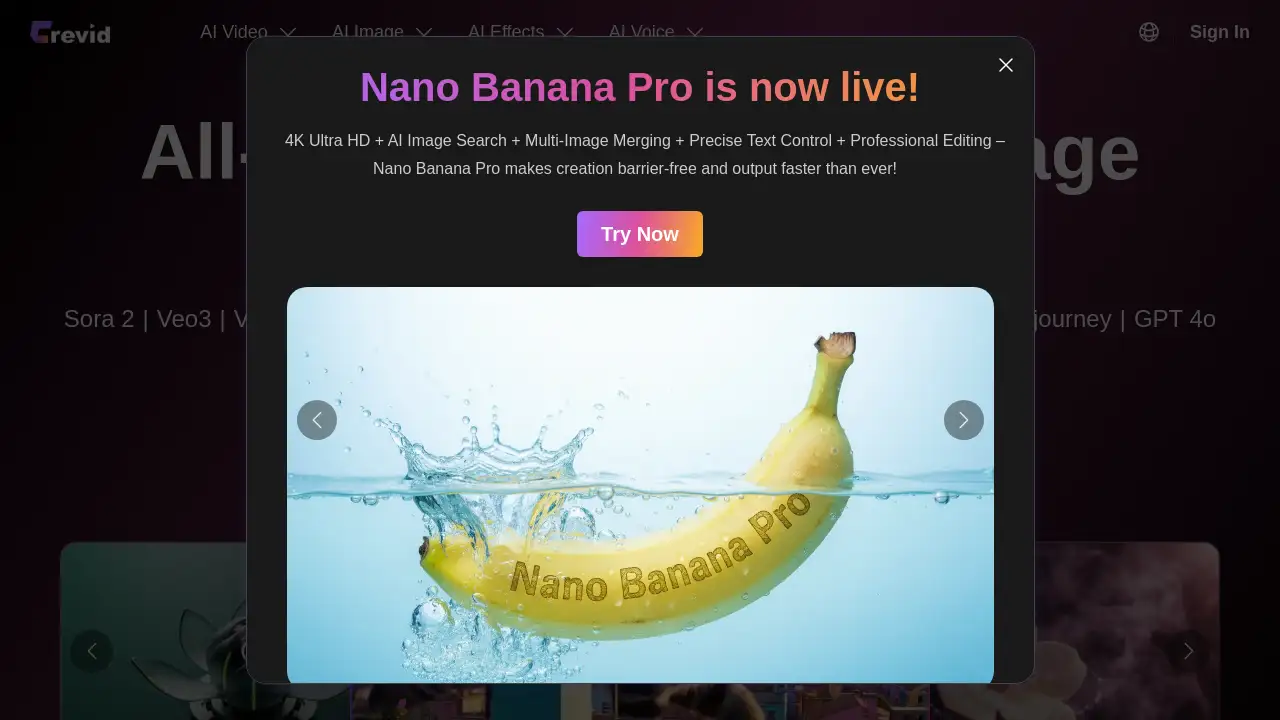
Crevid is an online platform that functions as a comprehensive AI video generator and AI image generator. It consolidates access to multiple cutting-edge AI models into a single, user-friendly interface. The primary problem it solves is the fragmentation in the AI content creation space, where users often need to navigate between different services and subscriptions. Crevid streamlines the process of creating high-quality videos and images from text prompts or existing images. It is suitable for content creators, marketers, social media managers, and anyone looking to produce professional visual content without extensive technical skills or software. Its significance lies in providing a unified gateway to top-tier models like Sora, Veo, Runway, and Midjourney, democratizing access to powerful AI tools.
Key Features of Crevid
Access to Leading AI Models
Crevid provides a single point of access to a wide array of the latest and most powerful AI video generator models, including OpenAI's Sora 2, Google's Veo 3.1, Runway Gen-4, Kling V2.1, and image models like Midjourney and GPT-4o.
Diverse Content Creation Modes
The platform supports multiple creation workflows such as text to video, image to video, video-to-video, and text to image, allowing users to start from a simple idea or an existing visual asset.
Integrated AI Effects and Tools
Beyond core generation, Crevid offers specialized AI effects for videos and images, AI voice capabilities for text-to-speech and voice cloning, and even AI music generation via Suno, creating a complete multimedia toolkit.
User-Friendly Interface
The process is designed to be straightforward: users upload an image or enter a text prompt, select their desired AI model and parameters like video length or aspect ratio, and generate content with a few clicks.
Use Cases for Crevid
Social Media Content Creation
Quickly produce eye-catching short videos, animated posts, and unique images for platforms like TikTok, Instagram, and YouTube to engage audiences with dynamic AI-generated content.
Marketing and Advertising
Develop promotional videos, product visualizations, and ad creatives without the need for expensive production crews or lengthy filming schedules, leveraging powerful AI video generation.
Creative Storytelling and Prototyping
Writers, filmmakers, and game developers can visualize scenes, create storyboards, and prototype concepts by turning text descriptions into vivid video sequences or character images.
Personalized Digital Art
Artists and hobbyists can explore new creative directions by using image to image or text to image functions to generate unique artworks, illustrations, and designs in various styles.
How to Use Crevid
- Choose a Creation Mode: Navigate to the desired function on the Crevid website, such as "Image to Video" or "Text to Image."
- Provide Input: Upload a source image or type a detailed text prompt describing the scene you want to create. The platform offers translation for prompts.
- Select Model and Settings: Choose from the available AI models (e.g., Sora 2, Veo 3.1, Midjourney). Adjust settings like video length, aspect ratio (Landscape/Portrait), and quality mode (Basic/Pro).
- Generate and Review: Click the "Generate" button. The AI video generator or image model will process your request and produce the content, which you can then download or regenerate if needed.
Target Audience for Crevid
- Social Media Influencers and Content Creators
- Digital Marketers and Advertising Agencies
- Small Business Owners and Entrepreneurs
- Graphic Designers and Visual Artists
- Educators and Trainers creating educational material
- Hobbyists interested in exploring AI-generated content
Is Crevid Free?
Crevid operates on a credit-based system. While specific pricing details for plans are best found on the official Pricing page, the platform typically offers a free tier with limited credits to try the service. Paid plans provide more credits and access to premium features and higher-quality models like Sora 2 Pro. Generating content consumes a set number of credits, which varies by model and video length.
| Plan | Likely Model | Key Consideration |
|---|---|---|
| Free Trial | Limited credits | Allows testing of core AI video generator and image features. |
| Paid Plans | Credit bundles | Provides more generations and access to premium models like Sora 2 Pro. |
Crevid's Pros and Cons
| Aspect | Pros | Cons |
|---|---|---|
| Access & Variety | Unifies top AI video generator and image models in one place. | Credit system can be consumed quickly with high-end models. |
| Ease of Use | Streamlined, web-based interface requires no software installation. | Advanced settings and prompt engineering may have a learning curve. |
| Functionality | Goes beyond generation with AI effects, voice, and music tools. | Some niche AI effects may cater to specific, not universal, use cases. |
| Output Quality | Leverages state-of-the-art models for high-quality AI-generated content. | Final output depends heavily on the user's input prompt and model selection. |
Frequently Asked Questions about Crevid
What AI models are available on Crevid?
Crevid provides access to a wide range of leading models, including for video: Sora 2, Google Veo 3.1, Runway Gen-4, Kling V2.1, and for images: Midjourney, GPT-4o, and Nano Banana Pro.
Is there a free trial for Crevid?
Yes, Crevid typically offers a free tier that provides a limited number of credits, allowing users to test the text to video and image to image features before committing to a paid plan.
How does the credit system work?
Each video or image generation consumes a certain number of credits. The cost in credits depends on the AI model used, the video length, and the quality setting (e.g., Pro mode costs more). Users purchase credit packs that are deducted per generation.
Can I use Crevid for commercial purposes?
Users should review Crevid's Terms of Service for specific licensing details related to commercial use of the AI-generated content. The rights may depend on the underlying AI model's own policies.
What video formats and qualities does it support?
Crevid generates videos in standard formats like MP4. The platform supports up to 1080p resolution, with specific frame rates and quality dependent on the selected AI model and generation settings.
Does Crevid offer an AI avatar or lip-sync feature?
Yes, among its suite of AI tools, Crevid includes dedicated features for creating AI avatars and performing lip sync, allowing for the creation of talking-head videos or animated characters.
Crevid Tags
AI video generator, AI image generator, Crevid review, text to video, image to video, Sora AI, Google Veo, Runway AI, Midjourney, AI tools, AI-generated content, video creation, AI effects, content creation platform