Introduction
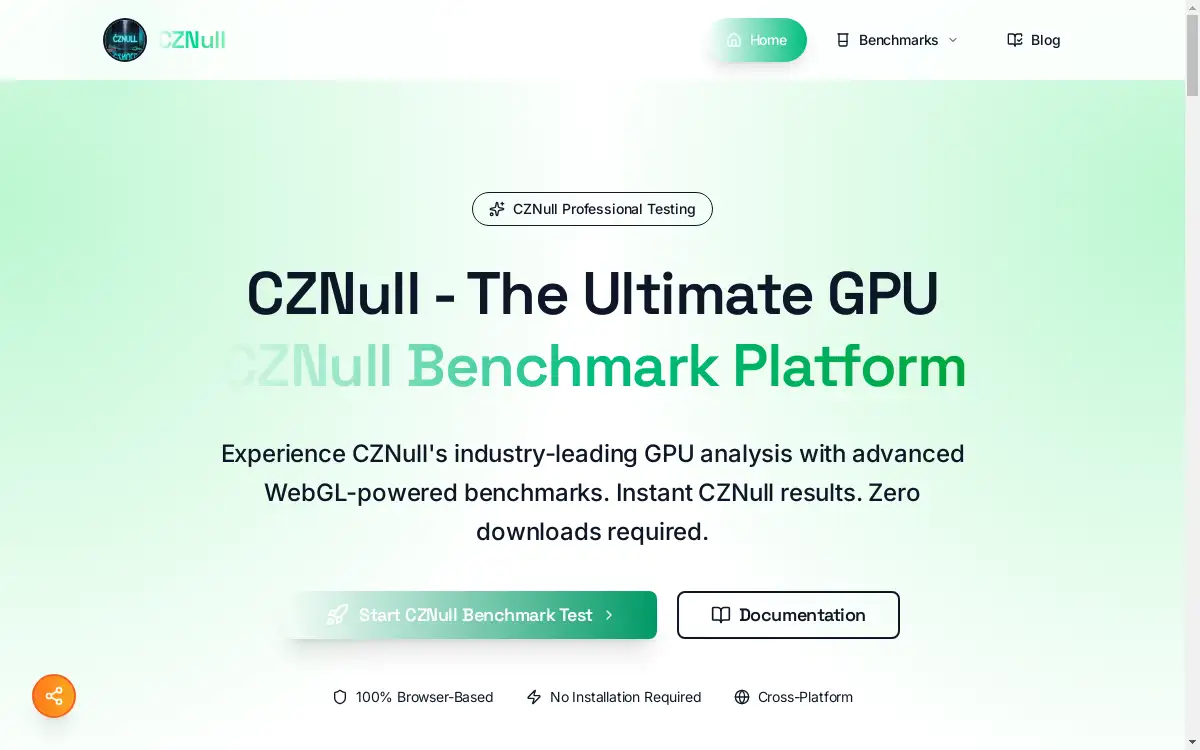
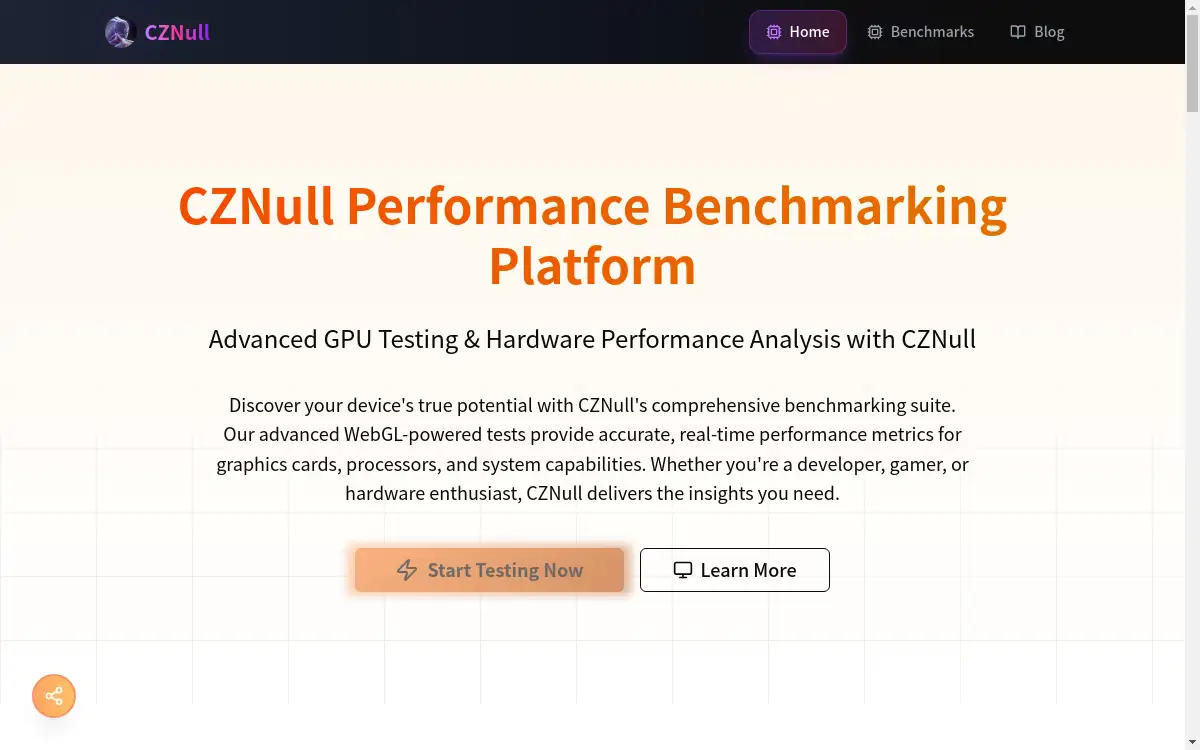
CZNull is a powerful browser-based GPU benchmarking platform that delivers comprehensive graphics card performance testing through advanced WebGL technology.
What is cznull?
CZNull is a free, web-based GPU benchmarking and performance testing platform that helps users evaluate their graphics card capabilities without requiring any software downloads. This innovative WebGL-powered tool addresses the need for accessible, accurate hardware performance analysis by providing comprehensive benchmarks that run directly in your browser.
The platform serves gamers, developers, hardware enthusiasts, and professionals who need reliable performance metrics for their systems. CZNull matters because it democratizes GPU testing, making advanced benchmarking accessible to anyone with a web browser while maintaining the accuracy and depth typically found in specialized software.
Unlike traditional benchmarking tools that require installation and system modifications, CZNull operates entirely within your browser environment, ensuring complete safety and privacy. The platform leverages cutting-edge WebGL 2.0 technology to push graphics hardware to its limits, providing valuable insights into real-world performance capabilities across different system configurations.
Key Features of cznull
Advanced WebGL Benchmarks
CZNull utilizes sophisticated WebGL 2.0 technology to create comprehensive GPU stress tests that evaluate every aspect of graphics card performance, from basic rendering to complex compute shaders.
Real-Time Performance Analytics
The platform provides instant feedback through live performance monitoring, displaying real-time graphs and metrics that show exactly how your hardware performs under various workloads.
Browser-Safe Testing Environment
CZNull operates entirely within your web browser, requiring no downloads or installations while maintaining complete system safety and user privacy throughout the testing process.
Adaptive Testing Algorithms
The intelligent testing system automatically adjusts benchmark complexity based on your hardware capabilities, ensuring meaningful results whether you're testing high-end workstations or modest laptops.
Cross-Platform Compatibility
CZNull works seamlessly across all major operating systems and browsers, including Windows, macOS, Linux, and mobile devices, delivering consistent and comparable benchmark results.
Comprehensive Scoring System
The platform generates standardized CZNull scores that enable meaningful performance comparisons across different systems and hardware configurations within the performance spectrum.
Multiple Benchmark Types
CZNull offers various specialized tests including volume shader benchmarks, ray tracing evaluations, shadow mapping tests, compute shader assessments, and physics simulation benchmarks.
Use Cases for cznull
Gaming Performance Verification
Gamers use CZNull to verify their systems meet game requirements, compare potential hardware upgrades, and optimize graphics settings for peak gaming performance.
Hardware Purchase Decisions
Users leverage CZNull benchmarks to evaluate current system performance before making informed decisions about graphics card upgrades or new computer purchases.
WebGL Application Development
Web developers utilize CZNull to test WebGL application performance across different hardware configurations, helping optimize rendering code for smooth user experiences.
System Health Monitoring
Hardware enthusiasts employ CZNull for regular performance monitoring to track system health over time and identify when maintenance or upgrades might be beneficial.
Professional Workstation Testing
Professionals use CZNull to evaluate workstation graphics capabilities for demanding applications like 3D rendering, CAD work, and visual computing tasks.
How to Use cznull
-
Visit the CZNull website at cznull.org using any modern web browser on your computer or mobile device.
-
Navigate to the Benchmarks section by clicking the "Benchmarks" link or the "Start Testing Now" button on the homepage.
-
Select your desired test from the available benchmark suite, including GPU stress tests, volume shader tests, or compute shader benchmarks.
-
Run the benchmark by clicking the test launch button and allowing CZNull to detect your hardware configuration automatically.
-
Monitor real-time results as the platform displays live performance metrics, graphs, and system stress indicators during the testing process.
-
Review your CZNull scores after completion to understand your system's performance profile and compare results with other hardware configurations.
Target Audience for cznull
- Gamers seeking to optimize their gaming rigs and verify system performance
- Hardware enthusiasts comparing different graphics cards and system configurations
- Web developers testing WebGL applications across various hardware setups
- IT professionals evaluating workstation graphics capabilities
- Students learning about computer graphics and performance benchmarking
- System builders validating new computer builds and configurations
- Content creators assessing hardware for video editing and 3D rendering workflows
Is cznull Free?
CZNull offers a completely free benchmarking platform with no hidden costs or premium restrictions. The generous free plan includes access to all GPU benchmarks, real-time performance analytics, comprehensive scoring systems, and cross-platform compatibility features.
Users can access the entire CZNull benchmark suite without creating accounts, providing subscriptions, or downloading software. The platform maintains its free model while delivering professional-grade performance testing capabilities that rival paid benchmarking solutions.
All core features, including advanced WebGL tests, adaptive algorithms, and detailed performance metrics, remain freely available to all users, making CZNull an accessible solution for anyone needing reliable GPU performance testing.
Frequently Asked Questions about cznull
What browsers work best with CZNull benchmarks?
CZNull performs optimally on modern browsers with robust WebGL support, including Chrome, Firefox, Safari, and Edge. Updated browsers typically deliver the most accurate benchmark results and best performance.
How accurate are CZNull scores compared to traditional benchmarking software?
CZNull provides highly accurate performance metrics through advanced WebGL testing methodologies. While results may differ slightly from native applications due to browser overhead, the relative performance comparisons remain reliable and meaningful.
Can CZNull damage my graphics card or system?
CZNull operates safely within browser security constraints and cannot damage your hardware. The platform uses standard WebGL calls that respect system limitations and thermal protections built into modern graphics drivers.
Do CZNull benchmarks work on mobile devices?
Yes, CZNull supports mobile device testing across smartphones and tablets. The adaptive algorithms automatically adjust test complexity for mobile GPUs, providing meaningful performance data for mobile graphics capabilities.
How often should I run CZNull tests on my system?
Regular CZNull testing helps monitor system health over time. Monthly testing can track performance changes due to driver updates, system modifications, or hardware degradation, helping maintain optimal performance.
What should I do to prepare my system for CZNull testing?
For optimal results, close unnecessary applications, ensure updated graphics drivers, verify adequate system cooling, and use a modern browser. These steps help achieve the most accurate CZNull benchmark scores.
cznull Tags
GPU benchmarking, WebGL performance testing, graphics card benchmark, browser-based GPU test, CZNull scores, hardware performance analysis, free GPU benchmark, WebGL stress test, graphics performance metrics, system benchmarking tool, GPU testing platform, browser GPU benchmark