Introduction
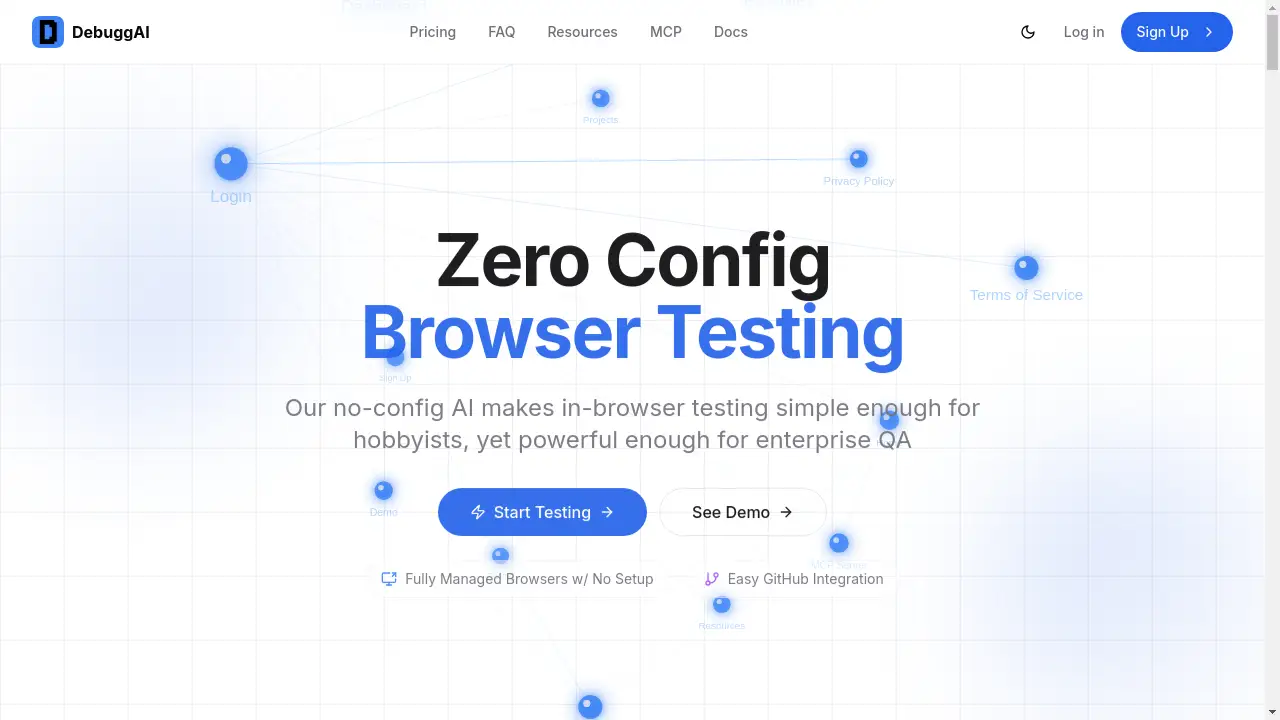
Debugg AI is an automated browser testing platform that runs tests on every pull request, posting results as GitHub comments to ensure code works before merging.
What is Debugg AI?
Debugg AI is a developer tool designed to automate end-to-end browser testing within the GitHub workflow. It solves the common pain point of manual or complex automated testing, which often delays code reviews and risks shipping bugs. The product automatically runs tests on pull requests (PRs) using real browsers and provides immediate feedback directly in the code review interface. It is suitable for developers, engineering teams, and QA professionals who want to increase confidence in their web applications without the overhead of managing testing infrastructure. By integrating directly with GitHub, it enables a seamless shift-left testing strategy, catching regressions in user interfaces and critical user flows early in the development cycle.
Key Features of Debugg AI
Zero Configuration Setup
Debugg AI requires no complex setup; users can connect their GitHub repository and the platform handles everything from cloning to testing, making browser automation accessible to all skill levels.
Fully Managed Browser Testing
The service provides completely managed browser environments, eliminating the need for developers to configure or maintain Selenium, Playwright, or other browser automation frameworks.
GitHub-Native Integration
After a simple GitHub App installation, Debugg AI automatically monitors all pull requests, triggers tests, and posts detailed results and video recordings as comments, creating a seamless developer experience.
AI-Powered Test Generation
The platform's AI analyzes code changes in each commit to understand the application and generate targeted end-to-end tests for relevant user flows, ensuring comprehensive test coverage.
Secure Remote Access
Debugg AI creates encrypted, temporary tunnels to access the running application during tests, ensuring code security within isolated testing environments.
Actionable PR Comments
Every test run provides clear, inline results within the pull request, including status, duration, and direct links to video recordings of the test execution for easy debugging.
Use Cases for Debugg AI
Automated PR Validation
Teams can use Debugg AI to automatically validate that new code in a pull request doesn’t break existing user interfaces or critical journeys like login, signup, or checkout flows.
Catching Visual Regressions
The platform is ideal for catching visual and functional regressions in web applications by testing the actual rendered UI in a real browser on every code change.
Accelerating Code Reviews
By providing a visual "green checkmark" and proof of functionality, Debugg AI gives reviewers confidence to approve pull requests faster without manual testing.
Simplifying QA for Small Teams
Solo developers or small teams without dedicated QA resources can implement robust end-to-end testing to ensure application quality before deployment.
How to Use Debugg AI
- Install the GitHub App: Navigate to the Debugg AI website and install the GitHub App on your desired repository.
- Configure Workflow (Optional): For most stacks, no configuration is needed. If required, a basic workflow file can be added to specify a build command.
- Create a Pull Request: Open a new pull request in your connected repository as you normally would.
- Review Automated Results: Debugg AI will automatically clone the repo, build the app, run AI-generated browser tests, and post the results as a comment on your PR.
- Debug with Videos: Examine the test status and click the provided links to watch video recordings of any test failures for quick debugging.
Target Audience for Debugg AI
- Front-end and full-stack developers seeking to automate UI testing.
- Engineering teams aiming to implement shift-left testing practices.
- Open-source maintainers who need to validate contributions.
- Startups and small teams without dedicated QA engineers.
- Enterprises looking to streamline and scale their browser testing processes.
Is Debugg AI Free?
Debugg AI offers a generous free plan perfect for getting started, especially with public repositories. The Free tier includes 100 tests per month, PR comments, and community support. For professional use with private repositories, the Pro plan is available for $20 per month, offering unlimited tests and priority support. Teams with advanced needs can contact for a custom Team plan, which includes features like SSO and dedicated support.
Frequently Asked Questions about Debugg AI
What programming languages or frameworks does Debugg AI support?
Debugg AI is stack-agnostic. It works with any web application that can be built and run on a server, including those built with React, Vue, Angular, Next.js, Ruby on Rails, Django, and more.
Does Debugg AI require me to write any test code?
No, one of Debugg AI's core value propositions is its zero-configuration approach. The AI analyzes your application and code changes to generate and run appropriate tests automatically. No manual test writing is required.
How does the GitHub integration work?
After installing the Debugg AI GitHub App, it receives webhooks for pull request events. It then automatically clones the PR branch, runs your build command, establishes a secure connection to the live app, and executes browser tests, finally posting the results back as a PR comment.
Are the tests run in real browsers?
Yes, Debugg AI runs tests in fully managed, real browser environments. This ensures that tests accurately reflect how real users will experience the application, unlike some headless or simulated environments.
Is my source code secure with Debugg AI?
Security is a priority. Debugg AI uses encrypted tunnels for remote access, operates in isolated environments, and only maintains temporary access to your repository for the duration of the test execution. You can review the permissions granted to the GitHub App during installation.
Can I use Debugg AI for private repositories?
Yes, Debugg AI supports private repositories. This functionality is available on the paid Pro and Team plans, allowing teams to maintain confidentiality while benefiting from automated PR testing.
Debugg AI Tags
automated browser testing, pull request testing, GitHub integration, end-to-end testing, zero config testing, AI testing, visual regression testing, automated QA, web application testing, Selenium alternative, Playwright alternative, continuous testing