Introduction
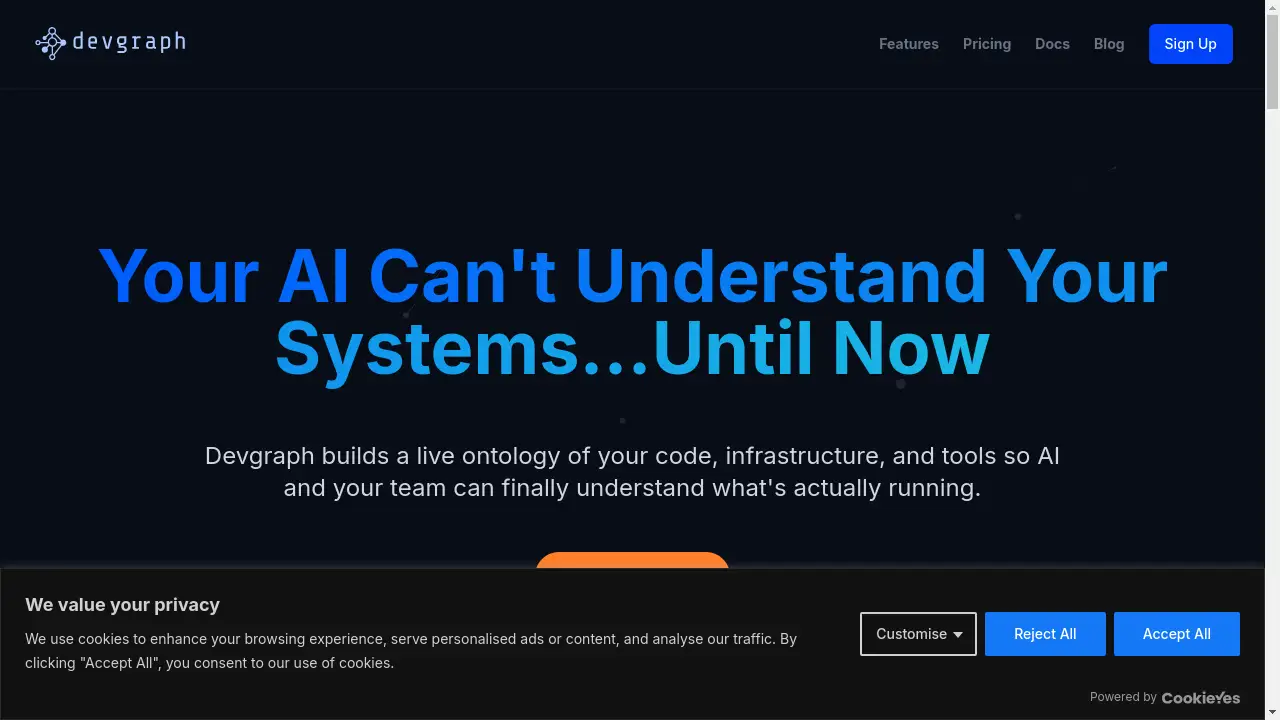
Devgraph is an AI-powered developer tool integration platform that builds a live ontology of your entire software development stack.
What is Devgraph?
Devgraph is a platform designed to solve a critical problem in modern software engineering: fragmented context. It connects disparate developer tools—like GitHub, Jira, Slack, and Kubernetes—into a unified, live ontology. This ontology maps the complex relationships between code, infrastructure, teams, and processes. By providing AI with this structured, real-time context, Devgraph enables both AI tools and human teams to understand system dependencies, trace changes, and find information instantly. It is an essential tool for accelerating teams, improving onboarding, and grounding AI in the actual reality of your systems, preventing costly errors and reducing context-switching fatigue.
Key Features of Devgraph
Unified Live Ontology
Devgraph’s core engine automatically builds and maintains a dynamic map of connections between your codebase, infrastructure, tickets, and communications, providing a single source of truth.
Broad Tool Integration
The platform connects to dozens of essential developer tools out-of-the-box, including GitHub, Jira, Slack, Kubernetes, and PagerDuty, with a flexible API for custom integrations.
Cross-Platform Semantic Search
Users can stop switching between tabs; a single query in Devgraph pulls relevant results from across all connected systems, from code commits to Slack discussions to open Jira tickets.
Proactive Impact Analysis
The ontology visually highlights which services and teams depend on a change, allowing teams to see potential breakages before deployment and avoid unexpected incidents.
Rapid Engineer Onboarding
New team members can instantly answer critical questions about system ownership, dependencies, and deployment processes by querying the live ontology, drastically shortening ramp-up time.
Bring Your Own AI Model
Devgraph offers full flexibility by supporting all major LLM providers (OpenAI, Anthropic, xAI, Ollama) and enabling self-hosted, air-gapped deployments for complete data privacy and control.
Use Cases for Devgraph
Accelerating Incident Response
During an outage, teams can instantly trace an error from a PagerDuty alert through related code in GitHub, recent deployments, and relevant Slack channels to identify root causes and owners.
Streamlining Code Reviews and Deployments
Developers can see the full impact of their pull requests, including all dependent services, linked Jira tickets, and which teams need to be notified, ensuring safer, more informed releases.
Untangling Tribal Knowledge
The platform surfaces critical decisions and discussions buried in Slack and links them directly to the corresponding code repositories and project tickets, preserving institutional knowledge.
Creating Living Documentation
Instead of maintaining outdated wikis, teams can rely on Devgraph’s ontology to provide real-time, accurate answers about system architecture, ownership, and standard operating procedures.
How to Use Devgraph
- Sign Up and Connect Your Tools: Create an account on the Devgraph platform and begin connecting your essential tools like GitHub, Jira, and Slack through the intuitive integration setup.
- Let the Ontology Build: Devgraph will automatically scan your connected systems and start building a live ontology that maps the relationships between your code, infrastructure, and teams.
- Query Your Unified Stack: Use the search interface or API to ask questions. For example, query "Who owns service X?" or "What Jira tickets are linked to this GitHub PR?"
- Configure AI and Workflows: Connect your preferred LLM (like OpenAI or a self-hosted model) to power AI-assisted queries and set up automated workflows for notifications or impact analysis.
- Integrate into Daily Workflows: Encourage your team to use Devgraph as the primary tool for onboarding, pre-deployment checks, and incident investigation to maximize its value.
Target Audience for Devgraph
- Engineering Managers and Tech Leads seeking to improve team velocity, reduce onboarding time, and gain visibility into system complexity.
- DevOps and Platform Engineers responsible for system reliability, deployment safety, and managing infrastructure dependencies.
- Software Development Teams working in microservices or complex monolithic architectures who need to understand cross-service dependencies.
- Site Reliability Engineers (SREs) who need to quickly trace incidents across multiple tools and coordinate response efforts.
- Enterprises adopting AI who require a grounded, factual context layer for their LLMs to interact safely with internal systems.
Is Devgraph Free?
Devgraph offers a generous free plan that allows individuals and small teams to explore its core ontology-building and search capabilities with basic integrations. For teams requiring advanced features, broader integrations, higher query volumes, and enterprise-grade support, affordable premium options are available. The pricing is structured to scale with the size of your engineering organization and the complexity of your tool stack.
Frequently Asked Questions about Devgraph
What exactly is an "ontology" in Devgraph?
In Devgraph, an ontology is a dynamic, interconnected data model. It doesn't just list your tools; it maps how a specific code file in GitHub relates to a Jira ticket, which team discussed it in Slack, and what Kubernetes services deploy it. This creates a contextual understanding of your entire system.
How does Devgraph ensure the security of my data?
Security is a primary concern. Devgraph supports self-hosted and air-gapped deployments, allowing you to keep all data and the ontology engine within your own infrastructure. For the SaaS offering, data is encrypted in transit and at rest, and integrations follow the principle of least privilege.
Can I use Devgraph with my own AI model?
Yes, the Bring Your Own Model (BYOM) feature is a core strength. You can integrate OpenAI, Anthropic, Claude, xAI's Grok, or locally-hosted models like those via Ollama. This gives you full control over AI costs, data privacy, and model performance.
What if my tool isn't on your integration list?
Devgraph provides a flexible and well-documented API for building custom integrations. This allows teams to connect internal or niche tools to the ontology, ensuring the platform can adapt to any unique tech stack.
How does Devgraph help with onboarding new engineers?
Instead of weeks of digging through outdated docs and asking colleagues, new hires can query the Devgraph ontology. They instantly get answers about service ownership, dependency graphs, deployment processes, and historical decisions linked from communication tools, dramatically accelerating their productivity.
Does Devgraph replace my existing tools like Jira or GitHub?
No, Devgraph is a complement, not a replacement. It sits on top of your existing toolchain, unifying their data and context. You continue using GitHub for code, Jira for tickets, and Slack for chat, but Devgraph connects them all to provide insights that are impossible to see when they are siloed.
Devgraph Tags
developer tool integration, ontology platform, AI context layer, accelerate engineering teams, GitHub Jira Slack integration, system dependency mapping, live documentation, bring your own AI model, DevOps intelligence, software architecture graph, reduce onboarding time, prevent deployment failures, semantic search for developers, unified developer platform