Introduction
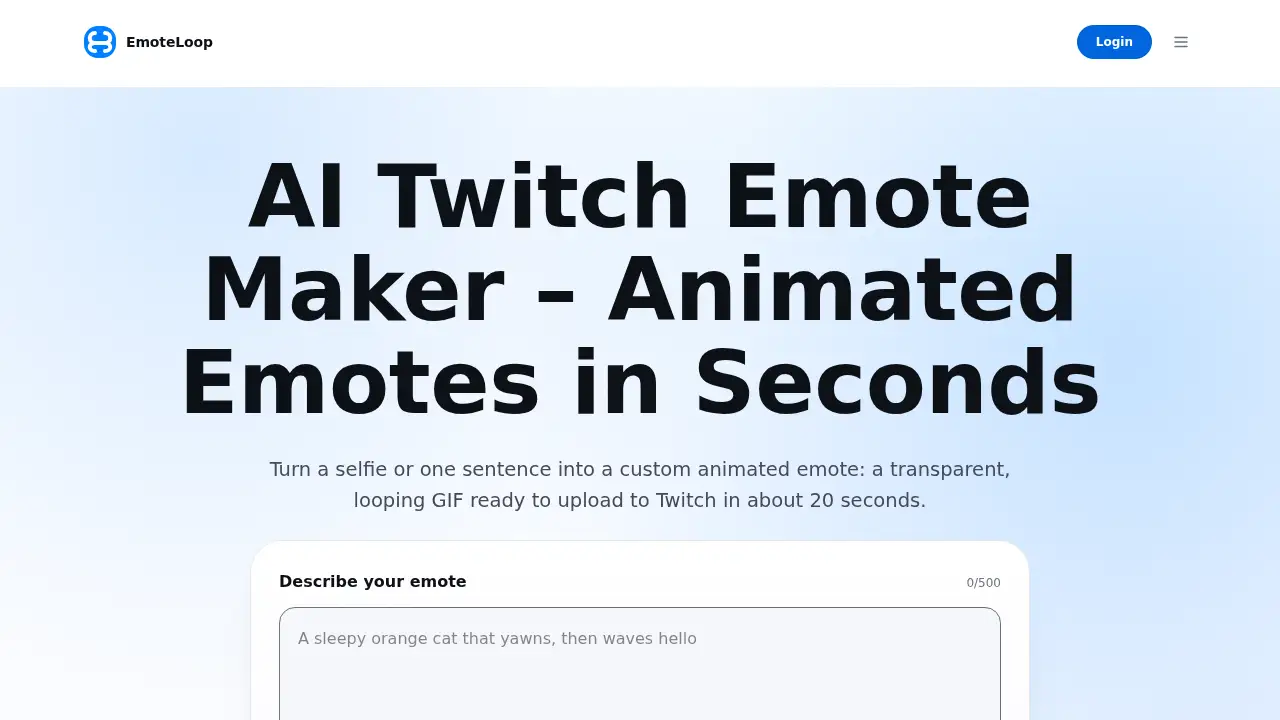
EmoteLoop is an AI Twitch emote maker. It turns a short description or a selfie into a transparent, looping animated emote that can be downloaded and uploaded to Twitch, Discord, or Slack. The tool is designed for streamers who want a custom reaction emote without drawing one from scratch or waiting on a commission.
What is EmoteLoop?
EmoteLoop is an AI Twitch emote maker that generates original animated emotes from text prompts or photos. Instead of applying a preset animation to an existing image, it creates a new emote based on the user’s idea. This helps streamers solve a common problem: getting a custom Twitch emote quickly without hiring an artist or learning animation software.
The platform is suitable for Twitch streamers, community managers, Discord server owners, and creators who need small reaction images for chat. It also works as a custom emote maker for people who want a cartoon version of themselves or a simple character idea. A typical generation takes about 15–30 seconds, and the result is checked for motion, looping, and a transparent background before download. EmoteLoop is compatible with Twitch but is not affiliated with or endorsed by Twitch.
Key Features of EmoteLoop
Text-to-Emote Generation
Users type a subject and action, such as a sleepy cat waving, and the AI Twitch emote maker generates an original animated Twitch emote. One sentence is usually enough to start a generation.
Selfie-to-Emote Creation
Add a clear photo to turn a selfie to emote-style cartoon art. The AI Twitch emote maker keeps recognizable features such as hair, glasses, and expression while animating the requested moment.
Transparent Looping GIF Export
Each download includes a 512 × 512 transparent GIF with 8 frames, looping forever, and staying under 1 MB. This is the single file Twitch asks for when it resizes animated emotes automatically.
Static PNG and Emote Pack Downloads
Pick any frame and save it as a transparent 512px PNG for a regular emote. Users can also download an emote pack with Twitch 112, 56, and 28 px files, plus Discord 128 px under 256 KB and Slack 128 px under 128 KB.
Real-Size Preview
Preview the animated Twitch emote at 112, 56, and 28 px on dark, light, or checkerboard backgrounds before downloading. This helps users check whether the reaction still reads clearly at chat size.
Quality Checks and Private History
Before showing a result, EmoteLoop checks that the emote moves, loops, and has a transparent background. Failed generations return credits, and every saved emote stays in a private history for later download or variation.
Use Cases for EmoteLoop
Chat Reaction Emotes
The AI Twitch emote maker can produce reactions such as a hype wave, a lurk peek, or a GG thumbs-up. These animated Twitch emote ideas are useful for moments that repeat in stream chat.
Personal Streamer Branding
Use a selfie to emote workflow to create a cartoon version of the streamer. This can help viewers recognize the creator even when the emote is shown at 28 px.
Discord and Slack Communities
Every emote pack includes Discord emoji and Slack emoji sizes. Community managers can add custom reactions without separate design work for each platform.
Fast Emote Testing
Change a few words and generate another version when an idea is close but not quite right. This makes EmoteLoop a practical Twitch emote generator for testing several reactions before uploading one.
How to Use EmoteLoop
- Open EmoteLoop and describe the emote in one sentence. Add a selfie if the emote should look like a specific person.
- Press Generate and wait while the AI Twitch emote maker creates the emote. The process usually takes 15–30 seconds.
- Review the loop at full size and at chat sizes such as 112, 56, and 28 px.
- Download the transparent GIF, a static PNG, or the full emote pack.
- Upload the file to Twitch, Discord, or Slack, or keep it in the private history for later use.
Target Audience for EmoteLoop
- Twitch streamers who need custom reaction emotes for chat
- Discord server owners who want matching emoji reactions
- Slack community admins looking for custom workspace emojis
- Creators testing multiple animated Twitch emote ideas quickly
- Streamers who want a selfie to emote option for personal branding
Is EmoteLoop Free?
EmoteLoop offers a free trial for new accounts: enough credits for one text emote. After that, a text emote costs 4 credits and a photo-based emote costs 5 credits. Credit packs start at $15 for 200 credits and never expire. A monthly subscription is also available, though the exact monthly price is not listed in the reference content.
| Plan | Price | Features |
|---|---|---|
| Free trial | $0 | New accounts get enough credits for one text emote; failed generations return credits |
| Credit pack | From $15 for 200 credits | Credits never expire; text emote costs 4 credits; photo emote costs 5 credits |
| Subscription | Monthly price not listed | Monthly credits available; check the official site for current details |
EmoteLoop's Pros and Cons
| Aspect | Pros | Cons |
|---|---|---|
| Pricing | Free trial and credit packs from $15; failed generations are refunded | No unlimited free plan; each successful emote uses credits |
| Features | AI-generated animated emotes from text or selfie; PNG and emote pack exports | Original emotes only; copyrighted characters may be blocked |
| Speed | Usually 15–30 seconds per generation | Results depend on prompt quality and automated checks |
| Compatibility | Includes Twitch, Discord, and Slack sizes | Not affiliated with or endorsed by Twitch |
Frequently Asked Questions about EmoteLoop
Is EmoteLoop a free Twitch emote maker?
EmoteLoop is an AI Twitch emote maker with a free trial. New accounts get enough credits for one text emote, and failed generations return credits. After the trial, text and photo emotes use credits from packs or a subscription.
Can I upload the GIF directly to Twitch?
Yes. EmoteLoop provides a 512 × 512 transparent GIF under 1 MB, which Twitch can resize automatically. If manual upload is preferred, the emote pack includes 112, 56, and 28 px files.
What size should a Twitch emote be?
For an animated Twitch emote, Twitch accepts one square GIF between 112 and 4096 px and under 1 MB. Twitch then creates the 112, 56, and 28 px versions. For manual upload, three files at those sizes are needed, each under 512 KB.
Can I make an emote from my photo?
Yes. A selfie to emote generation is supported when the photo is of the user or someone who has agreed. Photos of minors, public figures, or other people without consent are not allowed, and blocked requests do not use credits.
Does EmoteLoop work for Discord and Slack?
Yes. Every emote pack includes a 128 px Discord emoji under 256 KB and a 128 px Slack emoji under 128 KB, in addition to the Twitch sizes.
Can I make emotes of game or anime characters?
No. EmoteLoop is intended for original emotes. Requests based on characters owned by games, anime studios, or brands may be blocked.
EmoteLoop Tags
AI Twitch emote maker, Twitch emote maker, animated Twitch emote, custom Twitch emote, selfie to emote, Twitch emote generator, emote maker for streamers, Discord emoji maker, Slack emoji maker, transparent GIF emote, Twitch emote sizes, emote pack download