Introduction
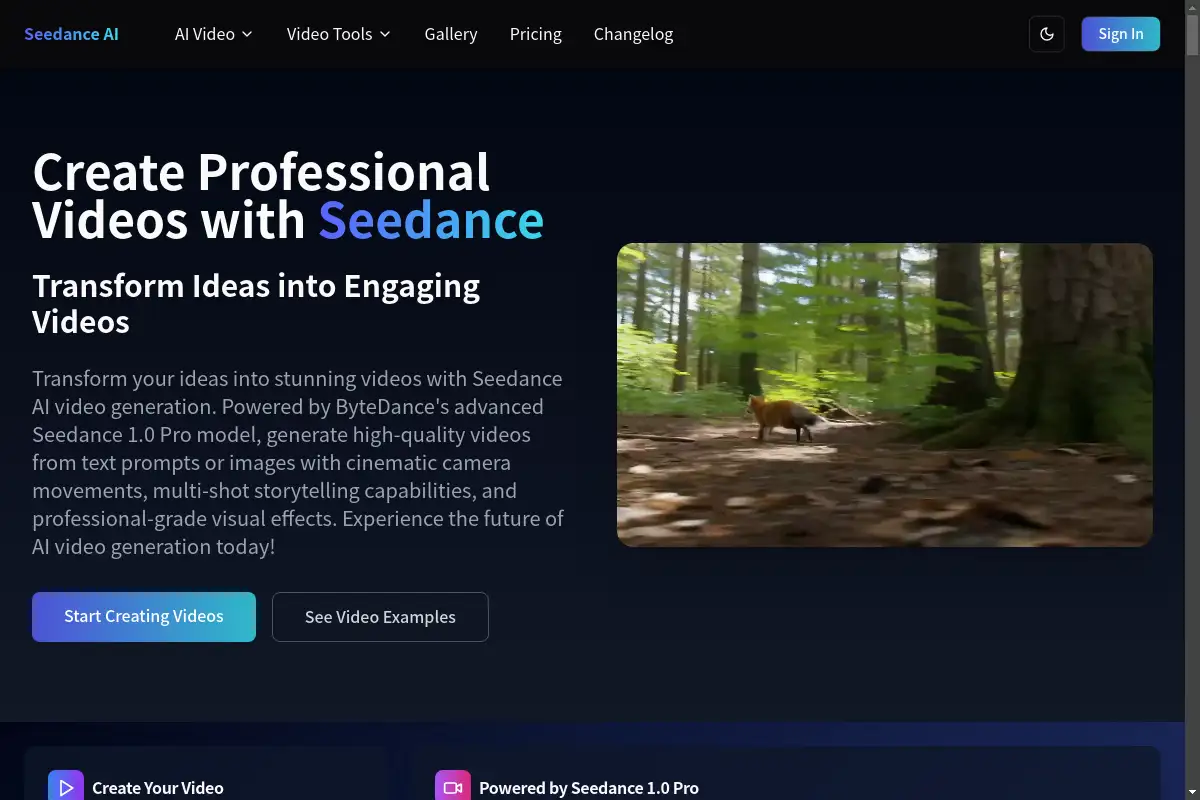
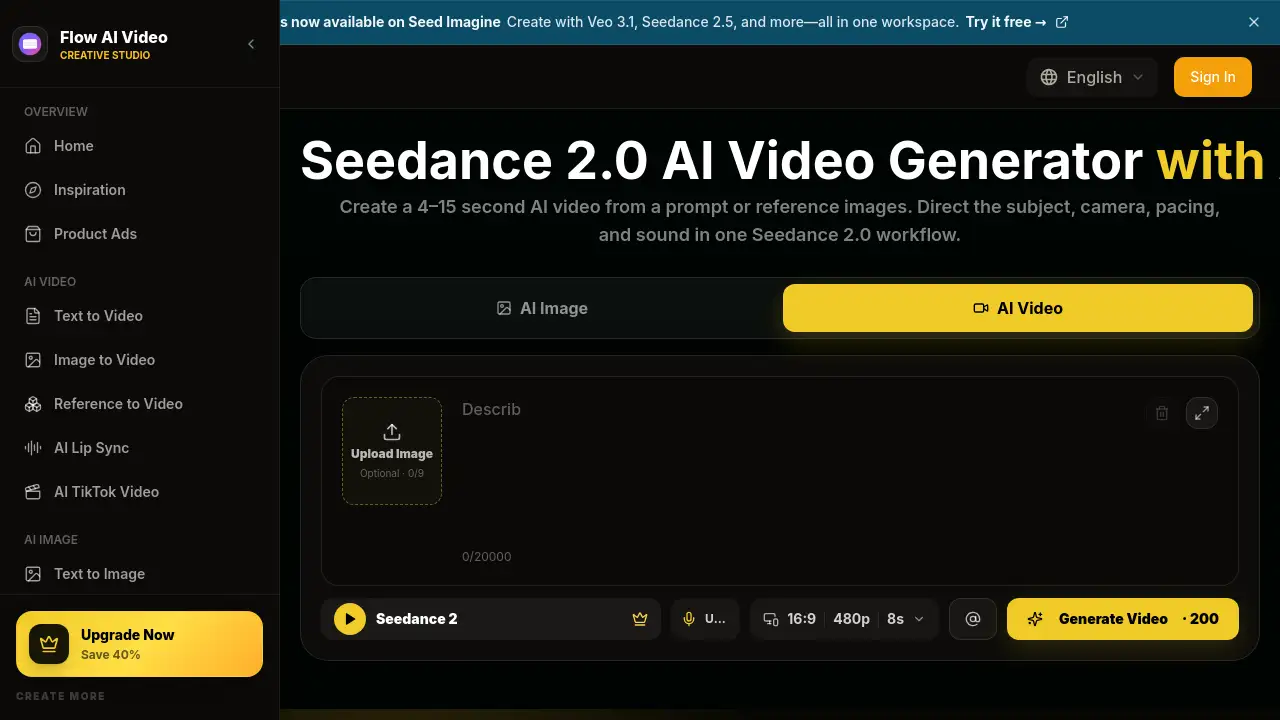
Seedance 2.0 is an AI video generator that turns text prompts or reference images into short video clips with audio and camera control. Available through Flow AI Video, Seedance 2.0 provides a fixed workflow for creating 4 to 15 second videos, making it a practical option for creators who want polished visual content without juggling multiple tools.
What is seedance 2.0?
Seedance 2.0 is ByteDance Seed's multimodal audio-video generation model. Through Flow AI Video, users access the model in a workspace that supports both text to video and image to video generation. This AI tool solves a common creative problem: turning a written idea or a single product image into a finished clip with motion, camera movement, dialogue, and ambient sound.
The model matters because many video tools separate visuals, audio, and formatting into different steps. This workflow keeps them together. Creators describe the scene, action, camera behavior, pacing, and sound in a single prompt, then review the output for consistency. The tool suits content creators, social media managers, product marketers, and filmmakers who need fast drafts or final short clips for campaigns.
Key Features of seedance 2.0
Text to Video and Image to Video
Start with a written concept or upload reference images. The model supports both modes, giving users flexibility to create from scratch or build on existing visuals.
Up to Nine Reference Images
The interface allows up to nine reference images, and each one can be assigned a clear role in the prompt, such as character, product, environment, or opening frame. This keeps the output aligned with a specific visual direction.
Prompt-Directed Motion and Camera
Describe subject action and camera behavior separately. Users can direct tracking shots, orbits, push-ins, static framing, pacing, and shot changes directly in the prompt.
Audio-Enabled Generation
Audio stays enabled on this page. Users can plan dialogue, ambience, music mood, and sound effects alongside the picture, which is valuable for story-driven clips.
4–15 Second Duration
Choose a duration within the supported range. This length fits social media posts, short advertisements, and character or product demonstrations.
Flexible Resolution and Aspect Ratio
The generator offers landscape, portrait, square, classic, and ultrawide format options. This makes it easier to prepare videos for different platforms and placements.
Use Cases for seedance 2.0
Prompt-Based Scene Creation
Write a prompt that describes the subject, setting, action, camera, lighting, pace, and sound. The model builds a new short scene entirely from words.
Image-to-Video Animation
Upload a product photo, character image, or illustration and describe what should move. This is helpful for turning a still image into a dynamic clip.
AI Product Videos
Turn campaign images into product reveals, lifestyle clips, or demonstrations. Prompt-led camera control gives each product video a distinct look.
Character and Story Scenes
Use character references and ordered action descriptions to explore dialogue, reactions, and multi-shot story beats. This works well for early story development.
Social Media Videos
Create vertical, square, landscape, or ultrawide clips for Shorts, Reels, TikTok, and feed placements. Flexible formats reduce extra editing work.
Cinematic Previsualization
Test camera movement, atmosphere, staging, effects, and pacing before a larger commercial, film, or game production. This platform works as a planning tool for visual ideas.
How to Use seedance 2.0
Using the Seedance 2.0 video generator is a straightforward process:
- Choose Text to Video or Image to Video. For image mode, upload your reference images.
- Write a clear prompt that names the subject, setting, action, camera movement, lighting, pace, and sound.
- Select the duration (4–15 seconds), aspect ratio, and resolution. Check the credit cost before generating.
- Generate the video, then review the full clip for identity, motion, timing, text, product details, hands, and audio. Change one instruction or reference at a time before regenerating.
Target Audience for seedance 2.0
- Content creators who need regular short-form video ideas
- Social media managers preparing clips for multiple platforms
- Independent filmmakers exploring previsualization and framing
- Product marketers producing AI product videos and demos
- Creative directors comparing visual directions with reference images
- Game and animation teams testing staging and camera movement
Is seedance 2.0 Free?
Flow AI Video offers free credits to start, so new users can test the AI video generator before paying. Paid plans provide monthly credits for continued generation. The current pricing structure is shown below:
| Plan | Price | Features |
|---|---|---|
| Basic | $19.9/month | 800 credits, up to 40 videos/month, access to Seedance and other models, no watermark |
| Pro | $39.9/month | 2,000 credits, up to 200 videos/month, all Basic features plus commercial use |
| Enterprise | $99.9/month | 6,000 credits, up to 600 videos/month, all Pro features plus dedicated support |
Pricing may change, so check the official Flow AI Video pricing page for the latest details.
seedance 2.0's Pros and Cons
| Aspect | Pros | Cons |
|---|---|---|
| Pricing | Free credits available; affordable entry plan | Higher-tier plans can be costly for casual users |
| Features | Combines video, audio, and camera control in one tool | Output quality depends heavily on prompt detail |
| Output control | Supports up to nine reference images | Managing many references requires careful prompt writing |
| Formats | Multiple aspect ratios and resolutions available | Resolution choices are limited to preset levels |
Frequently Asked Questions about seedance 2.0
What is Seedance 2.0?
Seedance 2.0 is ByteDance Seed's multimodal audio-video generation model. In Flow AI Video, it is offered as a fixed workflow for generating short clips from text or reference images.
Can Seedance 2.0 create text-to-video and image-to-video clips?
Yes. Users can start with a text prompt to create a new scene, or add one or more reference images when appearance, composition, products, or characters should guide the result.
How many reference images can I add?
The current Flow AI Video interface allows up to nine reference images for this model. Each image should have a clear role, and conflicting references should be removed for better output.
Does Seedance 2.0 generate audio?
Audio stays enabled on this page. Users can describe dialogue, ambience, music mood, and sound effects in the prompt, but generated audio should be reviewed for timing, clarity, and accuracy.
How long can a Seedance 2.0 video be?
The current generator supports durations between 4 and 15 seconds. Users can choose a length that suits their platform or project requirement.
What can I create with this AI video generator?
Common outputs include short narrative scenes, image-to-video animations, AI product videos, character and story scenes, social media clips, and cinematic previsualization drafts.
seedance 2.0 Tags
seedance 2.0, AI video generator, text to video, image to video, AI video with audio, ByteDance Seed, Flow AI Video, video generation model, AI product videos, short video generator, AI content creation, camera control AI video