Introduction
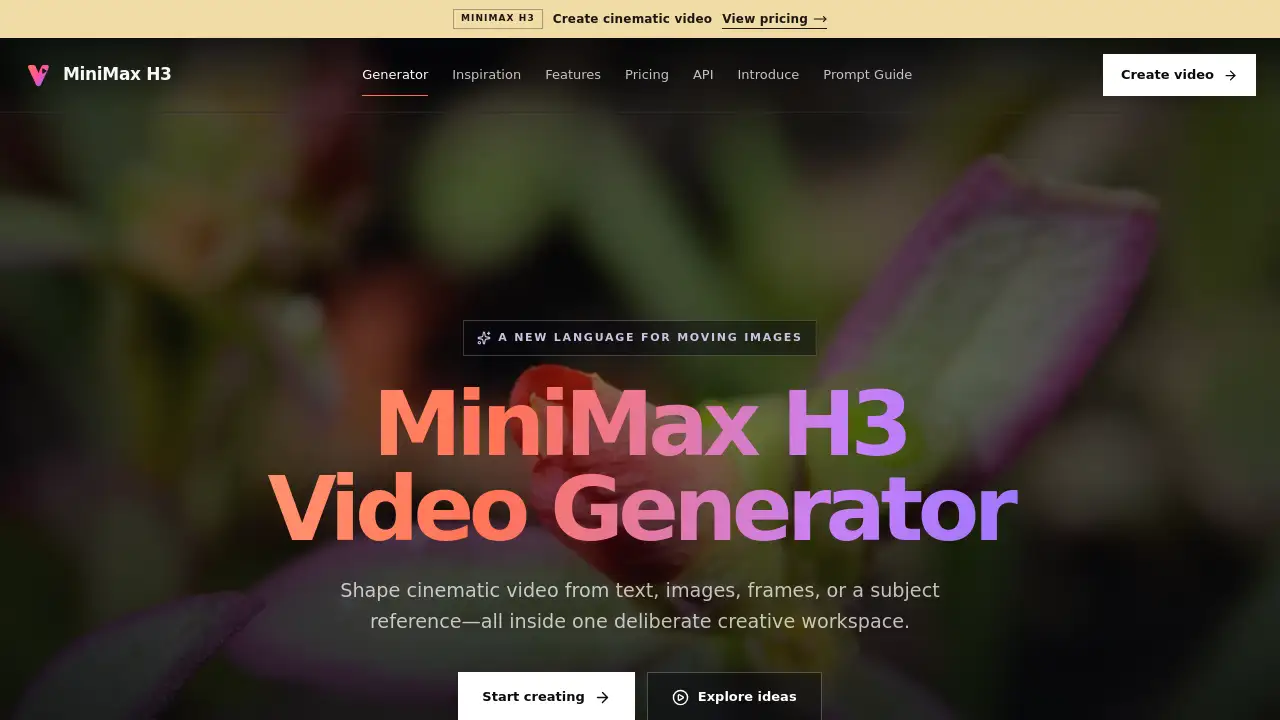
MiniMax H3 video generator is a new AI video creation tool that turns text, images, frames, and subject references into cinematic moving images. It offers a focused creative workspace with control over aspect ratio, duration, resolution, and generation mode. For anyone comparing AI video generator options, the MiniMax H3 video generator stands out for its precise motion control.
What is MiniMax H3?
MiniMax H3 is a multimodal AI video generator designed for people who want more control over moving images. Traditional text-to-video tools often limit users to one input method. The MiniMax H3 video generator changes that by accepting text prompts, still images, first and last frames, or a subject reference. Users stay in one deliberate creative workspace while directing format, duration, resolution, and generation mode.
The core problem this AI video generator solves is inconsistency. When generating video from AI, creators often lose the subject, struggle with camera movement, or receive clips that do not match the intended mood. The MiniMax H3 video generator addresses these issues with natural-language control, endpoint framing, and subject reference. It matters because it gives creators a single place to shape cinematic video without jumping between separate tools.
Key Features of MiniMax H3
The MiniMax H3 video generator includes several features that make cinematic video creation more approachable. Every mode uses the same clean interface, so the MiniMax H3 video generator feels consistent from prompt to final clip.
Text, Image, Frames and Subject Input
You can start the MiniMax H3 video generator with a written prompt, animate an existing image, connect two frames, or add a subject reference. This AI video generator supports multiple creative starting points without forcing a single workflow.
Flexible Video Duration
The MiniMax H3 video generator supports 6-second, 10-second, and 30-second output. Short clips work well for quick social content, while the 30-second option allows longer scenes. This AI video generator keeps duration settings visible before generation.
Resolution and Aspect Ratio Choices
Users can choose 768P or 1080P output and select 16:9, 9:16, or 1:1 aspect ratio. The MiniMax H3 video generator balances production detail and generation speed. Vertical, landscape, and square formats are all available inside this AI video generator.
First and Last Frame Control
First and last frame control lets users define both endpoints and direct the transformation between them. This feature helps the MiniMax H3 video generator produce smoother transitions and more intentional camera movement.
Subject Reference
Subject reference allows creators to build new scenes around a clear subject while changing the setting, lighting, or performance. The MiniMax H3 video generator keeps the subject consistent through the generated shot.
Cinematic Motion Control
Users can describe camera travel, subject action, pacing, and transitions in plain language. The MiniMax H3 video generator translates those directions into visible motion cues, making this AI video generator useful for filmmakers and content teams.
Use Cases for MiniMax H3
Social Media Video
The MiniMax H3 video generator can produce vertical 9:16 clips for platforms like Instagram Reels, TikTok, and YouTube Shorts. Its 6-second and 10-second durations fit short-form content.
Cinematic Short Films
Filmmakers can use the MiniMax H3 video generator to test camera moves and mood before shooting, or to create standalone scenes. First and last frame control helps build a visual transition that feels planned.
Marketing and Advertising Concepts
Marketing teams can use the MiniMax H3 video generator to create concept videos from a product image or a short text description. Subject reference keeps a product or character visible while the scene changes.
Storyboarding and Previsualization
Directors can use this AI video generator to explore camera movement, lighting, and pacing before committing to a full production. The MiniMax H3 video generator works well for early visual exploration.
How to Use MiniMax H3
Using the MiniMax H3 video generator follows a simple process.
- Open the MiniMax H3 video generator in a browser.
- Choose a generation mode: text, image, first and last frames, or subject reference.
- Write a clear prompt describing the scene, camera movement, lighting, and mood.
- Select aspect ratio, duration, and resolution.
- Click Generate Video and review the output.
Because settings and active generations remain connected to the browser, refreshing the page keeps the current queue stage. This makes the MiniMax H3 video generator easy to return to during a project.
Target Audience for MiniMax H3
- Content creators who want a fast AI video generator for social media
- Filmmakers and directors exploring cinematic AI video
- Marketing teams producing product and ad concepts
- Designers who need visual previsualization
- Educators and students learning video generation
- Anyone who wants a MiniMax H3 video generator workflow for concept art or client pitches
Is MiniMax H3 Free?
The product homepage does not list a specific price for MiniMax H3. The MiniMax H3 video generator appears to be available directly in the browser through a "Start creating" button, but no free plan or subscription tiers are confirmed. Pricing may depend on output resolution, duration, or usage volume. Users should check the official MiniMax H3 video generator page for current pricing details. This AI video generator may also change its offers over time, so current information is always the safest guide.
MiniMax H3's Pros and Cons
The MiniMax H3 video generator has clear strengths and a few limitations. As an AI video generator, it works best when users write clear prompts.
| Aspect | Pros | Cons |
|---|---|---|
| Input Options | Supports text, image, frames, and subject reference | More modes may take time to learn |
| Duration | Up to 30 seconds for extended scenes | Longer clips limited to 768P |
| Resolution | 768P and 1080P available | No 4K output listed |
| Motion Control | Natural-language camera direction | Requires clear prompt writing |
| Pricing | Available from the official product page | No public price or confirmed free tier |
Frequently Asked Questions about MiniMax H3
What can I create with MiniMax H3 video generator?
You can create video from a written prompt, a source image, first and last frames, or a subject reference. The MiniMax H3 video generator uses one focused workspace for motion, framing, and visual direction.
Which video durations are available?
The MiniMax H3 video generator supports 6 seconds, 10 seconds, and 30 seconds. Six-second projects support 768P and 1080P, while longer projects use 768P.
Can I control the first and last frame?
Yes. First and Last Frame mode lets you set both endpoints, then describe the action, camera path, and transition between them. This AI video generator makes the change between endpoints more intentional.
How does Subject Reference work?
Add a clear subject image and describe the new scene. The MiniMax H3 video generator keeps the subject at the center of your creative direction while you define performance and setting.
Which aspect ratios are supported?
The MiniMax H3 video generator includes 16:9 for landscape, 9:16 for vertical, and 1:1 for square social formats.
Can I return to a generation later?
Yes. An active generation remains associated with the browser. Refreshing or reopening the page restores the current queue stage in the MiniMax H3 video generator.
MiniMax H3 Tags
MiniMax H3 video generator, AI video generator, text to video, video creation tool, first and last frame, subject reference, cinematic motion control, 1080P video generation, 16:9 video, 9:16 vertical video, square video format, AI video editing