Introduction
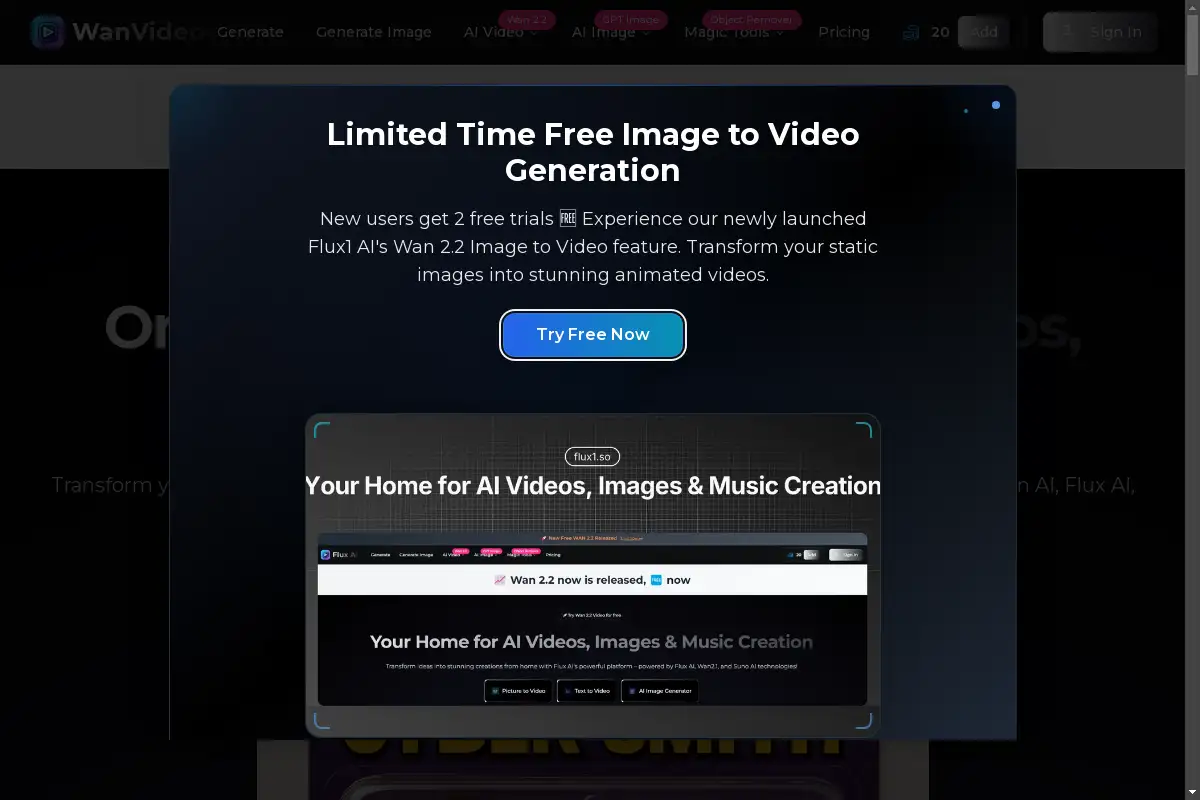
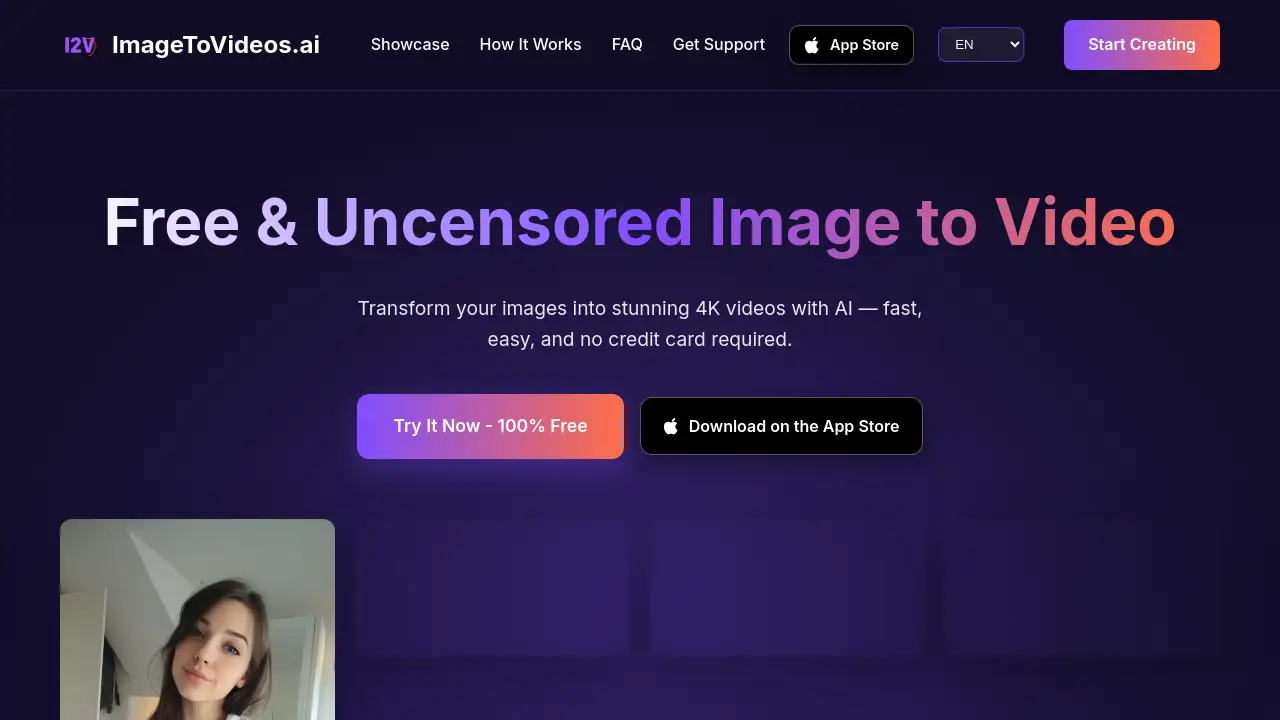
ImageToVideos.ai is a free and uncensored AI image to video generator that transforms any static picture into a stunning, high-quality animated video in seconds.
What is Free and Uncensored Image to Video?
Free and Uncensored Image to Video refers to the AI-powered service provided by ImageToVideos.ai. It solves the problem of animating still images, which traditionally requires complex video editing software and significant skill. This tool makes it possible for anyone to create dynamic, high-resolution video content from a single image and a simple text prompt. It is suitable for content creators, marketers, social media managers, and artists who want to add motion to their visuals quickly and without creative restrictions. The significance lies in its accessibility, speed, and the freedom it offers users to generate any content they envision without artificial limitations.
Key Features of Free and Uncensored Image to Video
High-Quality 4K Video Generation
The AI technology produces stunning videos with up to 4K resolution, ensuring sharp, detailed results from your original images.
Lightning-Fast Processing
Videos are generated within seconds, not hours, thanks to optimized AI algorithms that deliver rapid results without compromising on quality.
Uncensored Content Creation
There are no restrictions or censorship on the content you can generate, allowing for complete creative freedom in your AI video projects.
Completely Free to Use
The service requires no credit card and has no hidden fees, enabling users to start creating amazing videos from images immediately at no cost.
Advanced AI-Powered Animation
The artificial intelligence understands image context and natural language prompts to create fluid, natural-looking motion effects.
Easy-to-Use Interface
The process is simple: users just upload an image, write a descriptive prompt, and let the AI handle the complex task of video generation.
Use Cases for Free and Uncensored Image to Video
Social Media Content Creation
Enhance social media posts and stories by transforming profile pictures or promotional graphics into eye-catching, short video clips.
Marketing and Advertising
Create dynamic ad banners, product showcases, or explainer videos from static logos and product images to capture more audience attention.
Artistic and Personal Projects
Artists and hobbyists can bring illustrations, paintings, or personal photographs to life with animated elements and cinematic motion effects.
Educational and Presentation Materials
Teachers and presenters can animate diagrams, charts, or historical images to make educational content more engaging and easier to understand.
How to Use Free and Uncensored Image to Video
Using the ImageToVideos.ai generator is a straightforward three-step process:
- Upload Your Image: Drag and drop or select an image file from your device. The platform supports common formats like JPG, PNG, and WEBP.
- Write a Prompt: Describe in natural language how you want elements in the image to move. For example, "a ballerina spinning elegantly" or "hair flowing in the wind."
- Generate Video: Click the generate button. The AI will process your input and deliver a high-quality, animated video, typically within 30-60 seconds.
Target Audience for Free and Uncensored Image to Video
- Social Media Influencers and Content Creators
- Digital Marketers and Advertising Professionals
- Graphic Designers and Visual Artists
- Small Business Owners and Entrepreneurs
- Educators and Trainers
- Hobbyists interested in AI and digital art
Is Free and Uncensored Image to Video Free?
Yes. Based on the reference information, ImageToVideos.ai operates on a completely free model with no tiered pricing plans mentioned.
| Plan | Price | Key Features |
|---|---|---|
| Free | $0 | Generate 4K videos from images, uncensored content, no credit card required, fast processing. |
For the most current information, users should always check the official ImageToVideos.ai website.
Free and Uncensored Image to Video's Pros and Cons
| Aspect | Pros | Cons |
|---|---|---|
| Cost & Accessibility | Completely free with no sign-up required; highly accessible. | Potential for future monetization or feature limitations as the service grows. |
| Content Policy | Uncensored generation allows for maximum creative freedom. | May require responsible use, as the platform does not filter content. |
| Ease of Use | Very simple, three-step process with a user-friendly interface. | Output quality is heavily dependent on the user's ability to write effective prompts. |
| Speed & Quality | Generates high-quality 4K videos in under a minute. | Results may vary based on input image quality and server load. |
Frequently Asked Questions about Free and Uncensored Image to Video
Is ImageToVideos.ai really free?
Yes, ImageToVideos.ai is completely free to use. No credit card is required, and there are no hidden fees. Users can start transforming images into videos immediately.
What image formats are supported?
The AI image to video generator supports all common image formats, including JPG, PNG, WEBP, and GIF. For optimal video quality, it is recommended to use high-resolution source images.
How long does it take to generate a video?
Most videos are generated within 30 to 60 seconds. The processing time can vary slightly depending on the complexity of the animation described in the prompt and current server demand.
What video quality can I expect?
The tool generates high-quality videos up to 4K resolution. The final output quality is influenced by the resolution and clarity of the uploaded image and the specifics of the motion prompt.
Are there any content restrictions?
No. ImageToVideos.ai provides uncensored content generation, meaning there are no artificial restrictions on the type of videos you can create from your images.
Can I use the videos commercially?
Yes. Users own the rights to the videos they create with this free AI image to video generator. These videos can be used for any purpose, including commercial projects and social media content.
Free and Uncensored Image to Video Tags
AI image to video, free video generator, uncensored AI, 4K video maker, image animation, AI video creator, turn picture into video, free AI tools, content creation, marketing videos, social media video, AI animation, no credit card required