Introduction
A powerful Flux ai image generator that streamlines text-to-image creation, editing, and multi-image workflows.
What is flux2ai.org?
Flux2ai.org is a comprehensive online studio built around the Flux.2 AI technology. It serves as a versatile platform for generating and editing images using artificial intelligence. The product solves the problem of needing multiple, separate tools for different creative tasks by offering an all-in-one solution. It is suitable for anyone from hobbyists to professionals who need to create high-quality visuals from text descriptions, edit existing photos, or develop consistent visual assets for projects. The core of its appeal is the ability to understand complex prompts, merge multiple image references, and produce coherent visuals quickly, powered by the advanced Flux.2 AI technology.
Key Features of flux2ai.org
Professional AI Image Editing Tools
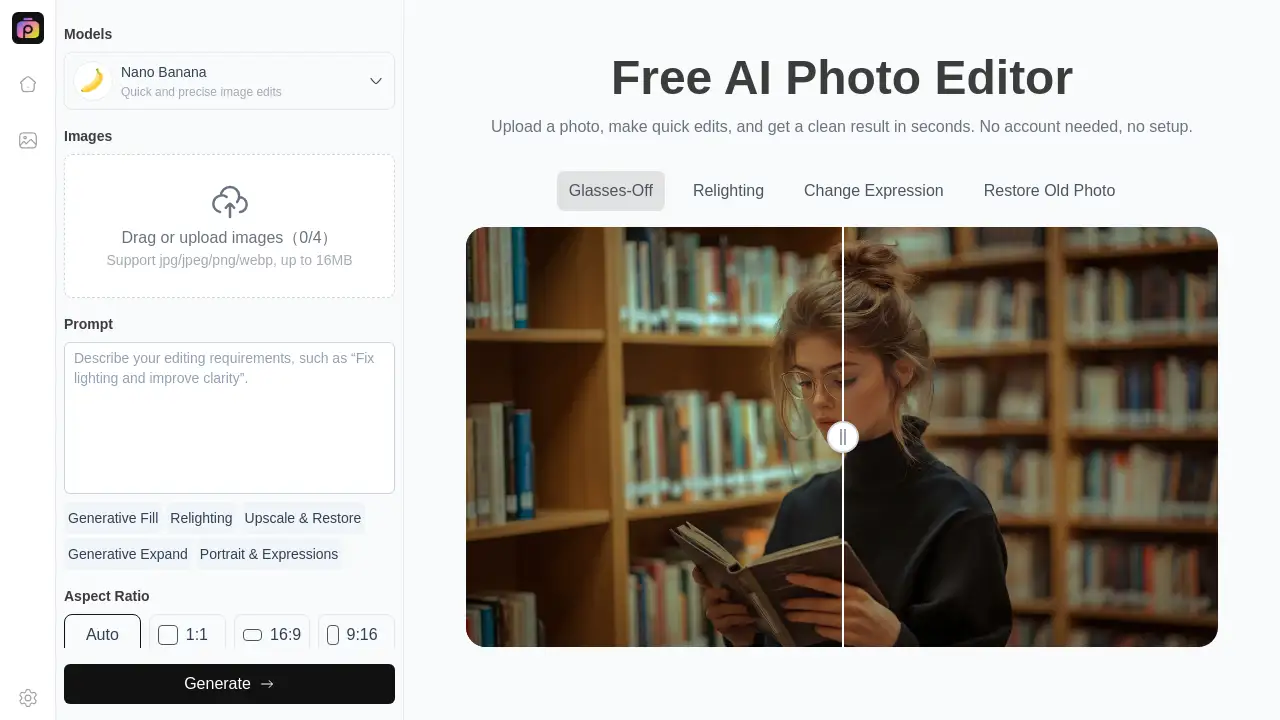
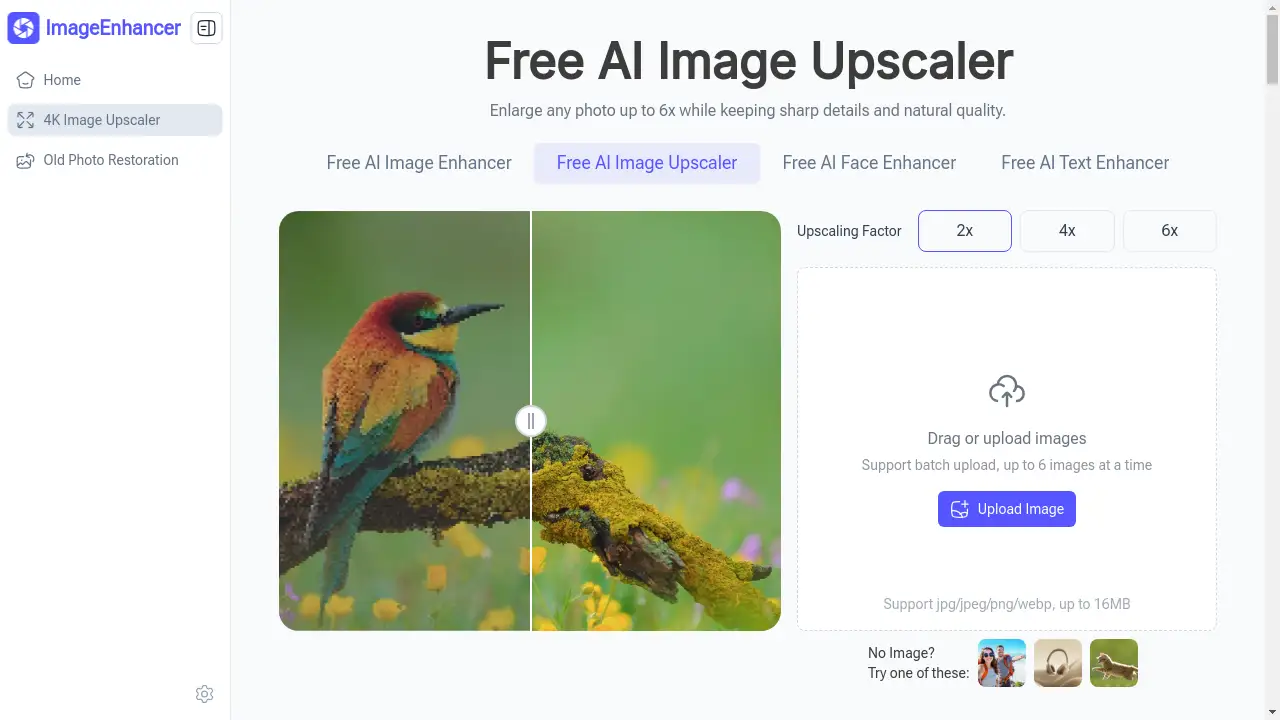
The platform provides a suite of AI-powered tools for tasks like background removal, object removal, upscaling, and smart cropping, enabling precise and fast edits without manual labor.
Text-to-Image Generation with Flux.2
Users can generate unique images from descriptive text prompts, leveraging the powerful Flux 2 model to turn ideas into consistent, high-quality visuals.
Multi-Image Workflows and Reference
The Flux ai image generator supports using multiple reference images to guide the creation process, allowing for greater creative control and the production of coherent visual series.
Creative AI Photo Effects
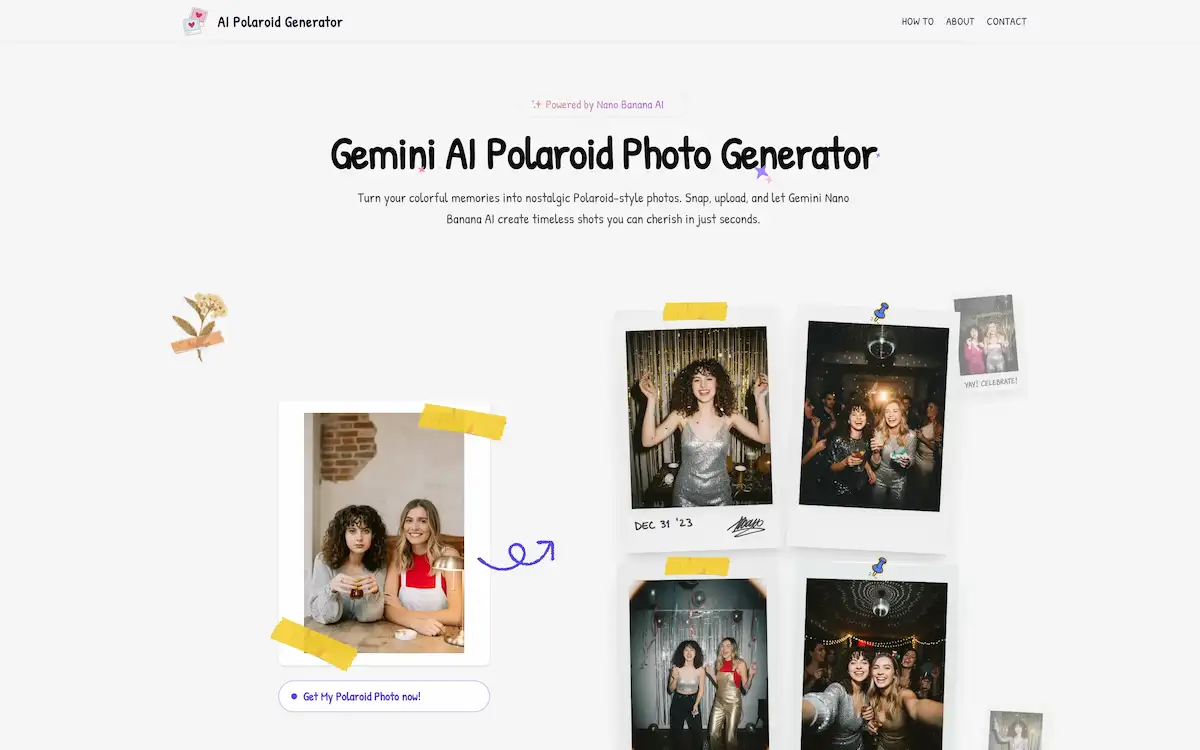
It offers a range of specialized effects, such as transforming photos into Studio Ghibli-style anime art or Pixar-style 3D characters, applying age filters, and experimenting with virtual hairstyles.
Real-Time Processing and Fast Iteration
The platform is built for speed, offering real-time previews and rapid processing to support quick iteration and an efficient creative workflow.
Intelligent Prompt Understanding
Flux.2 is designed to deeply understand nuanced text prompts and merge reference imagery intelligently, resulting in images that accurately reflect the user's intent.
Use Cases for flux2ai.org
Social Media Content Creation
Ideal for generating eye-catching graphics, profile pictures, and themed artwork for platforms like Instagram, Twitter, and Facebook using text to image and creative effects.
Professional Marketing and Branding
Marketing teams can use it to quickly produce product mockups, edit campaign photos, and generate consistent brand visuals across multiple materials.
Personal Art and Hobby Projects
Artists and hobbyists can explore new styles, bring their imaginative concepts to life, and enhance personal photos with AI image editing tools and artistic filters.
E-commerce Product Photography
Online sellers can efficiently remove or replace backgrounds from product shots, upscale image quality, and create variations for listings without a professional studio.
How to Use flux2ai.org
- Navigate to the Website: Visit flux2ai.org and explore the available tools, such as the AI Image Editor or the Text-to-Image generator.
- Choose Your Tool: Select the specific tool for your task—for example, "Background Removal," "AI Upscaler," or the main Flux ai image generator.
- Upload or Describe: For editing, upload your image. For generation, enter a detailed text prompt. You can also upload reference images for multi image workflows.
- Apply Adjustments or Effects: Use the available controls to fine-tune settings, select creative effects, or specify your desired output style.
- Process and Download: Initiate the AI processing. Once complete, review the result and download your final image.
Target Audience for flux2ai.org
- Digital Artists and Illustrators
- Social Media Managers and Content Creators
- Marketing and Advertising Professionals
- E-commerce Store Owners
- Graphic Designers and Hobbyists
- Bloggers and Website Owners needing custom visuals
Is flux2ai.org Free?
The platform offers a free trial for new users. According to the homepage, new users receive 30 credits, which is enough for approximately 2 professional edits or generations at no cost. For continued or high-volume use, users would need to explore the paid plans available on the official pricing page.
| Plan | Price | Key Features |
|---|---|---|
| Free Trial | $0 | 30 credits (~2 image edits/generations), access to core tools. |
| Paid Plans | Varies (See Pricing Page) | Higher credit limits, access to advanced models and all features like batch reference and more versatile styles. |
flux2ai.org's Pros and Cons
| Aspect | Pros | Cons |
|---|---|---|
| Features & Technology | All-in-one platform with powerful Flux.2 AI technology for both generation and editing. Supports multi image workflows. | The wide range of tools might have a slight learning curve for complete beginners. |
| Ease of Use | Designed for professionals and beginners alike; no Photoshop skills required for basic operations. | Advanced control over fine-grained parameters may be less extensive than dedicated professional software. |
| Speed & Workflow | Enables fast creation and iteration, significantly speeding up tasks that traditionally take hours. | Processing time for complex operations like high-resolution upscaling can vary. |
| Pricing & Accessibility | Offers a generous free trial to test core functionalities without commitment. | Sustained professional use requires a paid subscription, which is a cost to consider. |
| Output Quality | Produces consistent visuals and high-quality results suitable for many professional applications. | As with all AI generators, output may occasionally require refinement to match very specific visions. |
Frequently Asked Questions about flux2ai.org
What is Flux.2 AI technology?
Flux.2 AI technology is the advanced machine learning model that powers the flux2ai.org platform. It specializes in understanding complex text prompts and visual references to generate and edit images with high consistency and quality.
Can I use images created with flux2ai.org for commercial purposes?
Yes, according to the provided FAQ information, images edited or generated on the platform can be used for commercial purposes, such as in marketing materials, product listings, or client projects.
How does the multi-image reference feature work?
The multi image workflows feature allows you to upload several reference images to guide the AI. The Flux 2 model analyzes these references to understand styles, compositions, or elements you want to incorporate, helping it produce new images that are visually consistent with your inputs.
Is my data private when using the AI image editor?
The platform states that it uses bank-level encryption and that uploaded images are processed securely. They claim images are not used for AI training and are automatically deleted after processing, prioritizing user privacy.
What kind of image editing can I do besides generation?
Beyond text to image generation, the suite includes professional tools for background removal/replacement, AI upscaling, object removal, smart cropping, photo restoration, and applying creative AI photo effects.
How fast is the image processing?
Processing is generally fast, with simple edits like background removal taking seconds. More complex tasks like style transfer or high-resolution upscaling may take under a minute, depending on image size and server load.
flux2ai.org Tags
Flux ai image generator, Flux.2 AI, text to image, AI image editor, multi image workflows, Flux 2, AI photo editing, background remover, AI upscaler, creative AI effects, image generation, AI art, Flux.2 AI technology, digital art tool