Introduction
A free-to-try, OpenAI-powered AI image generator for creating and editing high-resolution visuals from text prompts.
What is Free GPT Image 2 AI?
Free GPT Image 2 AI is an advanced text-to-image generator powered by OpenAI's technology, designed to turn written descriptions into polished, professional visuals. It solves the problem of needing high-quality, custom images, logos, or illustrations without requiring expensive software or design skills. The tool is particularly suitable for content creators, marketers, educators, and small business owners who need to produce high-resolution graphics quickly. What sets it apart is its ability to perform multi-image editing, allowing users to modify and enhance existing images with AI-driven precision. Its importance lies in democratizing access to high-end AI visual creation, making it possible to generate 1K, 2K, or even 4K outputs with adjustable quality and flexible aspect ratios.
Key Features of Free GPT Image 2 AI
Text-to-Image Creation
Users can input descriptive text prompts, and the AI will generate a corresponding visual, enabling the creation of anything from abstract art to photorealistic scenes.
Multi-Image Editing
The platform allows for the editing of multiple images at once, offering tools for local reconstruction and intelligent inpainting that blend new elements seamlessly with the original content.
Adjustable Output Quality
Creators have full control over the final image resolution, with options to generate visuals in 1K, 2K, or production-grade 4K quality suitable for print and digital media.
Flexible Aspect Ratios
The tool supports various aspect ratios, including square (1:1), landscape, and portrait, providing flexibility for different platforms like social media, websites, and presentations.
Zero-Bias Text & Symbol Processing
Leveraging enhanced language decoding, the model ensures text, numbers, and symbols within generated images are highly accurate and legible, ideal for infographics or technical manuals.
Scene-Aware Consistent Editing
When editing parts of an image, the AI automatically perceives surrounding textures and lighting to ensure modifications are visually cohesive and maintain a seamless look.
Use Cases for Free GPT Image 2 AI
Social Media Content Creation
Generate eye-catching graphics, banners, and promotional images for platforms like Instagram, Facebook, and Twitter to enhance brand visibility and engagement.
Blog and Website Illustration
Quickly produce unique featured images, diagrams, and custom illustrations that make blog posts and web pages more visually appealing and professional.
Educational Material Design
Create clear, accurate anatomical diagrams, historical reconstructions, or scientific models for teachers, students, and educational publishers.
Prototype and Mood Board Development
Designers and developers can use the tool to generate visual concepts, product mock-ups, and mood boards during the early stages of a project.
Marketing and Advertising
Produce high-quality ad visuals, product mockups, and branded content for campaigns without the need for a full-scale photoshoot or graphic designer.
How to Use Free GPT Image 2 AI
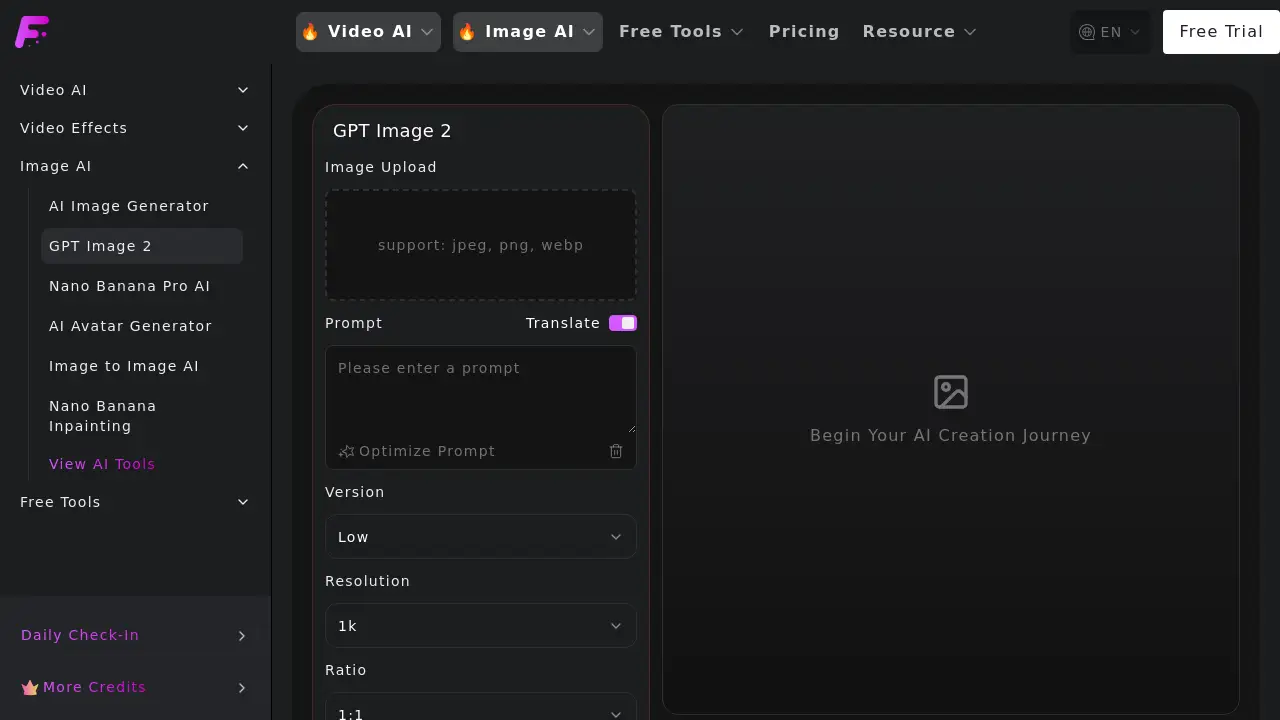
- Access the Tool: Navigate to the GPT Image 2 AI interface on the provider's website.
- Craft Your Prompt: In the text input box, enter a detailed description of the image you want to generate. You can use the built-in prompt translation or optimization tools for better results.
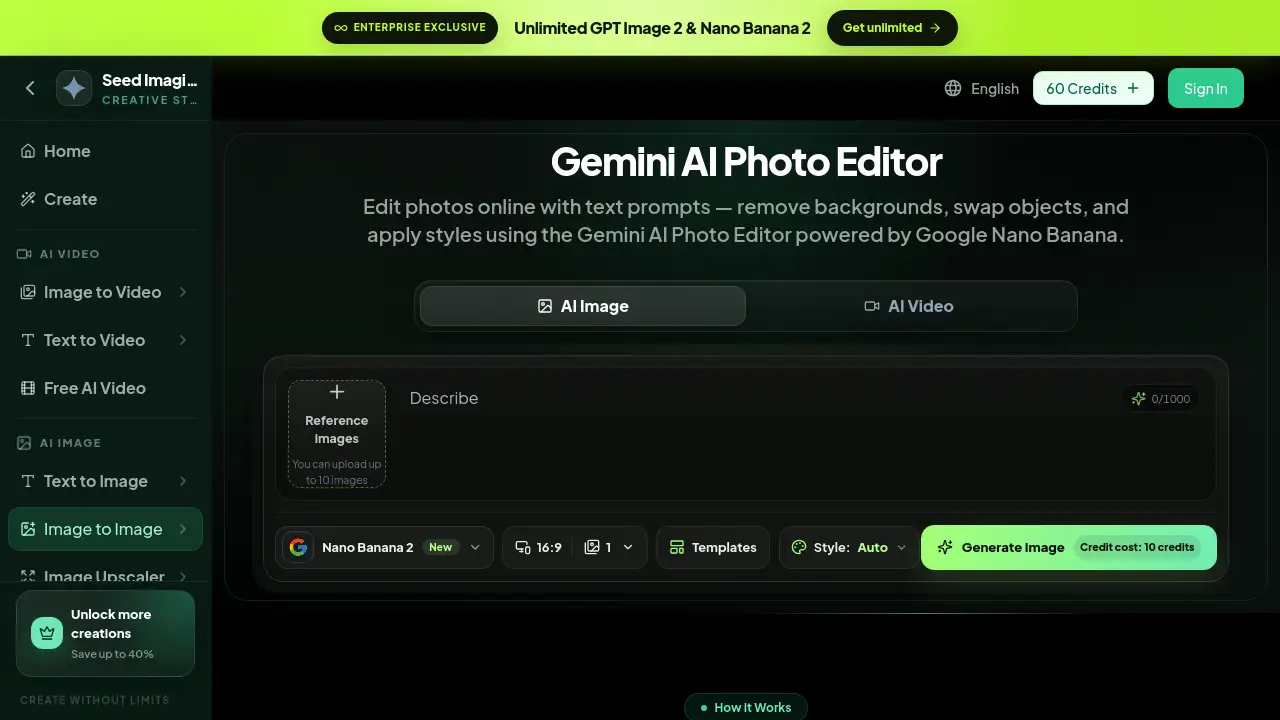
- Configure Settings: Select your desired options, including the AI model version (e.g., Low, Medium, High), the output resolution (1K, 2K, 4K), and the aspect ratio (e.g., 1:1, 16:9).
- Generate and Edit: Click the "Generate" button. Once your AI image is created, you can use the editing features to make adjustments or upload another image for multi-image editing.
- Download or Iterate: Download your final high-resolution visual or use it as a base for further AI-powered edits.
Target Audience for Free GPT Image 2 AI
- Digital Marketers and Social Media Managers
- Bloggers, Writers, and Content Creators
- Educators, Teachers, and Academic Researchers
- Small Business Owners and Entrepreneurs
- Graphic Designers and Hobbyist Artists
- Product Managers and UI/UX Designers for prototyping
Is Free GPT Image 2 AI Free?
The product is advertised with a "Free to try" model. Specific pricing tier details are not provided on the main page, but a dedicated "Pricing" page is referenced. Users can access a free trial to test the core text-to-image and editing functions. For sustained use or access to premium features like higher generation limits or advanced editing, visiting the official pricing page is recommended.
| Plan | Price | Key Features |
|---|---|---|
| Free Trial | $0 | Access to basic image generation and editing with likely credit/usage limits. |
| Paid Plans | Varies (See Pricing Page) | Expected to include higher resolution outputs (4K), more generations, advanced editing, and priority processing. |
Free GPT Image 2 AI's Pros and Cons
| Aspect | Pros | Cons |
|---|---|---|
| Accessibility | Free trial lowers the barrier to entry for exploring AI image generation. | Full features and high-volume use likely require a paid subscription. |
| Output Quality | Offers high-resolution outputs up to 4K, suitable for professional use. | The quality of the free tier outputs may be limited compared to paid plans. |
| Ease of Use | Simple, intuitive interface for prompt-based generation. | Mastering effective prompt engineering for complex images has a learning curve. |
| Functionality | Combines text-to-image creation with multi-image editing in one tool. | Advanced editing features may be complex for complete beginners. |
Frequently Asked Questions about Free GPT Image 2 AI
Is there a free version of GPT Image 2 AI?
Yes, the platform offers a free trial that allows users to test the core AI image generator functionalities, typically with a limited number of generations or credits.
What image formats does it support for upload and download?
The tool supports common image formats like JPEG, PNG, and WebP for uploads. Generated images can be downloaded in high-quality formats suitable for their selected resolution.
Can I use the images I generate for commercial purposes?
The terms of use for generated images depend on the specific licensing agreement of the service provider. Users should review the terms of service on the official website to understand commercial usage rights, especially for images created on the free plan.
How does the multi-image editing feature work?
The multi-image editing feature uses AI to understand the context of an image. When you instruct it to edit a section, it analyzes the surrounding scene, lighting, and textures to make changes that look natural and cohesive with the original.
What is the maximum resolution available?
The GPT Image 2 AI generator supports output resolutions up to 4K (Ultra HD), making it capable of creating visuals for print media, high-definition displays, and professional video assets.
Do I need an OpenAI account to use this?
No, you do not need a separate OpenAI account. The tool is powered by OpenAI's technology but is accessed directly through the provider's platform, where you create your own account.
Free GPT Image 2 AI Tags
AI image generator, text to image, free AI image generator, GPT Image 2, OpenAI image creator, multi-image editing, high-resolution AI art, 4K image generator, AI photo editor, create images from text, AI graphic design, AI visual content