Introduction
A free Kimi PPT alternative for creating professional PowerPoint presentations instantly with AI.
What is Free Kimi PPT Alternative?
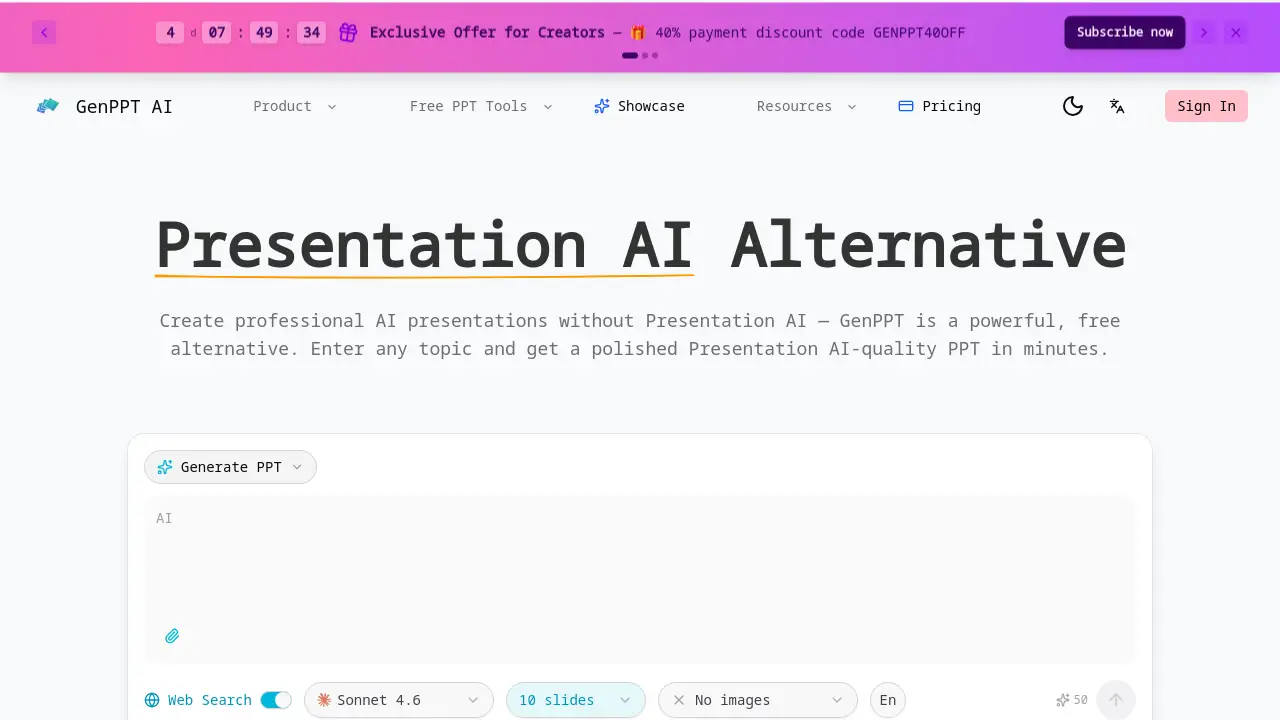
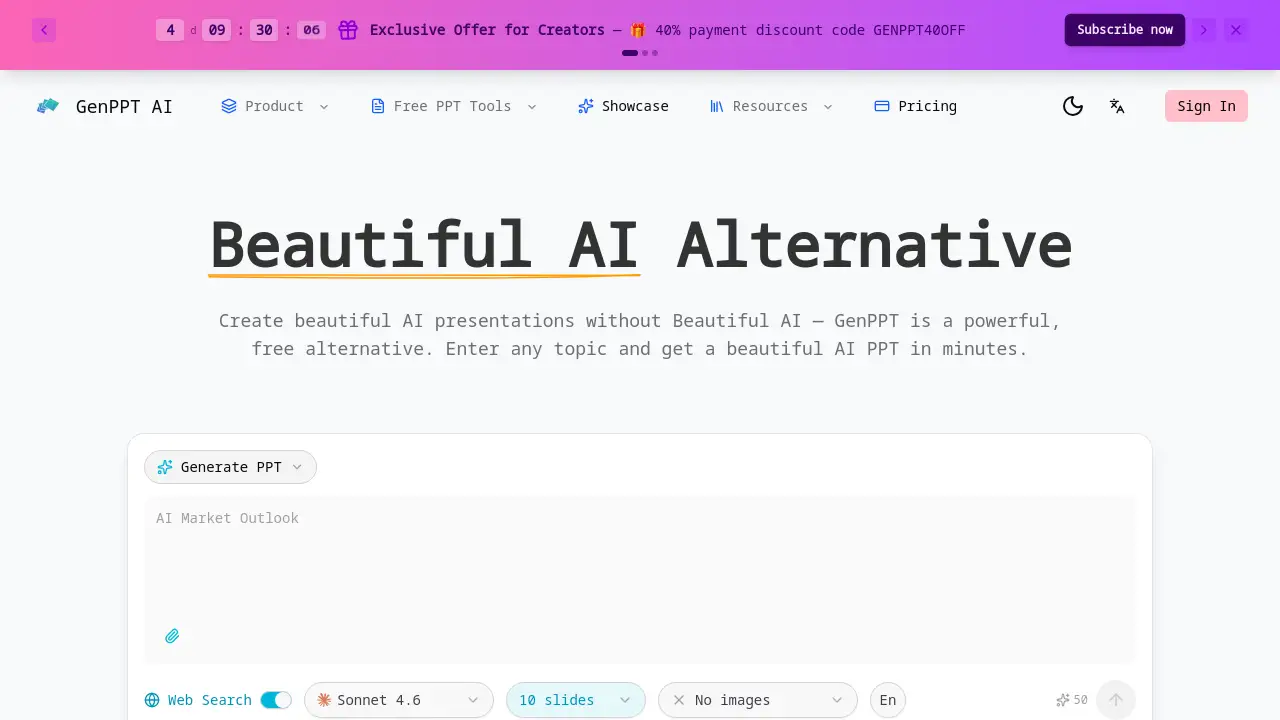
Free Kimi PPT Alternative refers to GenPPT, an AI-powered online tool designed to generate polished PowerPoint presentations from any topic or uploaded document. It solves the common problem of time-consuming and often costly presentation creation by automating the process with artificial intelligence. This tool is suitable for a wide range of users, including students, educators, business professionals, and marketers who need to produce high-quality slides quickly without design expertise. As a direct alternative to Kimi PPT, it matters because it offers a robust set of features, such as web search integration and multi-language support, completely free of charge and without requiring any registration, making professional presentation creation more accessible than ever.
Key Features of Free Kimi PPT Alternative
Free AI PPT Generation
Unlike many competitors, this Kimi PPT alternative provides instant, professional PowerPoint generation from any topic without requiring sign-up or credits.
Multi-Language Support
Generate presentations in dozens of languages, including English and Chinese, making this AI PPT generator a truly global tool for diverse audiences.
Web Search Enhanced Content
The tool enriches slides with current data and statistics by pulling the latest information from the web, ensuring your presentations are informative and up-to-date.
Professional Slide Design
Every presentation features polished layouts, cohesive color schemes, and professional typography, resulting in slides that are ready for any boardroom or classroom.
Fully Editable PPTX Files
Users can download their AI-generated presentations as standard .pptx files, allowing for complete customization in PowerPoint or Google Slides.
Document to PPT Conversion
Beyond text topics, this versatile Kimi PPT alternative can convert PDFs, Word documents, Excel files, and HTML into structured PowerPoint presentations.
Use Cases for Free Kimi PPT Alternative
Student Projects and Reports
Students can quickly turn research topics or essay content into visually appealing presentation slides for class assignments or thesis defenses.
Business Pitch Decks and Proposals
Professionals can generate a solid foundation for investor pitches, sales proposals, or quarterly business reviews by simply entering their core topic.
Educational and Training Materials
Educators and trainers can create lesson plans, workshop materials, and instructional slides from their existing documents or new subject matter.
Marketing and Sales Presentations
Marketing teams can produce product launch decks, competitor analysis slides, or campaign overviews enhanced with real-time web data.
How to Use Free Kimi PPT Alternative
- Visit the Website: Navigate to the GenPPT homepage.
- Choose Your Input Method: Either type any topic into the provided field or upload a document (PDF, Word, etc.) for conversion.
- Optional: Select a Template: Browse and choose from available professional slide templates to define the visual style.
- Generate: Click the button to let the AI create a complete PowerPoint presentation.
- Download and Edit: Once generated, download the .pptx file and open it in your preferred presentation software for any final tweaks.
Target Audience for Free Kimi PPT Alternative
- Students and academic researchers
- Teachers, professors, and corporate trainers
- Business professionals, entrepreneurs, and startups
- Marketing, sales, and consulting teams
- Non-profit organizations and community groups
- Anyone needing to create presentations quickly without design skills
Is Free Kimi PPT Alternative Free?
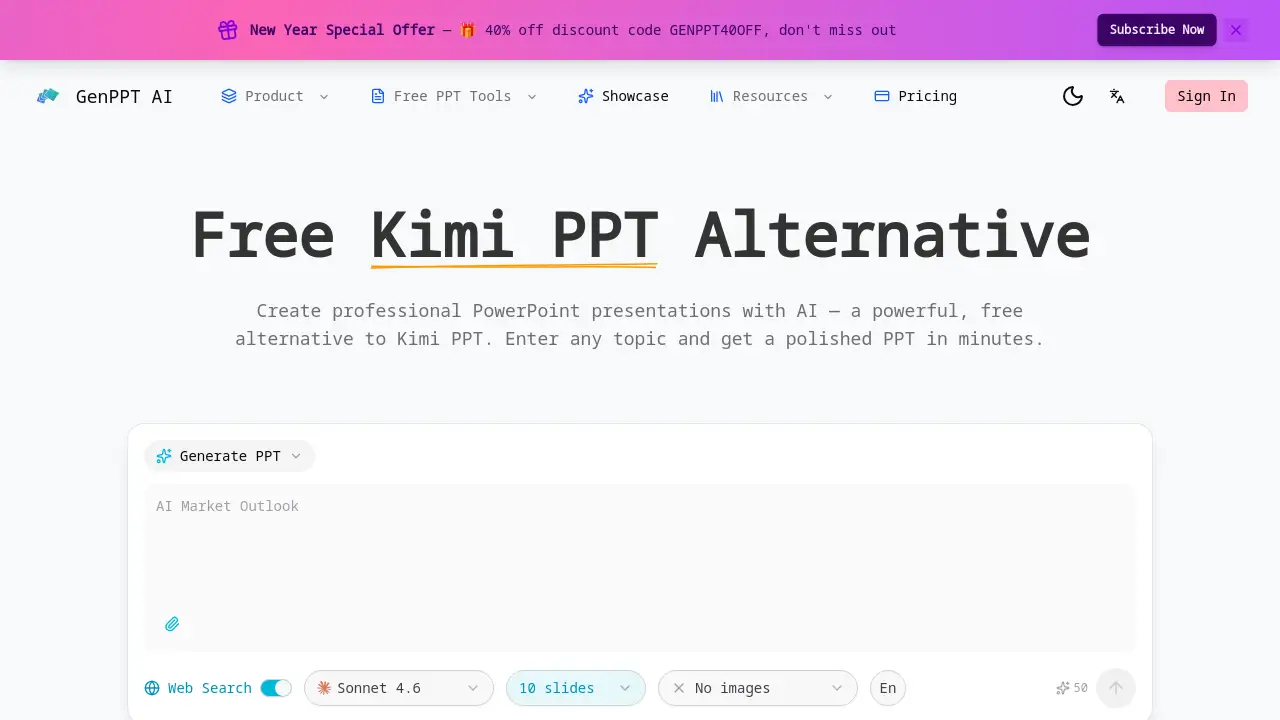
Yes, GenPPT operates on a freemium model. The core AI PowerPoint generation features are available for free with no sign-up required. For users seeking advanced capabilities or higher usage limits, there is a Pro plan available. The website currently advertises a New Year Special Offer with a 40% discount code (GENPPT40OFF) for the Pro plan.
| Plan | Price | Key Features |
|---|---|---|
| Free | $0 | AI PPT generation from topic/document, web search, multi-language support, basic templates, downloadable .pptx. |
| Pro | Varies (Check website for current pricing) | Likely includes higher generation limits, premium templates, priority processing, and advanced export options. |
Free Kimi PPT Alternative's Pros and Cons
| Aspect | Pros | Cons |
|---|---|---|
| Cost & Access | Completely free core service with no registration barrier. | Advanced features may require a paid Pro subscription. |
| Ease of Use | Extremely simple, three-step process for quick generation. | Limited creative control over the AI's initial slide structure. |
| Features | Strong core features like web search, multi-language, and document upload. | The range of pre-designed templates may be smaller than some dedicated design platforms. |
| Output Quality | Produces professional, presentation-ready slides with good design sense. | As with any AI tool, content may require fact-checking and personalization. |
Frequently Asked Questions about Free Kimi PPT Alternative
Is GenPPT really free to use?
Yes, GenPPT is a free Kimi PPT alternative. Users can generate complete PowerPoint presentations from any topic without creating an account or paying any fees. A Pro plan with additional features is available for those who need them.
What languages does this AI PPT generator support?
This Kimi PPT alternative supports multiple languages, including English and Chinese, and dozens of others. You can input your topic or document in one language and request the output presentation in another.
Can I edit the presentations created by GenPPT?
Absolutely. Every presentation is downloaded as a fully editable .pptx file. You can open it in Microsoft PowerPoint, Google Slides, or similar software to change text, images, layouts, and colors to perfectly match your needs.
How does the web search feature work?
When you generate a presentation, the AI can perform a real-time web search on your topic. It then pulls in relevant, current information, data points, and context to enrich the content of your slides, making them more informative.
What file types can I upload to convert into a PPT?
This versatile tool can convert various documents into presentations. Supported formats include PDF files, Microsoft Word documents (.docx), Excel spreadsheets (.xlsx), Markdown files (.md), and HTML pages.
How does GenPPT compare to Kimi PPT?
GenPPT positions itself as a direct and free alternative to Kimi PPT. Key differentiators include its no-sign-up-required free tier, integrated web search for current data, and the ability to convert various document formats directly into slides.
Free Kimi PPT Alternative Tags
free Kimi PPT alternative, AI PowerPoint generator, create PPT with AI, free presentation maker, online PPT tool, AI slide maker, document to PowerPoint, web search presentation, multi-language PPT, professional slide design, editable .pptx, GenPPT, no sign-up required