Introduction
GPT Image is OpenAI's native AI image generator, creating detailed visuals with accurate text directly from natural language prompts.
What is GPT Image?
GPT Image is a family of advanced image generation models developed by OpenAI and built on the GPT-4o architecture. Unlike traditional diffusion models, it excels at understanding complex language prompts, solving the common problem of generating images with readable text, accurate product labels, and real-world details. This makes it a powerful tool for marketers, content creators, and designers who need to produce professional-quality visuals, from social media graphics to product mockups, quickly and without extensive design skills. Its ability to perform precise, multi-turn edits while maintaining visual consistency makes it a significant step forward in practical AI image generation.
Key Features of GPT Image
Clean Text Rendering
GPT Image accurately renders readable text, brand names, and product labels within images, avoiding the "letter-soup" common in other AI generators.
Multi-Turn Editing
Users can upload a reference photo and request specific edits; GPT Image changes only the named element while preserving facial likeness, lighting, and composition across multiple rounds.
Built-in World Knowledge
Leveraging the GPT-4 backbone, the model understands real-world objects and styles, reducing errors and producing more usable output on the first attempt.
Versatile Style Output
A single GPT Image model can generate outputs ranging from photorealistic scenes to 3D renders, anime, illustrations, and vector art, with resolutions up to 4096×4096.
Flexible Generation Modes
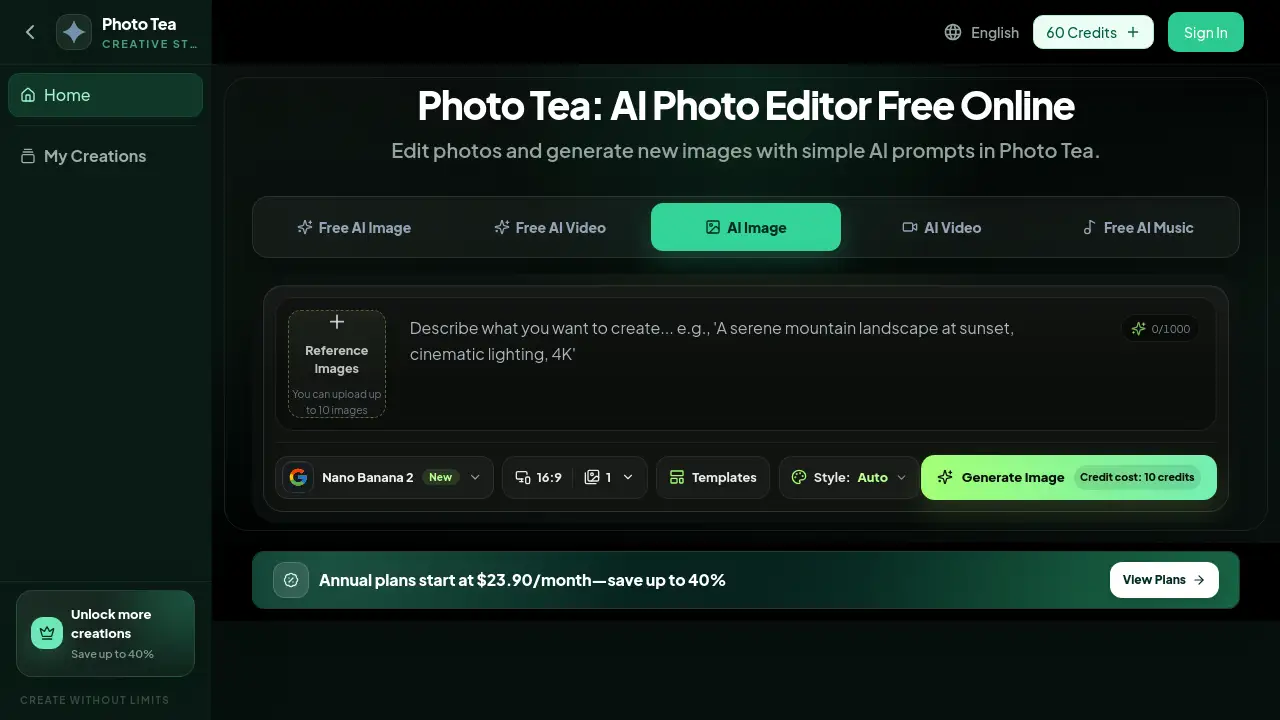
It supports text-to-image, image-to-image editing, inpainting, and style transfer, all accessible through a straightforward API call or interface.
High-Speed Performance
The latest GPT Image 1.5 model generates images in just 5–8 seconds, offering a four-fold speed increase and lower API costs compared to earlier versions.
Use Cases for GPT Image
E-commerce and Product Visualization
Generate lifestyle scenes for products on various backgrounds or create multiple color variants without organizing a new photoshoot for each SKU.
Social Media and Ad Creative
Produce scroll-stopping graphics for Instagram carousels, TikTok covers, and paid advertisements with correct headlines and consistent brand colors baked directly into the image.
Business and Presentation Materials
Quickly create infographics, process diagrams, and UI mockups for pitch decks or internal reports based on simple text descriptions.
Professional Photo Editing
Refine headshots, clean up product photos, or create A/B testing variants for marketing creatives by instructing the AI with plain English commands.
How to Use GPT Image
Using GPT Image is a straightforward process that turns a simple idea into a finished visual.
- Write Your Prompt: Describe the desired scene, subject, and any text you want to appear in the image. Detailed, natural language prompts yield the best GPT Image results.
- Upload a Reference (Optional): For edits, upload a photo and optionally mask the specific area you want GPT Image to change, such as a background or product color.
- Configure Output: Select the image quality (low, medium, high) and choose an aspect ratio suitable for your platform, from square to widescreen.
- Generate and Refine: The GPT Image 1.5 model creates the image in seconds. You can then download it or use the multi-turn editing feature to make further adjustments.
Target Audience for GPT Image
- Marketing professionals and social media managers
- E-commerce store owners and product managers
- Content creators, bloggers, and influencers
- Startup founders and business teams creating presentation materials
- Designers seeking to accelerate their workflow with AI-assisted tools
Is GPT Image Free?
GPT Image operates on a credit-based system. New users typically receive free trial credits to test the service. After the trial, you must purchase credit packs for pay-as-you-go usage. The pricing is tied to the OpenAI API, with costs varying by model version, image quality, and size. For example, the GPT Image 1-mini model offers a more cost-effective option for drafts.
| Model | Approx. Cost per 1024x1024 Image (Low Quality) | Best For |
|---|---|---|
| gpt-image-1 | ~$0.02 | High-resolution, detailed work |
| gpt-image-1-mini | ~80% cheaper than base model | Drafts and bulk generation |
| gpt-image-1.5 | 20% lower than previous pricing | Speed and consistent multi-turn edits |
For the latest official pricing, users should check the OpenAI API pricing page.
GPT Image's Pros and Cons
| Aspect | Pros | Cons |
|---|---|---|
| Accuracy | Exceptional at rendering readable text and real-world details. | Long body copy (20+ words) can still contain occasional typos. |
| Workflow | Powerful multi-turn editing maintains consistency; no need to re-shoot photos. | Requires clear, descriptive prompts for optimal results. |
| Speed & Cost | GPT Image 1.5 is very fast; mini model offers a budget-friendly option. | High-volume use of the flagship models can become expensive. |
| Versatility | One model handles many styles and generation modes, simplifying the toolchain. | Output style control may not be as granular as some dedicated, single-style models. |
Frequently Asked Questions about GPT Image
What makes GPT Image different from other AI image generators?
GPT Image is built on OpenAI's large language model technology, giving it superior natural language understanding. This results in significantly better rendering of text within images and more accurate interpretation of complex prompts involving real-world knowledge.
Can I use GPT Image to edit my existing photos?
Yes. You can upload a reference photo and use plain English to request specific edits. GPT Image will alter only the part you name, such as changing a background or a shirt color, while keeping the rest of the image, including faces, intact.
What are the main applications for GPT Image?
Primary use cases include generating marketing and social media graphics with text, creating product visuals and variants, designing infographics and UI mockups, and performing precise photo edits like headshot cleanups or creative A/B testing.
Is there a free version of GPT Image?
OpenAI typically offers free trial credits for new users to test the GPT Image API. After the trial, usage is based on a pay-as-you-go credit system. There is no permanent free tier for unlimited generation.
What is GPT Image 1.5?
Released in December 2025, GPT Image 1.5 is the current flagship model. Its key improvements are generation speed (5-8 seconds per image), a 20% reduction in API cost, and enhanced ability to preserve facial likeness across multiple rounds of edits.
How does the multi-turn editing feature work?
Multi-turn editing allows you to make a series of sequential changes to an image. For example, you can ask GPT Image to change the background, then the subject's clothing, then the lighting. The model builds on the previous edit, maintaining overall visual consistency throughout the process.
GPT Image Tags
OpenAI GPT Image, AI image generator, text to image, AI photo editing, product visualization, social media graphics, create images with text, multi-turn editing, GPT-4o, AI design tool, marketing AI, DALL-E alternative, gpt-image-1.5