Introduction
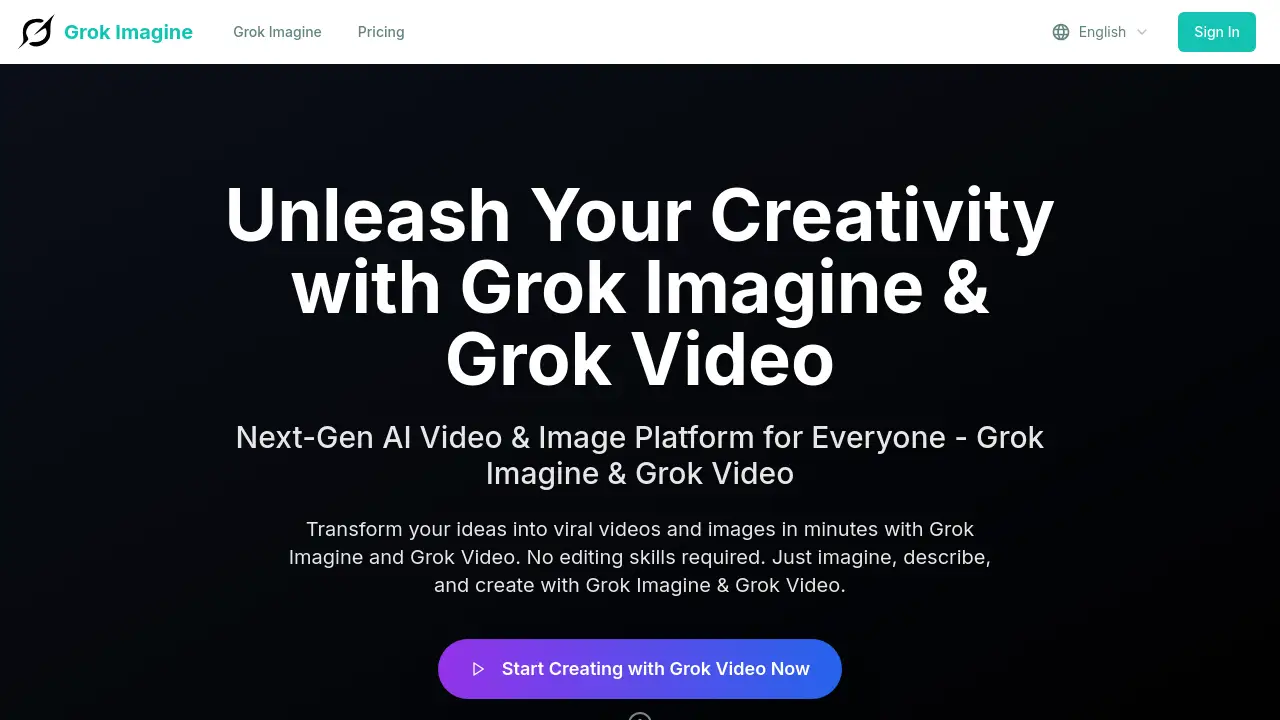
A next-generation AI platform for transforming text and images into viral videos with the Grok Imagine engine.
What is Grok Imagine?
Grok Imagine is an AI-powered video and image creation platform designed to simplify content creation. It solves the problem of producing high-quality visual content without requiring technical video editing skills or significant time investment. By leveraging the advanced Aurora multimodal engine from xAI, Grok Imagine allows users to generate 6-second videos from simple text descriptions or by animating existing images. This tool is suitable for social media managers, marketers, small business owners, and individual creators who need to produce engaging, professional-looking marketing videos and other content quickly and cost-effectively.
Key Features of Grok Imagine
Aurora-Powered Video Generation
The platform uses the sophisticated xAI Aurora engine to interpret text prompts and generate complete, short-form videos with synchronized audio and realistic motion, moving beyond basic animation.
Image-to-Video Conversion
Users can upload static photos and use a text prompt to animate images, transforming them into dynamic video clips with effects like flowing water or moving clouds, ideal for creating nature animation and other visual stories.
Flexible Creative Modes
Grok Imagine offers different generation modes, such as 'Fast' for quick drafts and 'Normal' for higher quality, providing users with control over the balance between speed and output fidelity.
True Multimodal AI Interaction
The platform supports true Text ↔ Image ↔ Audio interaction, allowing for varied input methods and creative styles, enabling more nuanced and controlled content generation.
Watermark-Free HD Export
A key advantage is the ability to download generated videos in HD resolution without any platform watermarks, even on free plans, ensuring content is ready for professional use.
Browser-Based, No-Software Workflow
The entire process runs in a web browser, requiring no software downloads, plugins, or prior editing experience, making it accessible for anyone to start creating immediately.
Use Cases for Grok Imagine
Social Media Content Creation
Ideal for generating eye-catching, short-form videos for platforms like TikTok, Instagram Reels, and YouTube Shorts to boost engagement and go viral.
Low-Cost Marketing Videos
Startups and small businesses can create professional corporate or marketing videos on a tight budget, using the platform to animate product images or visualize brand stories.
Visual Storytelling from Images
Users can turn personal photo collections, travel pictures, or product catalogs into polished, animated slideshows and teaser videos with zero editing required.
Enhancing Static Visuals
Marketers and designers can breathe life into static visuals used in presentations, ads, or websites by adding subtle motion and cinematic effects.
How to Use Grok Imagine
Using Grok Imagine is a straightforward three-step process accessible directly from a web browser.
- Describe or Upload: Start by typing a detailed text description of the video scene you want to create. Alternatively, upload an existing image you wish to animate.
- Configure and Generate: Select your preferred creation mode (e.g., Fast or Normal) and initiate the generation. The Grok Imagine engine will process your input.
- Download and Share: Once processing is complete (typically within minutes), preview your video. You can then download the watermark-free video file in your chosen resolution for use on any platform.
Target Audience for Grok Imagine
- Social Media Influencers and Content Creators
- Digital Marketers and Social Media Managers
- Small Business Owners and Startup Teams
- Freelancers and Graphic Designers
- Educators and Personal Users creating visual stories
Is Grok Imagine Free?
Grok Imagine operates on a credit-based system. While specific free tier details aren't explicitly listed, the homepage indicates users can start for free. The platform offers tiered subscription plans for more extensive use, as detailed below.
| Plan | Price | Key Features & Credits |
|---|---|---|
| Standard (Monthly) | $29.9/month | 1000 credits, 720p resolution, Standard Quality, basic tools. |
| Pro (Monthly) | $39.9/month | 1500 credits, 1080p resolution, Advanced Quality, priority support, commercial license. |
| Team (Monthly) | $89.9/month | 5000 credits, 1080p resolution, Advanced Quality, expert support, commercial license. |
Grok Imagine's Pros and Cons
| Aspect | Pros | Cons |
|---|---|---|
| Ease of Use | Extremely simple, browser-based workflow with no learning curve. | Creative control is limited compared to professional editing software. |
| Output Quality | Generates professional-quality, watermark-free videos suitable for marketing. | Maximum output is 1080p, not 4K, in current plans. |
| Technology | Powered by the advanced xAI Aurora engine for realistic motion. | As a developing platform, features and styles are still evolving. |
| Cost Efficiency | Very affordable for creating marketing videos at a low cost compared to hiring pros. | Credit consumption per video (40 credits) may limit high-volume users on lower tiers. |
Frequently Asked Questions about Grok Imagine
What is the Grok Imagine engine?
The Grok Imagine engine refers to the underlying AI technology, specifically the xAI Aurora multimodal engine, that powers the platform. It is responsible for interpreting text and image inputs to generate coherent, short video clips with audio and motion.
How long does it take to generate a video?
Processing time varies but typically ranges from 100 to 300 seconds (approximately 2 to 5 minutes) per video generation, depending on the selected mode and server load.
What video quality does Grok Imagine support?
Grok Imagine supports video generation up to 720p on the Standard plan and up to 1080p (HD) resolution on the Pro and Team plans. All plans allow for HD lossless export of the final videos.
Can I use Grok Imagine videos for commercial purposes?
Yes, videos generated on the Pro and Team subscription plans come with a commercial use license, allowing them to be used in marketing videos, ads, and other commercial projects.
Do I need to install any software?
No. Grok Imagine is entirely cloud-based and runs in your web browser. There is no software to download or install, making it accessible from any device with an internet connection.
What is the difference between Grok Imagine and Grok Video?
Based on the homepage content, "Grok Imagine" appears to be the overarching platform name for AI-powered creation, while "Grok Video" is likely the specific tool or feature within it that handles video generation from text and images.
Grok Imagine Tags
Grok Imagine, AI video generator, text to video, image to video AI, viral video maker, Aurora engine, xAI, social media video creator, marketing video tool, watermark-free video, nature animation, Grok Imagine engine